 Chrome Extension

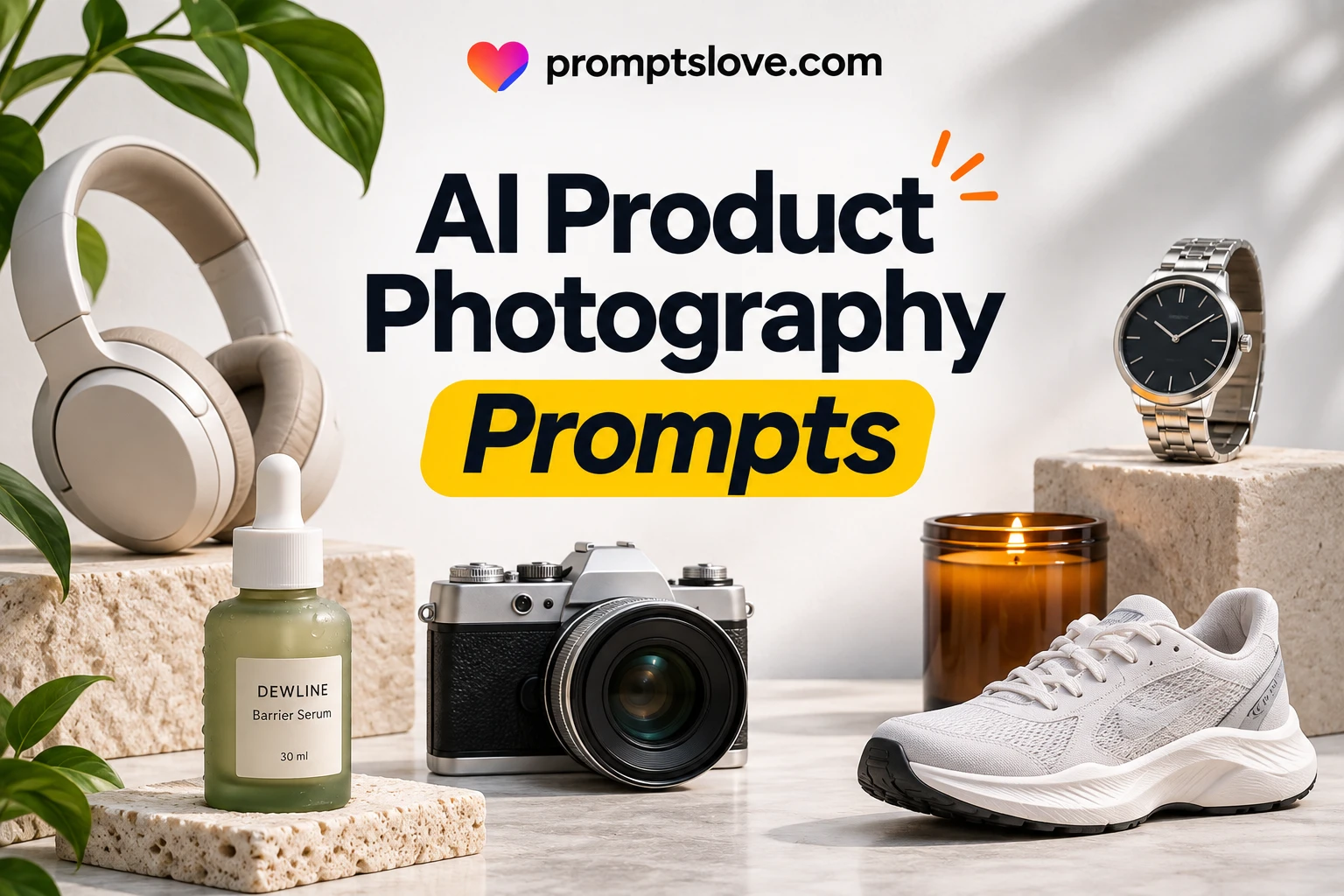
In this guide I give you 90 AI product photography prompts across 16 use cases, from white background packshots to food, jewelry, apparel and video. Every prompt uses [Attached image] as the slot for your own product photo, so the model edits your real product instead of drawing a lookalike. You paste the prompt, attach the photo and change the details.
Key Takeaways
[Attached image], so the model edits what you sell instead of inventing a similar item.How AI Product Photography Prompts Work
Start With Your Own Photo
A text only prompt draws a product that looks like yours. An image prompt edits the product you actually sell. Google's docs describe the second route: you supply an image and use text to add or remove elements, change the style or adjust the color grading.
Say you sell a 250 ml amber glass candle jar with a black lid and a cream label. A text only prompt gives you a jar with an invented label. A prompt with [Attached image] keeps your jar and label and changes the table, the light and the background.
Grab 1200+ Gen AI Image Prompts here;
The Five Line Prompt Formula
I write every prompt in this guide with the same five lines. The structure comes from OpenAI's image prompting guide, which says to define the result first, then add labeled sections for scene, subject, details and constraints.
Here is the master template.
Use [Attached image] as the exact product reference.
Task: [what to create, for example a lifestyle photo for a product page].
Scene: [surface, background, 2 to 3 props, mood].
Light and camera: [light direction and quality, lens, angle, framing].
Keep exactly: the product's shape, color, label text, logo and proportions from [Attached image].
Avoid: extra text, watermarks, invented logos, extra parts, clutter.
Each line has one job.
| Line | Job | Example |
|---|---|---|
| Use [Attached image] | Anchors the model to your real product | "Use [Attached image] as the exact product reference." |
| Task | Names the deliverable and where it will live | "A square product page photo" |
| Scene | Gives surface, background and 2 to 3 props | "White oak table, linen cloth, one eucalyptus sprig" |
| Light and camera | Fixes light direction, angle and framing | "Soft window light from the left, 45 degree angle, 85 mm lens look" |
| Keep exactly | Locks what must not change | "Label text, logo, cap shape, color" |
| Avoid | Blocks the usual AI additions | "No extra text, no watermark, no invented parts" |
OpenAI's guide also says to treat camera specs such as lens and angle as cues for how the image looks, not as exact physical simulation. So I name them, but I do not expect them to behave like a real lens.
Which Model to Use for Each Job
All 90 prompts work as plain text in any image model that accepts an uploaded photo. The table shows what each model's own docs say, so you can match the model to the job.
| Model | What the docs say | Limit to plan for |
|---|---|---|
| GPT Image models (OpenAI) | The image docs list gpt-image-2.5-sunburst for workflows where editing precision matters most and gpt-image-2.5-flare for fast everyday generation. The prompting guide recommends "change only X" edits with a preserve list. | The docs page also names 2.6 versions of Sunburst and Flare without explaining the difference, so check which one your app uses. |
Nano Banana 2.1 (Gemini API ID gemini-nano-banana-2.1) | Google calls it the primary model for generation and conversational editing, with up to 10 object images and up to 4 character images per request. | Every output carries a SynthID watermark. |
Nano Banana Pro (gemini-3-pro-image) | Google positions it for complex tasks, with up to 6 object images, 5 character images and 3 style references. | It accepts fewer object images than 2.1 (6 against 10), and every output carries a SynthID watermark. |
| Midjourney V8 | Omni Reference takes one image through --oref, and --ow sets its weight from 1 to 1,000 with a default of 100. | Midjourney warns that fine details such as clothing logos may not match, and Omni Reference uses 2 times the GPU time of a regular V8 image. |
In Midjourney, attach your photo as the Omni Reference with --oref and an image URL, then use the prompt text as written. In the other tools, attach the photo to the chat and paste the prompt.
Photo Tips for [Attached image]
The input photo sets the ceiling for every result. I follow six rules before I upload anything.
Rules to Check Before You Publish
AI makes the picture. The platform decides whether you can use it. These rules come from the platforms' own pages, except Amazon, where Seller Central needs a login, so I cite a summary.
| Platform | Main image rule | Size | AI note |
|---|---|---|---|
| Amazon (summary) | Pure white background, RGB 255, 255, 255. Product fills at least 85%. No text, logos, badges or borders. | 1,000 px or more on the longest side for zoom, 1,600 px or more recommended | Images must be true to the product. Up to 9 images, and at least 6 recommended. |
| Google Merchant Center | Product fills about 75 to 90%. No watermarks, promo text, added logos or borders. | 500 x 500 px minimum, about 1500 x 1500 px or more recommended | AI images must keep metadata that marks them as AI generated, such as the IPTC DigitalSourceType tag. |
| Etsy | At least one photo must be unedited and show the actual item on a real background. | At least 2000 px on both sides, and the first photo at least 635 px | Other photos can use AI for lighting, color, crop or background. You cannot hide flaws. Etsy suggests noting AI edits in the description. |
| Shopify | White backgrounds suit the main image. Add lifestyle, packaging, close up and group shots. | 2048 x 2048 px recommended, 4472 x 4472 px and 20 MB maximum | Shopify's guide does not cover AI. Your store terms and local law apply. |
Google's page says the 500 x 500 minimum applies to all products from 31 January 2027. Rules change often, so open each page before you run a batch.
The same line runs through all four platforms: the image must show the real product. The FTC says advertising must be truthful and not misleading, and it judges an ad by how a typical shopper would read it. An AI picture with the wrong color, an invented feature or a hidden scratch fails that test even if you label it as AI.
How to Run Any Prompt in This Guide
[Attached image].Every prompt below repeats the product lock, so you can copy any one on its own.
90 AI Product Photography Prompts by Use Case
I grouped the prompts by the job the photo has to do. Words in square brackets, other than [Attached image], are yours to change, and everything else works as written.
These are templates, not tested results. Run each one on two or three of your products before you commit to a full batch.
1. White Background and Marketplace Packshots
Marketplace listings need clean, consistent product shots. These six prompts cover the white background main image, the gray hero, the angle shot, the floating cutout, the transparent PNG and the glossy reflection.
Prompt 1: Pure white main image
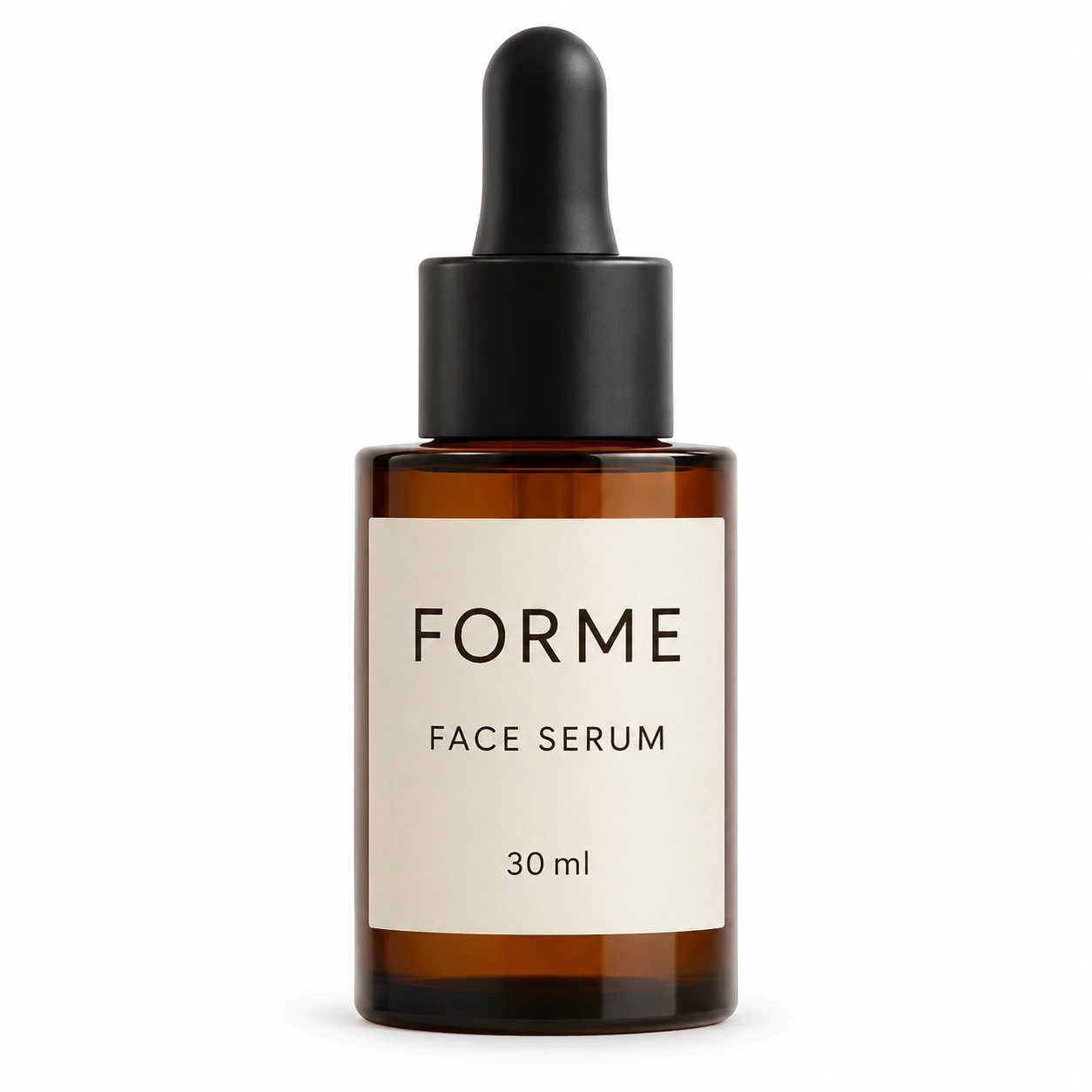
Use [Attached image] as the exact product reference.
Task: Create a pure white background main image for a marketplace listing.
Scene: Seamless pure white background, RGB 255, 255, 255, with a faint natural contact shadow under the product.
Light and camera: Even soft studio light, straight on front view, product centered and filling about 85 percent of the frame, square 1:1 format.
Keep exactly: product shape, color, label text, logo and proportions from [Attached image].
Avoid: props, text, badges, borders, watermarks, extra items.
Prompt 2: Light gray hero packshot
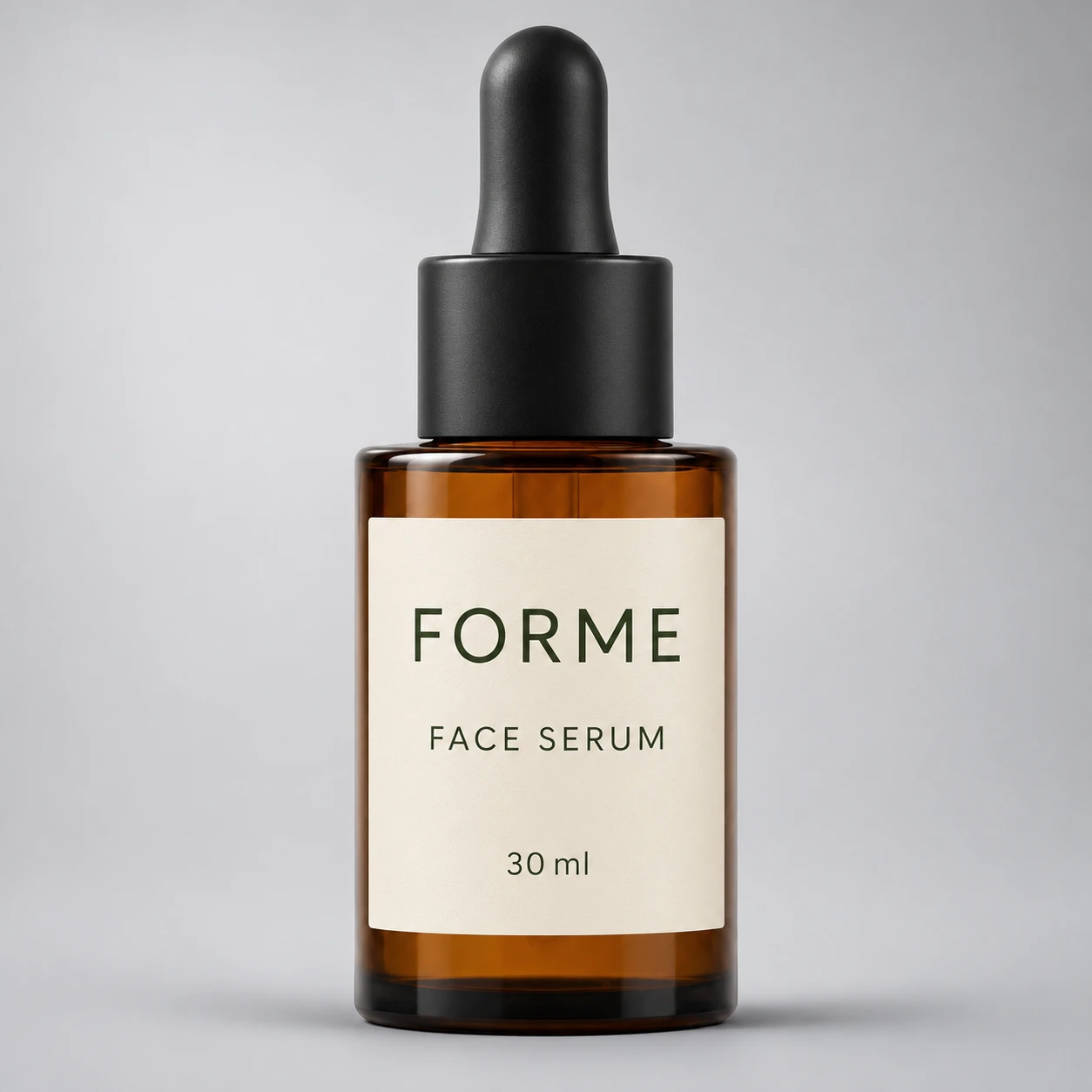
Use [Attached image] as the exact product reference.
Task: Create a clean hero packshot for a product page.
Scene: Smooth light gray studio backdrop that fades to a slightly darker gray at the edges, with a soft shadow under the product.
Light and camera: Large softbox from the upper left, gentle fill from the right, eye level view, 85 mm lens look, product centered with even margins.
Keep exactly: product shape, color, label text, logo and proportions from [Attached image].
Avoid: props, text, harsh reflections, extra objects.
Prompt 3: Three quarter angle packshot
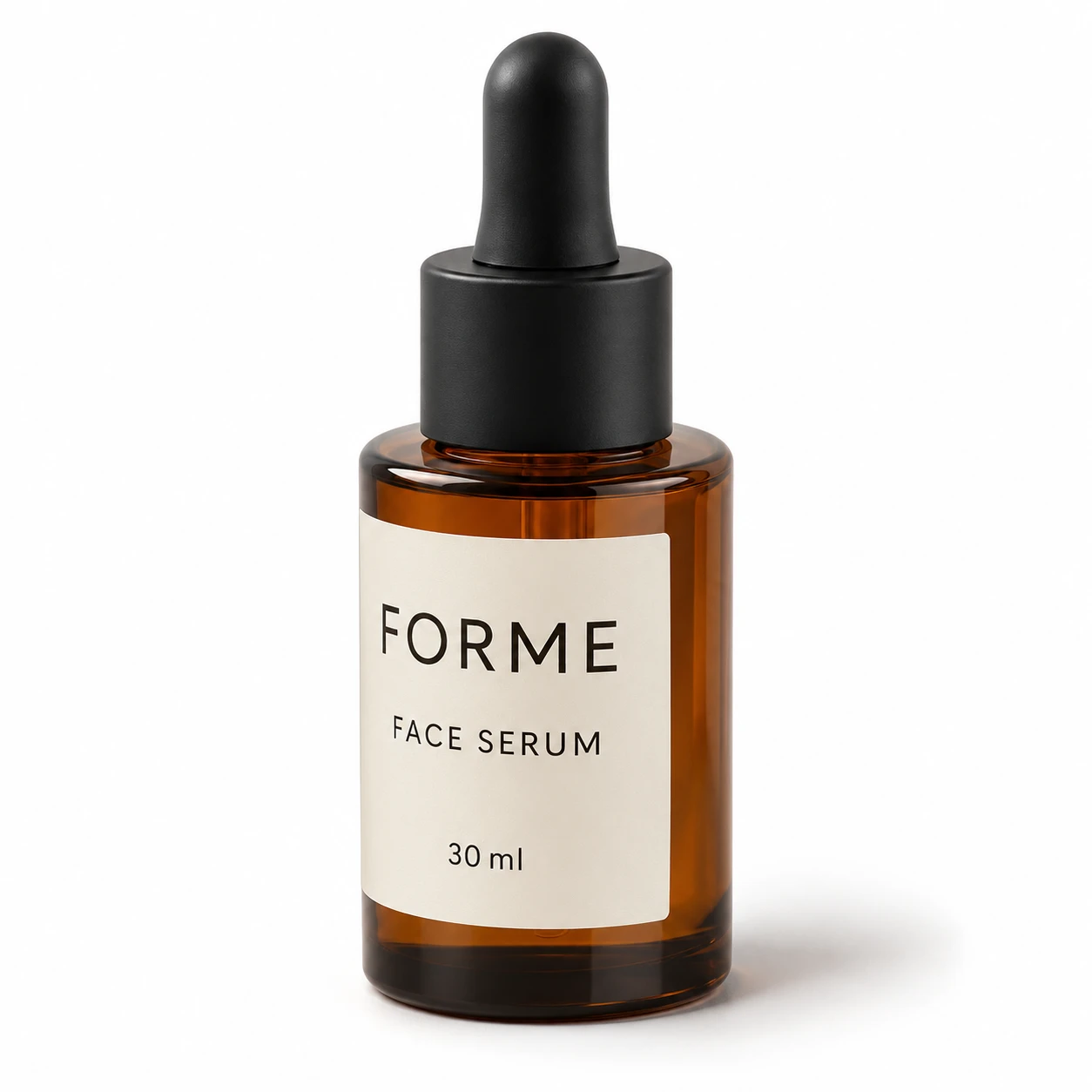
Use [Attached image] as the exact product reference.
Task: Create a three quarter angle packshot that shows the front and one side.
Scene: Seamless white backdrop with a soft grounded shadow.
Light and camera: Soft studio light, camera 30 degrees to the right of front and slightly above eye level, full product in frame with a small margin.
Keep exactly: product shape, color, label text, logo and proportions from [Attached image]. Show only details visible in the photo, and do not invent the side or back.
Avoid: props, text, watermarks, distortion.
Prompt 4: Floating product with soft shadow
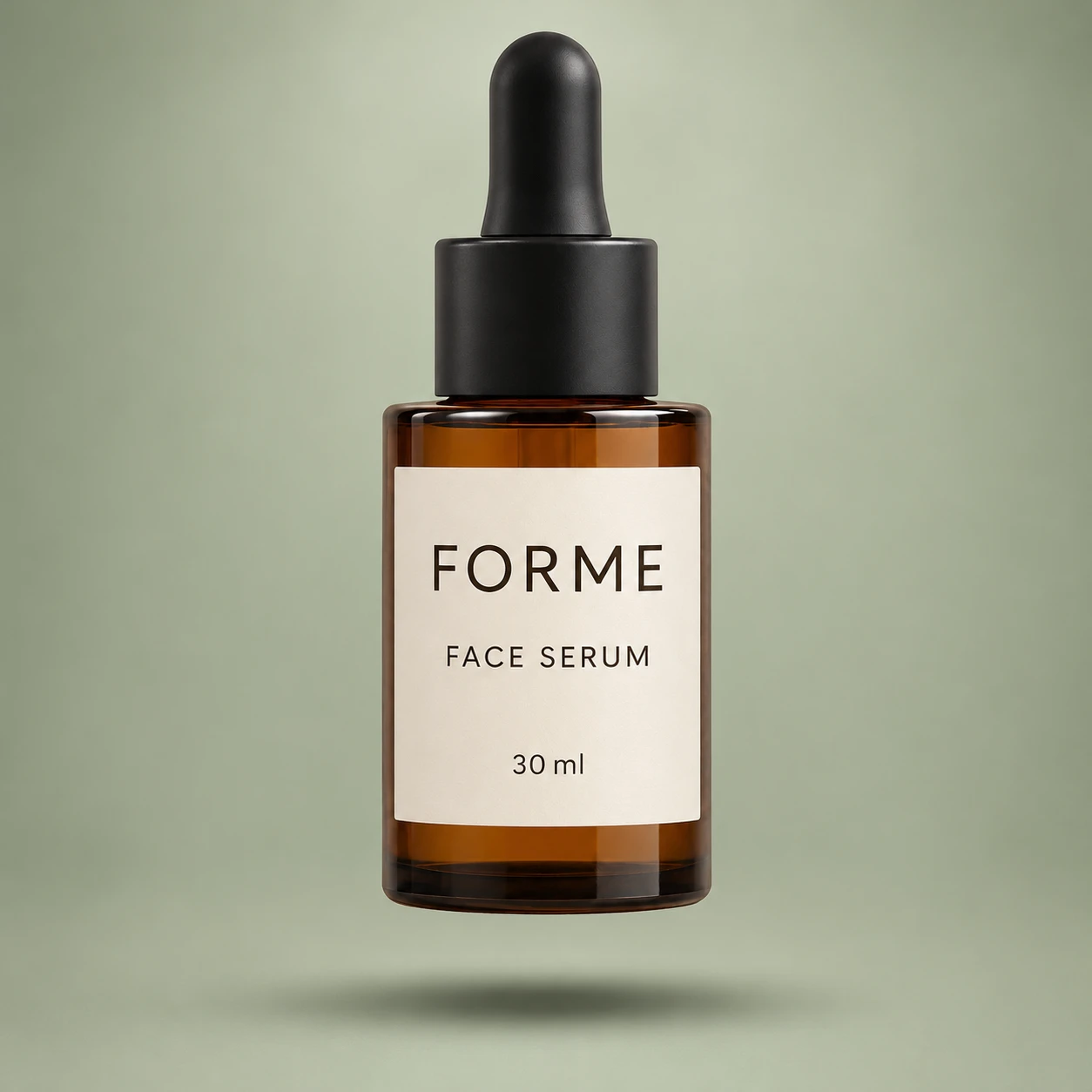
Use [Attached image] as the exact product reference.
Task: Create a floating product shot for a landing page.
Scene: Product hovering about 5 cm above a pale warm gray surface, with a soft diffuse shadow on the surface below it.
Light and camera: Soft overhead light, straight on view, shallow depth of field on the backdrop only, product fully sharp.
Keep exactly: product shape, color, label text, logo and proportions from [Attached image].
Avoid: motion blur on the product, particles, text, extra objects.
Prompt 5: Transparent background cutout
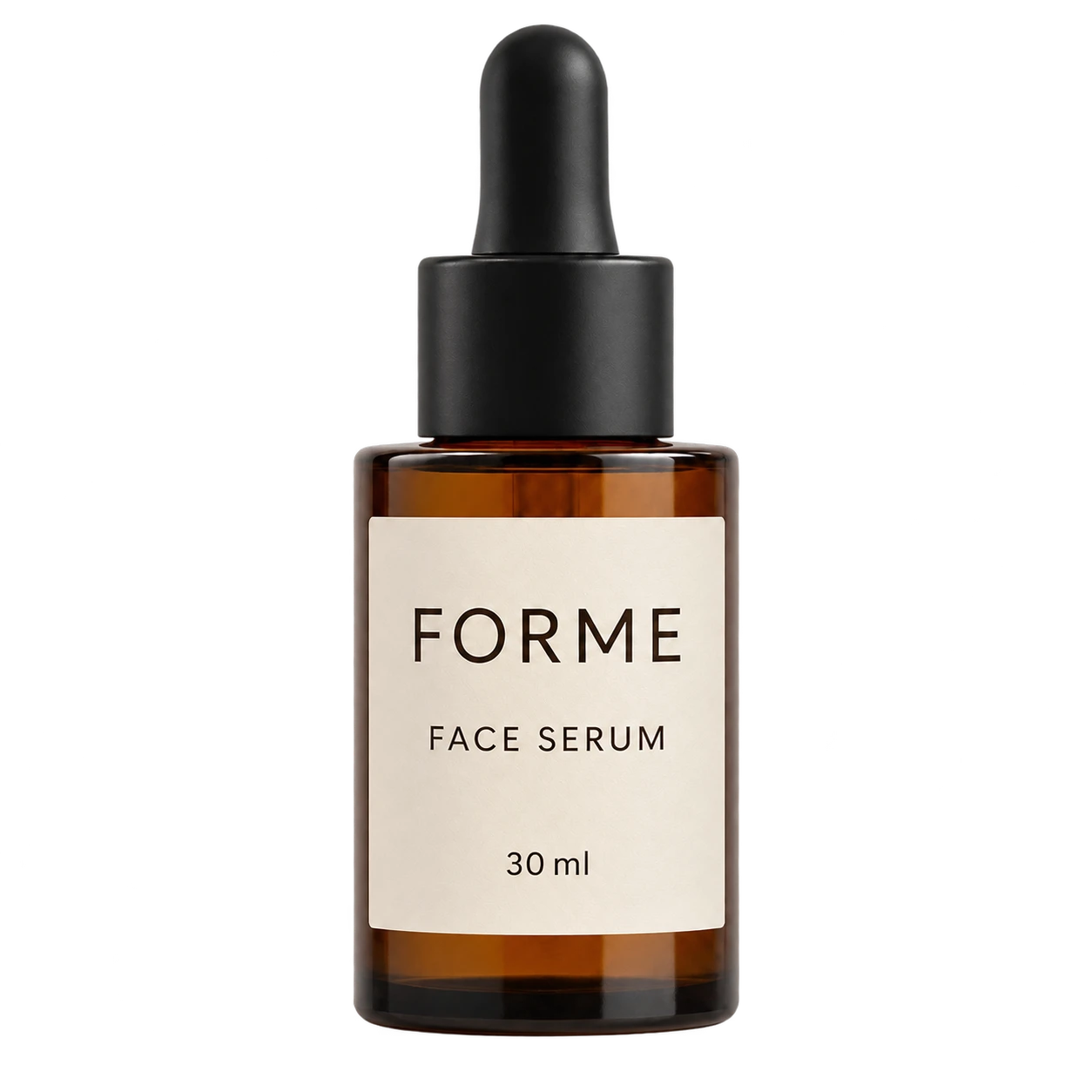
Use [Attached image] as the exact product reference.
Task: Isolate the product on a transparent background.
Scene: Transparent background with no shadow, no floor and no backdrop.
Light and camera: Keep the original lighting and camera angle on the product.
Keep exactly: product geometry, color, label legibility, logo and proportions from [Attached image], with clean edges.
Avoid: halos, leftover background, added text, new elements. Export as PNG or WebP with the alpha channel.
OpenAI's guide recommends this pattern for cutouts and says to keep the alpha channel in the file. If your tool does not output transparency, ask for a flat white background and cut it out in an editor.
Prompt 6: Glossy white reflection
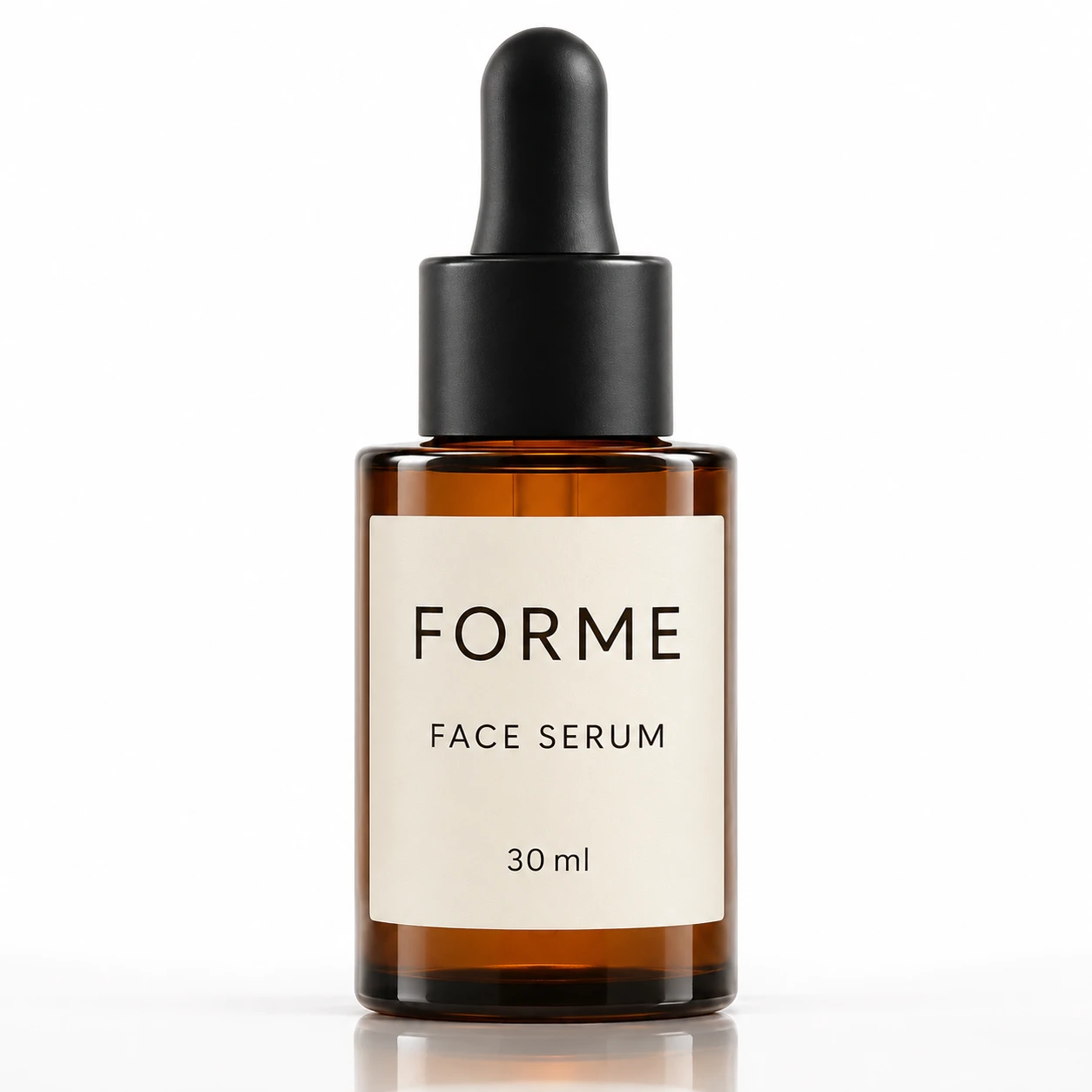
Use [Attached image] as the exact product reference.
Task: Create a premium packshot on a glossy white surface.
Scene: Glossy white acrylic floor with a soft, fading mirror reflection of the product, and a clean white backdrop.
Light and camera: Bright soft studio light, straight on view at table height, reflection about one third of the product height.
Keep exactly: product shape, color, label text, logo and proportions from [Attached image].
Avoid: props, text, extra reflections of other objects, watermarks.
2. Studio Backdrops and Hero Shots
A hero shot sells the brand mood on a homepage or an ad. These prompts change the backdrop and light while the product stays fixed.
Prompt 7: Colored paper backdrop
Use [Attached image] as the exact product reference.
Task: Create a bold studio shot for a homepage banner.
Scene: Seamless paper backdrop in [brand color or a color that contrasts with the product], with a curved sweep and a soft shadow.
Light and camera: Soft key light from the left, small reflector on the right, eye level, 70 mm lens look, product centered.
Keep exactly: product shape, color, label text, logo and proportions from [Attached image]. Do not let the backdrop color tint the product.
Avoid: props, text, color spill on the product, watermarks.
Prompt 8: Dark and moody
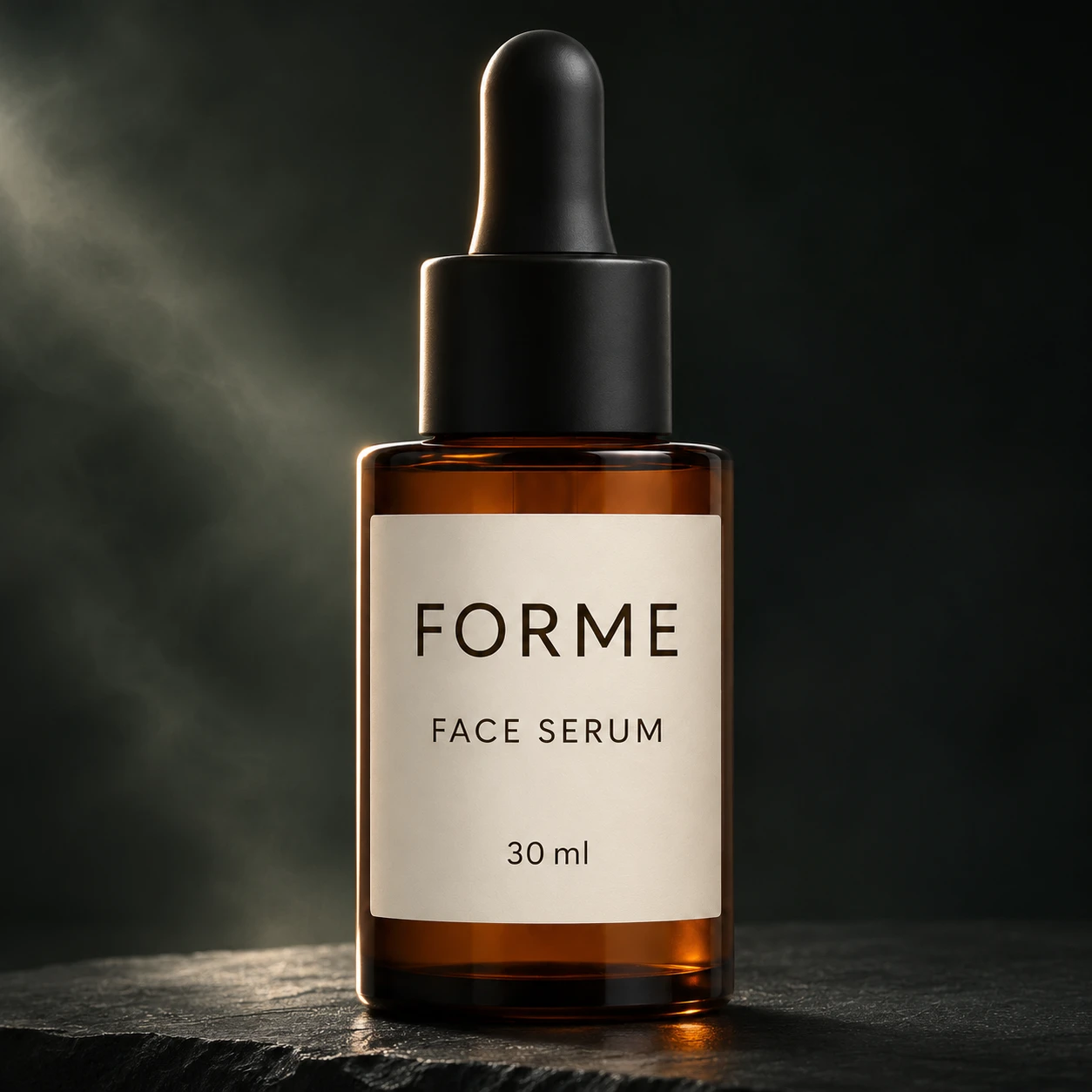
Use [Attached image] as the exact product reference.
Task: Create a dark, moody hero shot for a premium product.
Scene: Black slate surface and a near black backdrop, one thin rim of light along the product edge, subtle mist in the background.
Light and camera: Low key lighting with a strip light from behind left and a soft fill from the front, camera slightly below eye level.
Keep exactly: product shape, color, label text, logo and proportions from [Attached image]. Keep the label readable.
Avoid: crushed blacks on the label, text, extra objects, noise.
Prompt 9: Marble and gold luxury
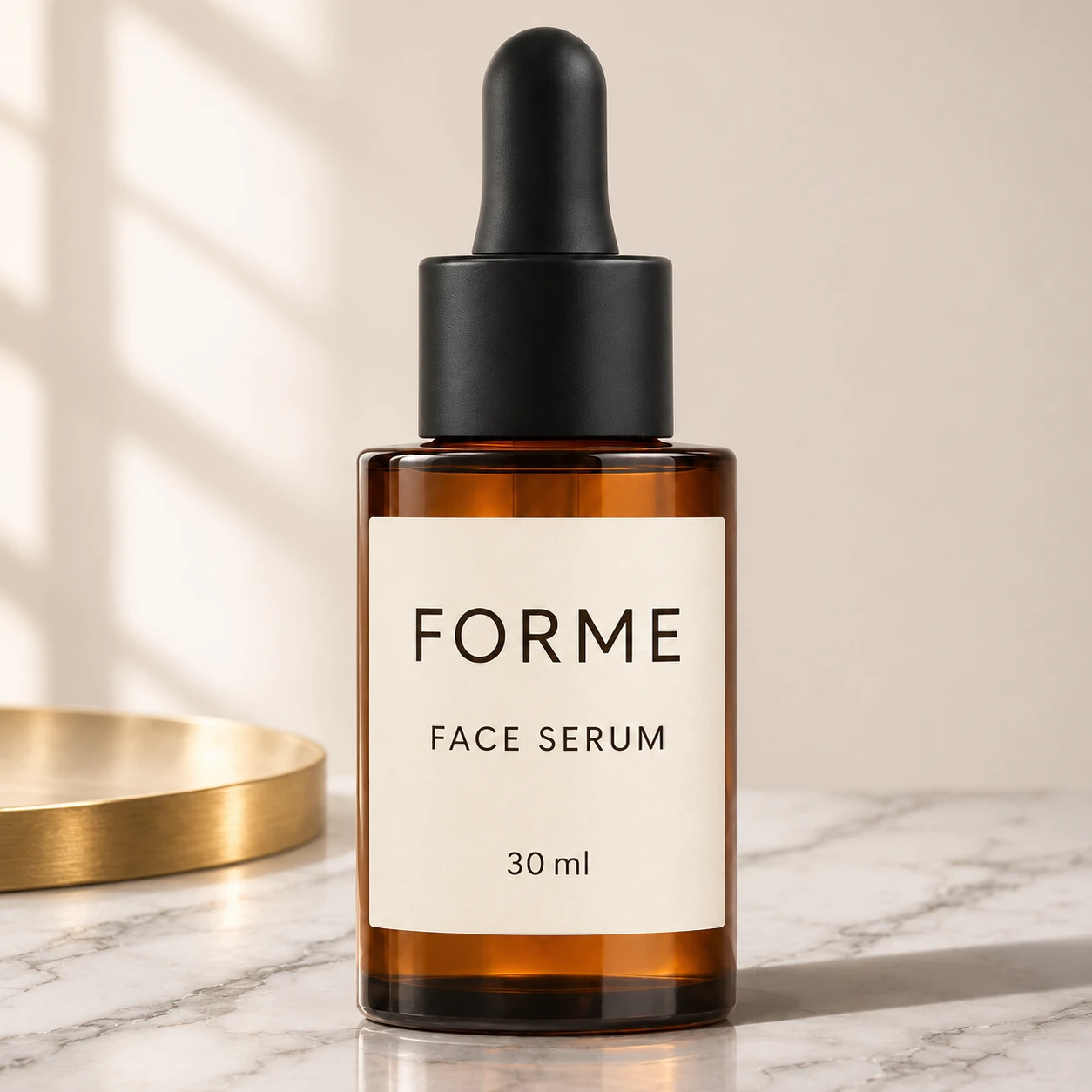
Use [Attached image] as the exact product reference.
Task: Create a luxury product photo for a beauty or gift brand.
Scene: White marble surface with soft gray veining, one small brushed gold accent, and a cream wall behind.
Light and camera: Soft window light from the left, gentle shadow to the right, 50 mm lens look, product at the center of the frame.
Keep exactly: product shape, color, label text, logo and proportions from [Attached image].
Avoid: clutter, more than one gold accent, text, watermarks.
Prompt 10: Pedestal and arch
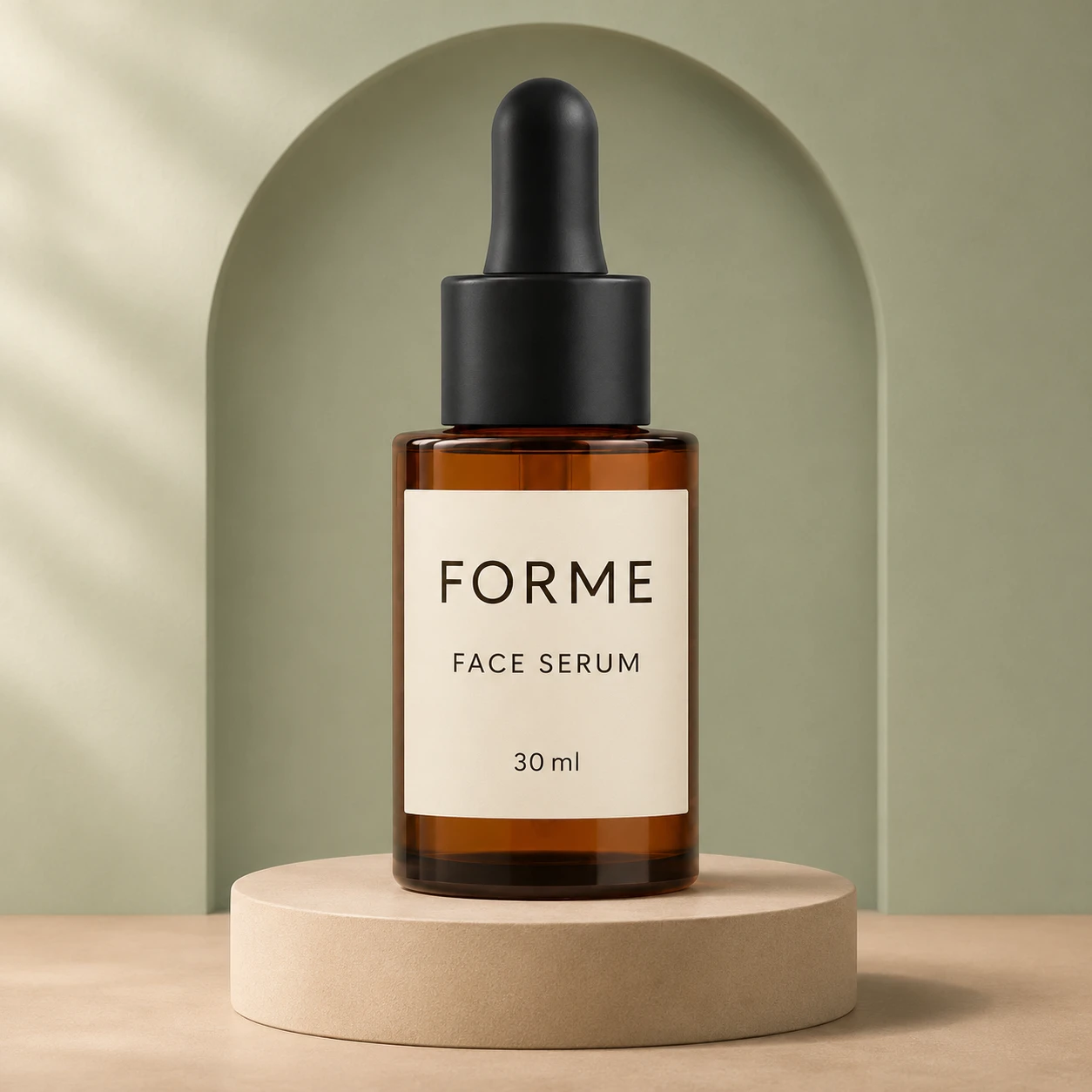
Use [Attached image] as the exact product reference.
Task: Create a showroom style display shot.
Scene: Product on a round matte pedestal in a soft sand color, with a plain arch shape on the wall behind and a warm beige floor.
Light and camera: Soft diffused daylight from the left, a gentle shadow on the arch, eye level, product centered.
Keep exactly: product shape, color, label text, logo and proportions from [Attached image].
Avoid: extra props, text, visible seams, watermarks.
Prompt 11: Two color gel light
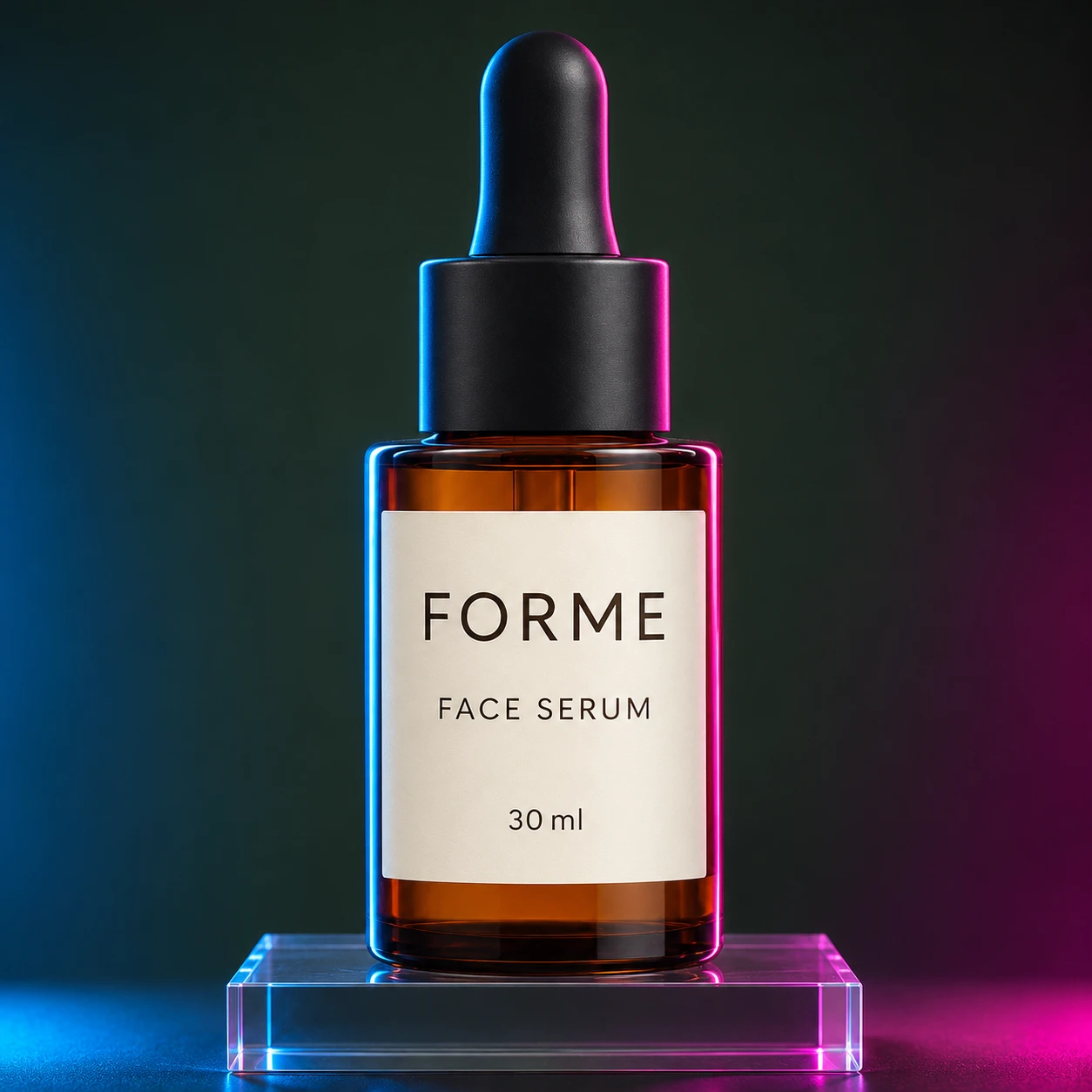
Use [Attached image] as the exact product reference.
Task: Create a bold campaign image with colored light.
Scene: Product on a clear acrylic riser against a dark backdrop, lit with one blue light from the left and one magenta light from the right.
Light and camera: Hard rim light on both edges, soft front fill so the label stays readable, camera at eye level.
Keep exactly: product shape, true product color, label text, logo and proportions from [Attached image]. Colored light may glow on the surface, but must not change the product color.
Avoid: color cast on the label, text, lens flares, extra objects.
Prompt 12: Window shadow on concrete
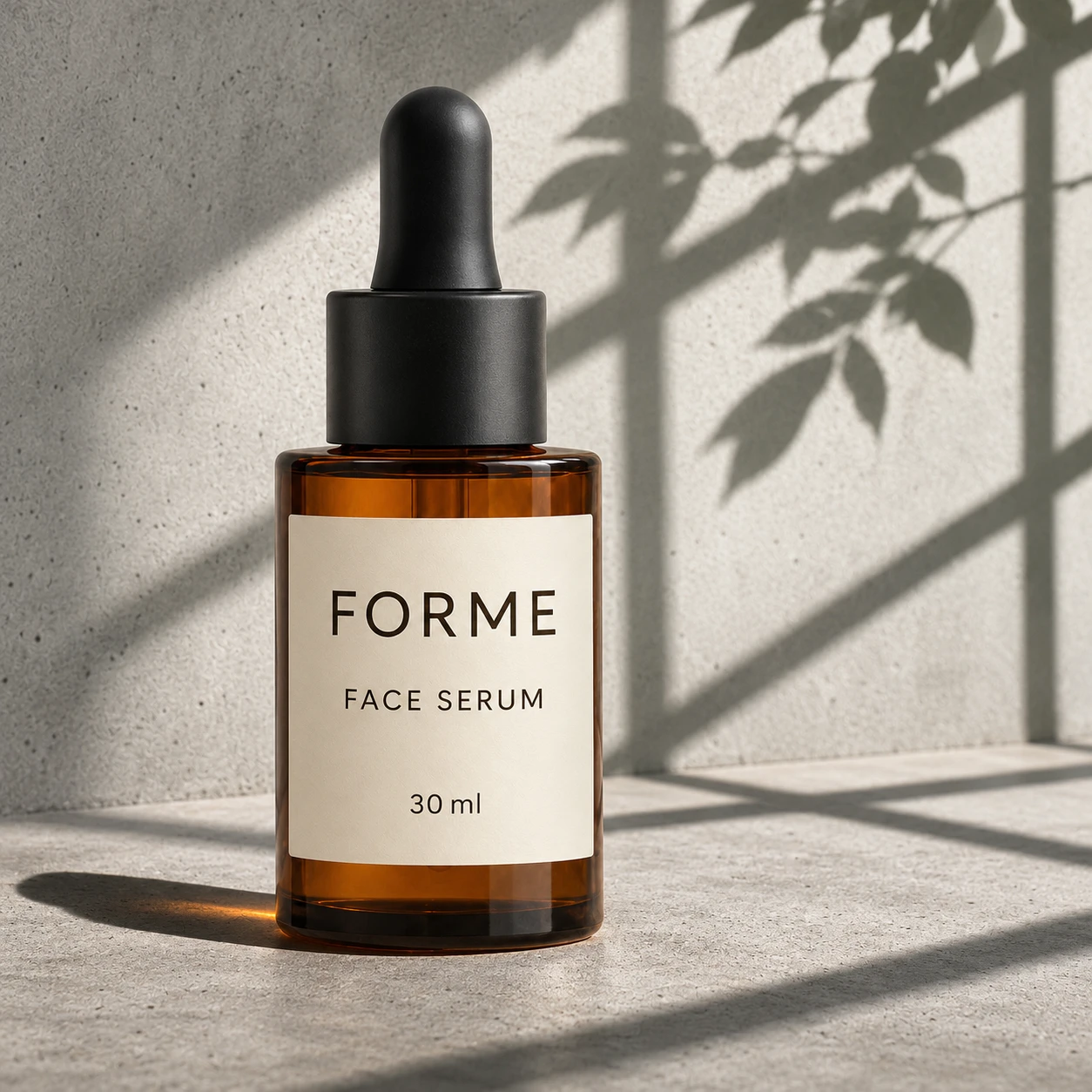
Use [Attached image] as the exact product reference.
Task: Create an editorial hero shot with natural shadows.
Scene: Light gray concrete surface and wall, with the shadow of a leafy plant and window frame falling across the scene.
Light and camera: Direct sunlight from the upper right, crisp shadows, 85 mm lens look, product placed slightly left of center.
Keep exactly: product shape, color, label text, logo and proportions from [Attached image]. Keep the label out of deep shadow.
Avoid: text, extra props, blown highlights, watermarks.
3. Lifestyle Scenes
Lifestyle photos show the product in a real setting. Let's Enhance and Pebblely both group these by room or situation, so I do the same. Each prompt names the surface, the light and 2 to 3 props.
Prompt 13: Kitchen counter in the morning
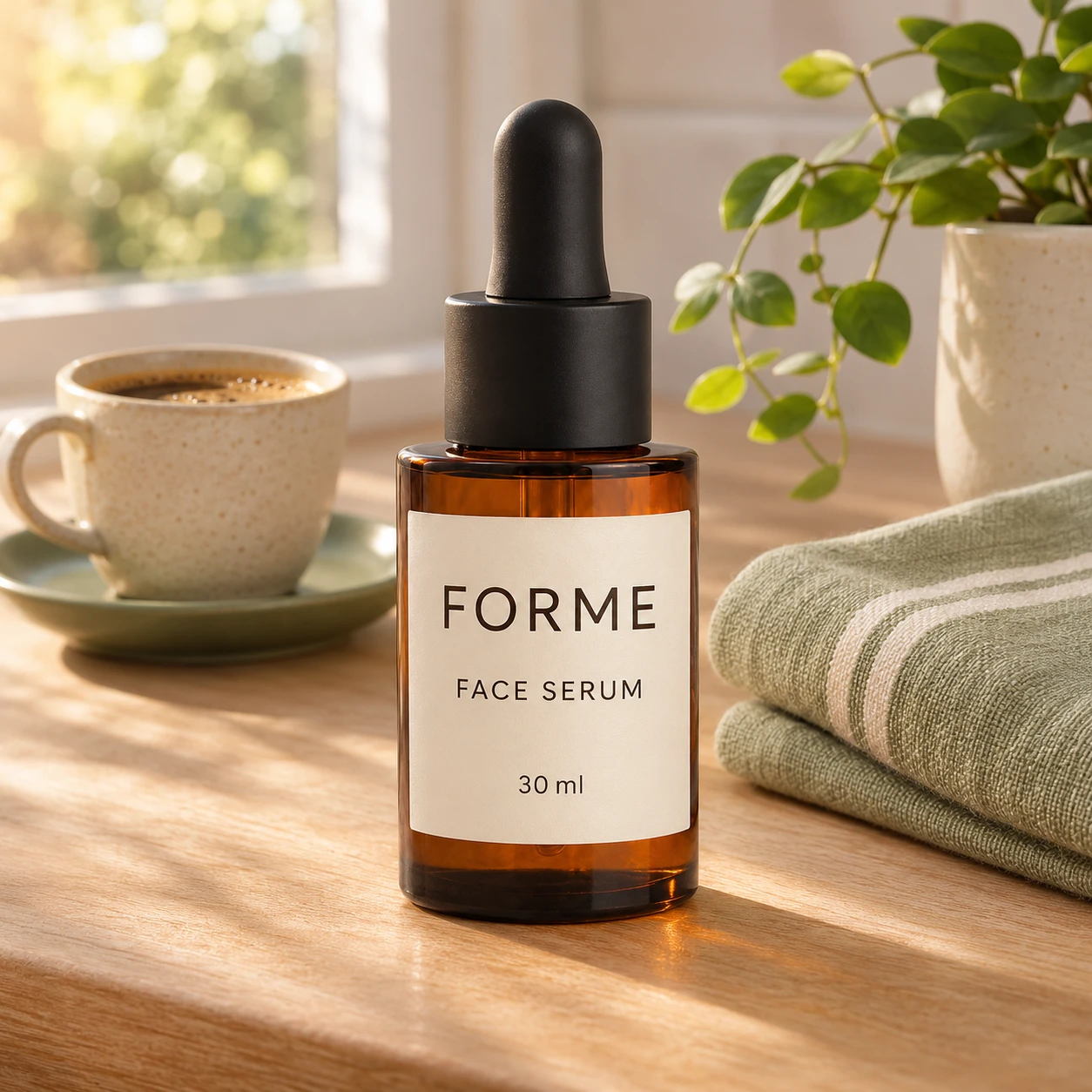
Use [Attached image] as the exact product reference.
Task: Create a lifestyle photo for a product page.
Scene: Light wood kitchen counter, a cup of coffee, a folded linen towel and a small plant, with a soft blurred window in the background.
Light and camera: Warm morning light from the left, 45 degree angle, 50 mm lens look, shallow depth of field, product sharp in the foreground.
Keep exactly: product shape, color, label text, logo and proportions from [Attached image]. Keep the product at its true size relative to the props.
Avoid: clutter, text, extra products, watermarks.
Prompt 14: Bathroom shelf
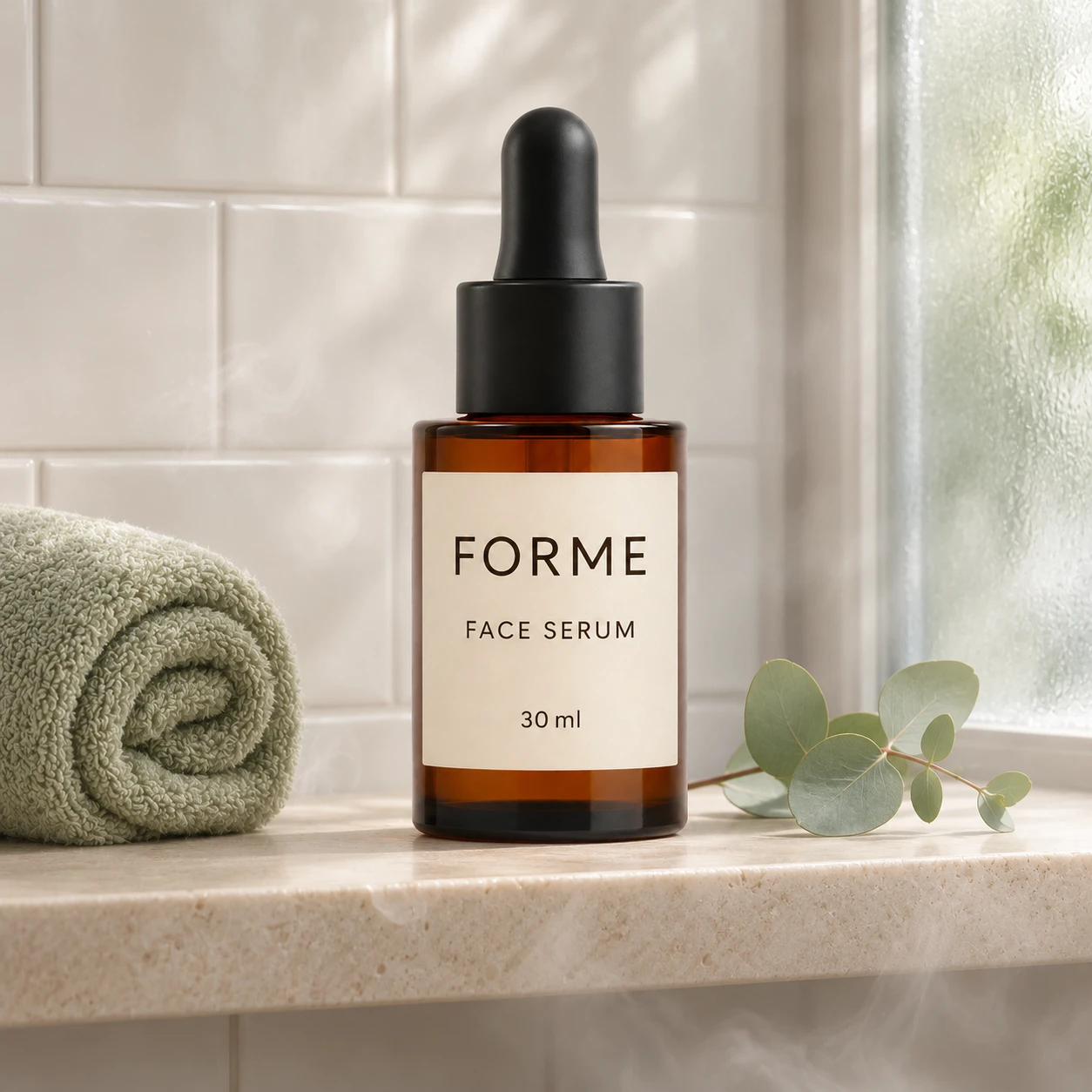
Use [Attached image] as the exact product reference.
Task: Create a lifestyle photo for a bathroom or self care product.
Scene: White tile wall, a pale stone shelf, a rolled towel and a small eucalyptus sprig, with a soft steam haze.
Light and camera: Soft daylight from a frosted window on the right, eye level, 50 mm lens look, product in the center.
Keep exactly: product shape, color, label text, logo and proportions from [Attached image].
Avoid: dirty surfaces, extra bottles, text, watermarks.
Prompt 15: Desk workspace
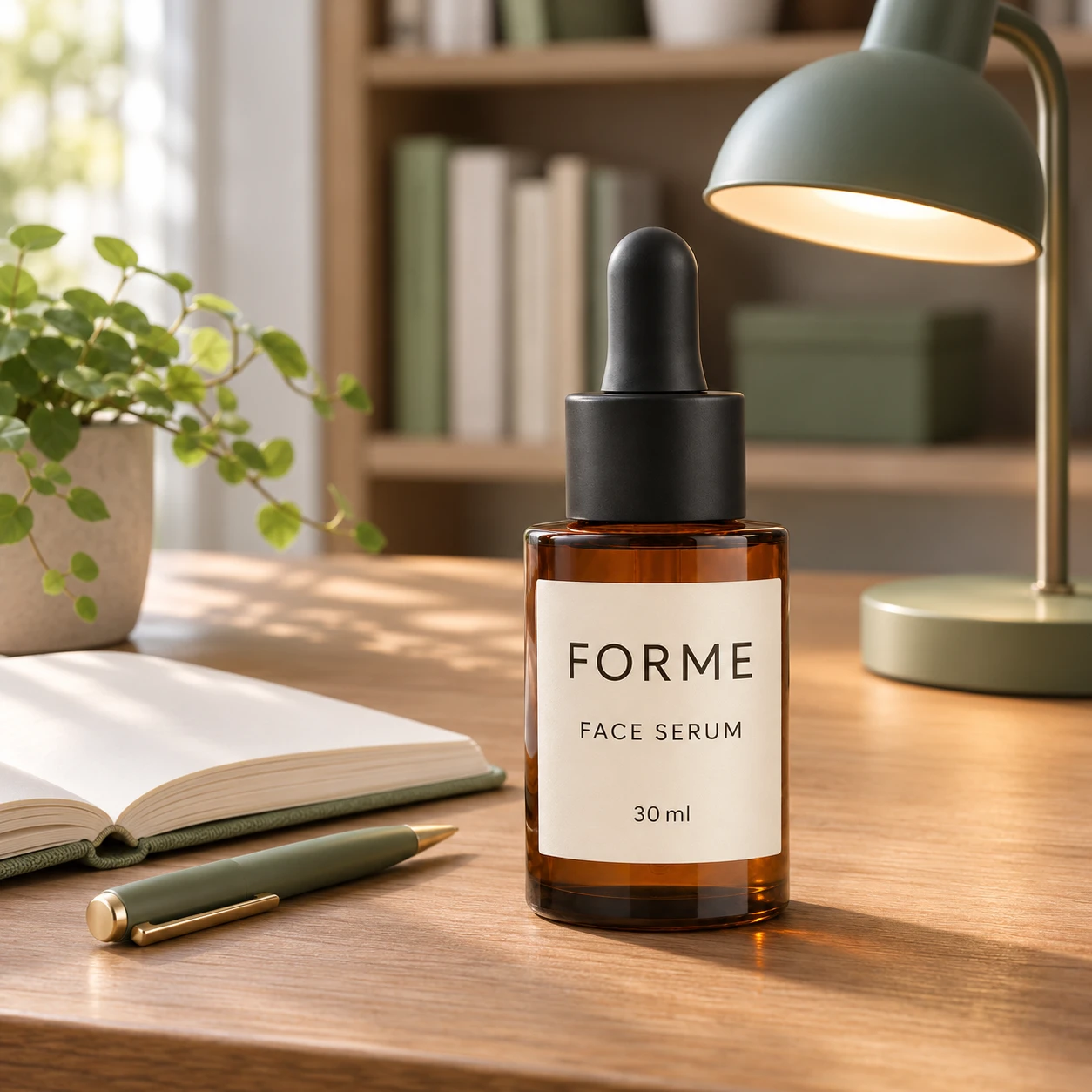
Use [Attached image] as the exact product reference.
Task: Create a lifestyle photo for a work or study product.
Scene: Clean oak desk with an open notebook, a pen and a small desk lamp, with a bookshelf blurred in the background.
Light and camera: Soft daylight from the left plus a warm lamp glow, 35 degree angle from the front, shallow depth of field.
Keep exactly: product shape, color, label text, logo and proportions from [Attached image].
Avoid: readable text on the notebook, screens with content, extra devices, watermarks.
Prompt 16: Living room coffee table
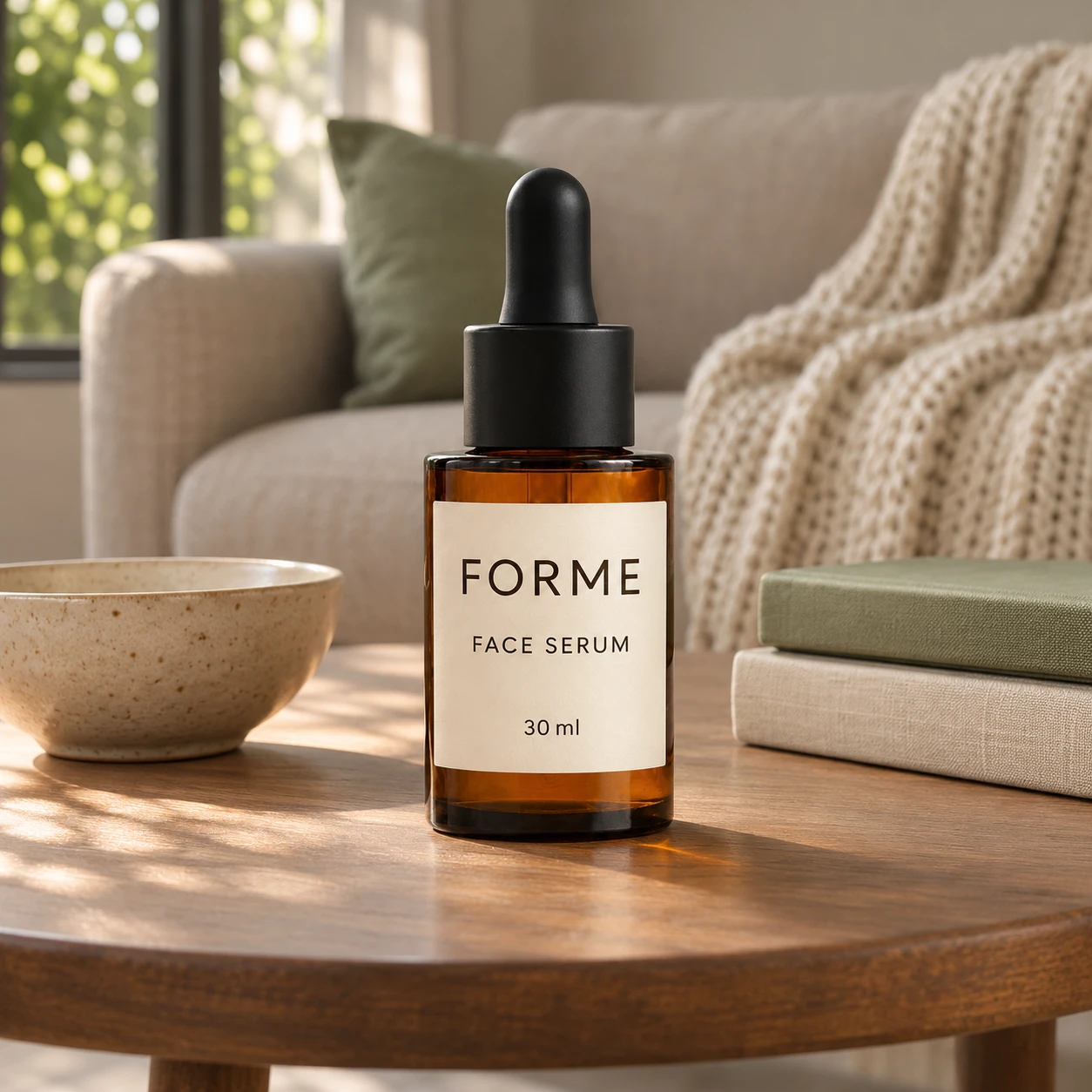
Use [Attached image] as the exact product reference.
Task: Create a cozy lifestyle photo for a home product.
Scene: Round wooden coffee table in a living room, a ceramic bowl, a stack of two books and a knit throw on a neutral sofa behind.
Light and camera: Soft afternoon light from a side window, eye level at table height, 40 mm lens look, background gently blurred.
Keep exactly: product shape, color, label text, logo and proportions from [Attached image].
Avoid: readable book titles, extra products, text, watermarks.
Prompt 17: Bedroom nightstand
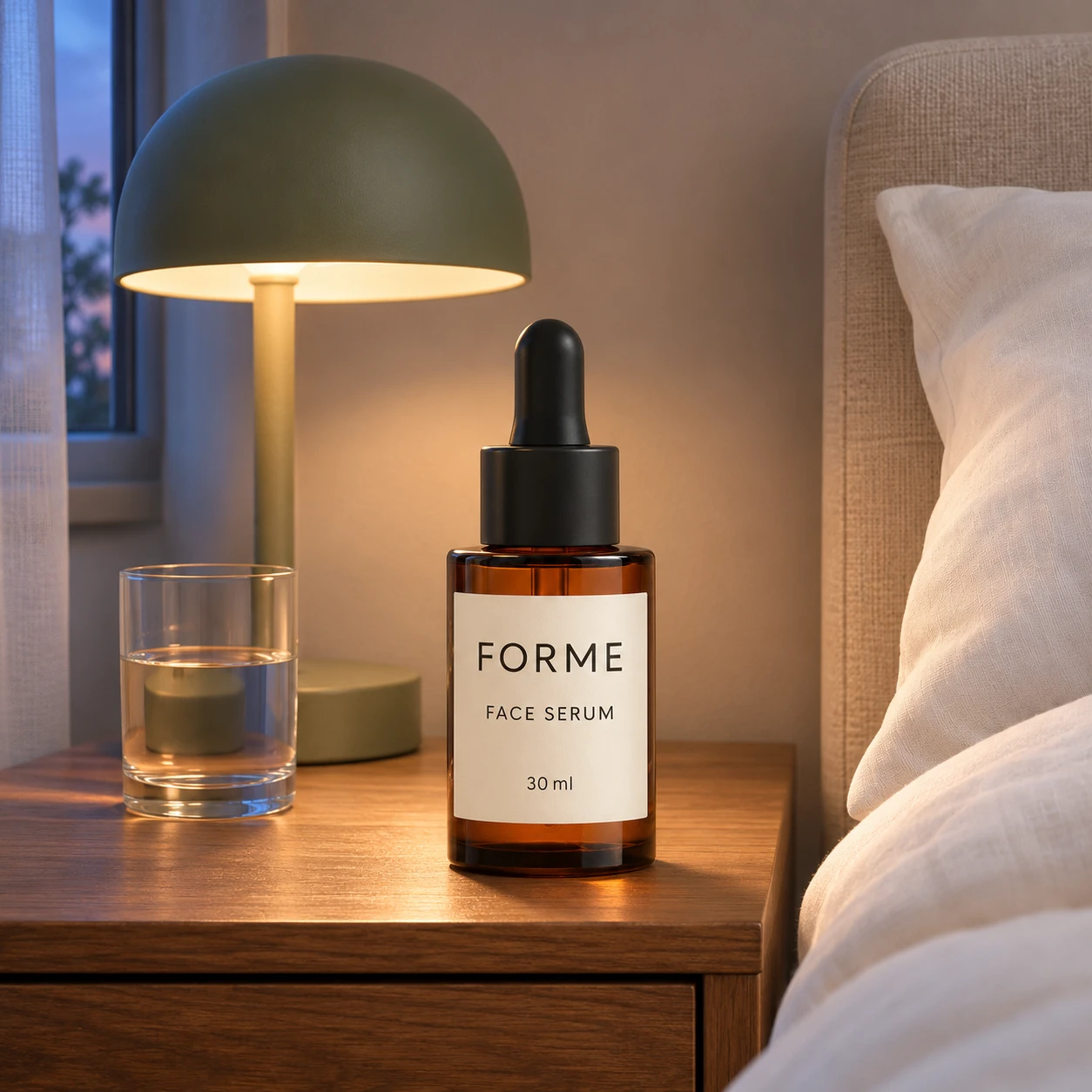
Use [Attached image] as the exact product reference.
Task: Create an evening lifestyle photo.
Scene: Wooden nightstand beside a bed with white linen, a small lamp turned on and a glass of water, with a calm neutral wall behind.
Light and camera: Warm lamp light plus a little blue dusk light from the window, eye level, 50 mm lens look, soft depth of field.
Keep exactly: product shape, true color, label text, logo and proportions from [Attached image]. Warm light must not change the product color.
Avoid: clutter, text, extra products, watermarks.
Prompt 18: Garden table at golden hour
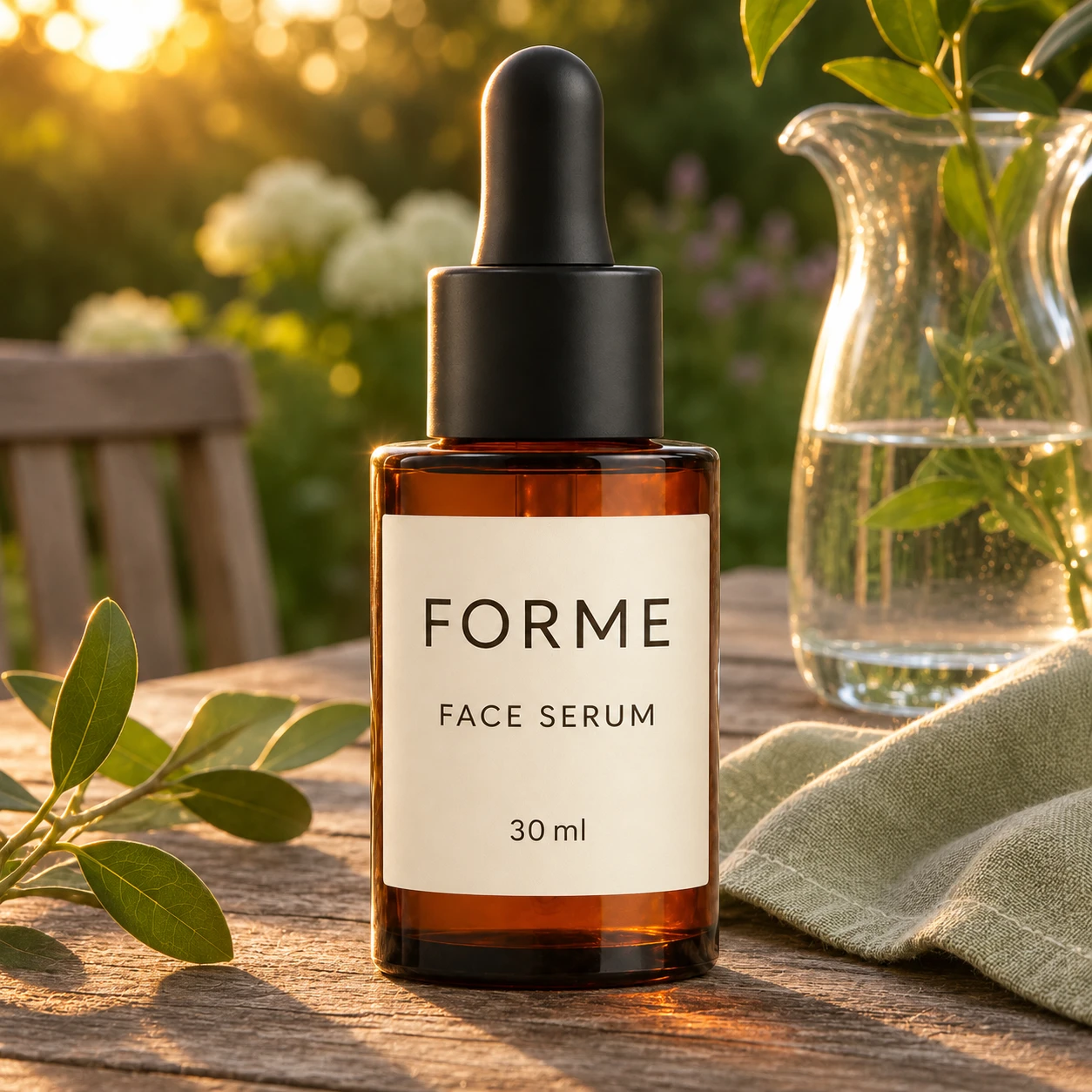
Use [Attached image] as the exact product reference.
Task: Create an outdoor lifestyle photo.
Scene: Weathered wooden garden table with a linen napkin, a glass pitcher and green leaves, with a blurred garden behind.
Light and camera: Low golden hour sun from behind left, soft rim light on the product, 85 mm lens look, shallow depth of field.
Keep exactly: product shape, color, label text, logo and proportions from [Attached image]. Keep the label lit from the front.
Avoid: lens flare on the label, text, extra products, watermarks.
4. Hands, Models and People
People add scale and trust. Ask for a generic person, do not name or describe a real individual, and check the platform's rules on AI generated people before you publish.
Prompt 19: Hand holding the product
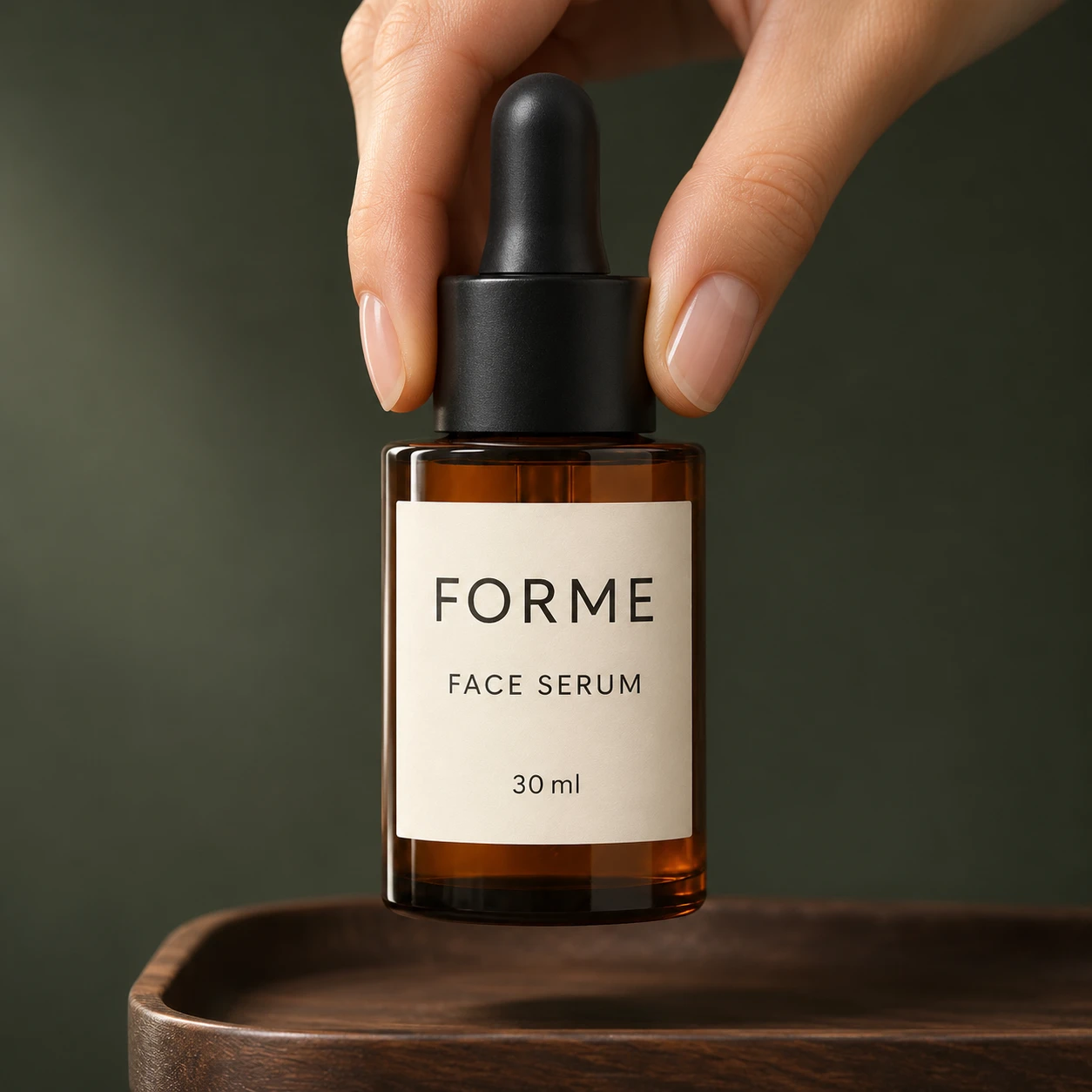
Use [Attached image] as the exact product reference.
Task: Create a photo that shows the product's real size in a hand.
Scene: A hand with natural skin and clean short nails holds the product in front of a soft neutral background, fingers relaxed, five fingers visible.
Light and camera: Soft window light from the left, eye level, 50 mm lens look, product fully visible and not covered by the fingers.
Keep exactly: product shape, color, label text, logo and proportions from [Attached image]. Match the real size of the product to a normal adult hand.
Avoid: extra fingers, distorted hands, covering the label, text, jewelry on the hand.
Prompt 20: Hand lifting a premium detail
Use [Attached image] as the exact product reference.
Task: Create a close photo of a hand picking up the product.
Scene: A hand lifts the product from a dark wood tray, cropped at the wrist, with a plain dark background.
Light and camera: One soft side light, shallow depth of field, 85 mm lens look, product in sharp focus.
Keep exactly: product shape, color, label text, logo and proportions from [Attached image].
Avoid: extra fingers, tattoos, jewelry, text, watermarks.
Prompt 21: Person using the product at home
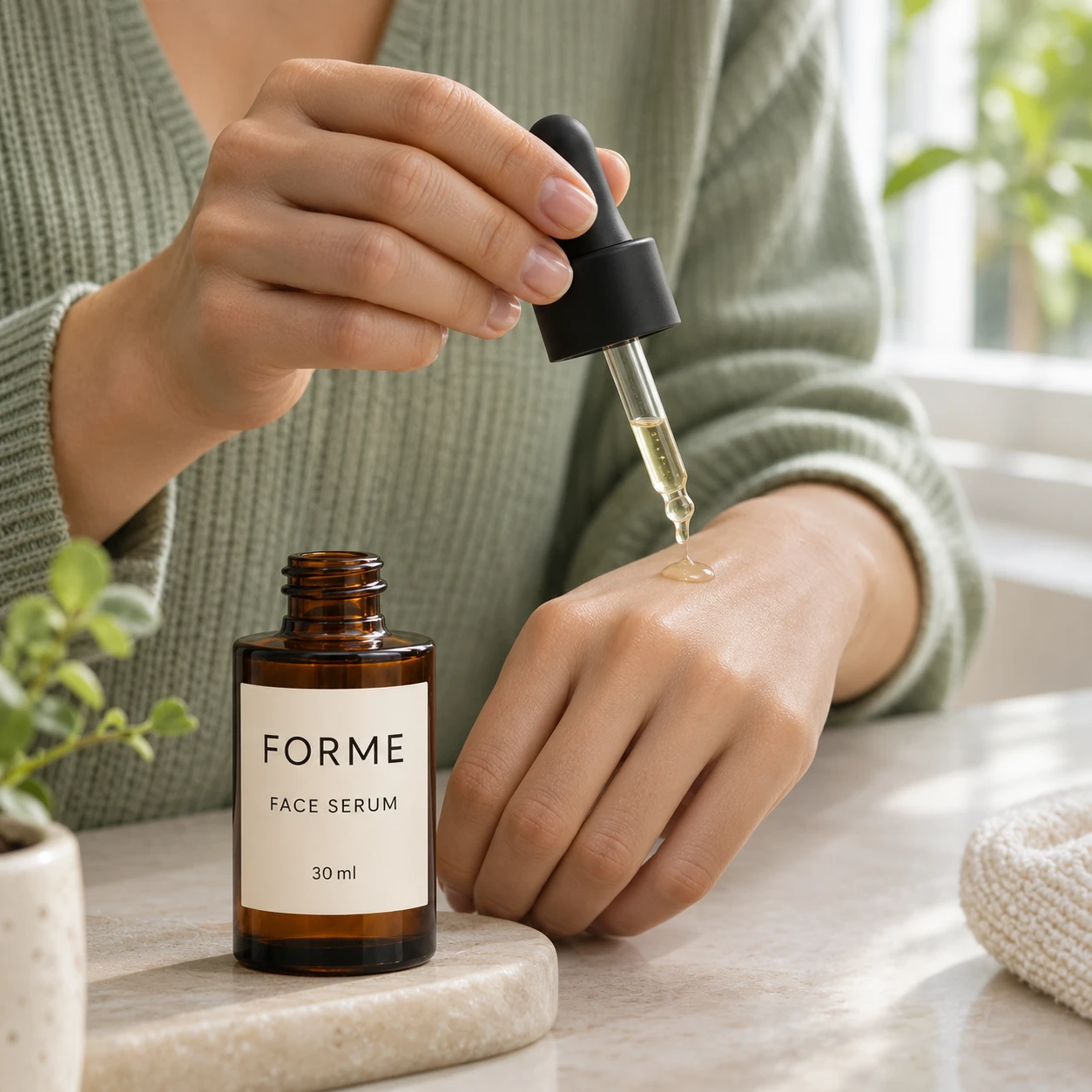
Use [Attached image] as the exact product reference.
Task: Create a lifestyle photo of a person using the product.
Scene: A generic adult, seen from the shoulders down, uses the product in a bright home setting. No face is visible.
Light and camera: Soft daylight from a window, 35 mm lens look, product sharp and clearly visible, person slightly out of focus.
Keep exactly: product shape, color, label text, logo and proportions from [Attached image]. The person's hands must hold or use the product the way it is built to be used.
Avoid: a recognizable face, a real person's likeness, extra fingers, text, watermarks.
Prompt 22: Unboxing moment
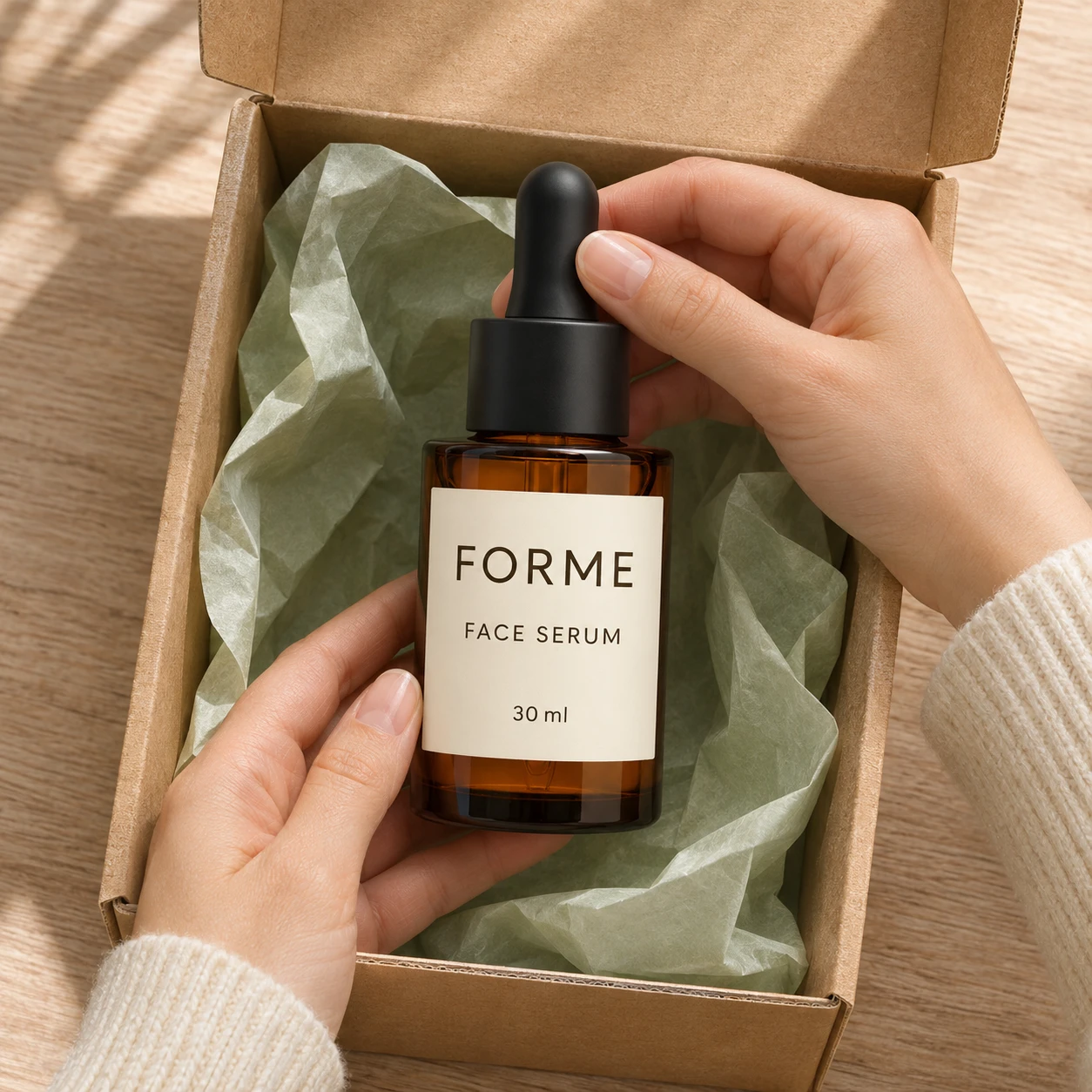
Use [Attached image] as the exact product reference.
Task: Create an unboxing photo.
Scene: Two hands lift the product out of an open plain cardboard box lined with tissue paper, on a light wooden table.
Light and camera: Soft overhead window light, top down angle at 60 degrees, product centered, box edges visible.
Keep exactly: product shape, color, label text, logo and proportions from [Attached image]. The box stays plain, with no printed text or logo.
Avoid: invented packaging graphics, extra products, text, watermarks.
Prompt 23: Product in front, person behind
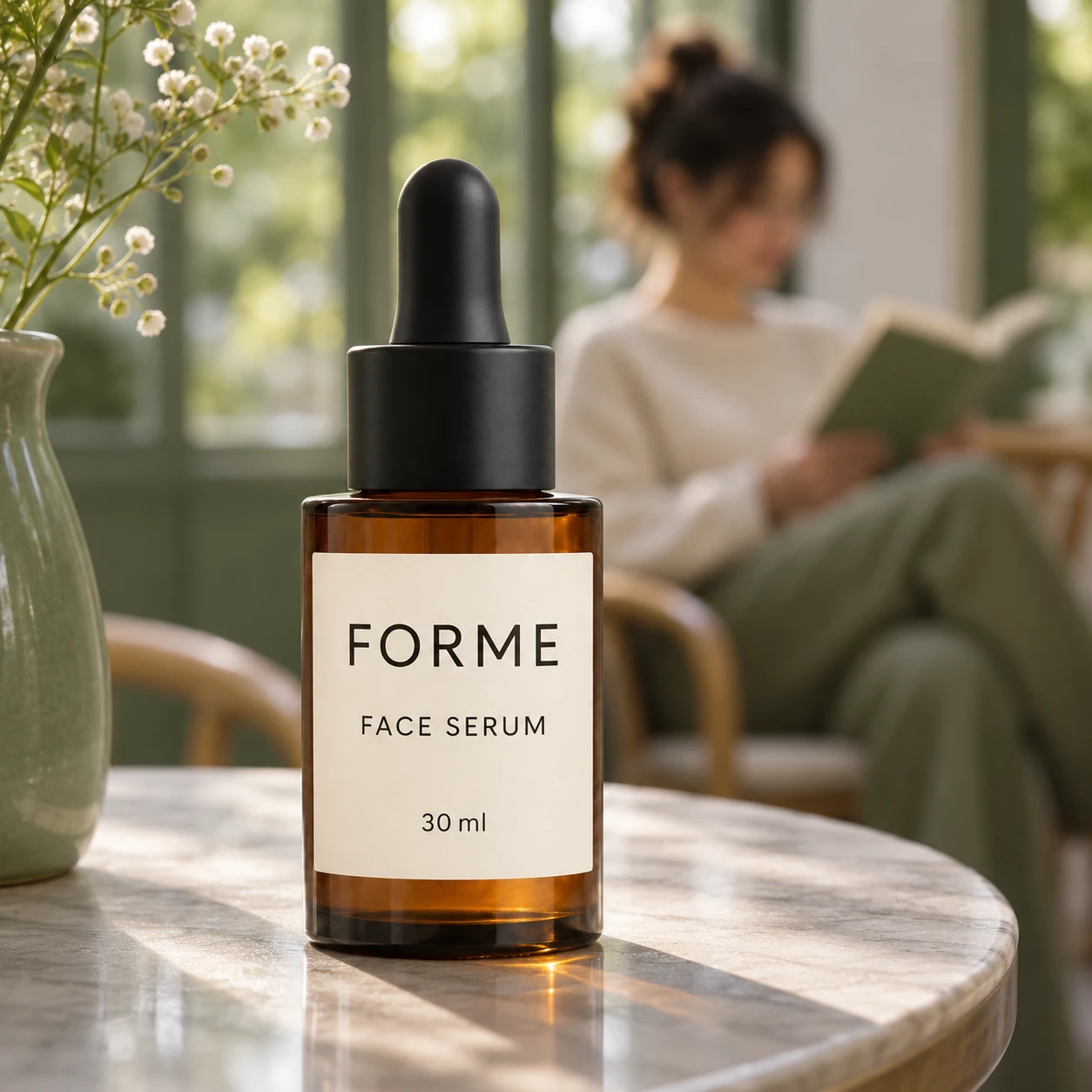
Use [Attached image] as the exact product reference.
Task: Create a lifestyle photo with the product as the hero and a person in the background.
Scene: Product on a cafe table in the foreground, and a generic person reading in soft focus about 2 meters behind it.
Light and camera: Natural window light, 85 mm lens look, wide aperture so the person is blurred and the product is sharp.
Keep exactly: product shape, color, label text, logo and proportions from [Attached image].
Avoid: a recognizable face, text on signs, extra products, watermarks.
Prompt 24: Creator style phone photo
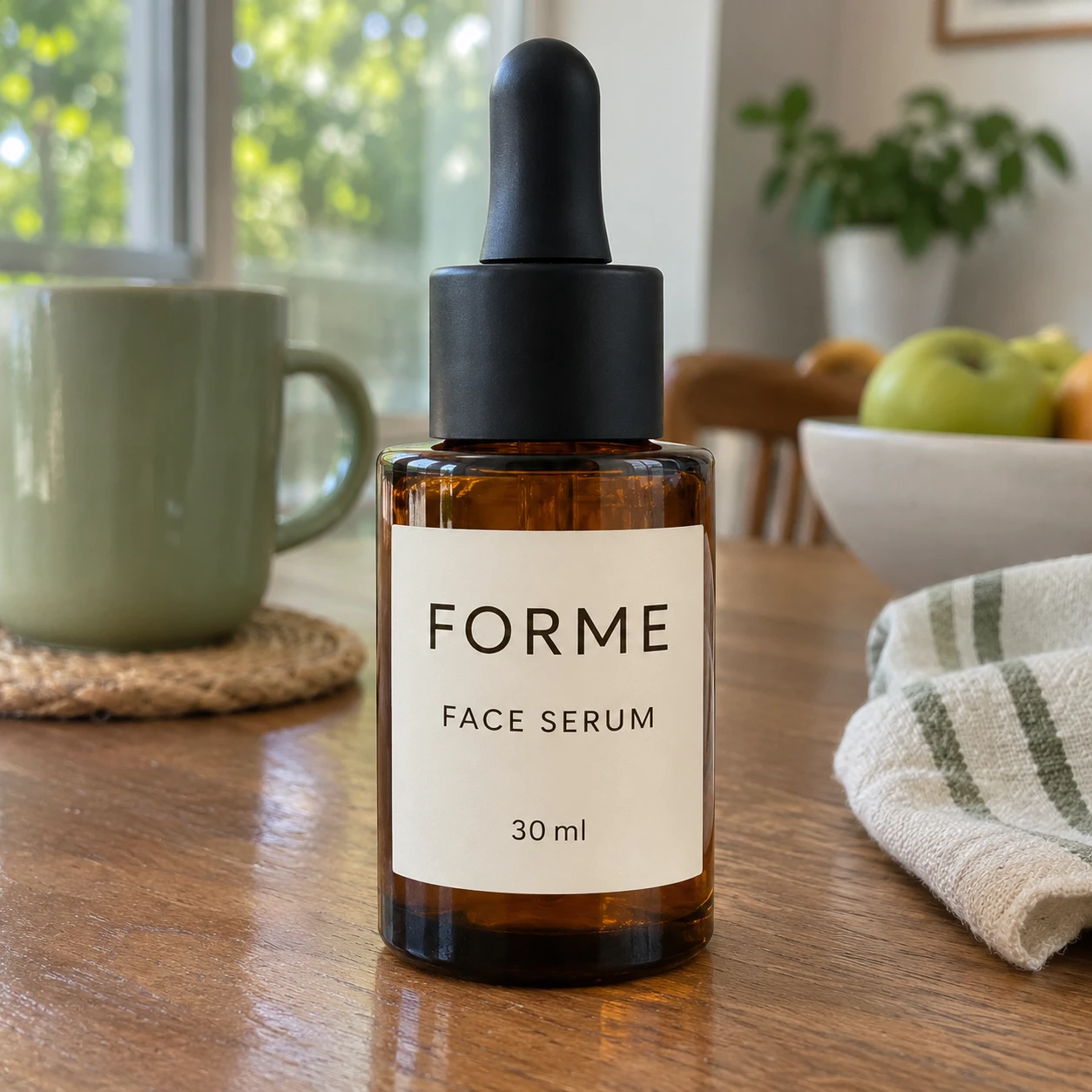
Use [Attached image] as the exact product reference.
Task: Create a casual photo that looks like a customer shot it on a phone.
Scene: Product on a kitchen table or sofa arm in a real home, slightly off center, with everyday items blurred around it.
Light and camera: Natural room light, phone camera look at eye level, mild natural noise, no studio lighting.
Keep exactly: product shape, color, label text, logo and proportions from [Attached image].
Avoid: heavy retouching, fake reviews, text overlays, watermarks.
This style can feel more real than a studio shot, but it is still an AI image. Label it that way where the platform asks you to, and never use it as a fake customer photo.
5. Flat Lay and Styled Layouts
Flat lays work for social posts, product pages and email headers. The camera looks straight down, so the product and props sit on one clean surface.
Prompt 25: Flat lay with three props
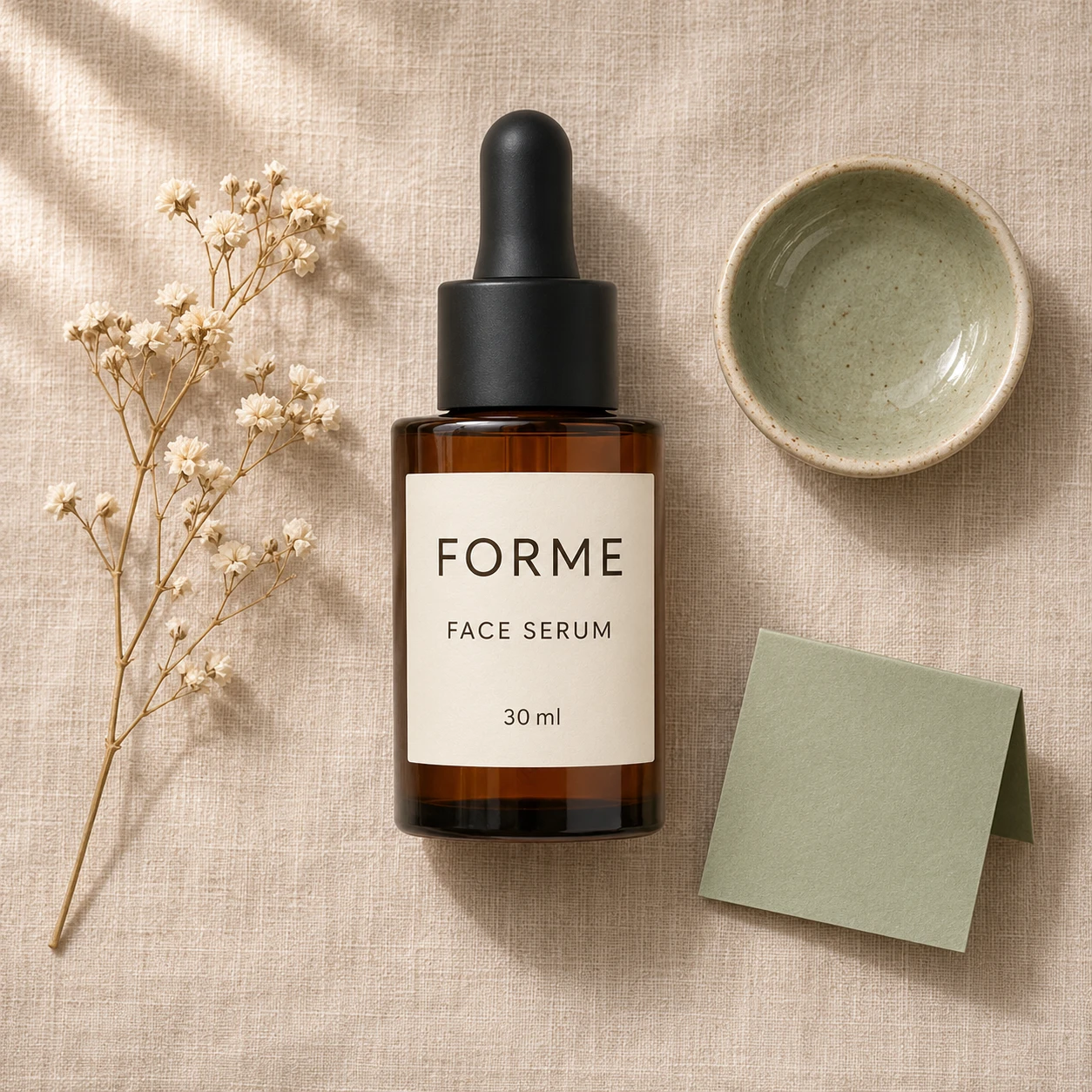
Use [Attached image] as the exact product reference.
Task: Create a top down flat lay for a product page.
Scene: Beige linen cloth, the product in the center, with a sprig of dried flowers, a small ceramic dish and a folded card with no text.
Light and camera: Soft window light from the top left, camera straight overhead, 35 mm lens look, even margins.
Keep exactly: product shape, color, label text, logo and proportions from [Attached image].
Avoid: more than 3 props, text, shadows from the photographer, watermarks.
Prompt 26: Knolling layout
Use [Attached image] as the exact product reference.
Task: Create a knolling layout, where objects sit at right angles in a neat grid.
Scene: The product in the center of a matte light gray surface, surrounded by 5 to 6 related small items arranged in parallel lines with equal gaps: [list the items that come with the product].
Light and camera: Even soft light, camera straight overhead, no harsh shadows.
Keep exactly: product shape, color, label text, logo and proportions from [Attached image]. Show only items that ship with the product.
Avoid: invented accessories, text, watermarks.
Prompt 27: What is inside, ingredients flat lay
Use [Attached image] as the exact product reference.
Task: Create a flat lay that shows the product with its real ingredients or materials.
Scene: Product in the center of a pale stone surface, surrounded by [ingredient or material 1], [ingredient or material 2] and [ingredient or material 3], arranged loosely in a circle.
Light and camera: Soft daylight from the left, camera straight overhead, 50 mm lens look.
Keep exactly: product shape, color, label text, logo and proportions from [Attached image]. Show only ingredients that are really in the product.
Avoid: invented ingredients, health claims, text, watermarks.
Prompt 28: Gift set flat lay
Use [Attached image] as the exact product reference.
Task: Create a gift flat lay.
Scene: The product placed beside a small plain kraft gift box, a ribbon in a soft color and a blank gift tag, on a light paper surface.
Light and camera: Soft overhead light, camera straight down, wide margins around the group.
Keep exactly: product shape, color, label text, logo and proportions from [Attached image]. Leave the gift tag blank.
Avoid: printed text on the tag or box, extra products, watermarks.
Prompt 29: One color palette flat lay
Use [Attached image] as the exact product reference.
Task: Create a one color flat lay that matches the product.
Scene: Surface and 3 props all in tints and shades of the product's main color from [Attached image], with the product as the only item in its full true color.
Light and camera: Soft even light, camera straight overhead, gentle shadows.
Keep exactly: product shape, true color, label text, logo and proportions from [Attached image].
Avoid: props in clashing colors, text, watermarks.
Prompt 30: Window blind shadow flat lay
Use [Attached image] as the exact product reference.
Task: Create a flat lay with a light and shadow pattern.
Scene: Cream paper surface with the product in the center and the shadow of window blinds falling diagonally across the frame.
Light and camera: Direct afternoon sunlight at a low angle, crisp stripes of shadow, camera straight overhead.
Keep exactly: product shape, color, label text, logo and proportions from [Attached image]. Keep the label out of the shadow stripes.
Avoid: props that hide the product, text, watermarks.
6. Close Ups, Texture and Scale
Shoppers zoom in to check material and size. These prompts show texture, labels and scale without changing the product itself.
Prompt 31: Material macro
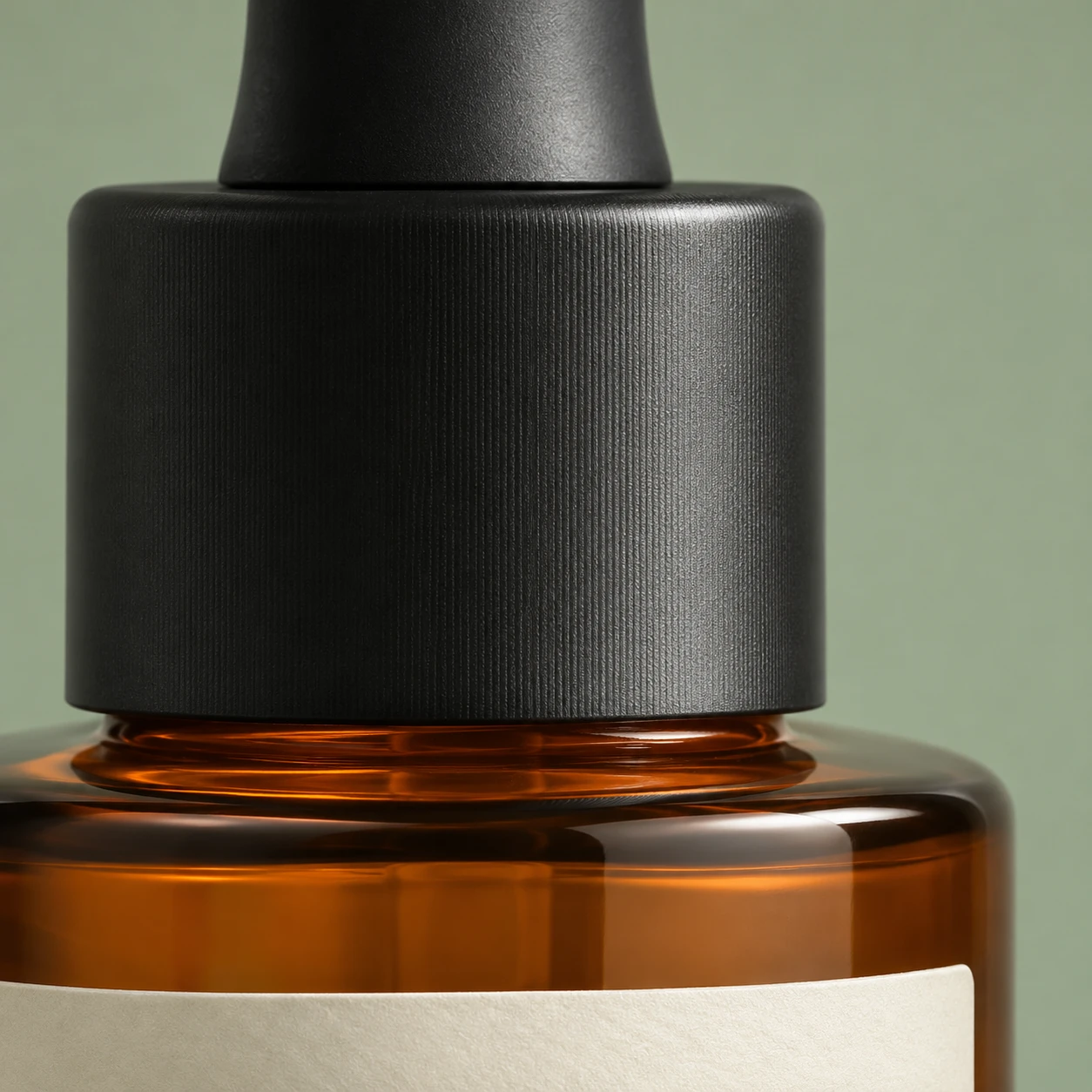
Use [Attached image] as the exact product reference.
Task: Create a macro photo that shows the product's material.
Scene: Extreme close up of one section of the product, with a plain soft background and nothing else in frame.
Light and camera: Soft raking light from the side to reveal texture, macro lens look at f/8, sharp focus across the visible area.
Keep exactly: the real material, grain, weave or finish, color and any printed detail from [Attached image]. Do not smooth or invent texture.
Avoid: added scratches, dust, text, watermarks.
Prompt 32: Label and logo close up
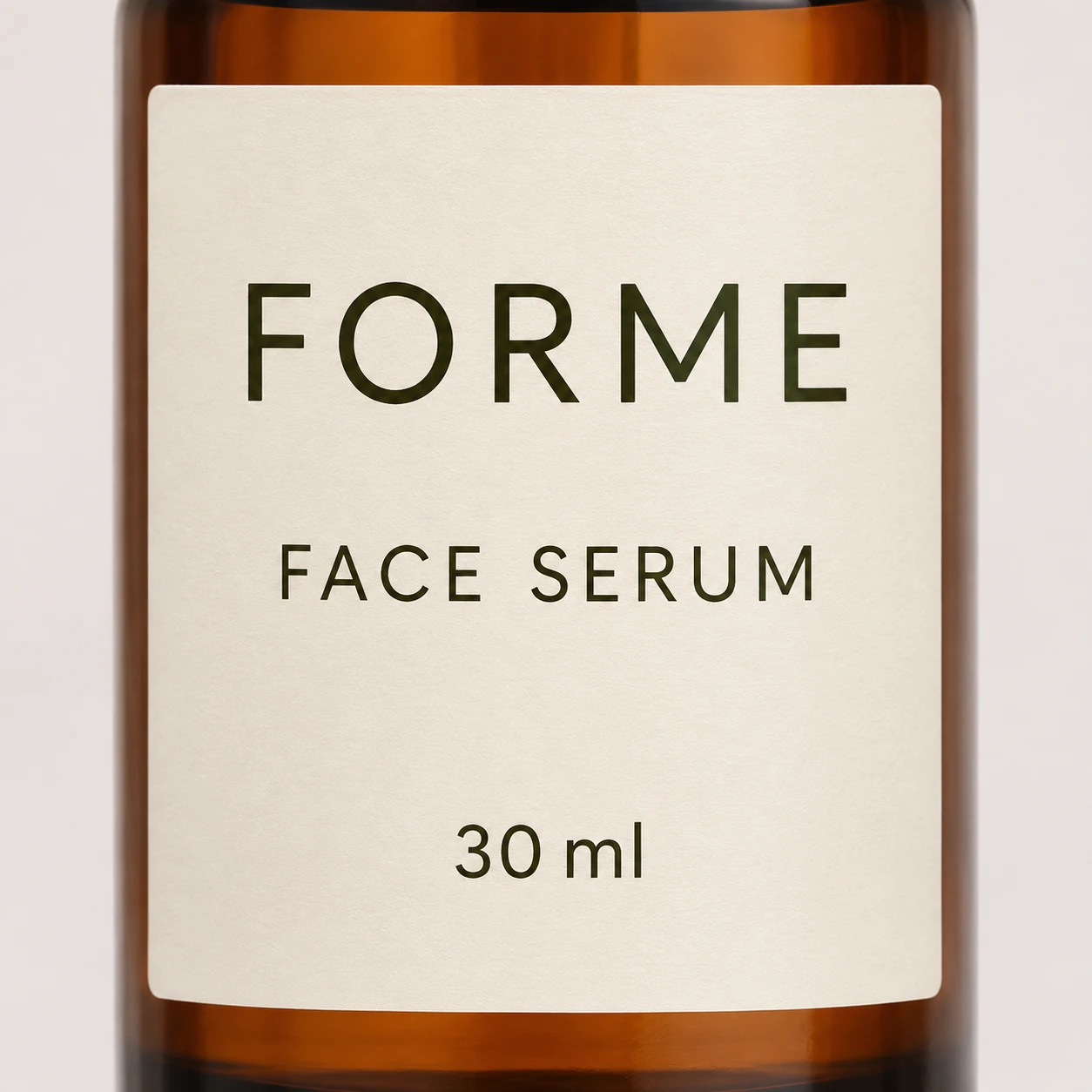
Use [Attached image] as the exact product reference.
Task: Create a straight on close up of the label and logo.
Scene: The label fills most of the frame, with a plain soft background and a slight curve of the product visible at the edges.
Light and camera: Even soft light with no glare on the label, camera square to the label, sharp focus on all text.
Keep exactly: every word, number, symbol and logo on the label from [Attached image], with the same font, color and position.
Avoid: rewritten text, extra text, blurred letters, glare, watermarks.
If the text drifts, do not keep regenerating. Use the original photo for this shot, or restore the label with Prompt 85.
Prompt 33: Stitching and seam detail
Use [Attached image] as the exact product reference.
Task: Create a detail shot of the stitching and construction.
Scene: Close view of one seam, zipper or edge of the product on a neutral surface, shallow depth of field beyond the detail.
Light and camera: Soft side light, macro lens look, camera at a 30 degree angle to the surface.
Keep exactly: stitch count, thread color, material and hardware finish from [Attached image].
Avoid: invented stitching patterns, added logos, text, watermarks.
Prompt 34: Water droplets on the surface
Use [Attached image] as the exact product reference.
Task: Create a fresh, clean photo with water droplets.
Scene: Product on a wet dark slate surface, with small clear droplets on the product body and a few on the slate.
Light and camera: Backlight from the upper left with a soft front fill, eye level, 100 mm macro lens look.
Keep exactly: product shape, color, label text, logo and proportions from [Attached image]. Droplets must not cover or distort the label.
Avoid: heavy streaks, fog over the label, text, watermarks.
Prompt 35: Open and closed views
Use [Attached image] as the exact product reference.
Task: Create one image that shows the product closed and open side by side.
Scene: Two copies of the same product on a light gray surface, one closed and one open to show the inside. Show the inside only if [Attached image] or a second attached image shows it.
Light and camera: Soft even studio light, camera at a 35 degree angle, both products fully visible.
Keep exactly: product shape, color, label text, logo, proportions and interior details from the attached photos.
Avoid: invented interior parts, text, watermarks.
Prompt 36: Scale next to a familiar object
Use [Attached image] as the exact product reference.
Task: Create a photo that shows how big the product is.
Scene: Product beside a standard ballpoint pen and a hand on a plain light desk. The product is [length or height] long, so keep the pen and hand at their real sizes.
Light and camera: Soft overhead light, camera straight above, all three items fully visible and sharp.
Keep exactly: product shape, color, label text, logo and true proportions from [Attached image].
Avoid: resizing the product to look larger, text, watermarks.
7. Food and Beverage
Food and drink photos sell on freshness and appetite, but the label carries legal text. Krea's guide says AI is not recommended for regulated categories such as food labels. So I use these prompts to change the scene and keep the label from the original photo.
Prompt 37: Cold can with condensation
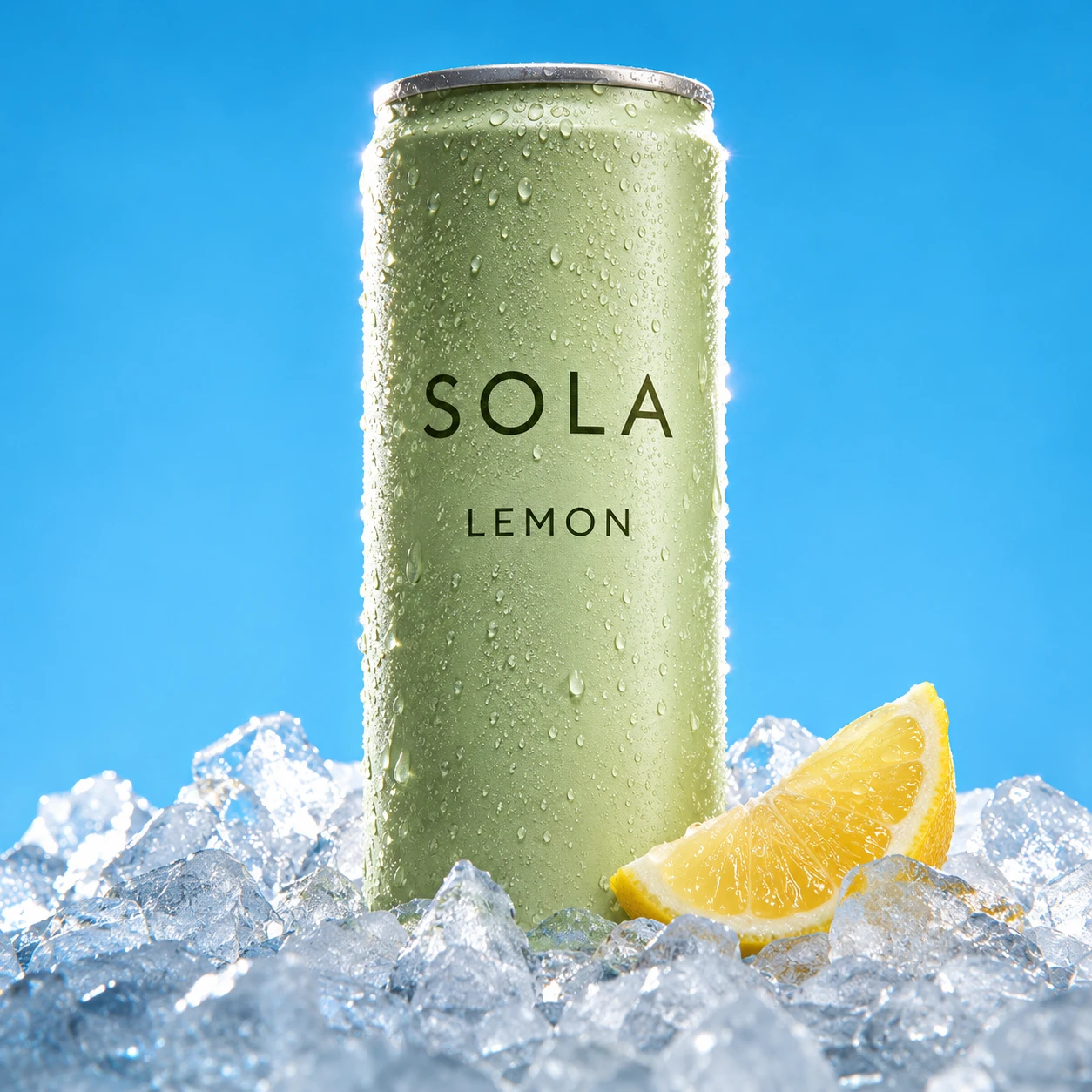
Use [Attached image] as the exact product reference.
Task: Create a refreshing beverage ad photo.
Scene: The can on a bed of crushed ice with fine condensation on the metal, a slice of [fruit that matches the flavor] beside it, on a bright blue backdrop.
Light and camera: Hard backlight with a soft front fill, low angle, 85 mm lens look, sharp focus on the can.
Keep exactly: can shape, color, every word and logo on the can from [Attached image]. Condensation must not blur the label.
Avoid: invented flavors, health claims, extra text, watermarks.
Prompt 38: Bottle in an ice bucket
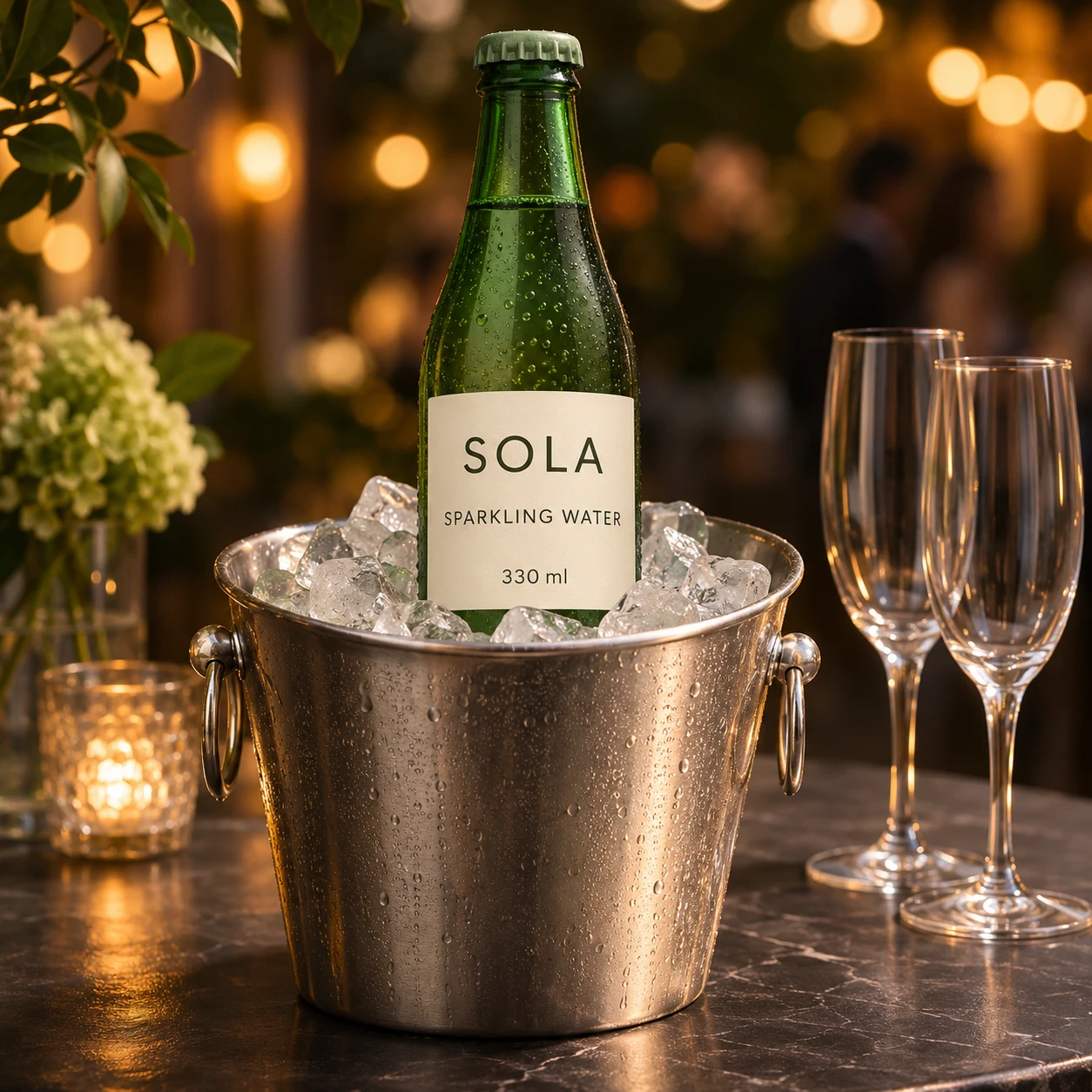
Use [Attached image] as the exact product reference.
Task: Create an evening party photo for a bottled drink.
Scene: The bottle standing in a metal ice bucket with two empty glasses beside it, on a dark table with warm bokeh lights behind.
Light and camera: Warm practical lights in the background, soft front light on the bottle, eye level, 70 mm lens look.
Keep exactly: bottle shape, glass color, label text, logo and proportions from [Attached image]. The label stays dry and above the ice line.
Avoid: invented labels on the glasses, text, watermarks.
Prompt 39: Coffee bag with beans
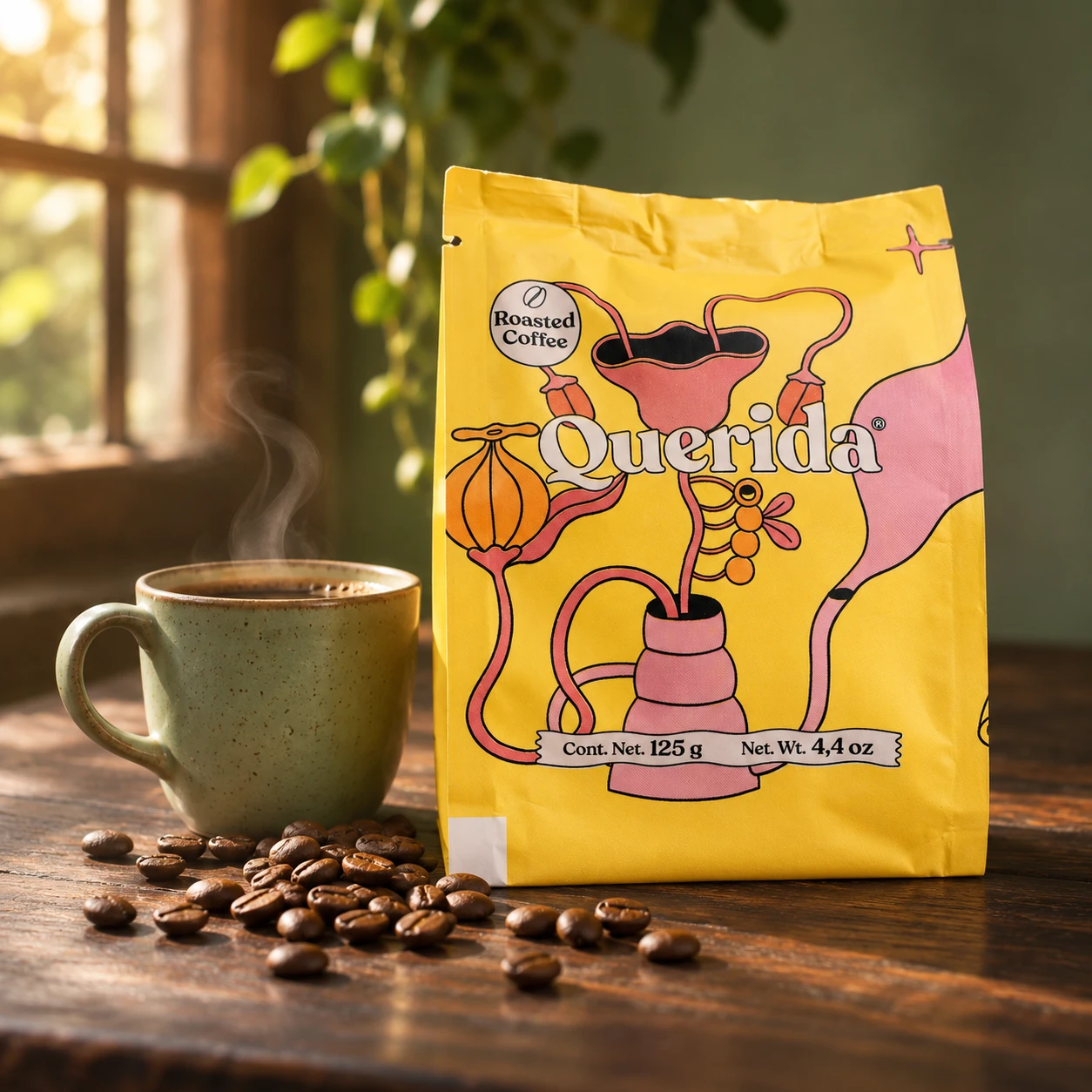
Use [Attached image] as the exact product reference.
Task: Create a coffee product photo.
Scene: The bag standing on a dark wooden table with whole roasted beans scattered in front of it, a ceramic cup with a thin line of steam on the side.
Light and camera: Warm window light from the left, shallow depth of field, camera at a slight low angle.
Keep exactly: bag shape, color, every word and logo on the bag from [Attached image].
Avoid: rewritten text, extra bags, text on the cup, watermarks.
Prompt 40: Snack pack with its real ingredients
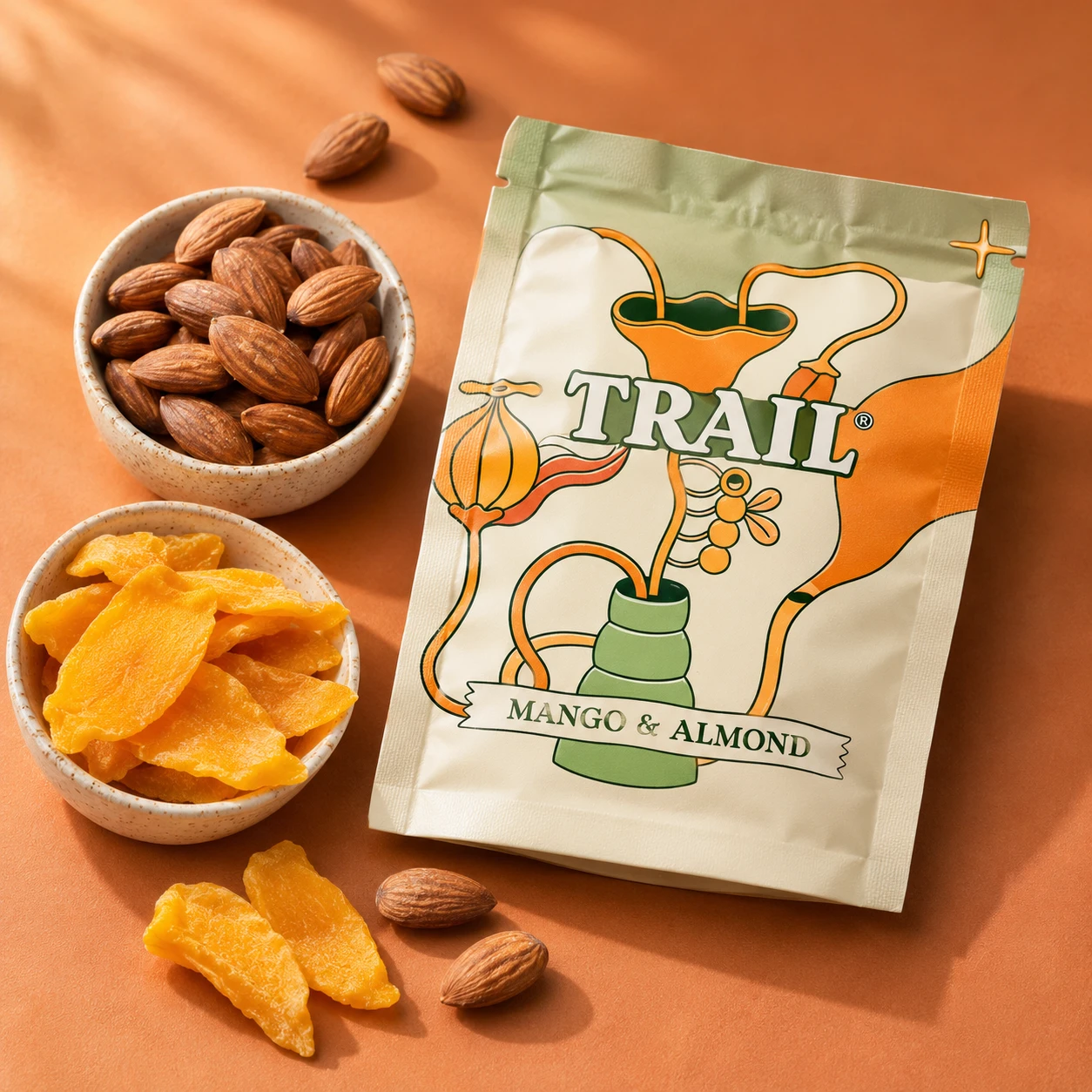
Use [Attached image] as the exact product reference.
Task: Create a bright snack ad photo.
Scene: The pack on a colored surface, surrounded by a loose scatter of [the real main ingredients, for example almonds and dried mango], with a few pieces of the snack out of the pack.
Light and camera: Bright soft light from above left, camera at 45 degrees, sharp focus on the pack.
Keep exactly: pack shape, color, label text, logo and proportions from [Attached image]. Show only ingredients the product contains.
Avoid: invented ingredients, nutrition claims, text, watermarks.
Prompt 41: Jar with a drip
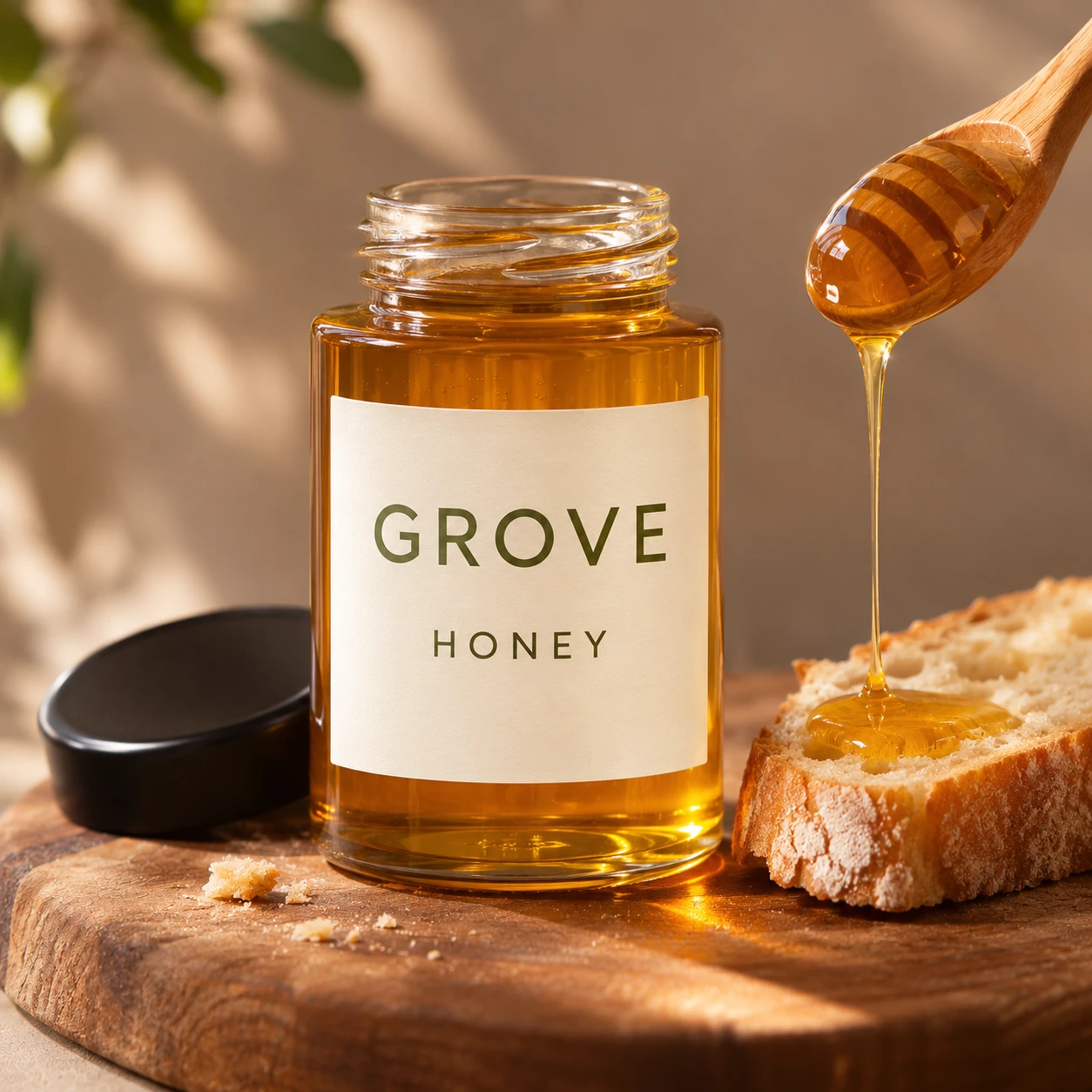
Use [Attached image] as the exact product reference.
Task: Create a close photo of a sauce, honey or spread jar in use.
Scene: The jar on a wooden board, a spoon lifted beside it with a slow drip of the product, a slice of bread and a few crumbs.
Light and camera: Warm side light, macro lens look, shallow depth of field, the label sharp and facing the camera.
Keep exactly: jar shape, lid, label text, logo and product color from [Attached image]. The drip must match the real texture and color of the product.
Avoid: invented ingredients, text, watermarks.
Prompt 42: Product in a plated dish
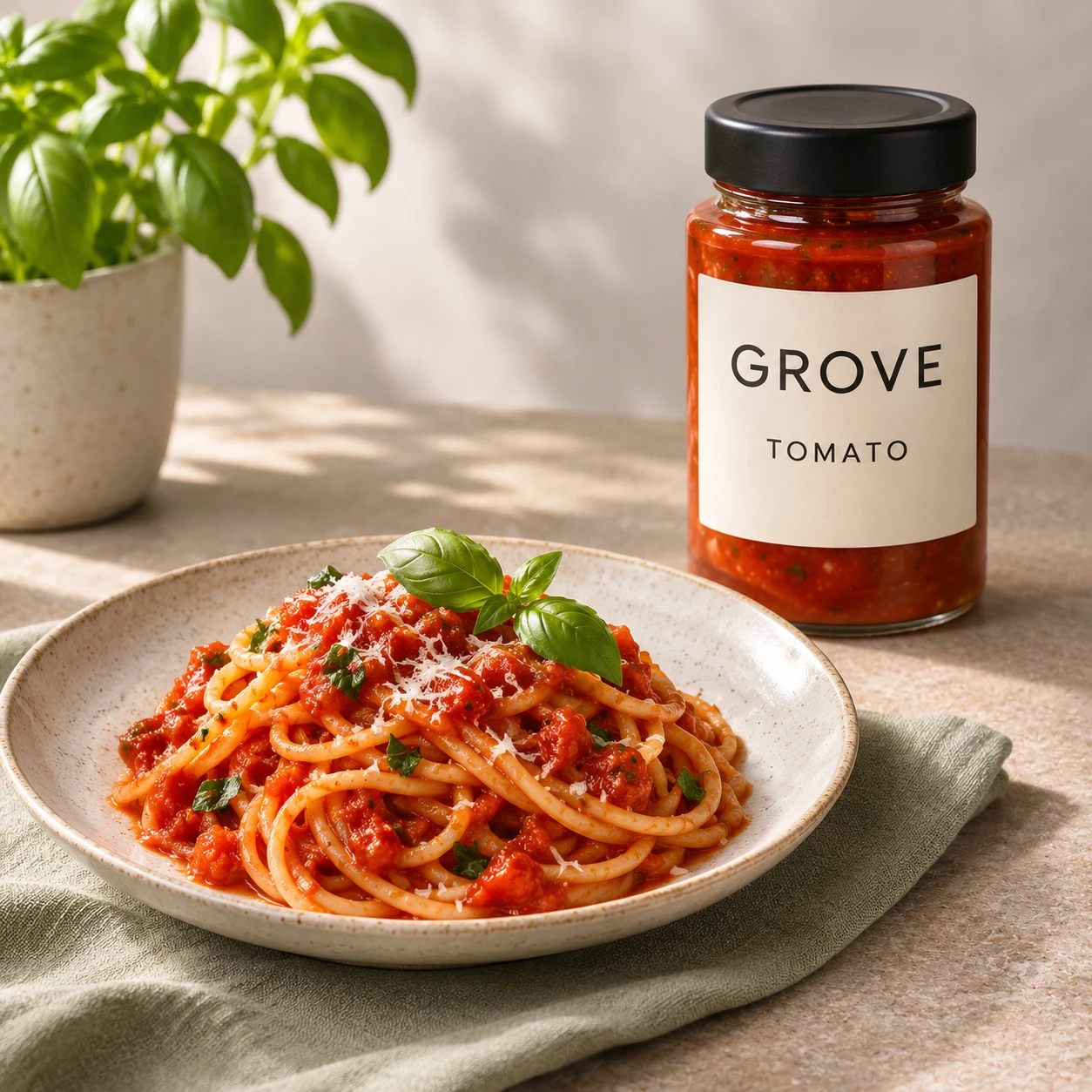
Use [Attached image] as the exact product reference.
Task: Create a recipe style photo that shows the product in use.
Scene: A plated [dish that fits the product] on a ceramic plate, with the product pack or bottle standing slightly behind the plate on the table.
Light and camera: Soft daylight from the left, 45 degree angle, shallow depth of field, plate and pack both sharp.
Keep exactly: pack shape, color, label text, logo and proportions from [Attached image].
Avoid: claims about taste or health, text, extra brands, watermarks.
8. Beauty and Skincare
Beauty buyers care about texture and shade. State the real texture and color in the prompt, because AI tends to guess.
Prompt 43: Serum bottle on glass
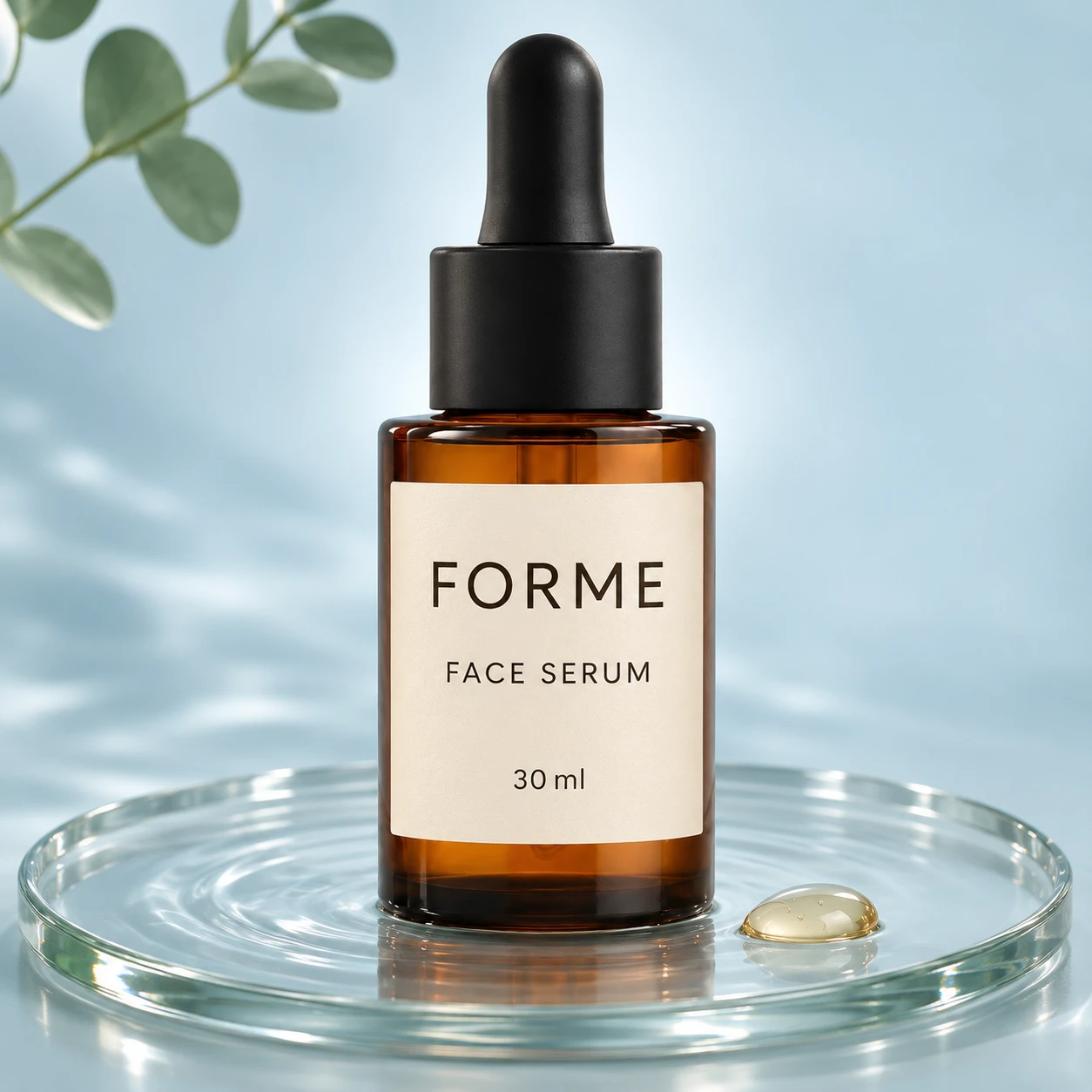
Use [Attached image] as the exact product reference.
Task: Create a clean skincare photo.
Scene: The dropper bottle standing on a clear glass tray over a pale blue backdrop, with a soft ripple of water around the base and one drop of serum on the glass.
Light and camera: Soft backlight with a front fill, eye level, 85 mm lens look, product centered.
Keep exactly: bottle shape, glass color, label text, logo and serum color from [Attached image].
Avoid: claims, text, extra bottles, watermarks.
Prompt 44: Cream jar with texture
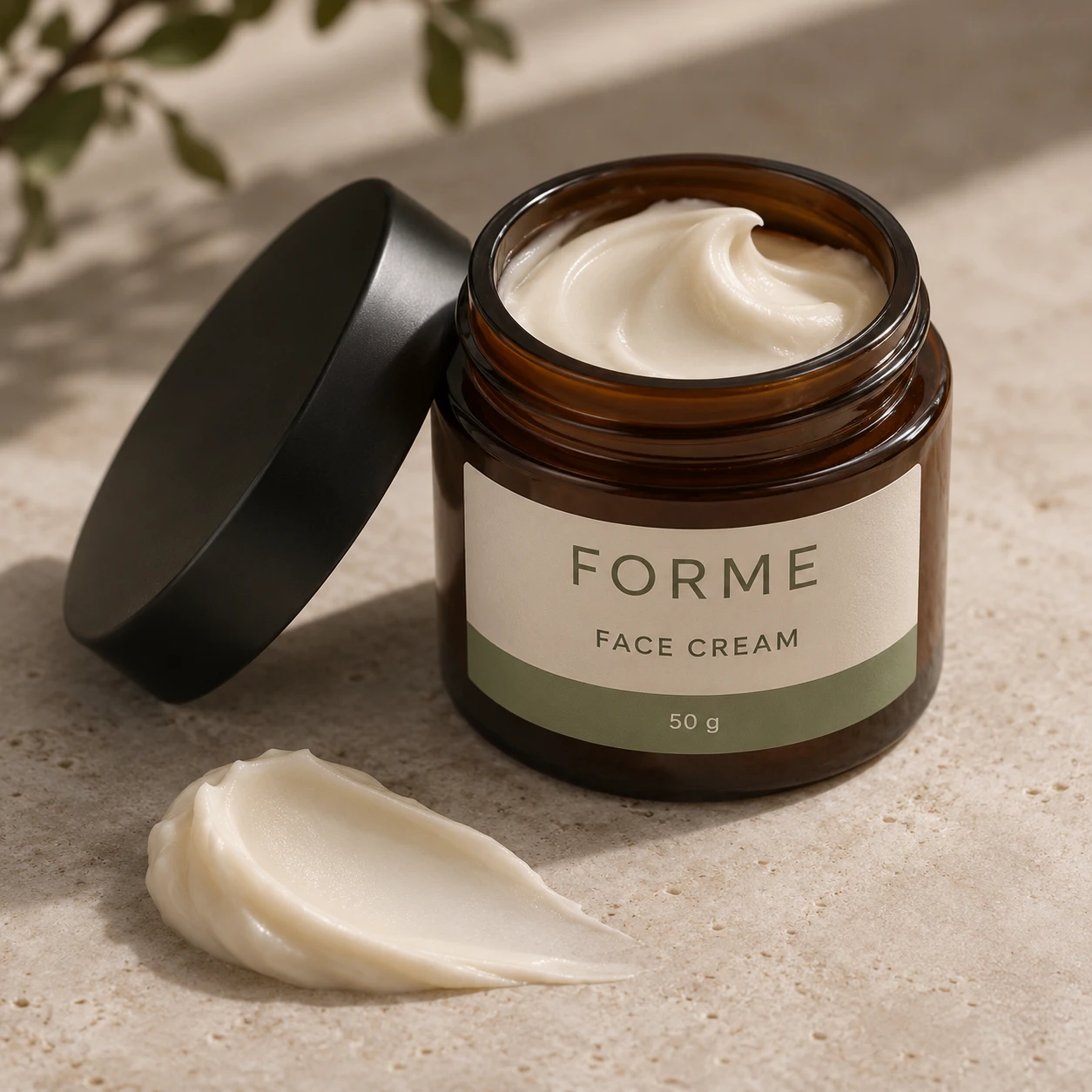
Use [Attached image] as the exact product reference.
Task: Create a close photo of a cream or balm jar with its texture.
Scene: The open jar on a light stone surface, with one smooth swirl of the cream on the surface in front of it, and the lid beside the jar.
Light and camera: Soft side light to show the cream's texture, macro lens look at a 30 degree angle.
Keep exactly: jar shape, label text, logo, and the real color and thickness of the cream from [Attached image].
Avoid: changing the cream color, added glitter, text, watermarks.
Prompt 45: Lipstick with a swatch
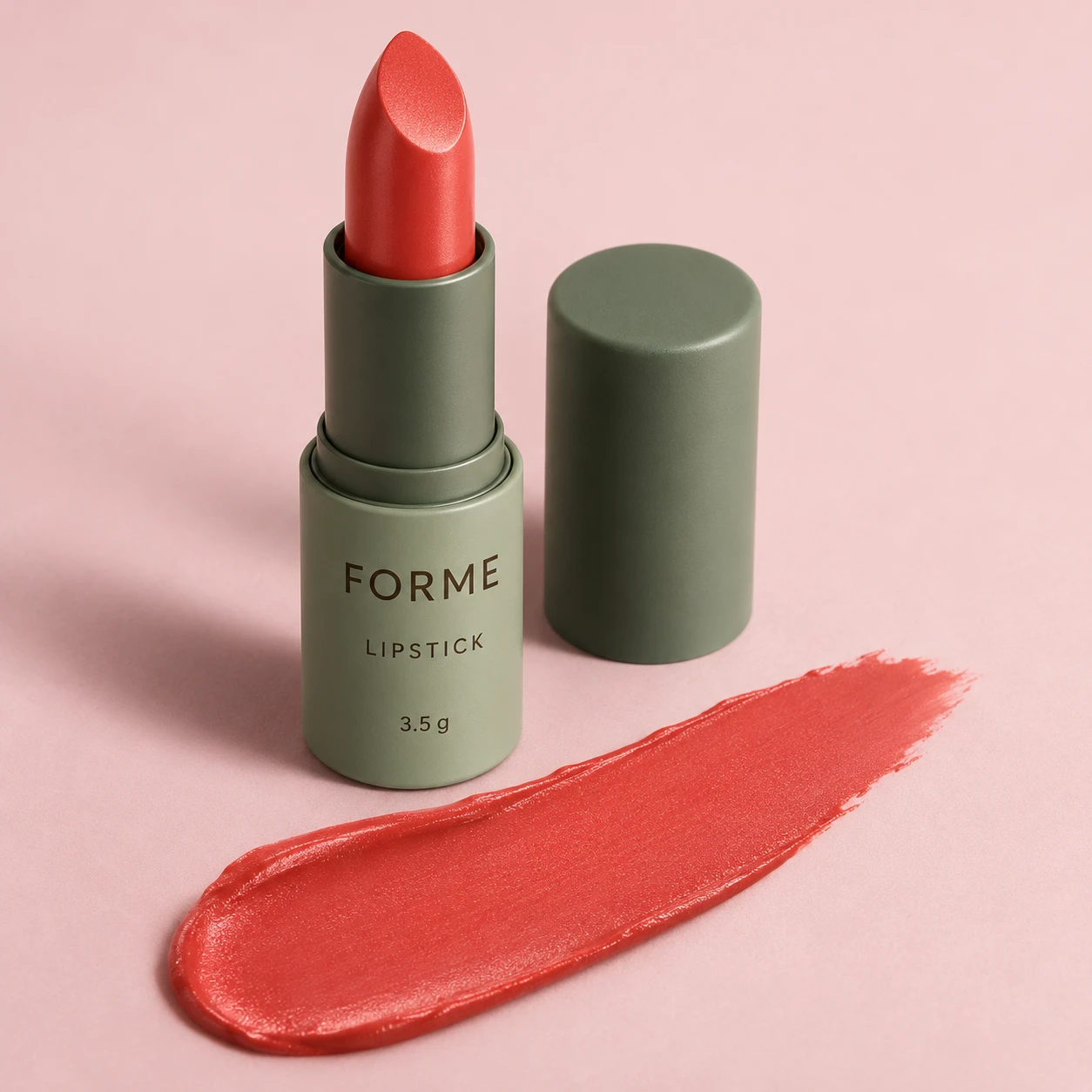
Use [Attached image] as the exact product reference.
Task: Create a lipstick product photo with a swatch.
Scene: The lipstick open next to its cap on a pale pink surface, with one clean streak of the shade across the surface.
Light and camera: Soft studio light, 100 mm macro lens look, camera at a 35 degree angle.
Keep exactly: tube shape, true lipstick shade, finish, label text and logo from [Attached image]. The swatch must match the real shade.
Avoid: color shift, text, glitter, watermarks.
Prompt 46: Perfume on stone
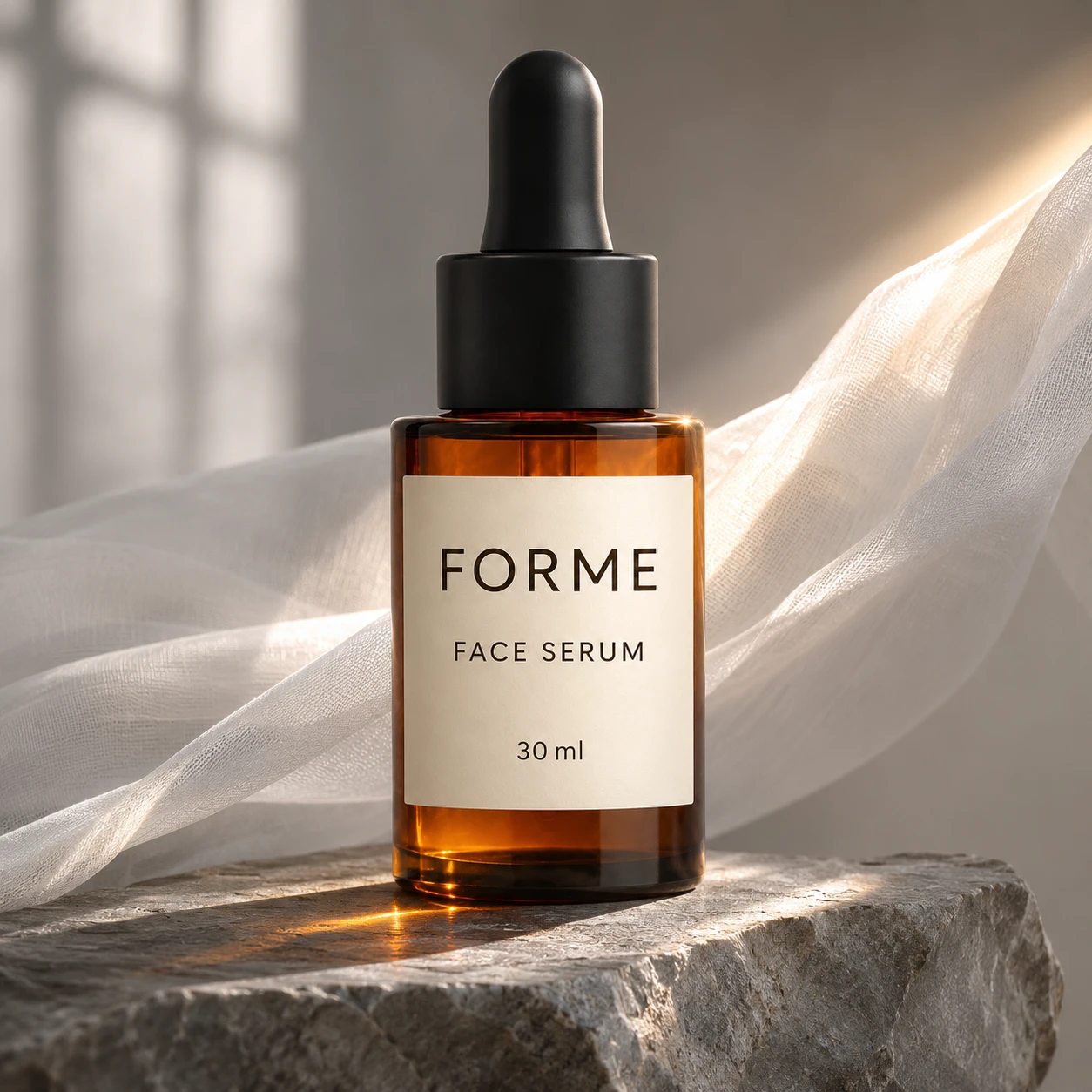
Use [Attached image] as the exact product reference.
Task: Create a luxury perfume photo.
Scene: The bottle on a raw gray stone slab with a sheer white cloth behind it, a thin sunbeam falling across the glass.
Light and camera: Soft window light with one hard beam from the right, low angle, 85 mm lens look.
Keep exactly: bottle shape, glass color, liquid color, label text, logo and cap from [Attached image].
Avoid: invented patterns on the glass, extra bottles, text, watermarks.
Prompt 47: Nail polish with a color sample
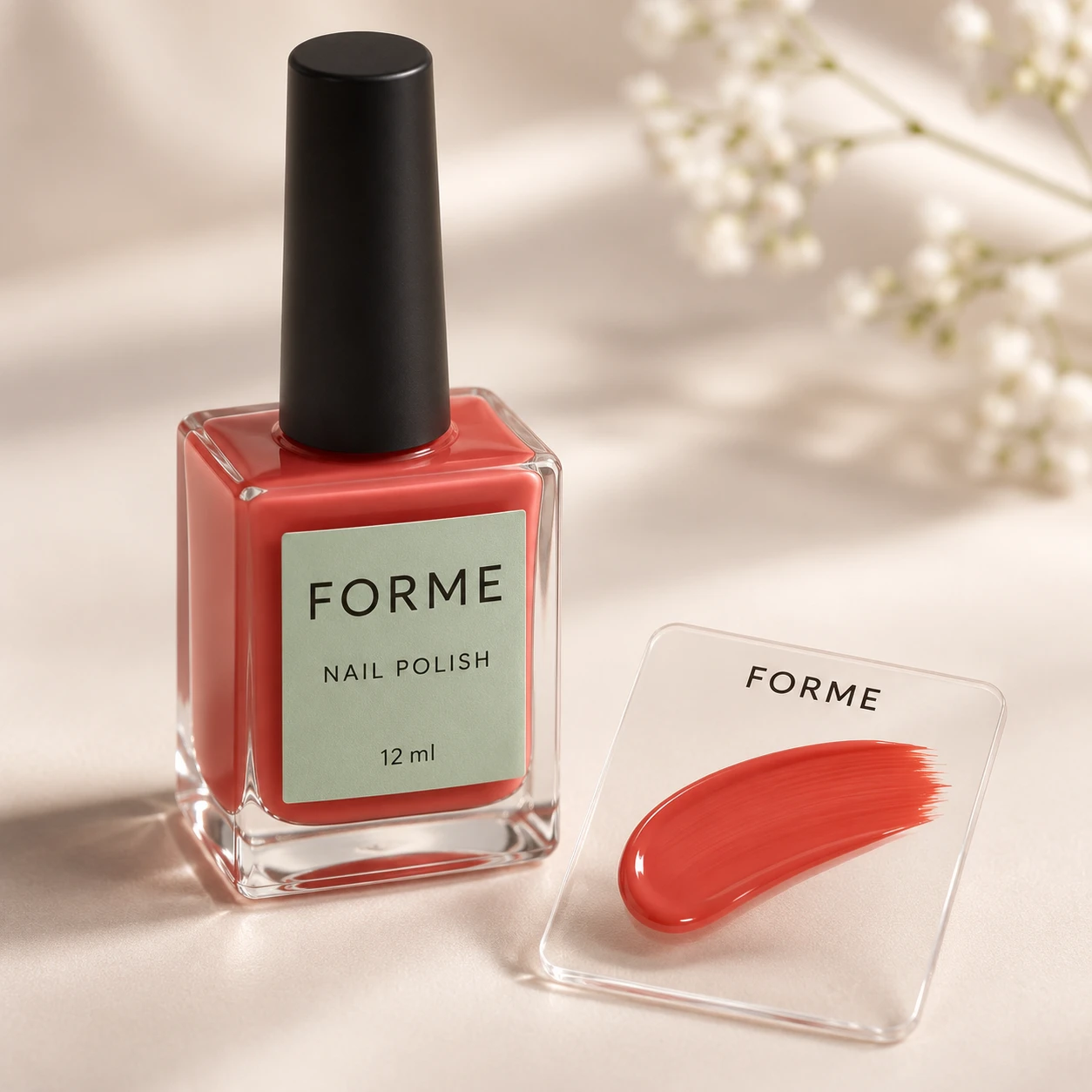
Use [Attached image] as the exact product reference.
Task: Create a nail polish product photo.
Scene: The bottle standing on a soft cream surface, with a brush stroke of the polish on a clear sample card next to it.
Light and camera: Bright soft light, camera at a 30 degree angle, shallow depth of field.
Keep exactly: bottle shape, cap, label text, logo and the true polish color from [Attached image].
Avoid: color shift, text, extra bottles, watermarks.
Prompt 48: Vanity table makeup layout
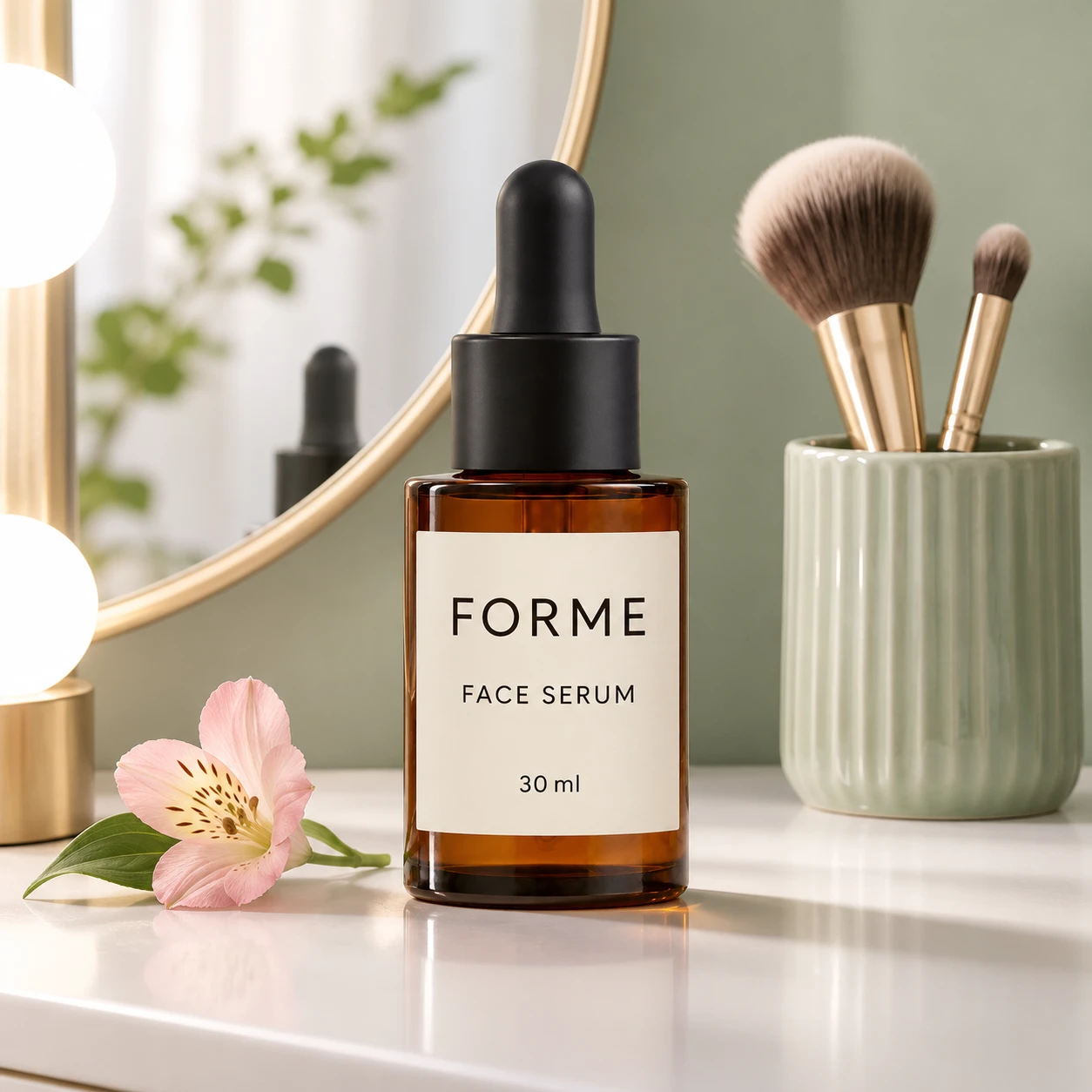
Use [Attached image] as the exact product reference.
Task: Create a styled makeup photo.
Scene: The product on a white vanity table beside a round mirror, 2 makeup brushes in a ceramic cup and a small pink flower.
Light and camera: Soft bright light from the left like a vanity light, camera at eye level, 50 mm lens look.
Keep exactly: product shape, color, label text, logo and proportions from [Attached image].
Avoid: readable text on other products, extra brands, watermarks.
9. Fashion and Apparel
Apparel is the hardest category, because AI changes fit, drape and print. Photoroom's guide to inaccurate AI product images lists shape, pattern and missing parts such as pockets and zippers as common errors. State the details that must stay in every prompt.
Prompt 49: Ghost mannequin
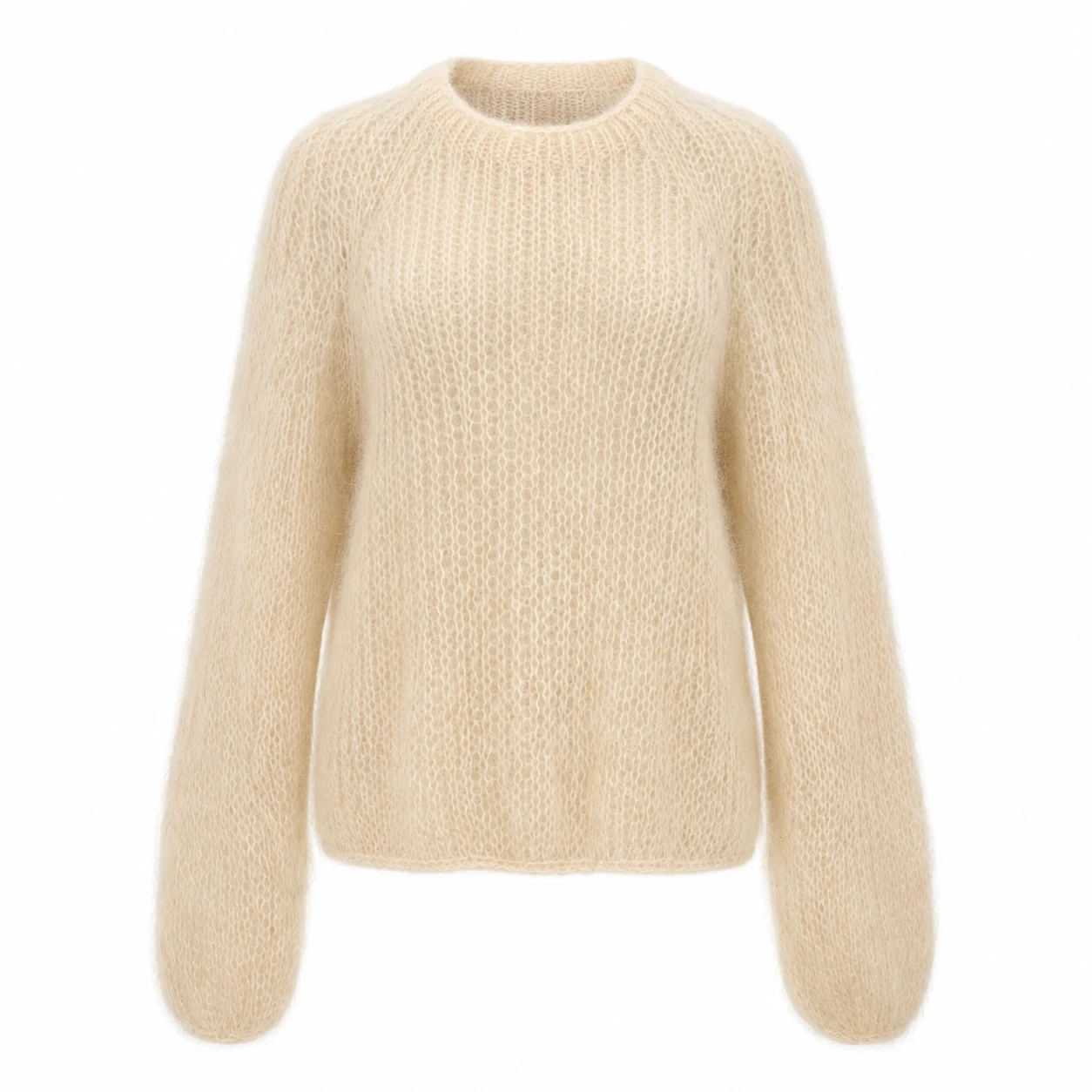
Use [Attached image] as the exact product reference.
Task: Create an invisible mannequin photo of this garment.
Scene: The garment shaped as if worn on an invisible body, on a pure white background, with the neck interior visible.
Light and camera: Even soft studio light, straight on front view, garment centered with even margins.
Keep exactly: garment color, fabric texture, print, neckline, sleeve length, pockets, buttons, zippers and label from [Attached image]. Show only details visible in the photo.
Avoid: invented back details, changed fit, extra pockets, text, watermarks.
Prompt 50: Folded flat lay
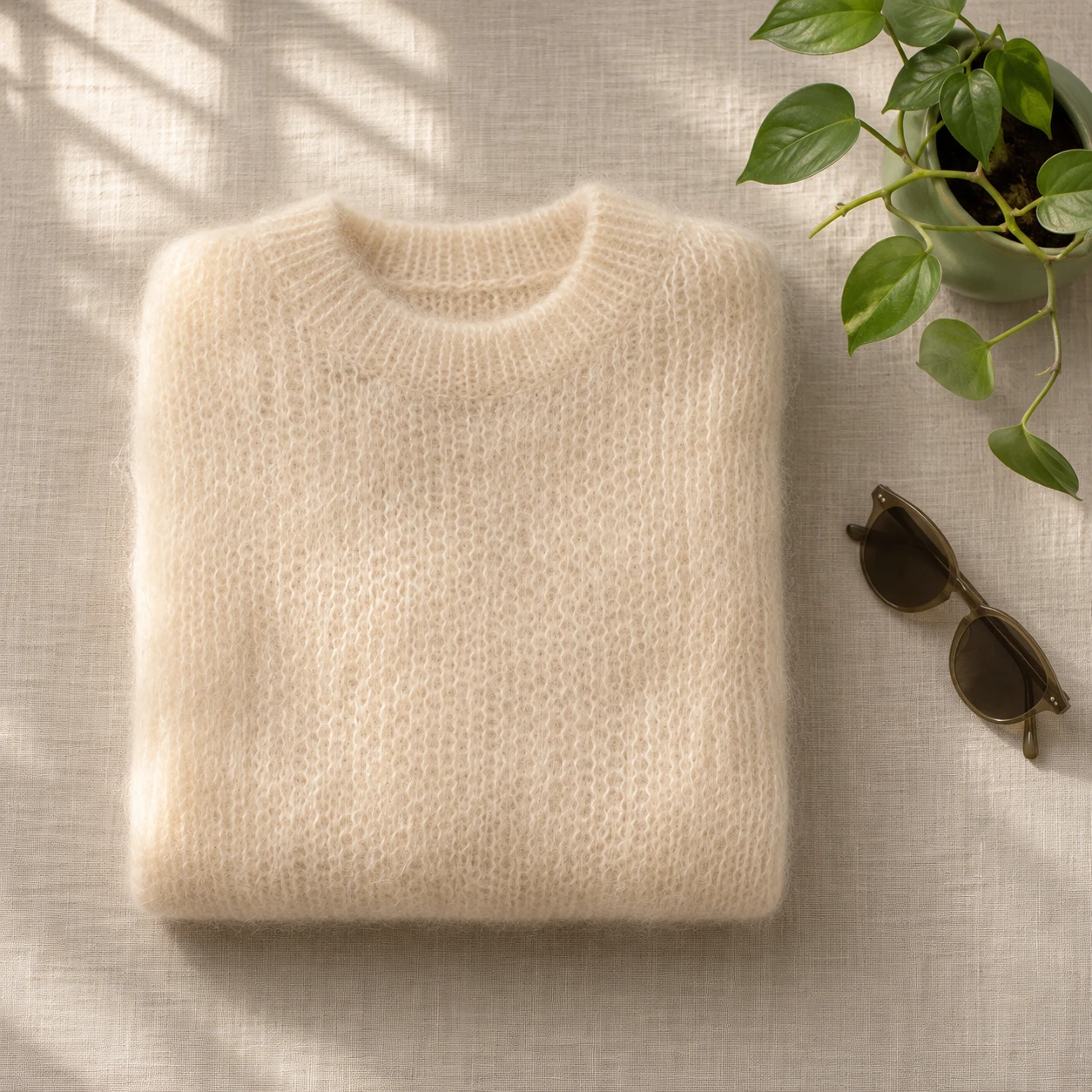
Use [Attached image] as the exact product reference.
Task: Create a folded garment flat lay.
Scene: The garment neatly folded on a light linen surface with a small plant and a pair of simple sunglasses beside it.
Light and camera: Soft window light from the top left, camera straight overhead, 35 mm lens look.
Keep exactly: garment color, fabric texture, print, collar, label and proportions from [Attached image].
Avoid: wrinkles that were not in the original, extra garments, text, watermarks.
Prompt 51: Garment on a hanger
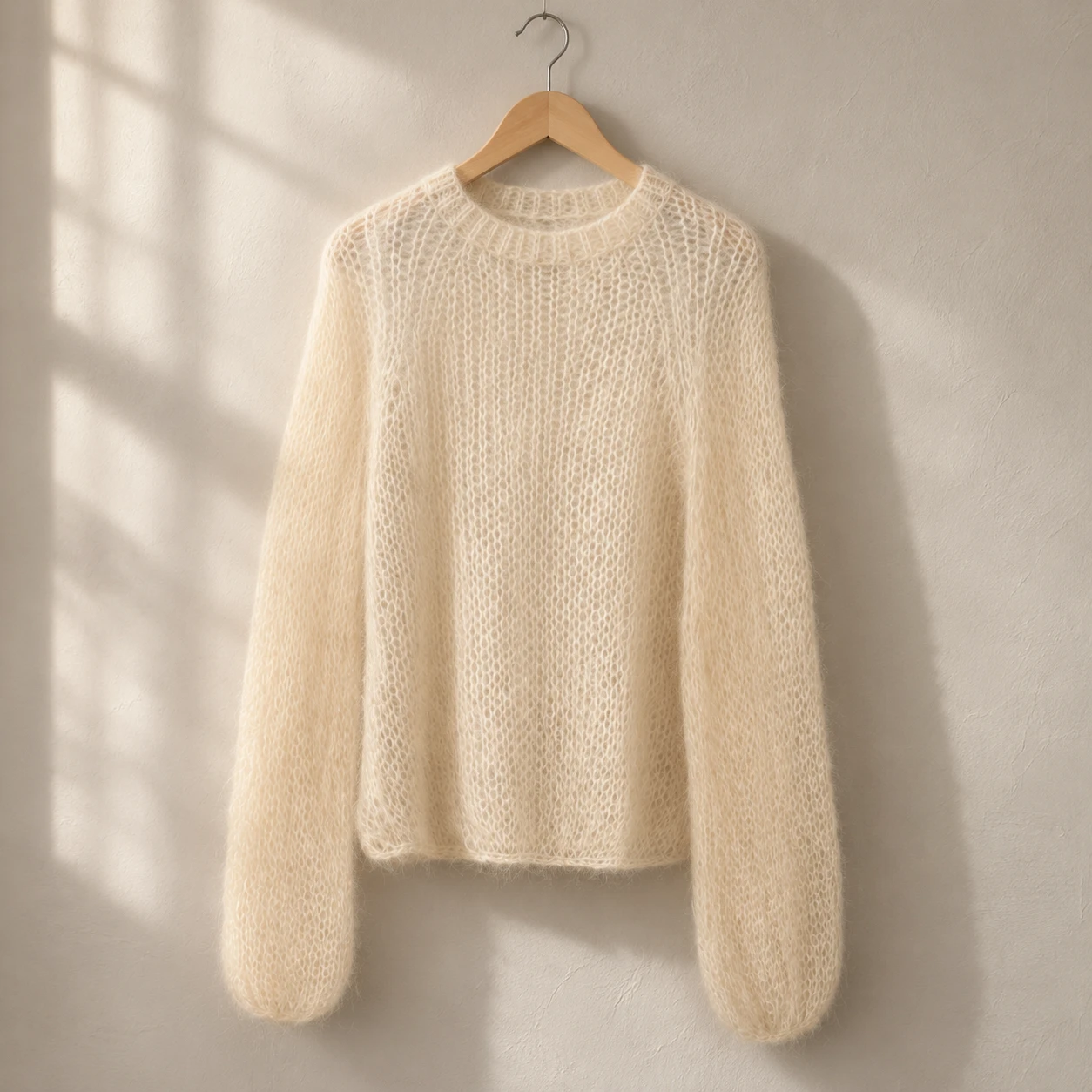
Use [Attached image] as the exact product reference.
Task: Create a garment on a hanger photo.
Scene: The garment on a plain wooden hanger against a light plaster wall with a soft shadow behind it.
Light and camera: Soft side light from a window, straight on view, garment fully visible.
Keep exactly: garment color, fabric texture, print, neckline, sleeve length, buttons and zippers from [Attached image].
Avoid: invented details, changed fit, text, watermarks.
Prompt 52: On model, full body
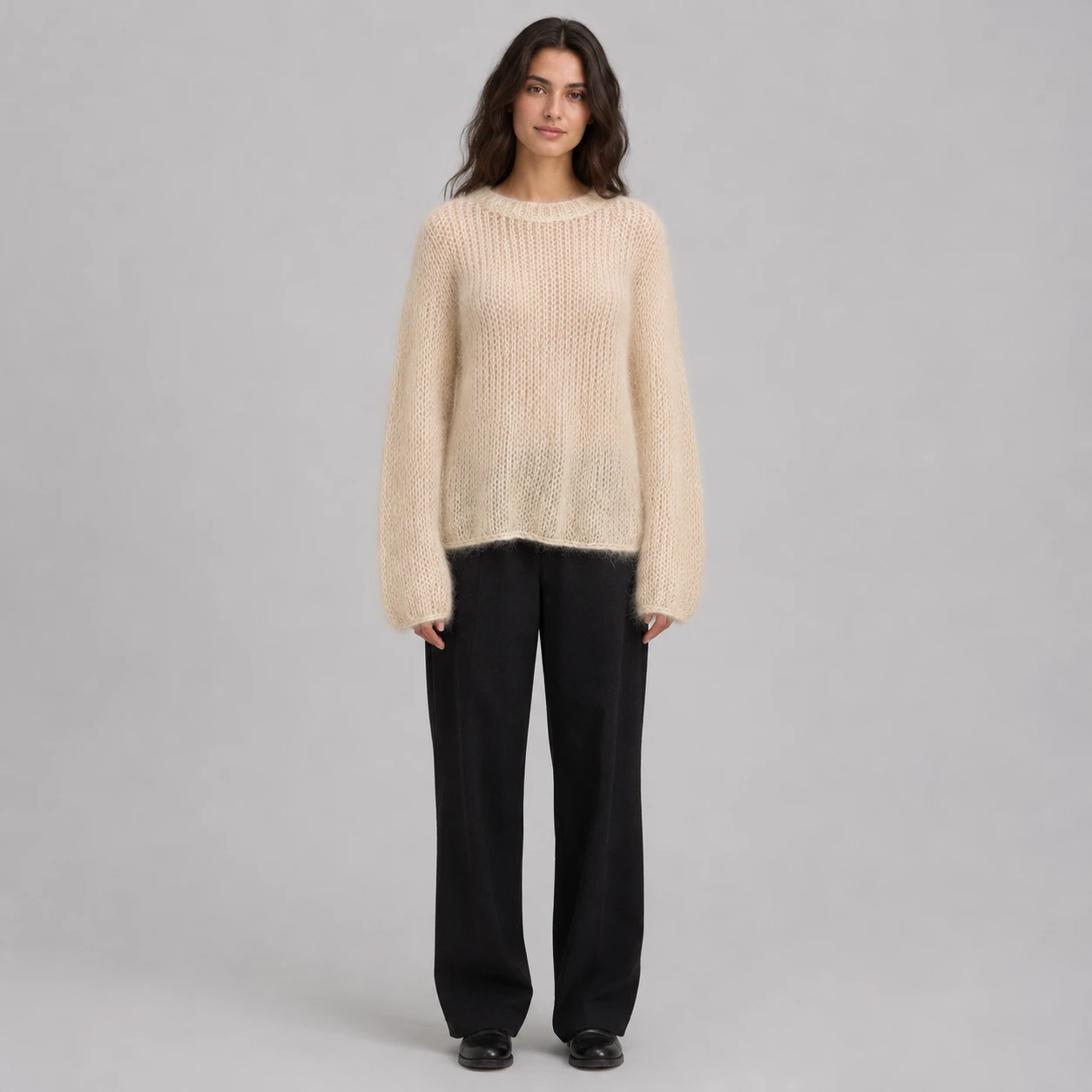
Use [Attached image] as the exact product reference.
Task: Create a full body photo of a generic adult model wearing this garment.
Scene: Standing pose against a plain light gray studio backdrop, relaxed arms, the whole garment visible.
Light and camera: Soft studio light, 85 mm lens look at a distance, straight on view.
Keep exactly: garment color, fabric texture, print, neckline, sleeve length, hem and every detail from [Attached image]. Fit must match the garment's real cut.
Avoid: a recognizable person, changed pattern, missing pockets, text, watermarks.
Many platforms and local laws care about AI generated people in fashion listings. Check the current rule, and disclose where required.
Prompt 53: Sneaker on a pedestal
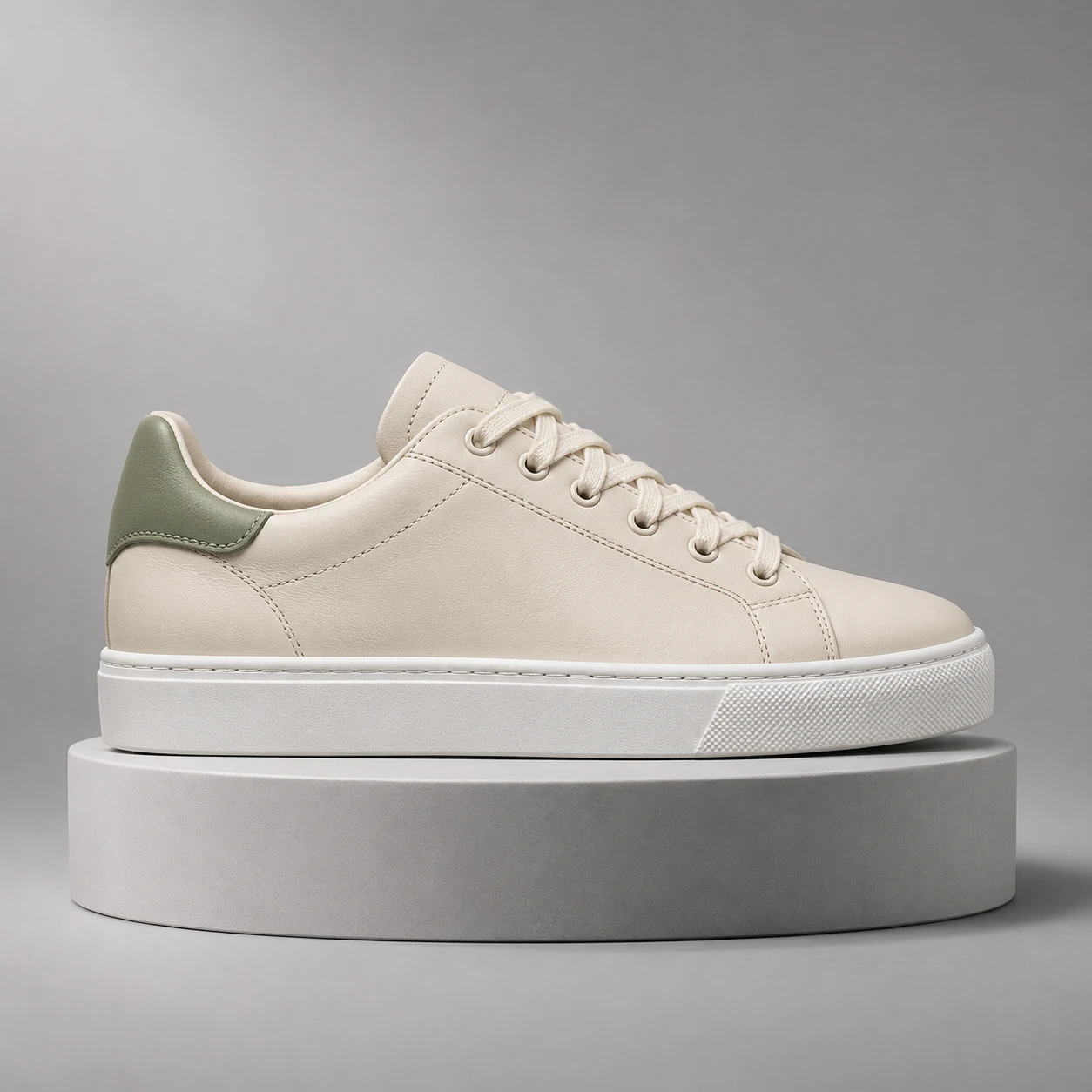
Use [Attached image] as the exact product reference.
Task: Create a sneaker hero photo.
Scene: The sneaker on a small round pedestal in light gray, side profile, on a seamless gray backdrop with a soft shadow.
Light and camera: Large softbox from the upper left, soft fill from the right, camera at the height of the sole, 85 mm lens look.
Keep exactly: sneaker shape, sole, laces, stitching, colors, logos and proportions from [Attached image].
Avoid: invented logos on the sole, changed laces, text, watermarks.
Prompt 54: Folded stack on a shelf
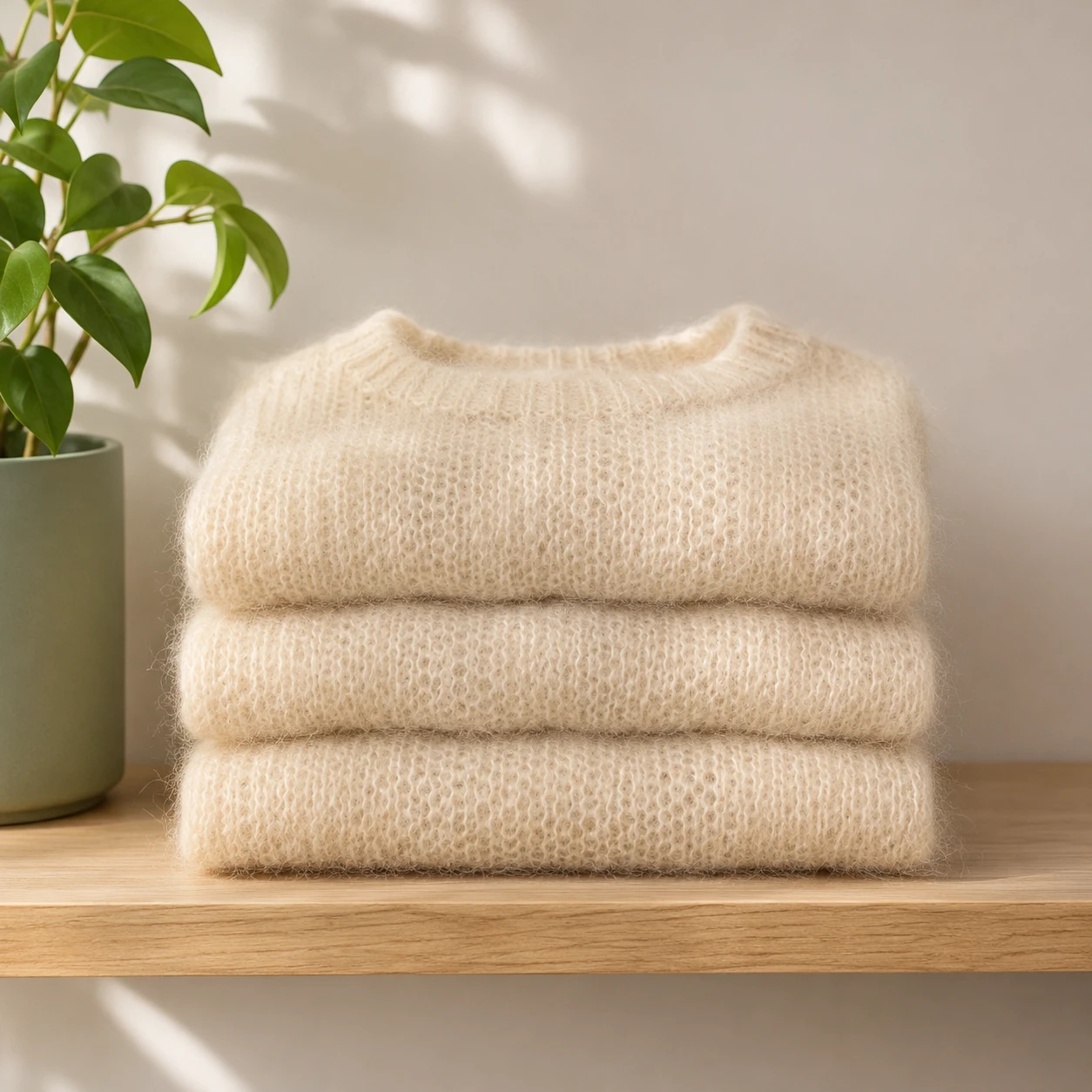
Use [Attached image] as the exact product reference.
Task: Create a retail shelf display photo.
Scene: A neat stack of 3 folded copies of the product on a light wooden shelf, a plant at one end and a white wall behind.
Light and camera: Soft daylight from the left, straight on view, shallow depth of field on the wall.
Keep exactly: color, fabric, print, label and proportions from [Attached image]. All three copies match the original.
Avoid: different colors in the stack unless they exist, text, watermarks.
10. Jewelry, Watches and Accessories
Jewelry shows the limits of AI. Krea's guide lists exact material fidelity, such as gemstones, as a case where AI is not recommended, so I keep the original product pixels for the stone and change only the setting around it.
Prompt 55: Ring on stone
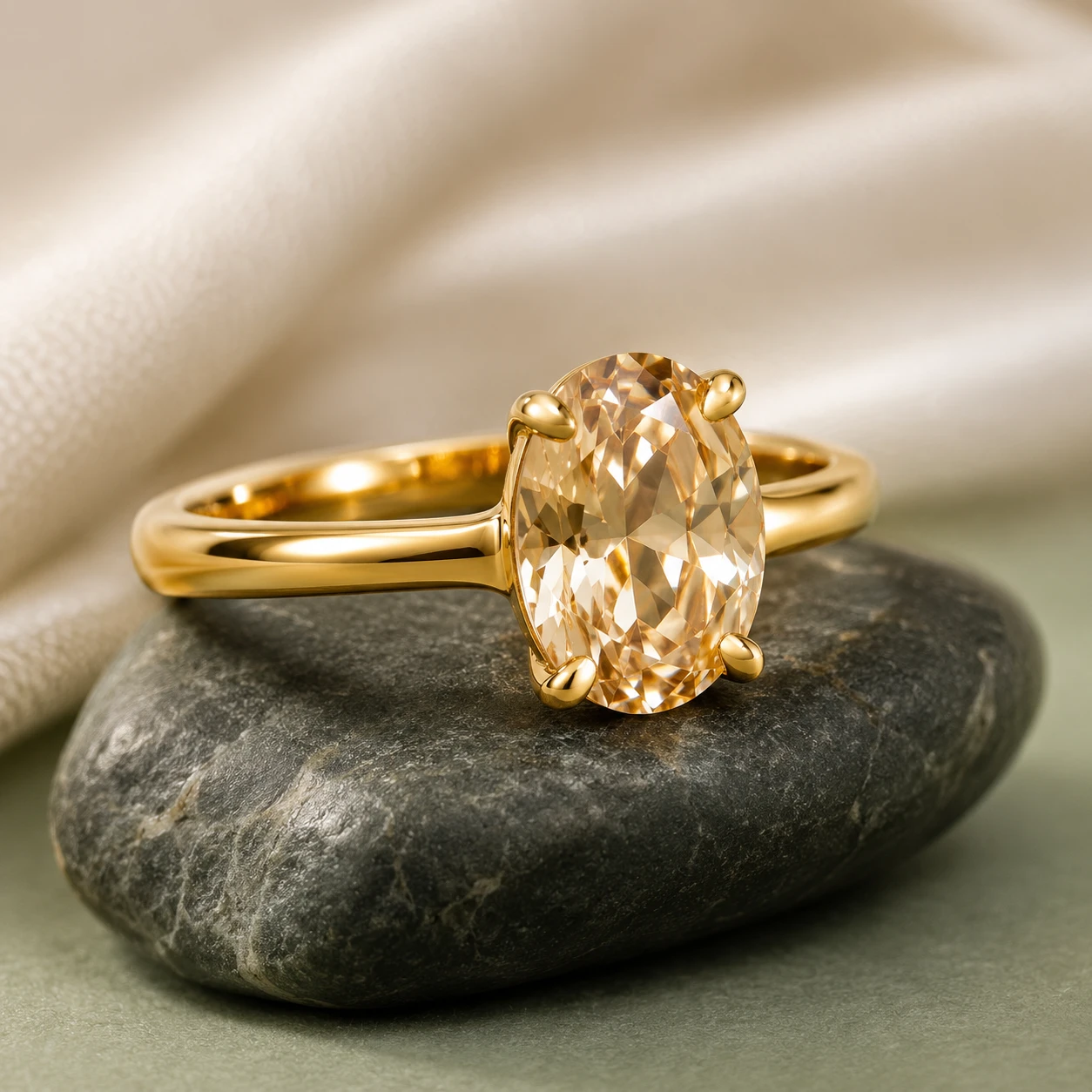
Use [Attached image] as the exact product reference.
Task: Create a luxury photo of a ring.
Scene: The ring standing on a small piece of smooth dark stone with a soft cream cloth behind it.
Light and camera: Soft box light from the upper left with a small reflector to show sparkle, 100 mm macro lens look, ring in sharp focus.
Keep exactly: metal color, stone shape, stone color, cut, setting and proportions from [Attached image].
Avoid: changed stone color, extra gems, engraved text, watermarks.
Prompt 56: Necklace on a neutral bust
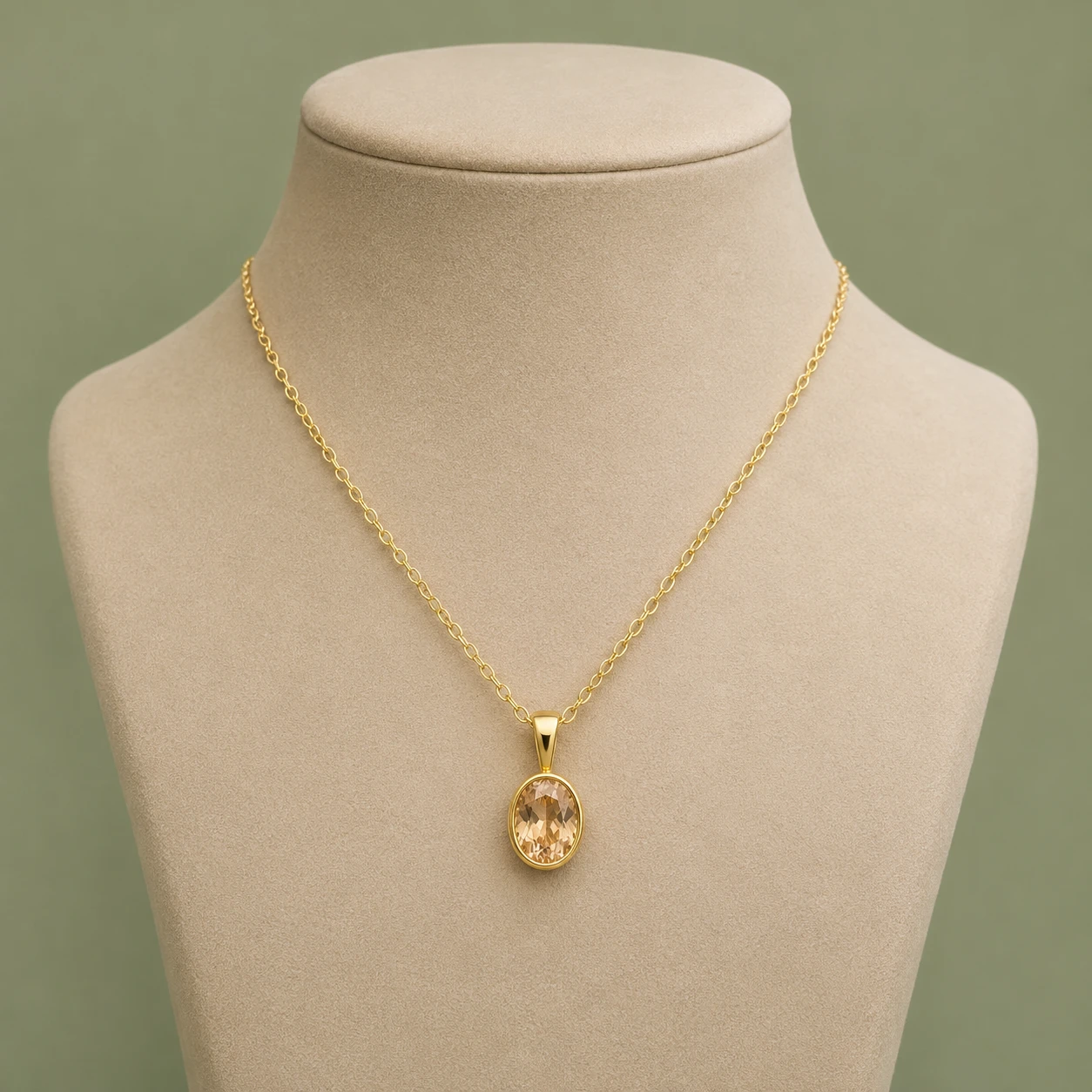
Use [Attached image] as the exact product reference.
Task: Create a necklace photo on a display bust.
Scene: The necklace on a matte beige neck display form against a plain warm backdrop.
Light and camera: Soft diffused light, straight on view, 85 mm lens look, chain and pendant sharp.
Keep exactly: chain length, link style, pendant shape, metal color and stone color from [Attached image].
Avoid: a real person, changed chain, extra pendants, text, watermarks.
Prompt 57: Watch on a wrist
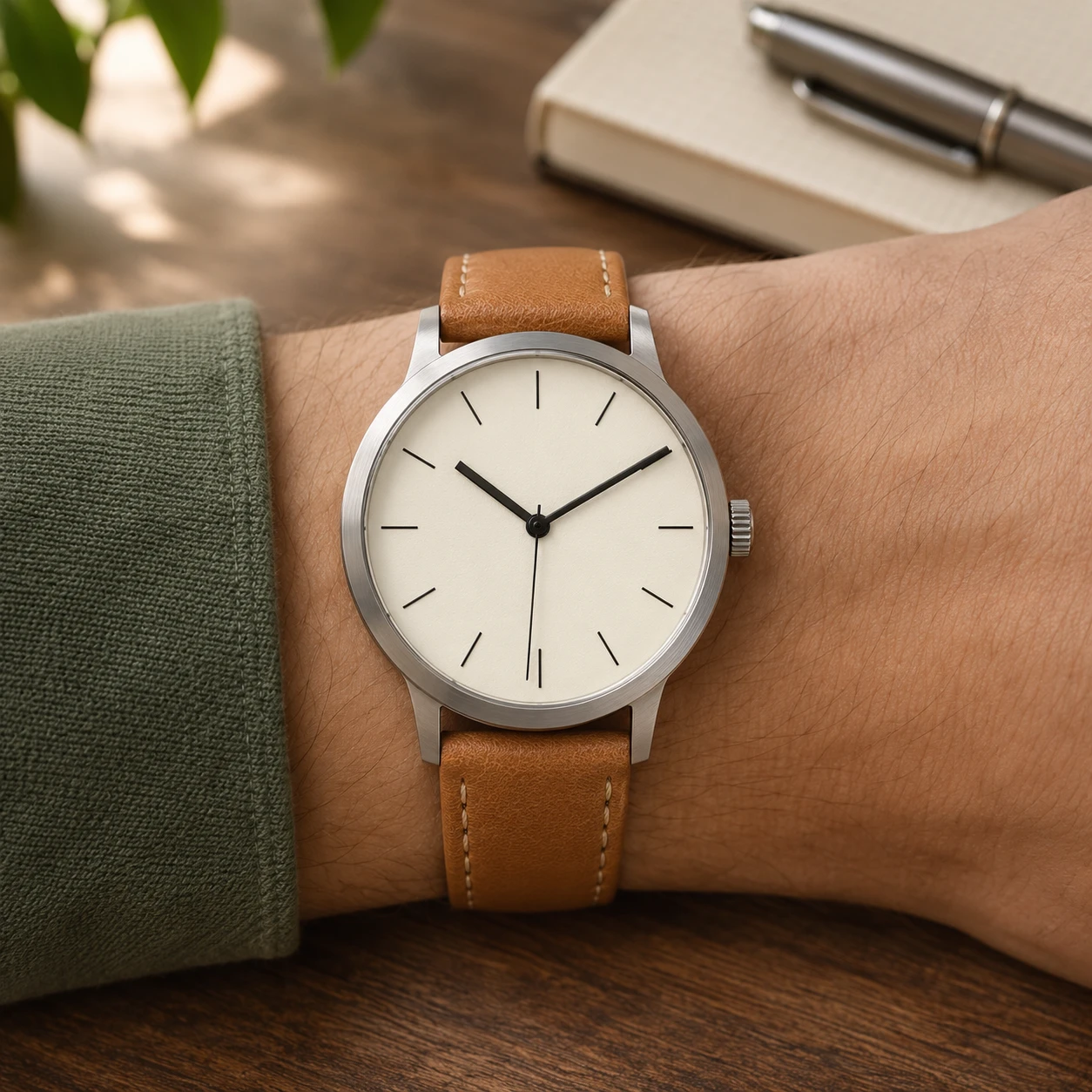
Use [Attached image] as the exact product reference.
Task: Create a watch lifestyle photo.
Scene: A generic wrist with a plain sleeve resting on a wooden desk beside a notebook and a pen, the watch face toward the camera.
Light and camera: Soft window light from the left, 100 mm lens look, shallow depth of field, the dial in sharp focus.
Keep exactly: case shape, dial layout, hands, markers, strap, colors and proportions from [Attached image]. Keep the time on the dial the same as in the photo.
Avoid: changed brand text, extra complications, text, watermarks.
Prompt 58: Earrings on stone
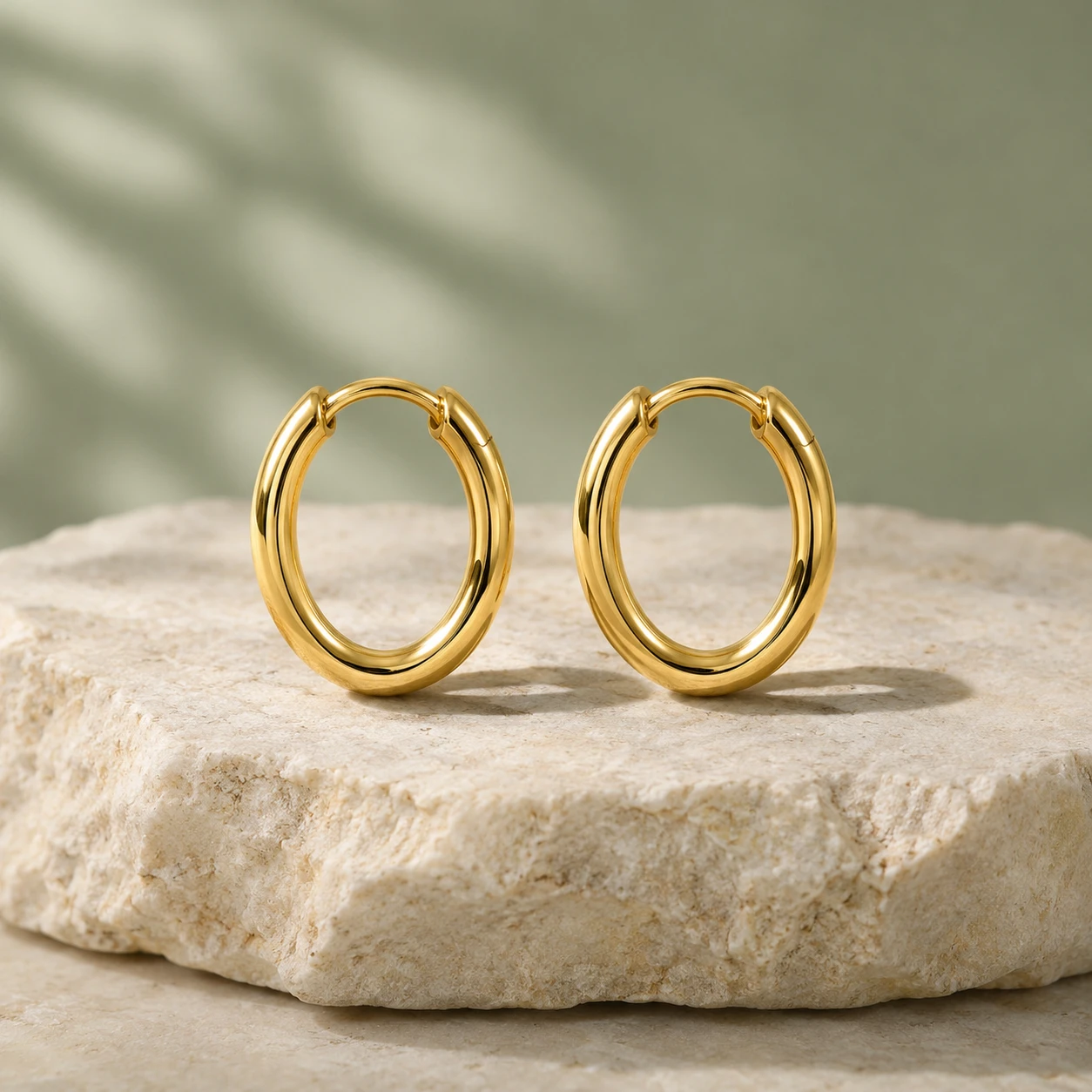
Use [Attached image] as the exact product reference.
Task: Create an earring photo.
Scene: The pair of earrings resting on a pale stone slab, mirror images of each other, with a soft shadow.
Light and camera: Soft window light, camera straight on, 100 mm macro lens look, both earrings sharp.
Keep exactly: earring shape, size ratio, metal color, stones and proportions from [Attached image].
Avoid: mismatched pair, changed stones, text, watermarks.
Prompt 59: Bag on a bench
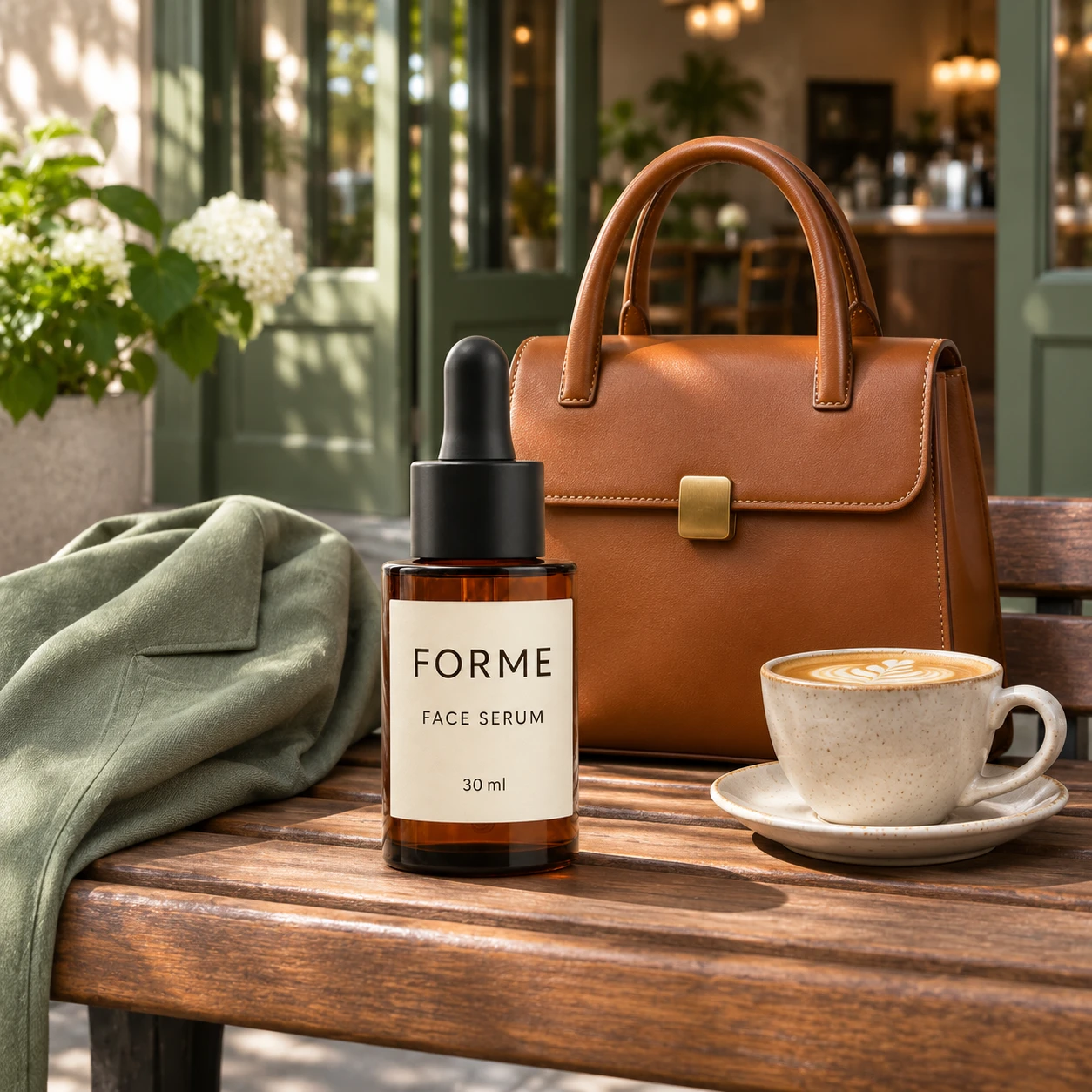
Use [Attached image] as the exact product reference.
Task: Create a bag lifestyle photo.
Scene: The bag on a wooden bench in a bright cafe entrance, with a coffee cup and a folded jacket beside it.
Light and camera: Soft daylight from the left, camera at eye level, 50 mm lens look, shallow depth of field.
Keep exactly: bag shape, leather or fabric texture, color, hardware, stitching and logo from [Attached image].
Avoid: changed straps, extra pockets, text, watermarks.
11. Electronics, Home and Furniture
Devices and furniture need true scale and clean screens. Tell the model to leave screens blank, so it does not invent interface text.
Prompt 60: Earbuds and case on a desk
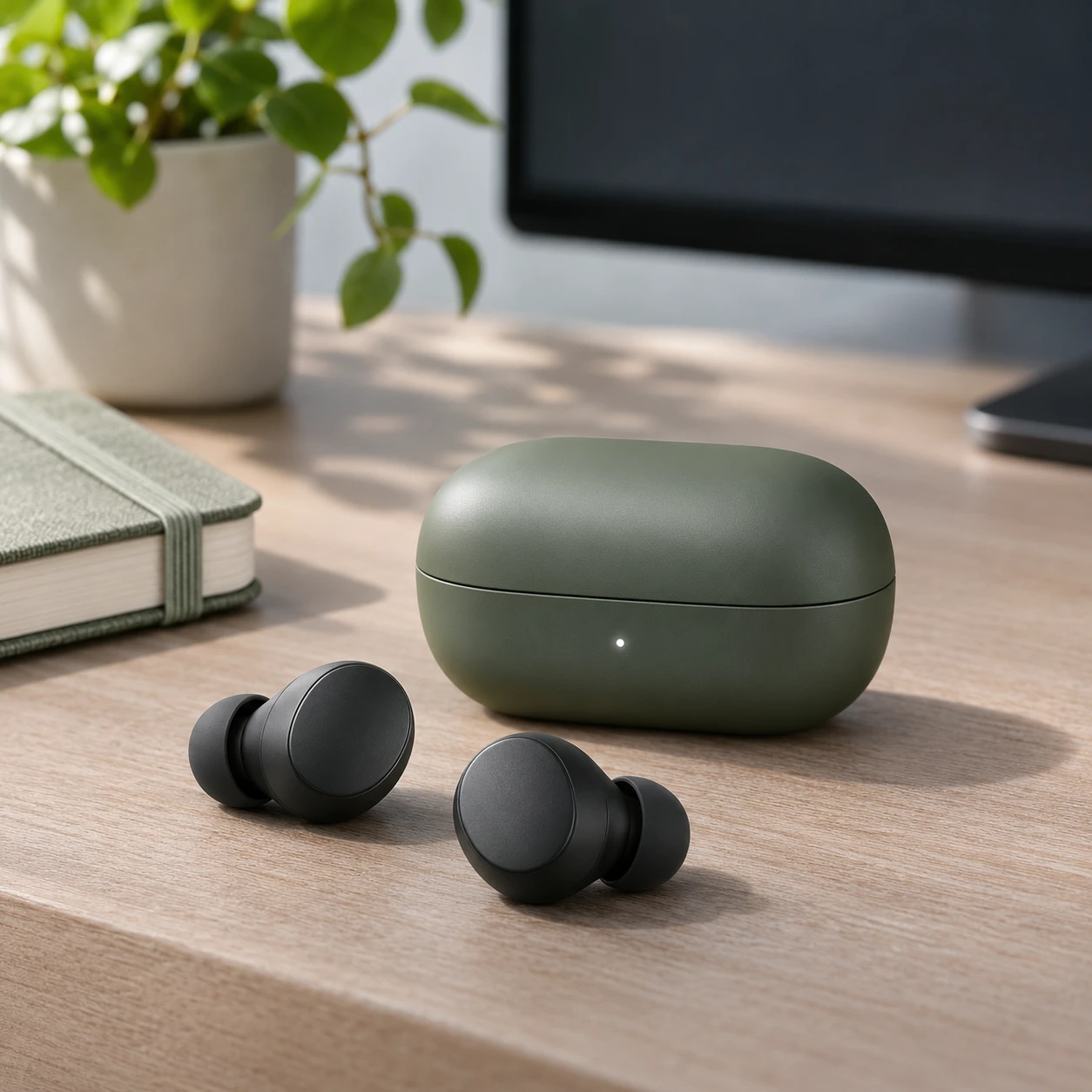
Use [Attached image] as the exact product reference.
Task: Create a tech lifestyle photo for earbuds and their charging case.
Scene: The case closed with the earbuds beside it on a clean desk, a notebook and a small plant in the background, a dark monitor blurred behind.
Light and camera: Soft daylight from the left with a cool fill, 45 degree angle, 70 mm lens look, shallow depth of field.
Keep exactly: shape, color, finish, button and light placement and any logo from [Attached image].
Avoid: invented buttons, readable screen text, extra devices, watermarks.
Prompt 61: Phone case on marble
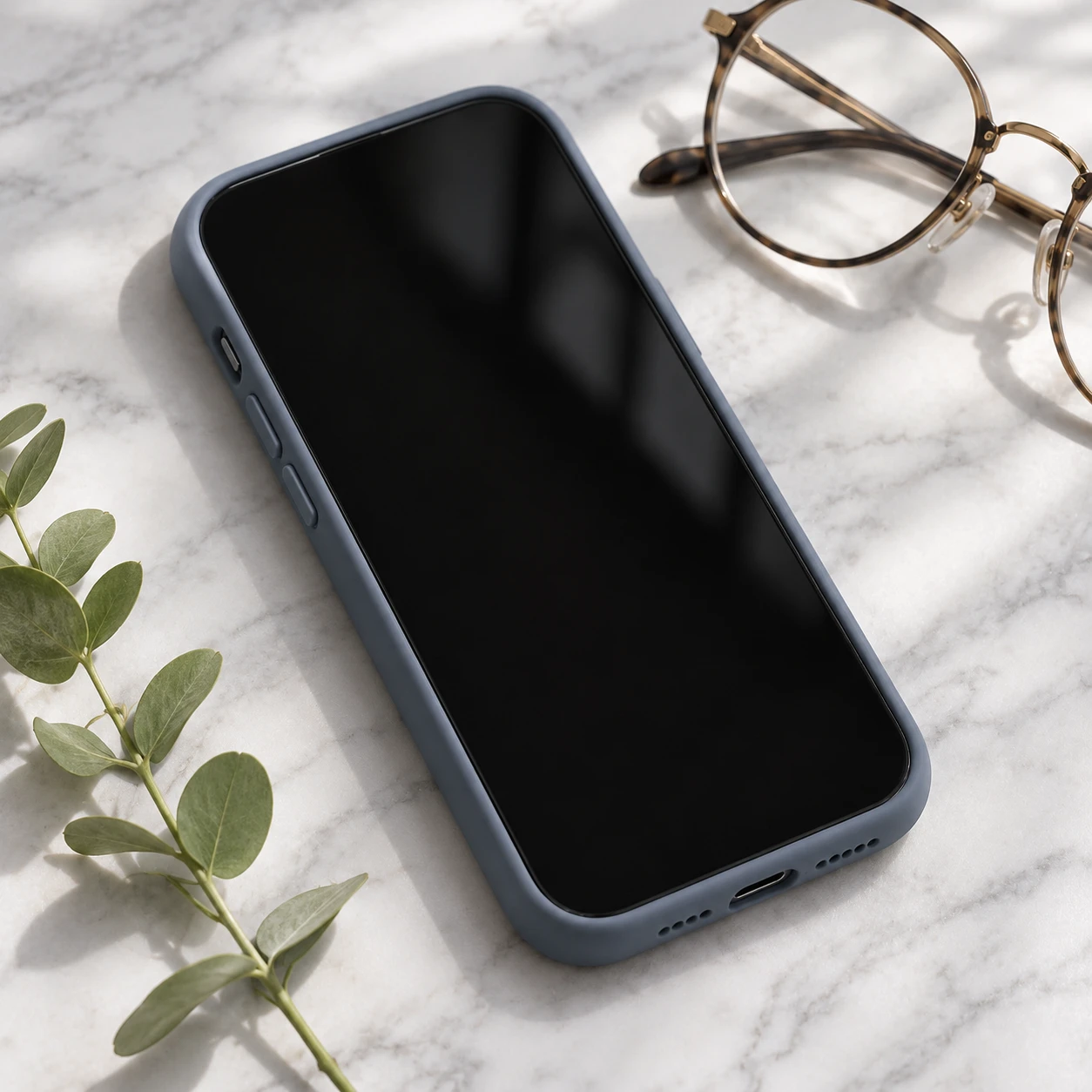
Use [Attached image] as the exact product reference.
Task: Create a phone case photo.
Scene: The phone with the case on a white marble surface, a sprig of greenery and a pair of glasses beside it, the screen off and black.
Light and camera: Soft window light, camera straight overhead at a slight tilt, 50 mm lens look.
Keep exactly: case color, pattern, camera cutout shape, button covers and any logo from [Attached image].
Avoid: invented screen content, changed pattern, text, watermarks.
Prompt 62: Smart speaker in a living room
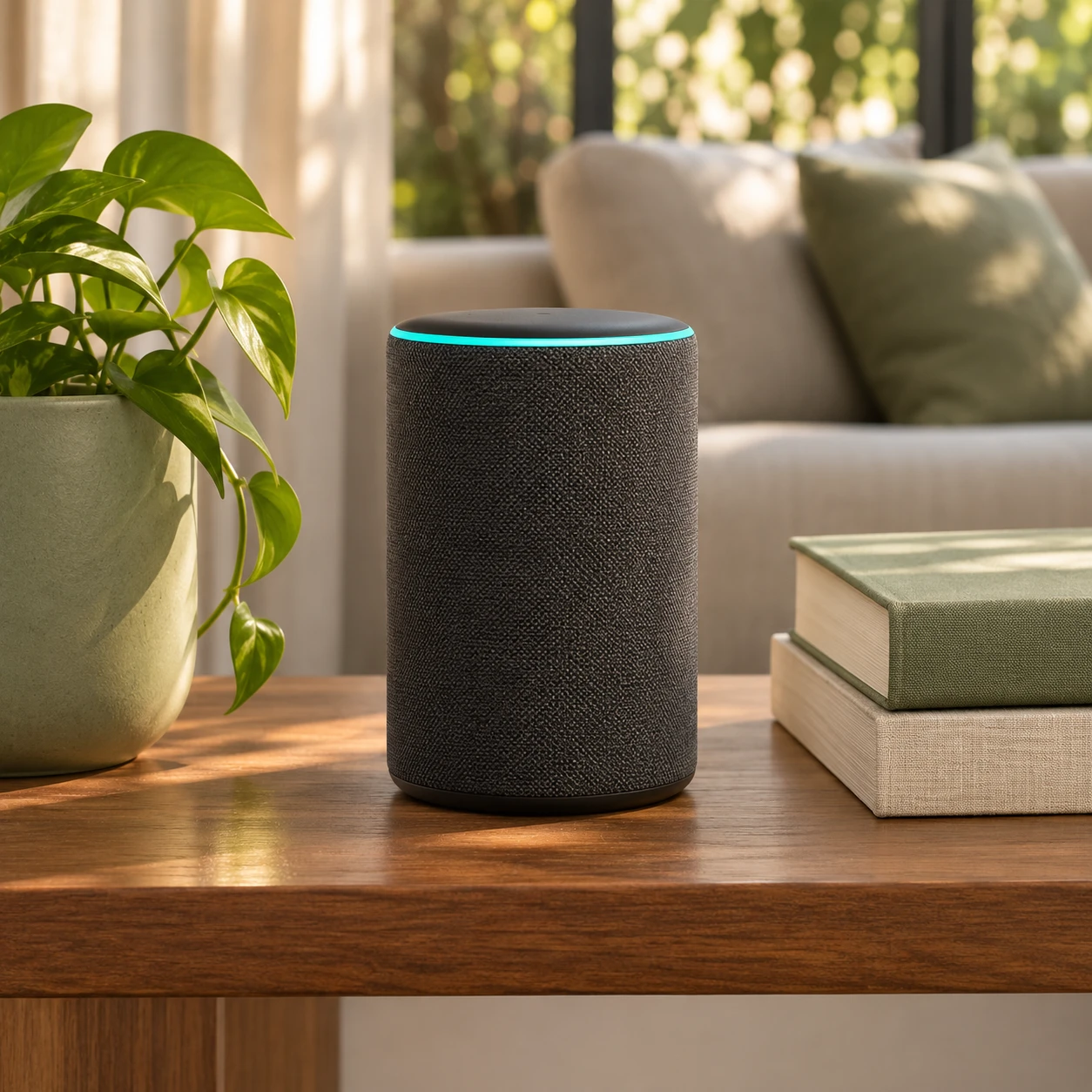
Use [Attached image] as the exact product reference.
Task: Create a smart home device lifestyle photo.
Scene: The speaker on a wooden shelf in a calm living room, a plant on one side and a stack of books on the other, a sofa blurred behind.
Light and camera: Warm afternoon light from a window, eye level, 40 mm lens look.
Keep exactly: shape, size, fabric or finish, light ring, ports and any logo from [Attached image]. Keep the size believable against the books and shelf.
Avoid: invented display text, changed proportions, extra devices, watermarks.
Prompt 63: Desk accessory in a workspace
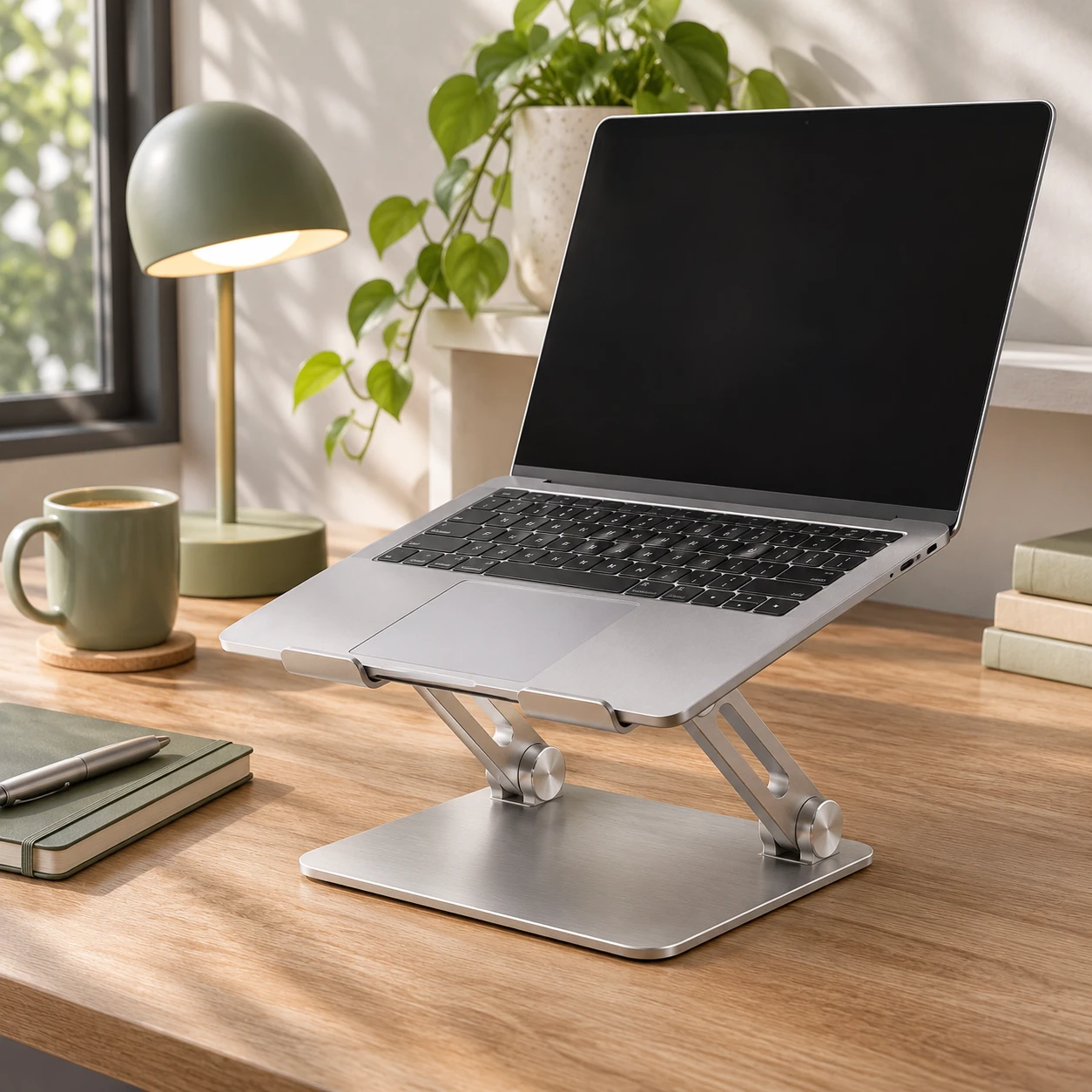
Use [Attached image] as the exact product reference.
Task: Create a workspace photo for a laptop stand or desk accessory.
Scene: The product on a tidy oak desk with a laptop on it, the laptop screen showing a plain dark screen, and a mug and a small lamp beside it.
Light and camera: Soft daylight from the left, 35 degree angle, 35 mm lens look.
Keep exactly: product shape, material, color, hinges, ports and any logo from [Attached image].
Avoid: readable screen text, extra monitors, changed product design, watermarks.
Prompt 64: Furniture staging
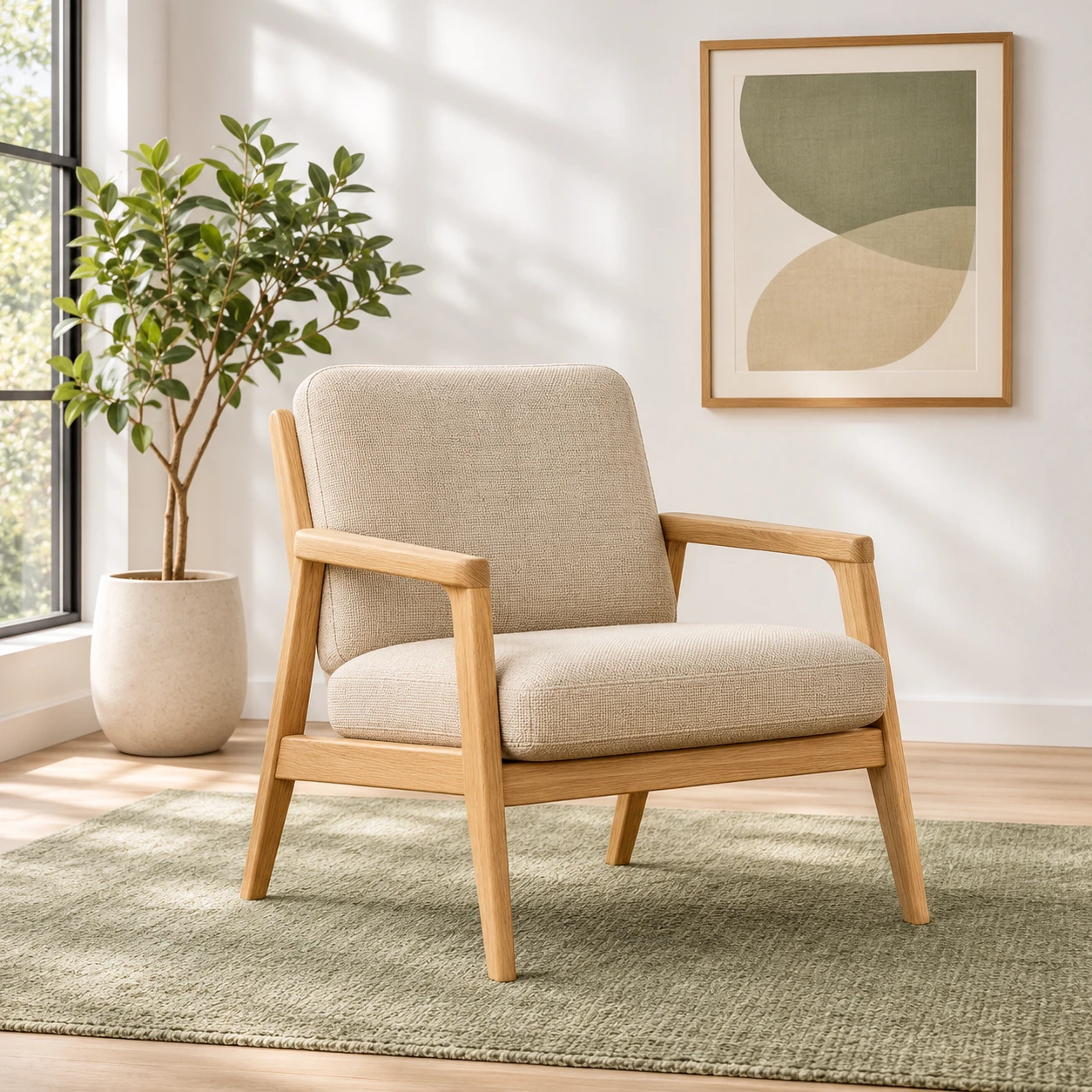
Use [Attached image] as the exact product reference.
Task: Place this furniture piece in a styled room for a product page.
Scene: A bright living room with a pale wooden floor, a plain white wall, a rug under the piece, one plant and one framed print with abstract shapes and no text.
Light and camera: Soft daylight from a side window, eye level, 28 mm lens look, the whole piece visible.
Keep exactly: shape, dimensions, upholstery or wood color, legs, seams and proportions from [Attached image]. Keep the size believable against the room.
Avoid: changed fabric, extra cushions that hide the design, text, watermarks.
Prompt 65: Decor item on a windowsill
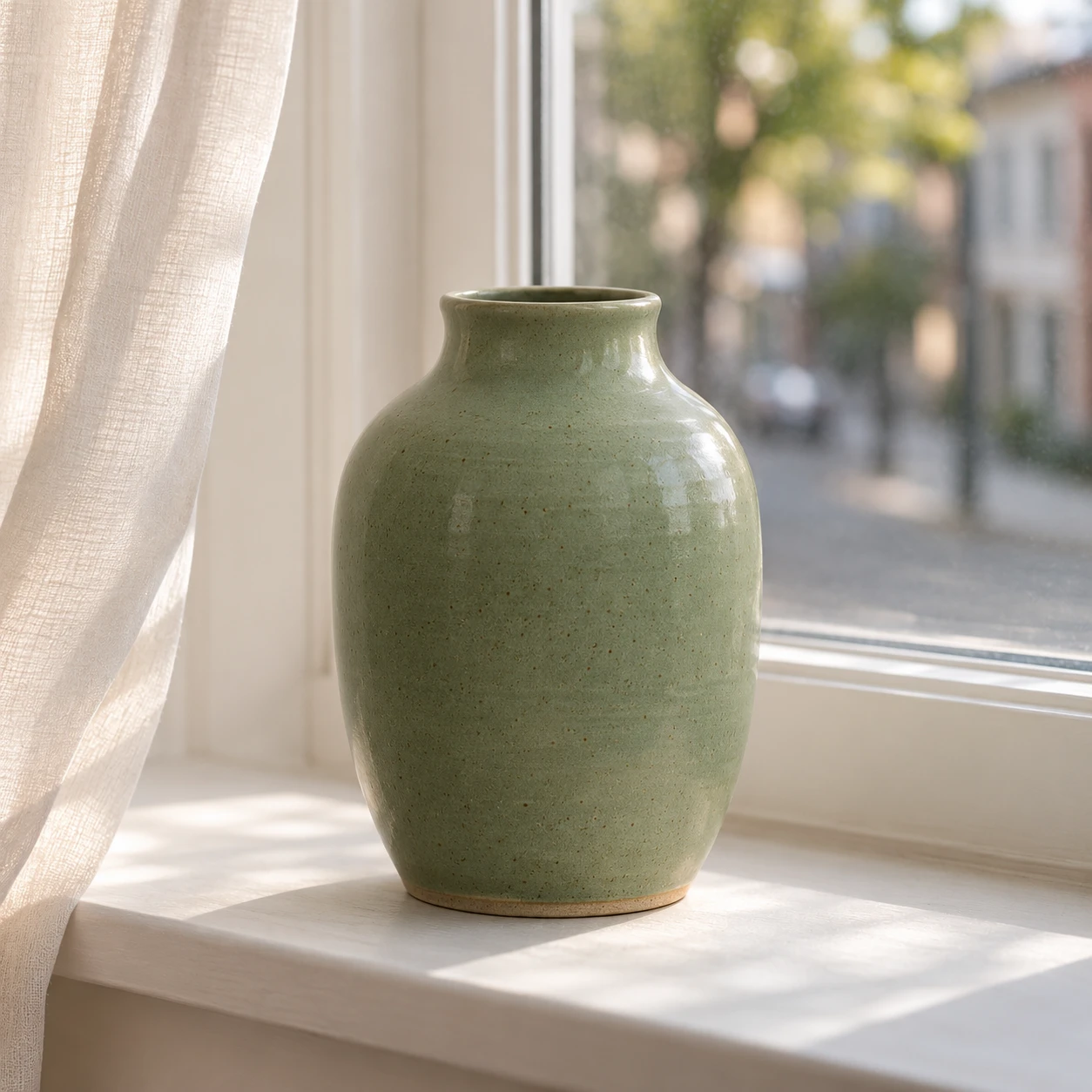
Use [Attached image] as the exact product reference.
Task: Create a home decor photo of a vase, planter or small object.
Scene: The product on a white windowsill with a soft curtain moving at the side and a quiet street blurred outside.
Light and camera: Soft morning light through the window, eye level, 50 mm lens look, shallow depth of field.
Keep exactly: shape, color, glaze, pattern and proportions from [Attached image].
Avoid: invented patterns, extra plants that hide the product, text, watermarks.
12. Packaging and Mockups
In this group, [Attached image] is your artwork or flat design, not a finished product. The model wraps it onto a real shape. Check the result against your print file, because small text often shifts.
Prompt 66: Box mockup
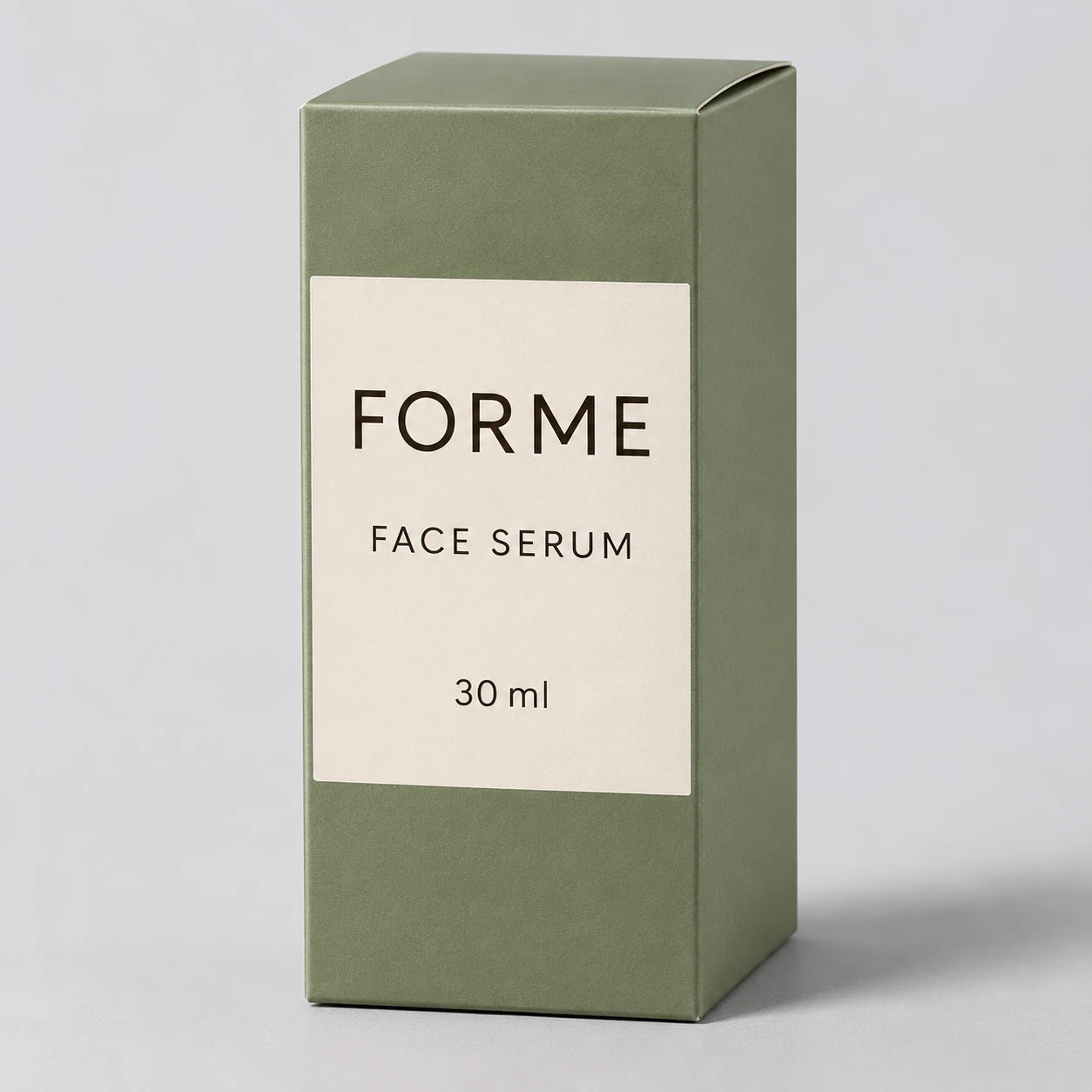
Use [Attached image] as the exact packaging artwork.
Task: Create a product box mockup.
Scene: A closed rectangular box standing on a light gray surface with the artwork wrapped on the front face and a side panel, soft shadow below.
Light and camera: Soft studio light, three quarter view from the front right, 70 mm lens look.
Keep exactly: every word, logo, color and layout of the artwork from [Attached image]. Do not redraw or retype the text.
Avoid: warped text, invented side panel text, extra boxes, watermarks.
Prompt 67: Bottle label mockup
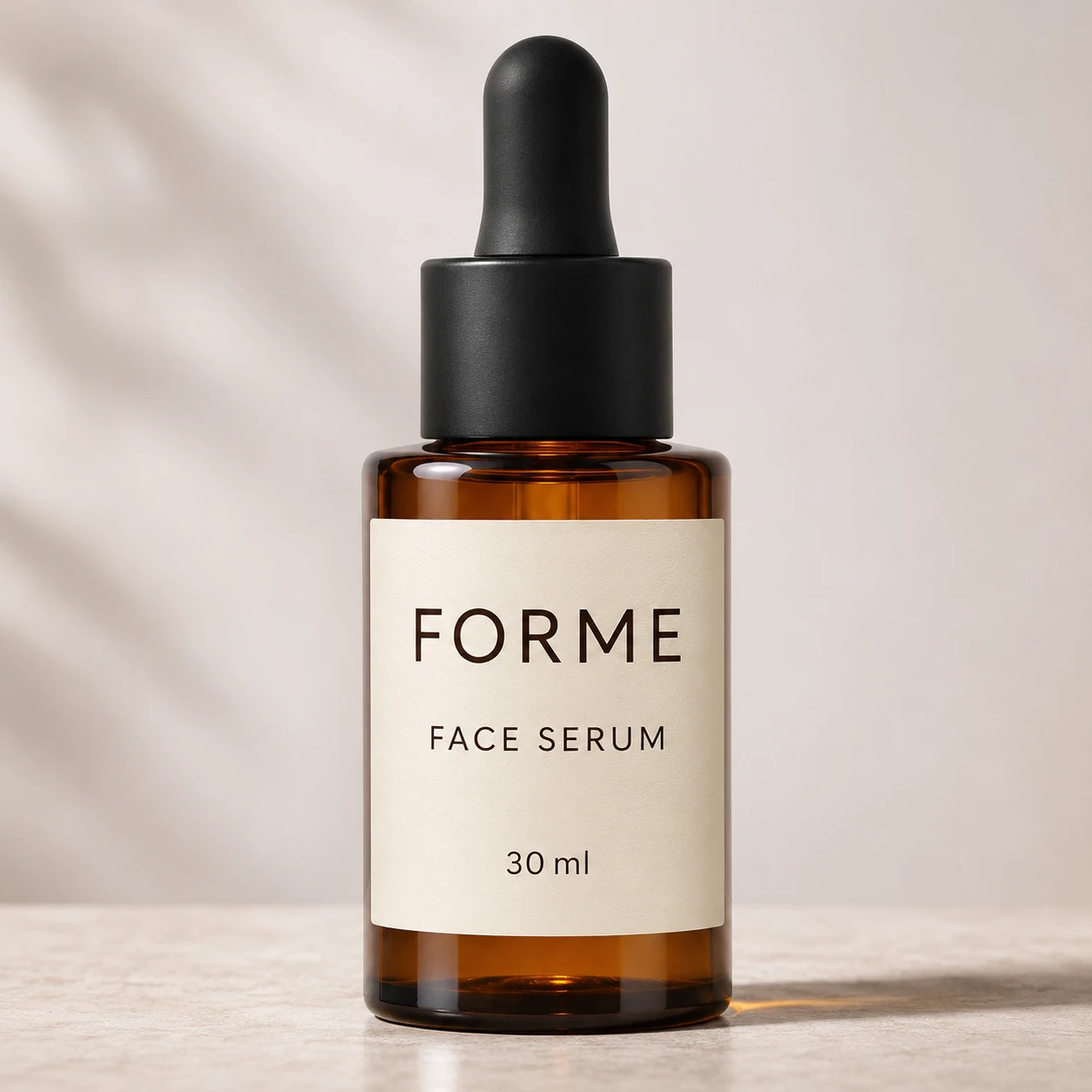
Use [Attached image] as the exact label artwork.
Task: Create a bottle with this label.
Scene: A clear or amber glass bottle on a pale surface with the label wrapped on the front, slightly curved, and a plain cap.
Light and camera: Soft side light with a gentle highlight on the glass, straight on view at table height, 85 mm lens look.
Keep exactly: every word, logo, color and layout of the label from [Attached image], with only natural curve at the edges.
Avoid: changed text, extra labels, text on the glass, watermarks.
Prompt 68: Pouch mockup
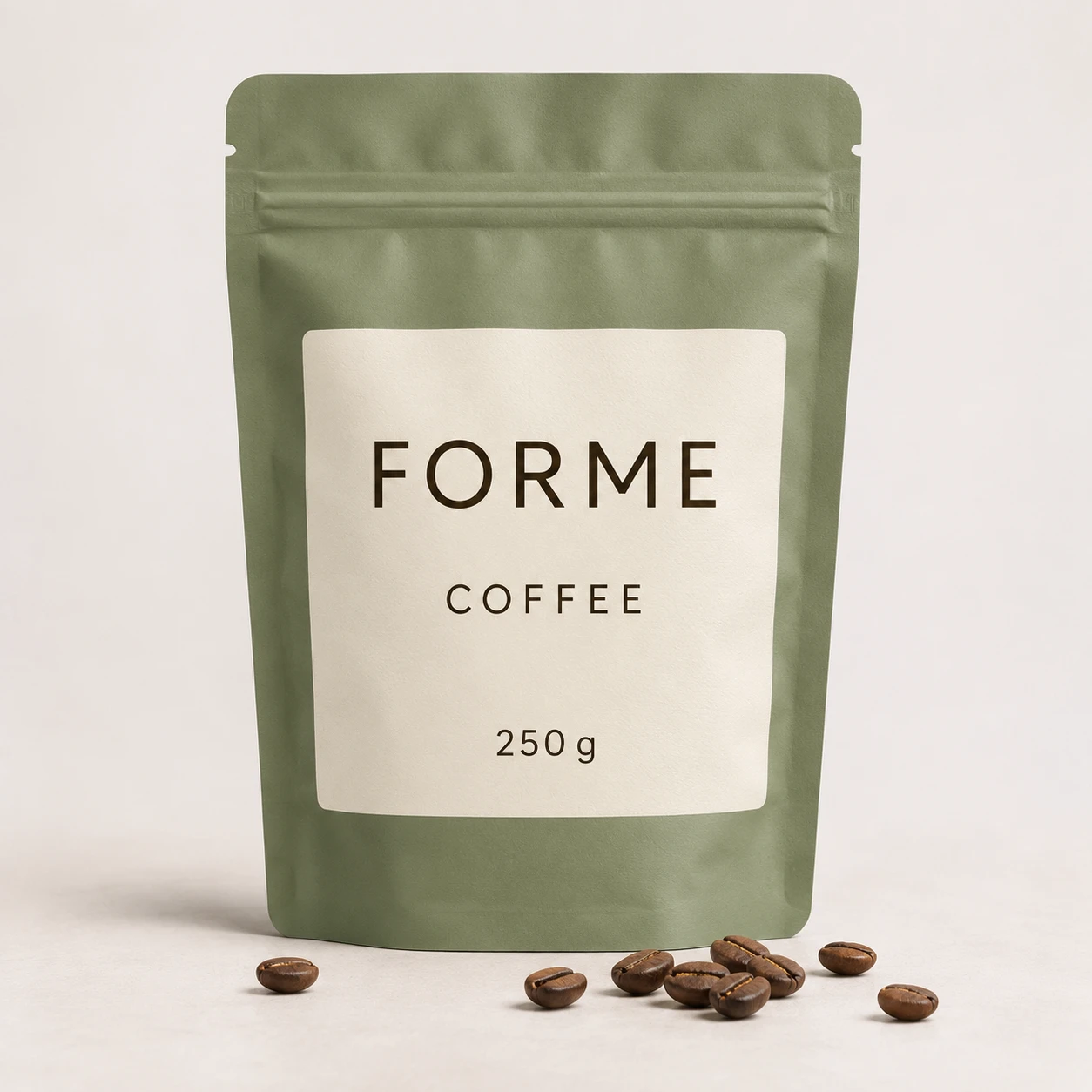
Use [Attached image] as the exact pouch artwork.
Task: Create a stand up pouch mockup.
Scene: A matte stand up pouch with a zip top and a small tear notch on a light surface, a few of the pouch's contents [for example, coffee beans or granola] scattered in front.
Light and camera: Soft studio light, straight on view, slight shadow below the pouch.
Keep exactly: every word, logo, color and layout of the artwork from [Attached image].
Avoid: added claims, changed text, shiny glare over the artwork, watermarks.
Prompt 69: Shopping bag mockup
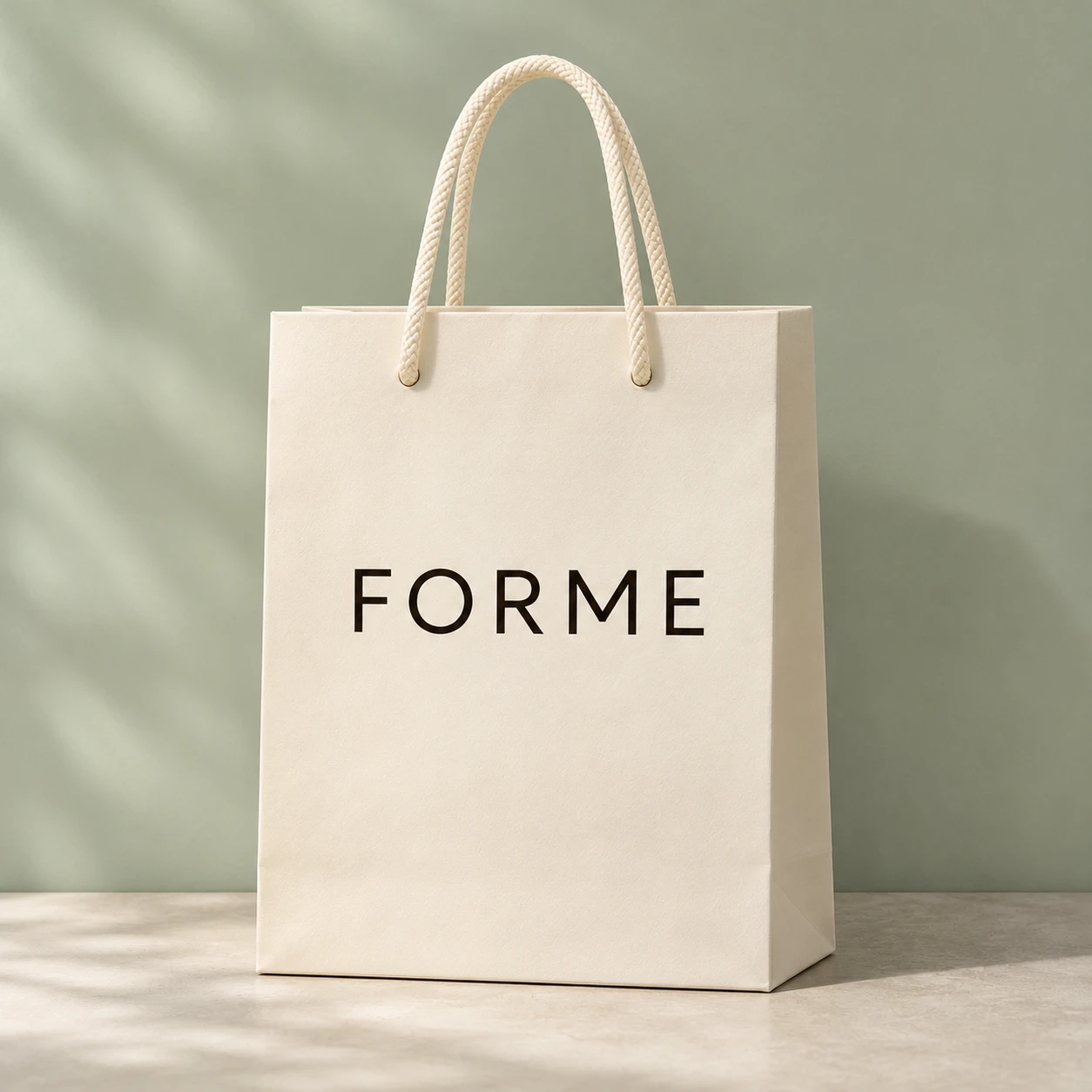
Use [Attached image] as the exact bag artwork.
Task: Create a paper shopping bag mockup.
Scene: A kraft or white paper bag with rope handles standing on a light floor against a soft pastel wall, the artwork printed on the front.
Light and camera: Soft daylight, eye level, 50 mm lens look, gentle shadow behind the bag.
Keep exactly: every word, logo, color and layout of the artwork from [Attached image].
Avoid: warped text, extra logos, a person, watermarks.
Prompt 70: Jar label mockup
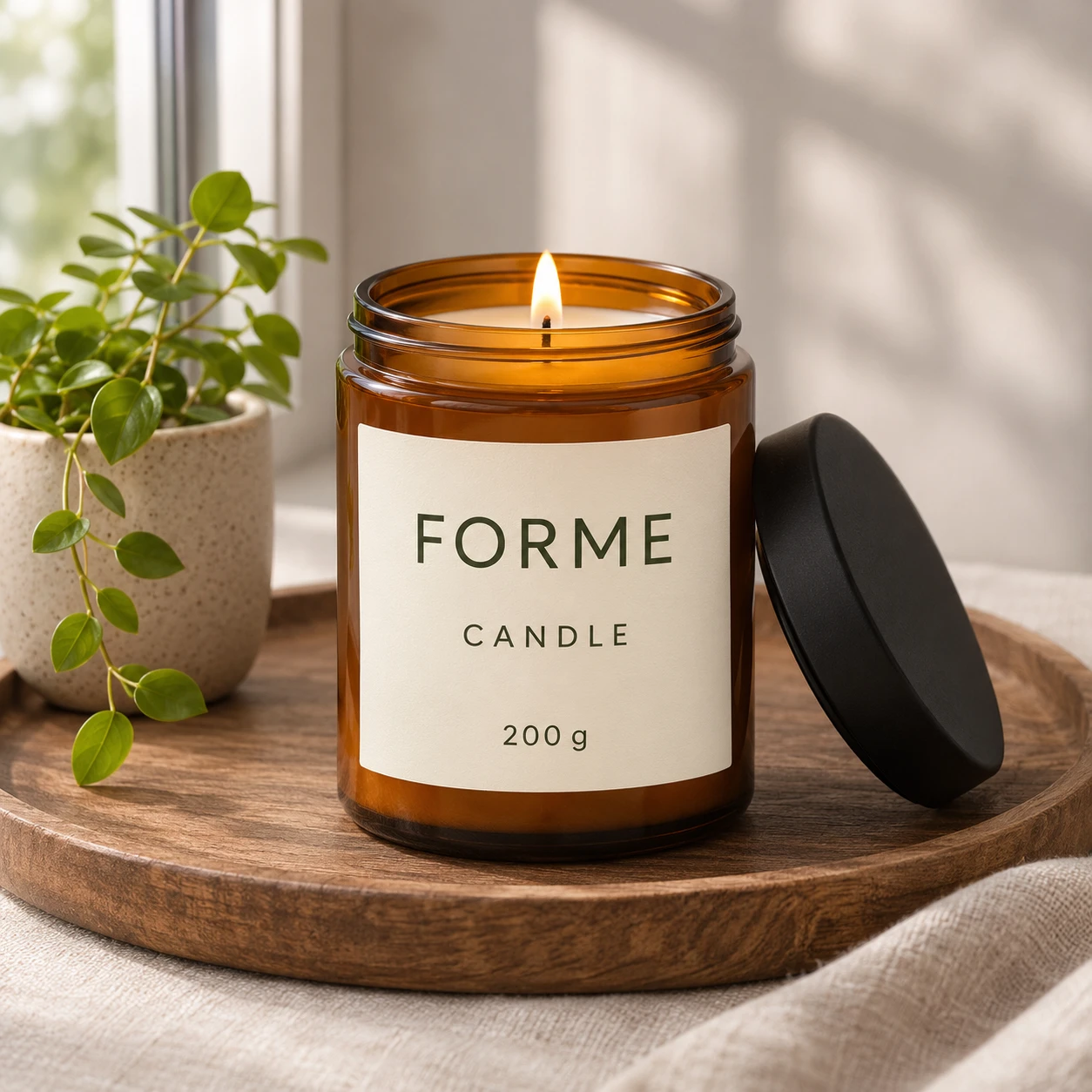
Use [Attached image] as the exact label artwork.
Task: Create a candle or cream jar with this label.
Scene: A glass jar with a matching lid on a wooden tray, the label wrapped on the front, a small plant beside it.
Light and camera: Soft window light from the left, slightly above eye level, 70 mm lens look.
Keep exactly: every word, logo, color and layout of the label from [Attached image].
Avoid: changed text, additional labels, glare over the label, watermarks.
13. Seasonal and Campaign Images
Seasonal prompts change the mood while the product stays true. I leave the text off the image and add it later in a design tool, so the words stay spelled right.
Prompt 71: Black Friday dark and gold
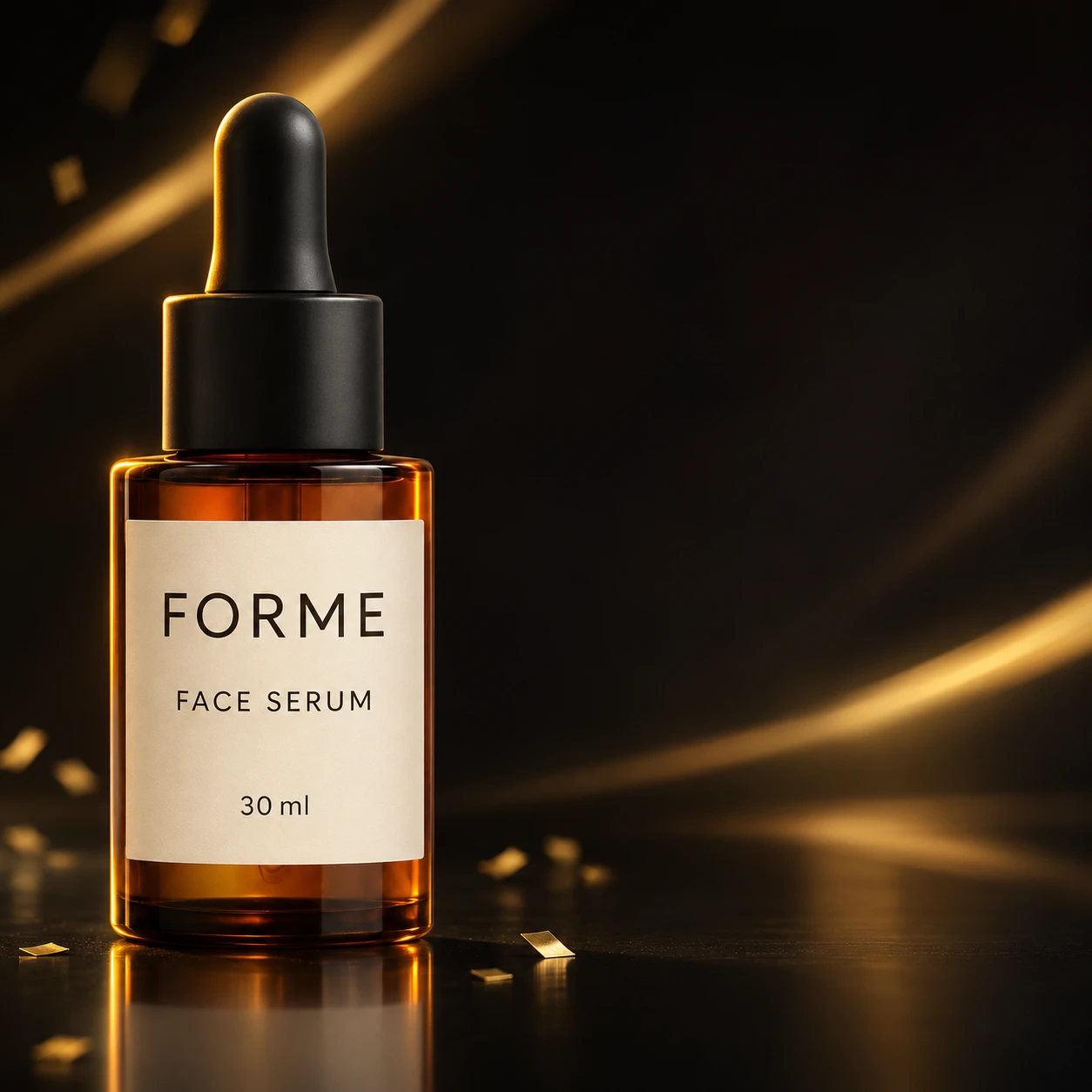
Use [Attached image] as the exact product reference.
Task: Create a Black Friday campaign image with empty space for text on the right.
Scene: Black reflective surface with soft gold light streaks and a few small gold confetti pieces in the background, the product on the left third of the frame.
Light and camera: Dramatic low key light with a gold rim light, eye level, 70 mm lens look.
Keep exactly: product shape, color, label text, logo and proportions from [Attached image].
Avoid: any text or numbers in the image, price tags, watermarks.
Black Friday falls on 27 November in 2026, the day after US Thanksgiving. Run your campaign prompts a week earlier, so you have time to check the results.
Prompt 72: Winter holiday gift
Use [Attached image] as the exact product reference.
Task: Create a winter holiday gift photo.
Scene: The product beside a small wrapped gift with a ribbon, pine branches and warm string lights glowing softly behind, on a dark wooden table.
Light and camera: Warm bokeh lights in the background, soft front light on the product, eye level, 85 mm lens look.
Keep exactly: product shape, color, label text, logo and proportions from [Attached image].
Avoid: readable text on the gift, extra products, watermarks.
Prompt 73: Valentine's Day
Use [Attached image] as the exact product reference.
Task: Create a Valentine's Day photo.
Scene: The product on a soft pink surface with a few red rose petals and a small plain white card, a blurred pink and cream backdrop.
Light and camera: Soft diffused light, camera at a 30 degree angle, 70 mm lens look.
Keep exactly: product shape, color, label text, logo and proportions from [Attached image]. Leave the card blank.
Avoid: hearts with text, extra products, watermarks.
Prompt 74: Festive lights for Diwali
Use [Attached image] as the exact product reference.
Task: Create a Diwali festive photo.
Scene: The product on a brass tray with lit clay diyas, marigold flowers and a soft golden rangoli pattern on the floor, with a warm blurred background.
Light and camera: Warm lamp light from the diyas plus soft front fill, eye level, 70 mm lens look, shallow depth of field.
Keep exactly: product shape, true color, label text, logo and proportions from [Attached image]. Warm light must not change the product color.
Avoid: text, religious symbols on the product, extra products, watermarks.
Prompt 75: Summer by the pool
Use [Attached image] as the exact product reference.
Task: Create a bright summer photo.
Scene: The product on the edge of a white tiled pool with clear turquoise water behind it, a folded towel and a pair of sunglasses nearby.
Light and camera: Hard midday sun from the upper right with soft fill, 35 mm lens look, a few light reflections from the water on the product's side.
Keep exactly: product shape, color, label text, logo and proportions from [Attached image].
Avoid: water on the label, text, extra products, watermarks.
14. Ads, Social and Web Banners
Ad formats need empty space for copy and the right ratio. Describe the ratio and the space, and then add words with a design tool.
Prompt 76: Instagram square ad
Use [Attached image] as the exact product reference.
Task: Create a square 1:1 social ad image.
Scene: The product in the lower right of a soft pastel backdrop, leaving a clean empty area in the upper left for a headline.
Light and camera: Soft even light, slight shadow below the product, 70 mm lens look.
Keep exactly: product shape, color, label text, logo and proportions from [Attached image].
Avoid: any text in the empty area, extra objects, watermarks.
Prompt 77: Story or Reel cover, 9:16
Use [Attached image] as the exact product reference.
Task: Create a vertical 9:16 image for a story or short video cover.
Scene: The product in the middle third on a colored surface, with clean empty space at the top and at the bottom for text and buttons.
Light and camera: Soft bright light, slightly low angle, 50 mm lens look.
Keep exactly: product shape, color, label text, logo and proportions from [Attached image].
Avoid: text, extra objects, subjects near the top or bottom edge, watermarks.
Prompt 78: Pinterest tall pin
Use [Attached image] as the exact product reference.
Task: Create a tall 2:3 image for a Pinterest pin.
Scene: The product at the bottom third of a styled scene with a soft gradient sky or wall above it, a few small props around the product, and clean space at the top for a title.
Light and camera: Soft natural light, eye level, 50 mm lens look.
Keep exactly: product shape, color, label text, logo and proportions from [Attached image].
Avoid: text in the image, clutter, watermarks.
Prompt 79: Wide website hero banner
Use [Attached image] as the exact product reference.
Task: Create a wide 16:9 hero banner for a website.
Scene: The product on the right third of a soft lit room corner or studio surface, with a large calm empty area on the left for a headline and a button.
Light and camera: Soft light from the left, 50 mm lens look, product sharp, background gently blurred.
Keep exactly: product shape, color, label text, logo and proportions from [Attached image].
Avoid: text, objects in the empty area, watermarks.
Prompt 80: Ad with exact quoted text
Use [Attached image] as the exact product reference.
Task: Create a square ad image with one short headline.
Scene: The product on a plain colored surface, with the words "NEW ARRIVAL" in bold white sans serif letters above the product, centered, appearing exactly once.
Light and camera: Soft even light, straight on view, clear margins.
Keep exactly: product shape, color, label text, logo and proportions from [Attached image].
Avoid: any other text, misspelled letters, prices, discounts, watermarks.
OpenAI's guide says to put required wording in quotes, state where it goes and how many times it appears, and then check the spelling. Any claim, price or discount in an ad needs evidence, so I leave those out of the image.
15. Edits, Fixes and Variations
These prompts edit a photo you already have. They follow the pattern in OpenAI's guide: say what changes, then list what must stay the same.
Prompt 81: Change only the background
Use [Attached image] as the exact product photo.
Task: Change only the background.
Scene: Replace the background with a softly blurred sunlit kitchen, and add a natural shadow of the product on the counter.
Light and camera: Match the light direction and color of the original product photo.
Keep exactly: the product, its angle, shape, color, label text, logo, edges and every pixel of its detail from [Attached image].
Avoid: changing the product, adding props, text, watermarks.
Prompt 82: Show a real color variant
Use [Attached image] as the exact product reference for shape, material and branding, and the second attached image as the reference for the new color.
Task: Show the same product in the new color.
Scene: Keep the same background, angle and lighting as [Attached image].
Light and camera: Keep the original.
Keep exactly: shape, material, finish, label text, logo and proportions. Change only the color to match the second image.
Avoid: colors that you do not sell, changed texture, text, watermarks.
Use this only for variants you actually sell. An invented color is a misleading product image.
Prompt 83: Remove clutter and people
Use [Attached image] as the exact product photo.
Task: Remove distractions and keep everything else the same.
Scene: Remove [the person, the extra cup and the cable on the left], and fill the gaps with the matching background.
Light and camera: Keep the original light, color and camera angle.
Keep exactly: the product, its shape, color, label text, logo and edges, plus saturation, contrast and perspective.
Avoid: changing the product, new objects, text, watermarks.
Prompt 84: Extend the frame to 4:5
Use [Attached image] as the exact product photo.
Task: Extend the image to a 4:5 vertical frame without changing the existing area.
Scene: Continue the existing background naturally above and below the product, with the same surface, light and shadow.
Light and camera: Keep the original light and perspective.
Keep exactly: the full original product and all existing pixels, shape, color, label text, logo and proportions.
Avoid: new objects, repeated patterns, text, watermarks.
Prompt 85: Restore a broken label
Use [Attached image] as the generated product image, and the second attached image as a straight on reference of the real label.
Task: Fix only the label area.
Scene: Replace the label on the product in the first image with the exact label from the second image, matching the product's curve, light and angle.
Light and camera: Keep the original light and camera angle.
Keep exactly: everything outside the label, and every word, number, logo and color from the label in the second image.
Avoid: changing the product shape, new text, blurred letters, watermarks.
This follows the fix Photoroom's guide gives for warped logos and text: select the smallest wrong area and rebuild it from a reference photo of the real product.
Prompt 86: Match a set to one scene
Use [Attached image] as the exact product reference for the new product.
Task: Make a new photo that matches my existing set.
Scene: Use the same background, surface, props, light direction, camera angle, lens look and color grade as the second attached image, with the new product in the same position.
Light and camera: Match the second image exactly.
Keep exactly: the new product's shape, color, label text, logo and proportions from [Attached image].
Avoid: changing the scene, adding props, text, watermarks.
Krea's guide calls this habit "fix the scene, vary one thing". Here the one thing is the product, so the whole catalog looks like one shoot.
16. Video and 360 Prompts
Short product videos need an image to video tool. Attach your best still as [Attached image] and keep the motion simple, because complex motion can warp labels.
Prompt 87: Slow turntable
Use [Attached image] as the first frame and the exact product reference.
Task: Create a 5 second product turntable video.
Scene: The product on a seamless light gray surface slowly rotating 360 degrees on a turntable, the background unchanged.
Light and camera: Soft even studio light, locked camera at eye level, smooth steady speed.
Keep exactly: product shape, color, label text, logo and proportions in every frame.
Avoid: camera shake, morphing, changing text, extra objects, watermarks.
Prompt 88: Slow push in
Use [Attached image] as the first frame and the exact product reference.
Task: Create a 5 second slow push in video.
Scene: The camera moves slowly closer to the product on its surface, the background blurring gently, nothing else moves.
Light and camera: Soft light with the same direction as the first frame, steady dolly motion, 85 mm lens look.
Keep exactly: product shape, color, label text, logo and proportions in every frame.
Avoid: morphing, warped text, sudden cuts, watermarks.
Prompt 89: Ambient motion in a lifestyle scene
Use [Attached image] as the first frame and the exact product reference.
Task: Create a 6 second lifestyle clip with subtle motion.
Scene: The product stays still while a curtain moves in the breeze, steam rises from a cup nearby and soft light shifts across the table.
Light and camera: Locked camera, soft natural light with gentle movement in the shadows.
Keep exactly: product shape, color, label text, logo and proportions in every frame.
Avoid: the product moving, morphing, camera shake, text, watermarks.
Prompt 90: Light sweep reveal
Use [Attached image] as the first frame and the exact product reference.
Task: Create a 4 second product reveal.
Scene: The product starts in soft shadow on a dark surface, and a narrow beam of light slowly sweeps across it from left to right until the whole product is lit.
Light and camera: Locked camera, low key lighting, smooth light movement.
Keep exactly: product shape, color, label text, logo and proportions in every frame.
Avoid: flicker, morphing, changing text, extra objects, watermarks.
For video, scrub the clip frame by frame and read the label in several frames. A label that is sharp in the first frame can drift by the last.
Fix the Usual Failures
AI product images break in predictable places. Photoroom's guide lists the common ones, and I add the prompt line I use for each.
| Problem | What it looks like | Prompt line to add |
|---|---|---|
| Warped logo or text | Letters shift, misspell or get replaced | "Keep every word and logo from [Attached image] exactly. Do not retype text." Then use Prompt 85 on the label only. |
| Color drift | The shade gets lighter, darker or warmer | "Keep the true product color from [Attached image]. Warm light must not change it." |
| Shape change | The silhouette or proportions change | "Keep the exact shape and proportions. Do not resize or reshape." |
| Lost texture | Grain, weave or gloss disappears | Attach a close up and say "match the texture in the close up". |
| Missing parts | Pockets, clasps, zippers or buttons vanish | "Keep every pocket, clasp, zipper and button visible, in the same place." |
| Invented details | The model adds accessories or features | "Add nothing to the product. Show only what is in [Attached image]." |
| Wrong packaging | Quantity, branding or container shape changes | Use a straight on photo of the real packaging as a second image. |
For labels and logos, the safest fix is to keep the original pixels. OpenAI's guide says to composite the approved edit back into the original when pixel identical results matter. A reply in an Adobe community thread gives the same advice: keep the product on a top layer and use generative AI only on the background.
The Five Minute Check Before You Upload
Run this check on every image. It takes about five minutes for a set of 6.
Frequently Asked Questions (FAQs)
How do you write AI product photography prompts?
Start with your own product photo, then write five lines: task, scene, light and camera, what to keep exactly and what to avoid. OpenAI's guide says to describe materials, colors and lighting, and to name what must stay the same in edits. Change one thing at a time.
Can I use AI product photos on Amazon, Etsy and Shopify?
Usually yes, if the image shows the real product and meets each platform's rules. Etsy allows AI edits for lighting, color, crop and background, but requires at least one unedited photo and bans edits that hide flaws. Amazon main images need a white background and no text, so check the current rules in Seller Central before you upload.
Do I have to label AI product images?
It depends on the platform. Google Merchant Center says AI generated images must carry metadata that marks them as AI generated. Etsy suggests noting AI edits in the listing description, and other platforms add their own rules, so read each one.
How do I stop AI from changing my logo or label text?
Attach a sharp, straight on photo, add a "keep exactly" line and ask for a local edit instead of a full regeneration. If the text still drifts, fix only the label area from a reference photo, or place the original label back on top. Keep the original pixels whenever the label is legally required.
Which AI model is best for product photography?
It depends on the job. OpenAI's docs describe Sunburst as the choice when editing precision matters most, and Google's docs list Nano Banana 2.1 as its primary model for editing with multiple reference images. Midjourney's Omni Reference takes one image and may miss fine logo detail, so I test each model on one product before I pick.
Is there a free AI product photo generator?
Several tools offer free credits or trial plans, but limits change often, so check each pricing page. The prompts in this guide work in any tool that lets you attach a photo. Start with a free trial on one product, and compare it with your original photo before you scale up.
Final Thoughts
AI product photography works when the prompt locks the product and changes the scene. The five line formula, your own photo as [Attached image] and a 100 percent zoom check will prevent most of the errors that make AI product photos fail.
Pick one product, run Prompts 1, 13 and 32 on it, and compare each result with your original. Keep the best prompt as a template, and swap only the photo for the rest of your catalog.