Chrome Extension
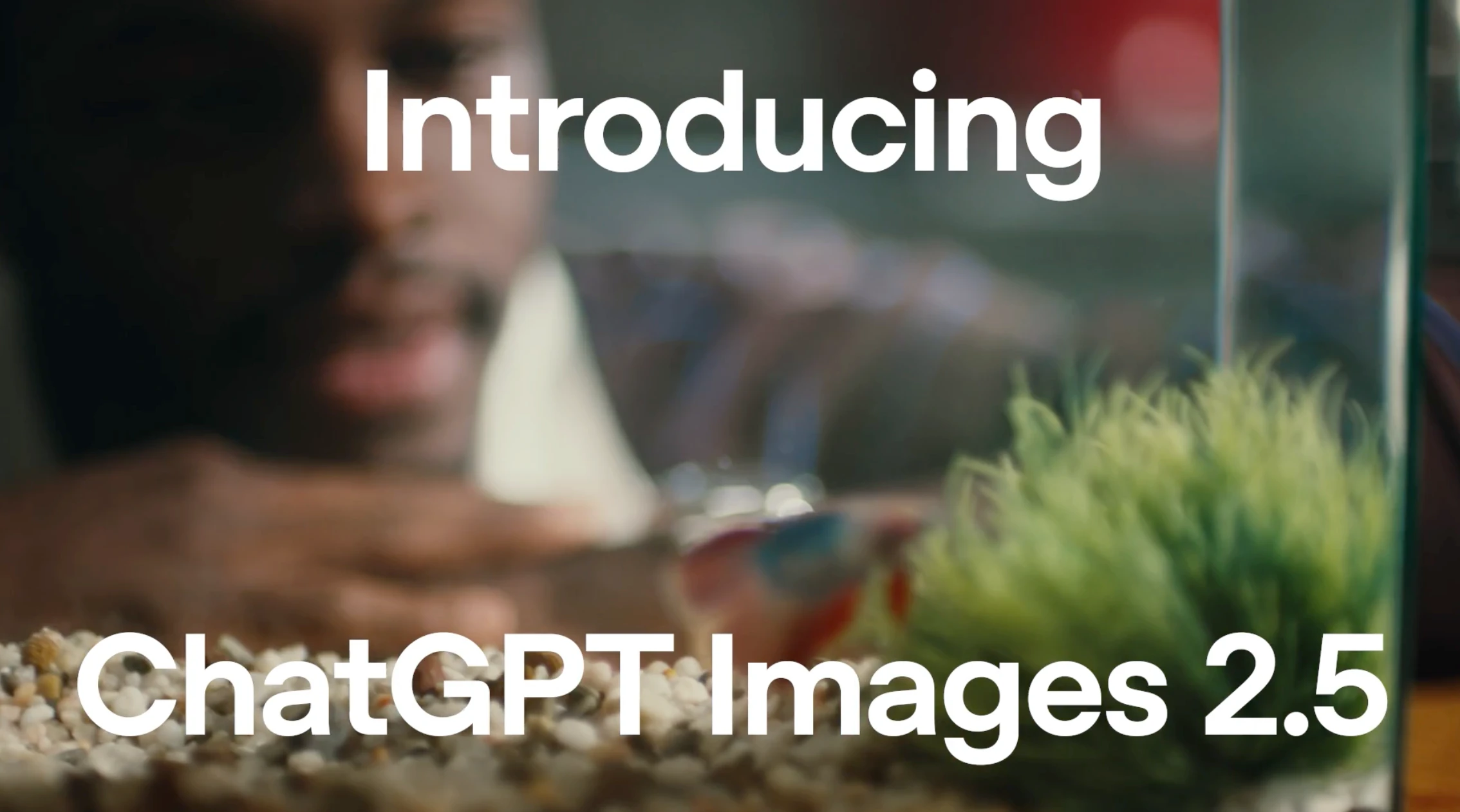
OpenAI shipped GPT-Image-2.5 on September 8, 2026, and within hours it took the top two spots on the Text-to-Image Arena.
But almost every article I have read about it gets one basic thing wrong: there is no single model called GPT-Image-2.5.
There are two, they behave differently, and picking the wrong one costs you either quality or money.
I went through OpenAI's full documentation, pulled the real per-image pricing, and built out 53 copy-paste prompts covering every use case the model officially supports. Here is the complete guide.
I have also updated GPT Image Prompt Generator with 2.5 version.
Key Takeaways
gpt-image-2.5-sunburst is the quality tier and gpt-image-2.5-flare is the fast tier. The consumer product is called ChatGPT Images 2.5.xhigh and max, which did not exist on earlier GPT image models.What GPT-Image-2.5 Actually Is
Let me clear up the naming first, because it tripped me up and it affects every API call you make.
OpenAI released this on September 8, 2026. The announcement headline promises "Sharper details, faster generation, more precise editing, and better tools for creating and sharing."
But when you go to the API, you find two separate models:
| Model | OpenAI's description |
|---|---|
gpt-image-2.5-sunburst | "Our most capable model for image generation and editing" |
gpt-image-2.5-flare | "Fast, high-quality everyday image generation" |
The developer docs are specific about when to use which:
"GPT-Image-2.5 Flare is the default choice for most applications, delivering higher-quality images than GPT-Image-2 at 50% lower latency."
"GPT-Image-2.5 Sunburst is built for premium visual workflows that benefit from tighter control across edits."
So Flare is your default. Sunburst is for when edits have to hold up across multiple turns.
One more thing worth knowing: GPT-Image-2 is not deprecated. It is still active, and OpenAI still lists it as the migration target for older models like gpt-image-1.5 and gpt-image-1-mini, which shut down in October and December 2026.
The Full Spec Sheet
| Spec | Value |
|---|---|
| Snapshots | gpt-image-2.5-sunburst-2026-09-08, gpt-image-2.5-flare-2026-09-08 |
| Quality tiers | auto, low, medium, high, xhigh, max |
| Max prompt length | 32,000 characters |
| Recommended sizes | 1024x1024, 1536x1024, 1024x1536 |
| Custom sizes | Any WIDTHxHEIGHT, both edges multiples of 16 |
| Max resolution | 3840px per edge, 8,294,400 total pixels |
| Aspect ratio range | 1:3 to 3:1 |
| Input images | Up to 16 |
| Max image size | 20MB per image, under 50MB for masked edits |
| Output formats | PNG (default), JPEG, WebP |
| Transparency | Yes, background: "transparent" |
| Images per request | 1 to 10 (n) |
| Streaming | Yes, partial_images 0 to 3 |
I would pay attention to the size constraints, because they caught me out. Both edges must divide by 16, and anything above 2560x1440 is officially labelled experimental.
The Real Pricing
OpenAI publishes token rates rather than a per-image table, and the model pages state it directly:
"Token rates match GPT Image 2. The GPT Image 2 calculator does not estimate GPT Image 2.5 token consumption."
| Item | Rate |
|---|---|
| Text input | $5 / 1M tokens |
| Cached text input | $1.25 / 1M tokens |
| Image input | $8 / 1M tokens |
| Cached image input | $2 / 1M tokens |
| Image output | $30 / 1M tokens |
Sunburst and Flare have identical published token prices. The cost difference between them comes entirely from how many tokens each consumes, which OpenAI does not quantify.
At 1024x1024, per-image costs work out roughly like this:
| Quality | Cost per image |
|---|---|
low | ~$0.006 |
medium | ~$0.013 |
high | ~$0.053 |
xhigh | ~$0.094 |
max | ~$0.211 |
That is a 36x spread from low to max. My own rule is to draft at low, finish at high, and only reach for max when the image is going to print.
The 8-Step Prompting Framework OpenAI Documents
OpenAI published a new prompting guide specifically for 2.5, and it lays out eight steps. These are the exact section headers:
The single most useful line in the whole guide, on structure:
"organize the prompt as scene, subject, details, and constraints, using labeled sections."
And a point that saves you a lot of wasted effort:
"Short prompts, descriptive paragraphs, JSON-like structures, instructions, and tags can all express the same intent. Choose the format that makes the requirements easiest to read and update rather than relying on special syntax."
There is no magic syntax, which I found genuinely refreshing. Pick a format you can maintain.
Two more rules I have burned into my own workflow:
53 GPT-Image-2.5 Prompts By Use Case
Every prompt below follows OpenAI's documented structure: scene, subject, details, constraints, in labelled sections. I use [attached image] only where you are editing something you upload. Text-to-image prompts have no variable, so you can paste them straight in.
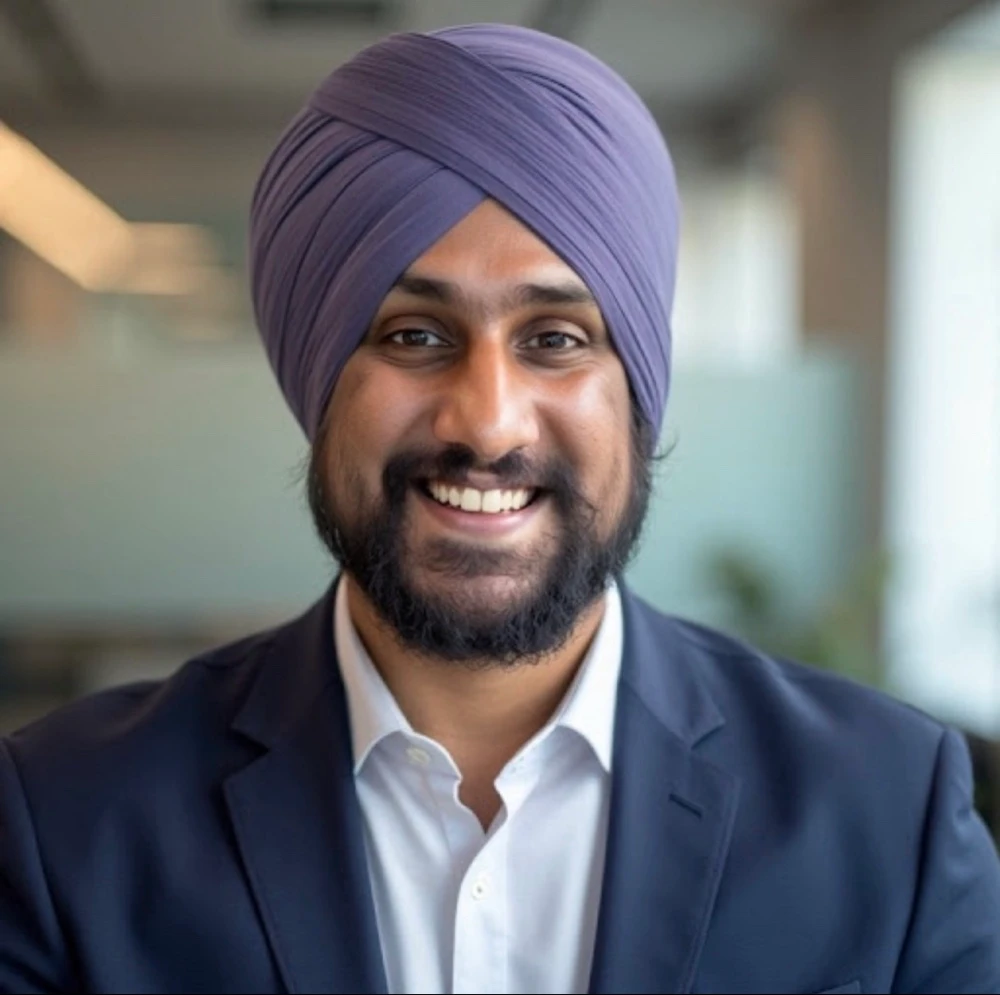
Source Images used in the editing for following tests;
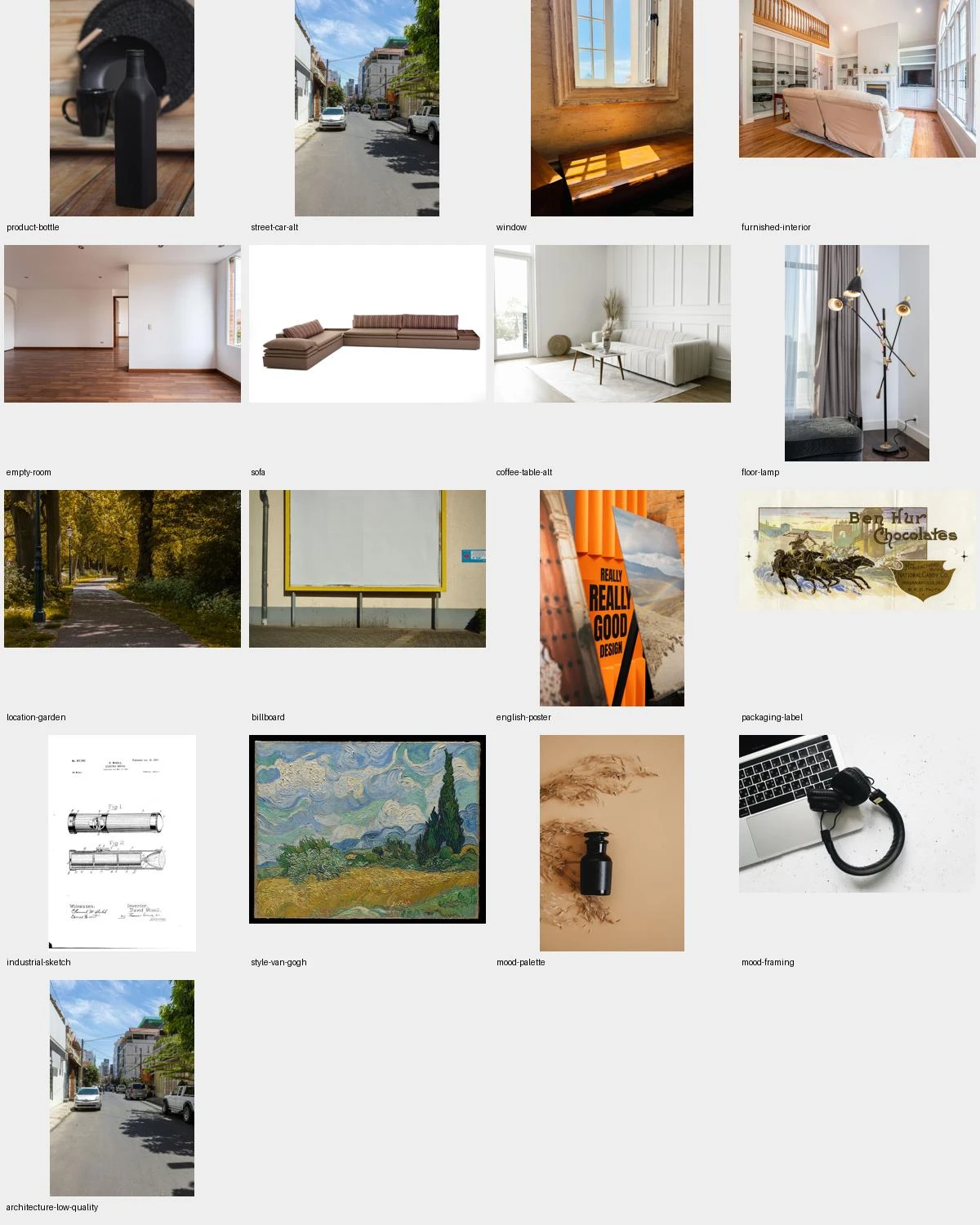
Photorealistic Portraits And People
Editorial portrait
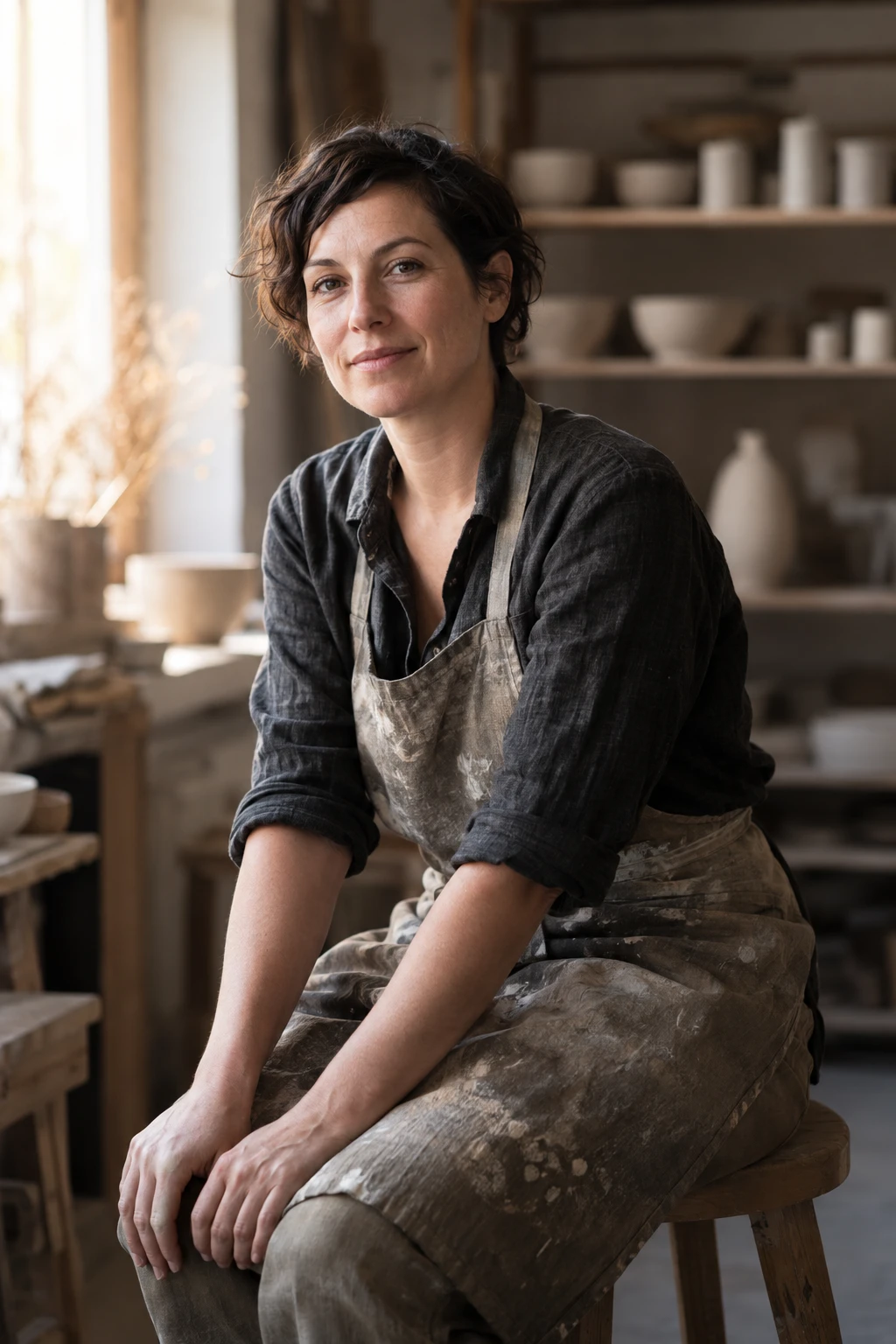
Create a photorealistic editorial portrait for a magazine feature.

Scene: a quiet corner of a working ceramics studio, late afternoon.
Subject: a woman in her late thirties with short dark hair, seated
on a wooden stool, turned three-quarters to camera, hands resting
on her knees, calm and direct eye contact.
Details: clay-dusted apron over a charcoal linen shirt, shelves of
unglazed pots blurred behind her, warm window light from camera
left with soft falloff on the right side of her face, visible skin
texture and fine flyaway hairs.
Style: real photograph, 85mm lens look, shallow depth of field,
natural colour grading, no retouching.
Constraints: no text, no logos, no props in her hands. Keep the
background soft and uncluttered.
Corporate headshot from a casual photo
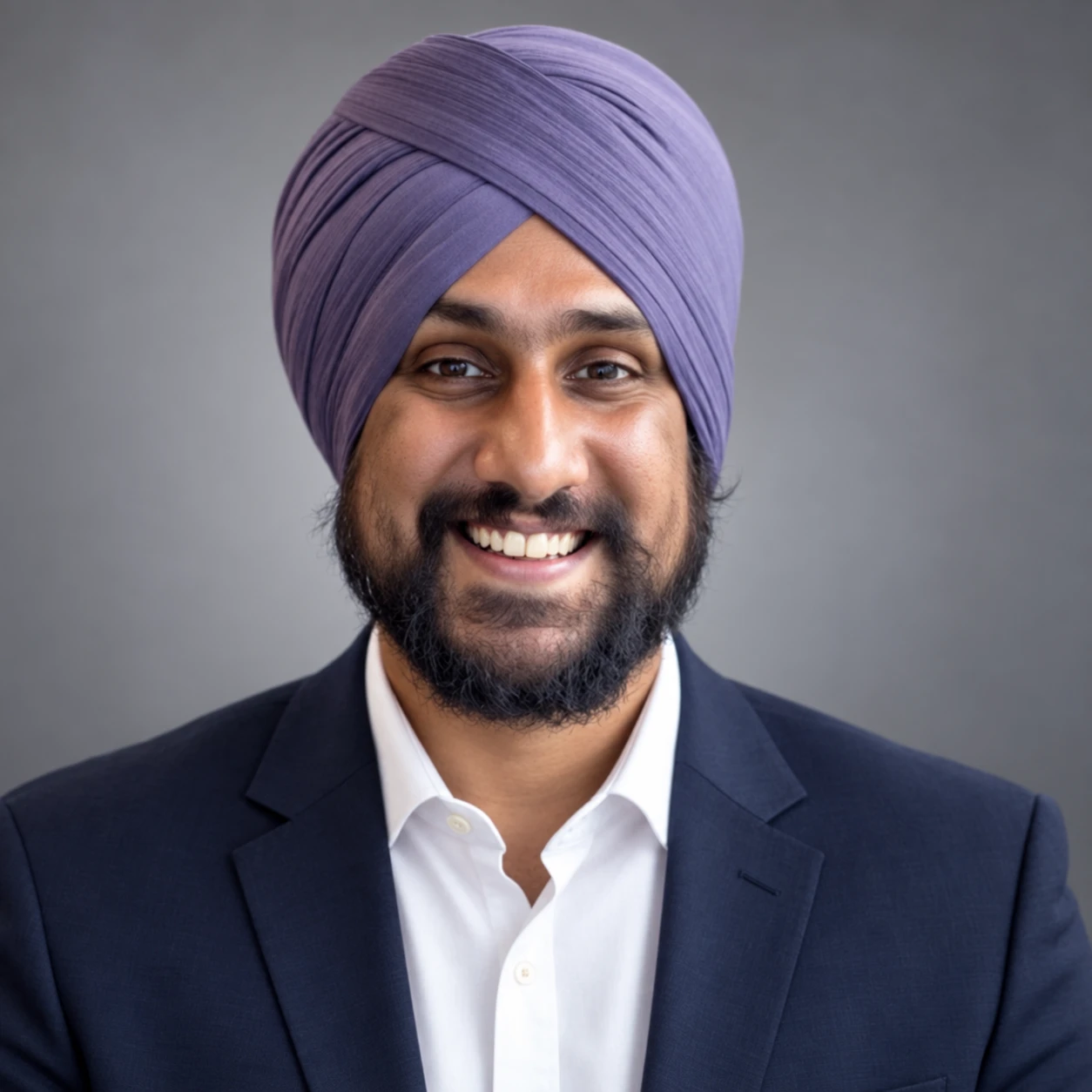
Edit [attached image] into a professional corporate headshot.

Changes: replace the background with a soft neutral grey studio
backdrop. Relight with a soft key from the front left and gentle
fill on the right. Change clothing to a plain dark navy blazer
over a white shirt.
Constraints: keep the person's face, bone structure, skin texture,
hairstyle, expression and head angle exactly as they are. Do not
slim, smooth or alter any facial feature. Do not change the crop.
Style: real photograph, shallow depth of field, natural skin tones.
Lifestyle scene with a person
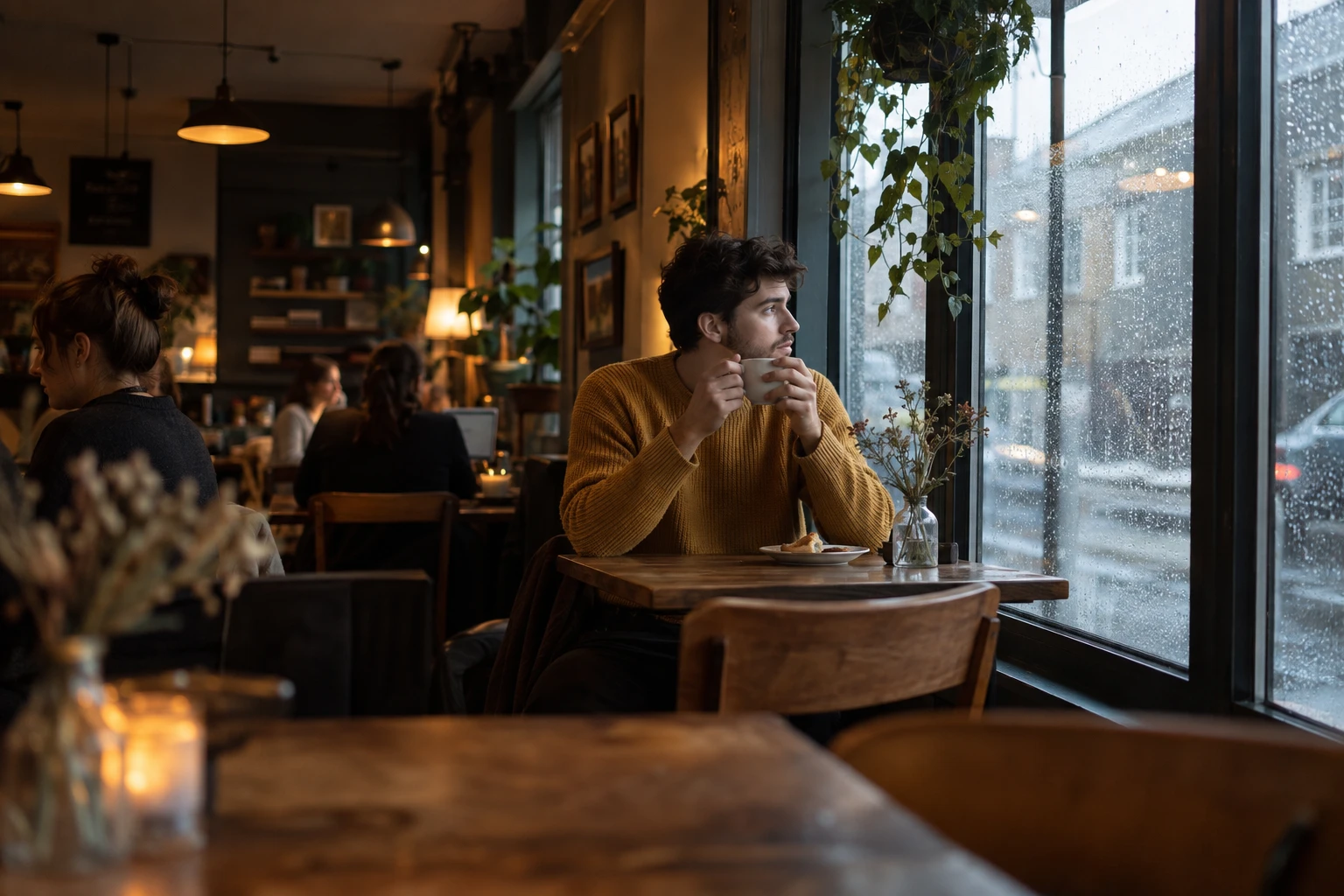
Create a photorealistic lifestyle photograph for a coffee brand.

Scene: a small independent cafe on a rainy morning, shot from
across the room.
Subject: a man in his twenties in a mustard knit sweater, seated
at a window table, both hands around a ceramic mug, looking out
the window rather than at camera.
Details: condensation on the glass, rain streaks outside, a
half-eaten pastry on a small plate, warm interior lighting mixed
with cool grey daylight from the window, other patrons blurred in
the background.
Style: real photograph, candid documentary feel, 35mm lens look,
natural colour.
Constraints: no visible brand names or logos anywhere. No text.
Do not pose the subject looking at camera.
Age or era restyle
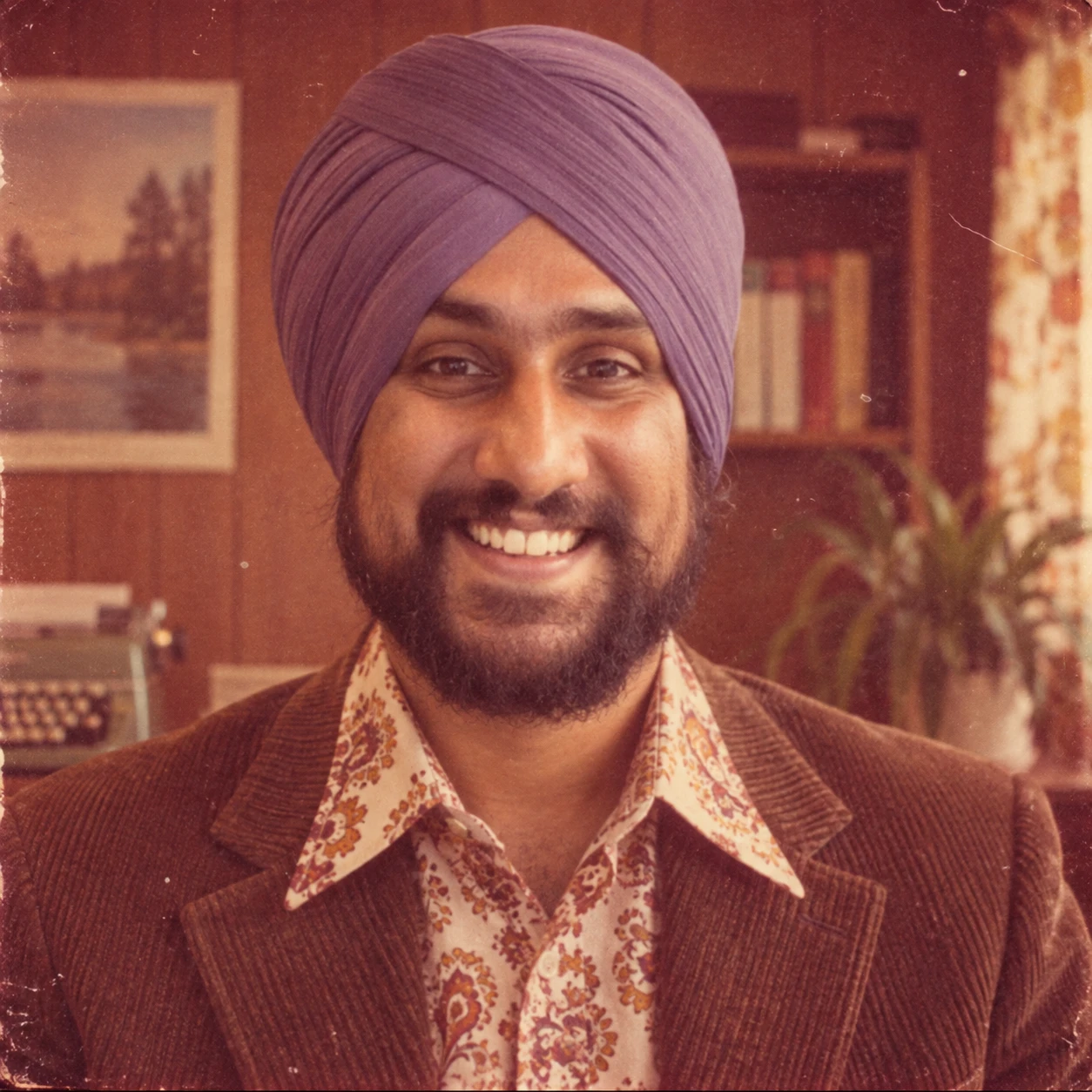
Restyle [attached image] as a photograph taken in 1975.

Changes: apply period-accurate film grain, slightly faded colour
with a warm magenta cast, and softer contrast typical of 70s
consumer film. Update clothing and background props to match the
era.
Constraints: keep the subject's face, expression, pose and body
proportions identical. Do not change the composition, crop or
camera angle. Do not add or remove people.
Style: real photograph, 35mm film, slight vignette.
Group photo, cohesive lighting
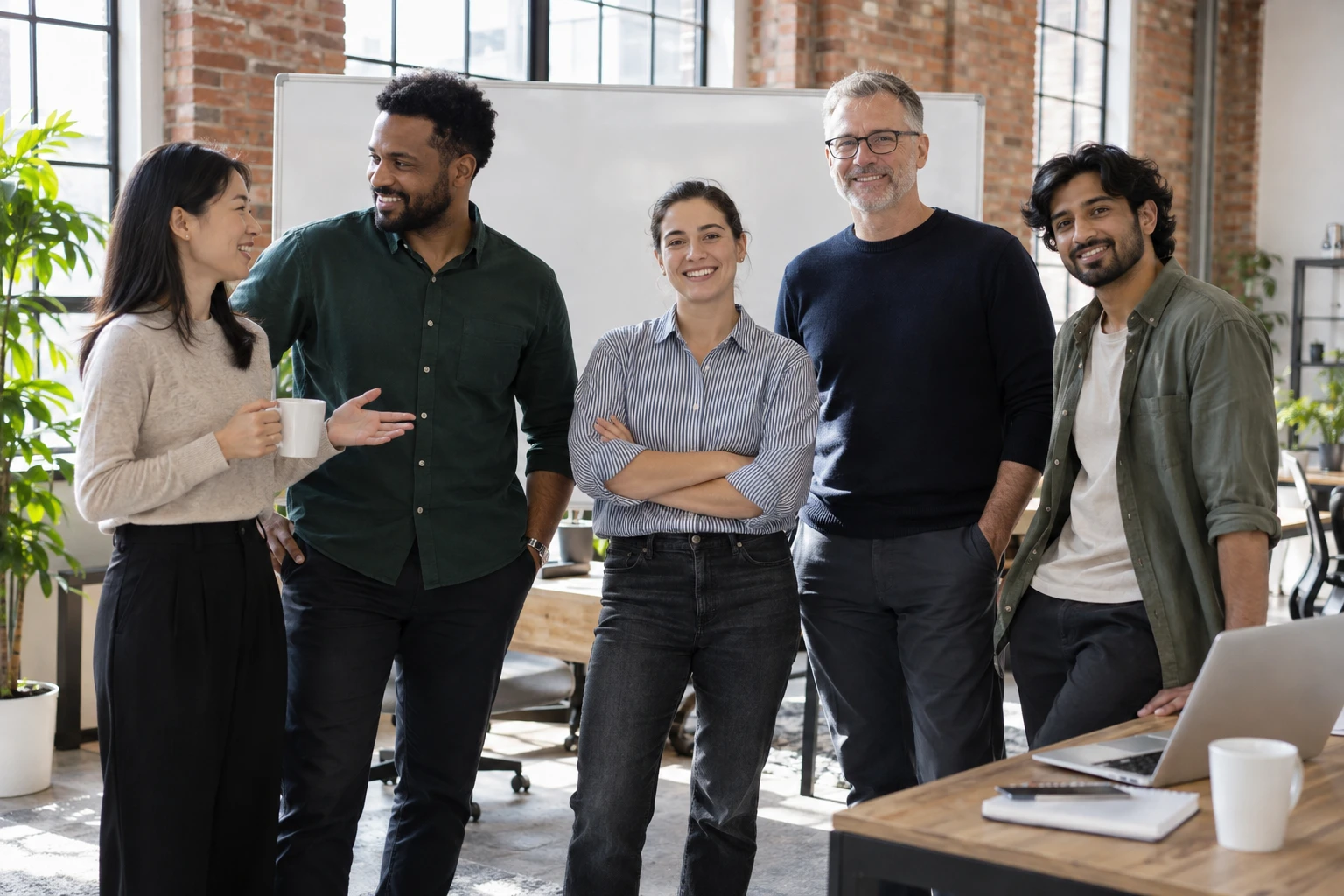
Create a photorealistic group photograph of a five-person startup
team.

Scene: a bright open-plan office with exposed brick and large
windows, team standing informally in front of a whiteboard.
Subject: five people of varied ages and ethnicities in smart
casual clothing, relaxed postures, three looking at camera and
two mid-conversation with each other.
Details: soft even daylight from the windows, natural shadows on
the floor, a laptop open on a nearby desk, plants in the
background.
Style: real photograph, 35mm, natural colour, candid corporate.
Constraints: all faces clearly visible and in focus. No text on
the whiteboard. No logos on clothing.
Product Photography And Ecommerce
Studio product hero shot
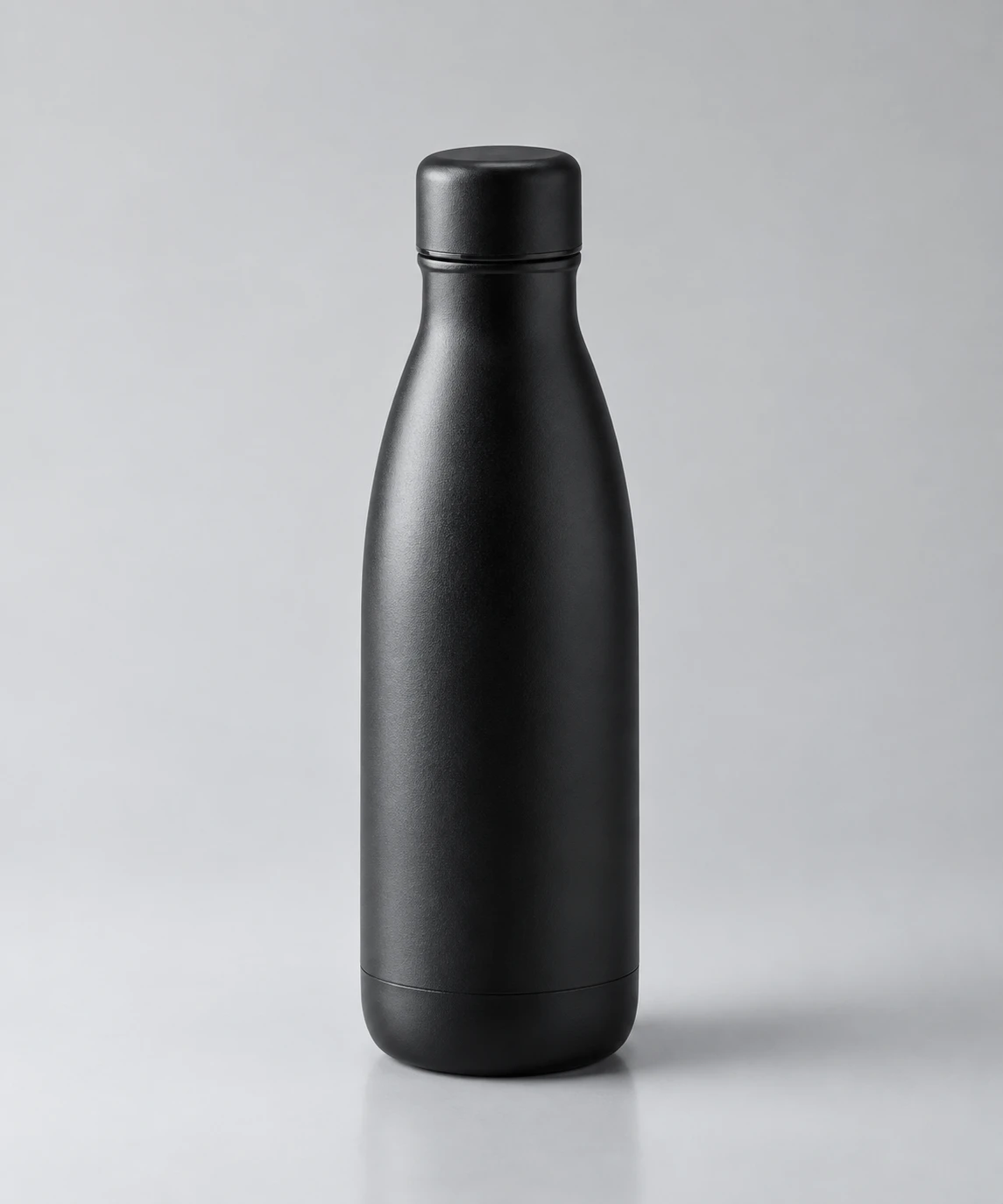
Create a photorealistic studio product photograph.

Scene: a seamless light grey backdrop with a subtle gradient,
product centred.
Subject: a matte black stainless steel water bottle standing
upright, slight three-quarter angle.
Details: soft large key light from upper left creating a gentle
highlight down the left edge, subtle fill from the right, a soft
contact shadow beneath the base, faint reflection on the surface.
Style: real photograph, commercial product photography, sharp
focus throughout, clean and minimal.
Constraints: no text, no branding, no props, nothing else in
frame. Keep the background free of gradients that distract from
the product silhouette.
Transparent product cutout
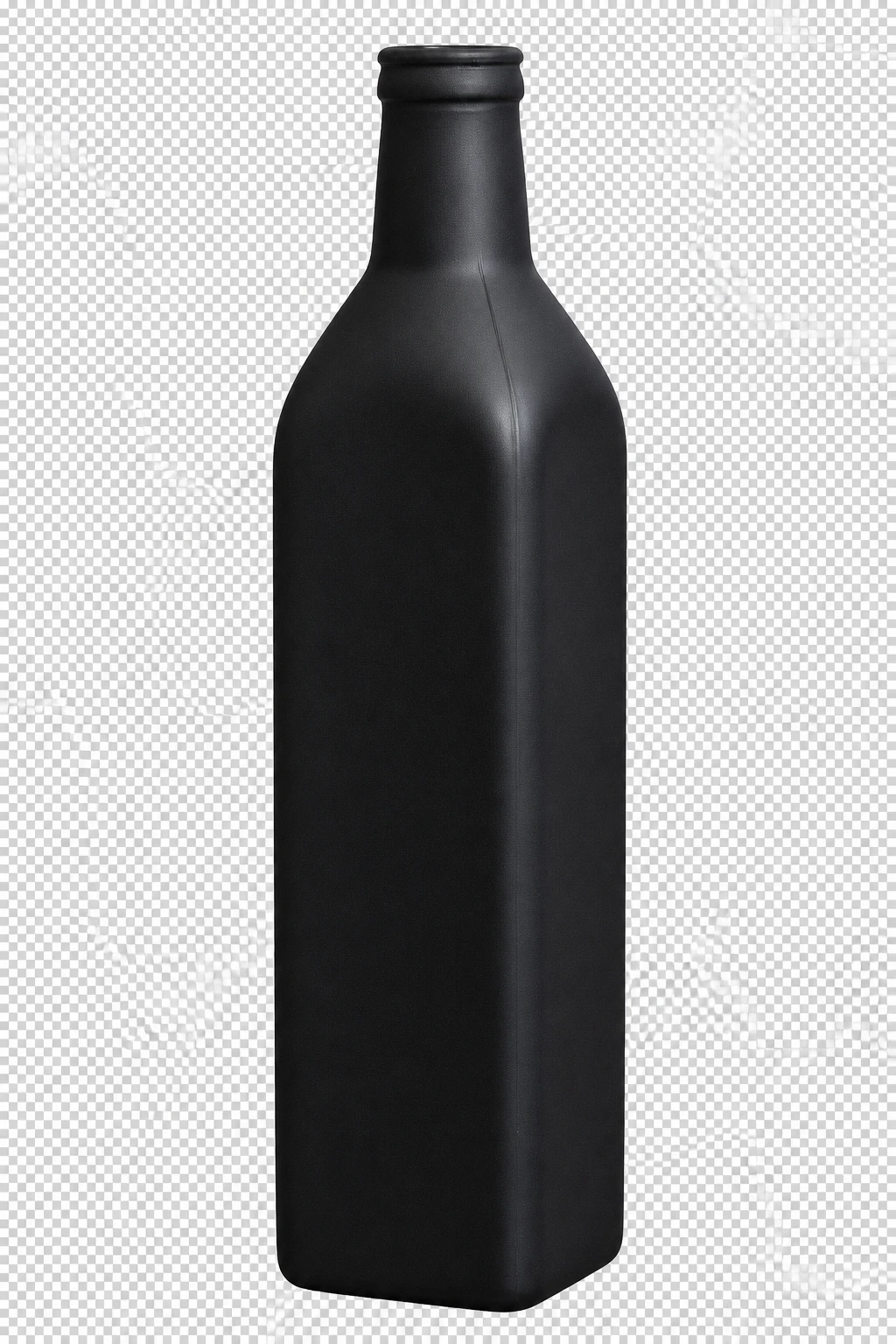
Remove the background from [attached image] completely.

Constraints: keep the product edges clean and sharp, including
thin, reflective and semi-transparent details. Preserve the
original lighting and the shadows that fall on the product itself.
Do not alter the product's colour, shape, proportions or label
text. Do not add a drop shadow.
Output: fully transparent background.
Set background: "transparent" and output_format: "png" on this one.
Product in a lifestyle setting
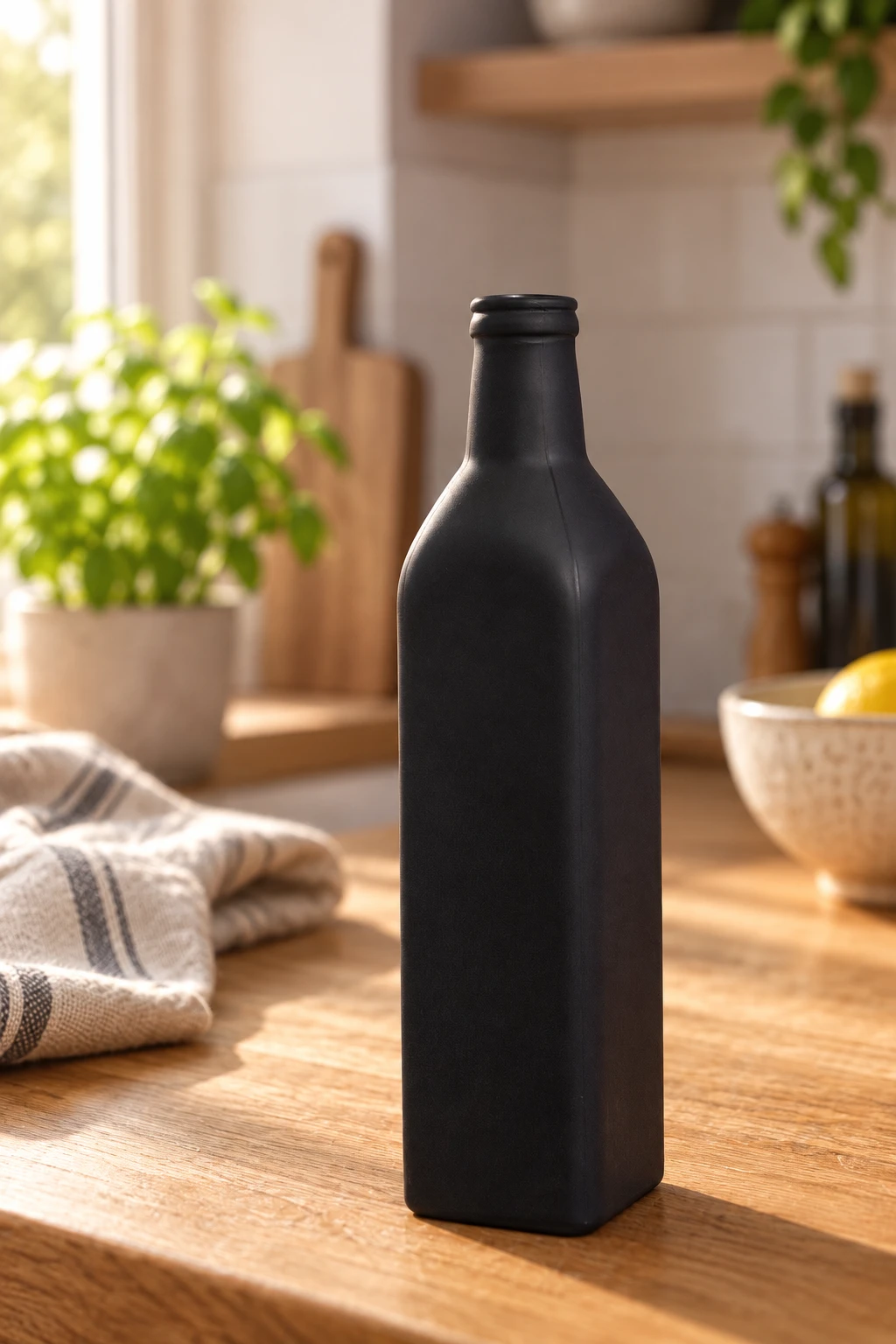
Place the product from [attached image] onto a warm oak kitchen
counter in morning light.

Changes: add a soft natural shadow beneath the product consistent
with window light coming from the left. Add gentle out-of-focus
kitchen context in the background, such as a linen cloth and a
ceramic bowl.
Constraints: keep the product's exact shape, colour, proportions,
label text and material finish unchanged. Do not rotate or rescale
the product. Keep it in sharp focus.
Style: real photograph, shallow depth of field, warm natural light.
Colour variant generation
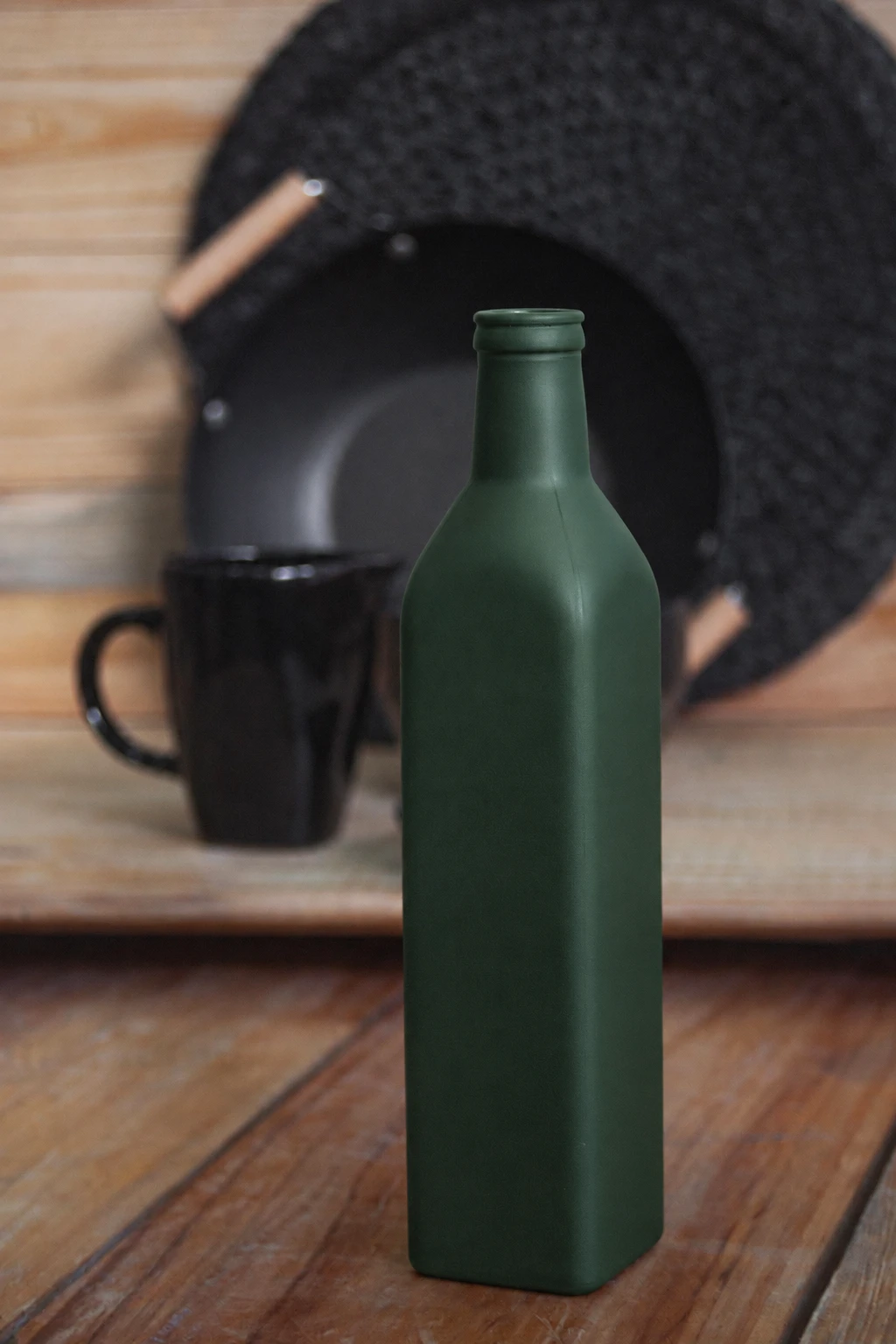
Change the colour of the product in [attached image] to matte
forest green.

Constraints: keep everything else identical. The shape, the
lighting direction, the background, the shadow, the reflections,
the label placement, the label text and the camera angle must all
stay exactly as they are. Change nothing except the product body
colour.
Alternate angle from a single photo
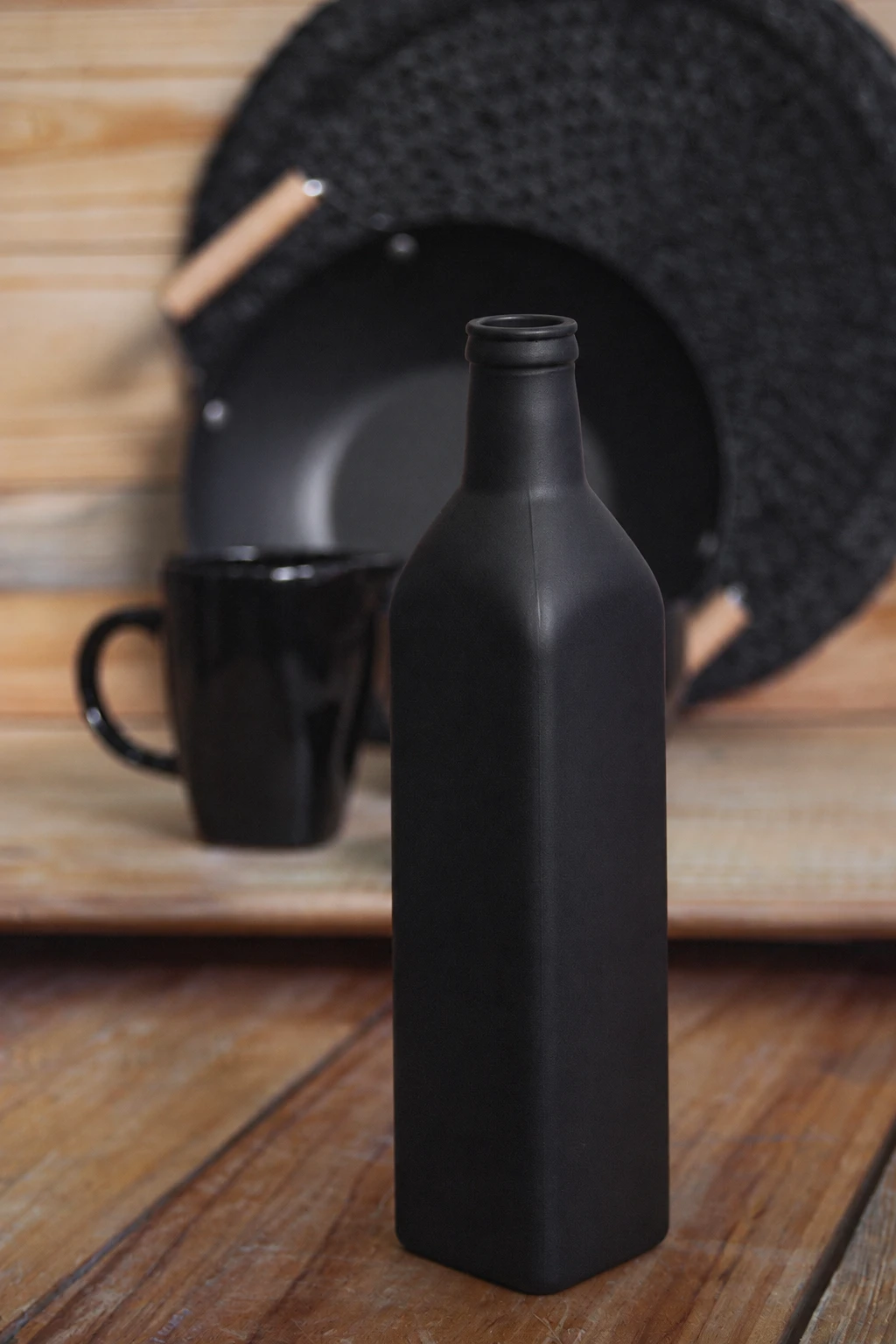
Regenerate the product from [attached image] viewed from a
three-quarter angle from the upper right.

Constraints: keep the product's exact design, proportions,
materials, colour and all label text consistent with the original.
Keep the same studio lighting setup, background and shadow style.
Do not invent details that are not visible or implied in the
original.
Style: real photograph, commercial product photography.
Packaging mockup
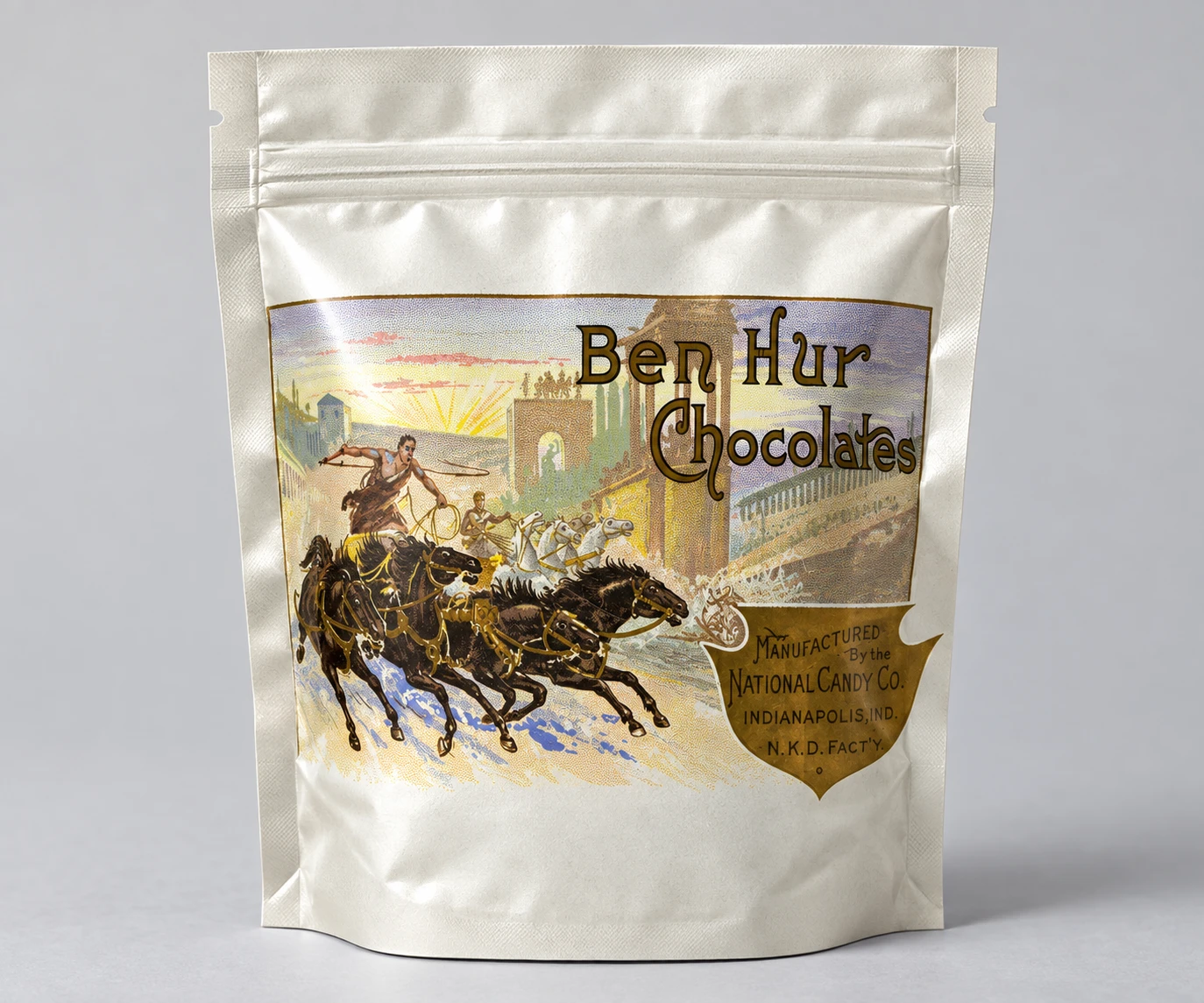
Apply the label design from [attached image] to a standing matte
foil pouch package.

Changes: wrap the artwork naturally around the pouch curvature
with realistic perspective distortion and subtle surface texture.
Constraints: keep all text from the original design correctly
spelled and clearly readable. Do not change the artwork's colours,
layout or proportions relative to each other.
Scene: solid light grey studio background, soft key light from the
upper left, soft contact shadow.
Style: real photograph, commercial packaging mockup.
Flat lay composition
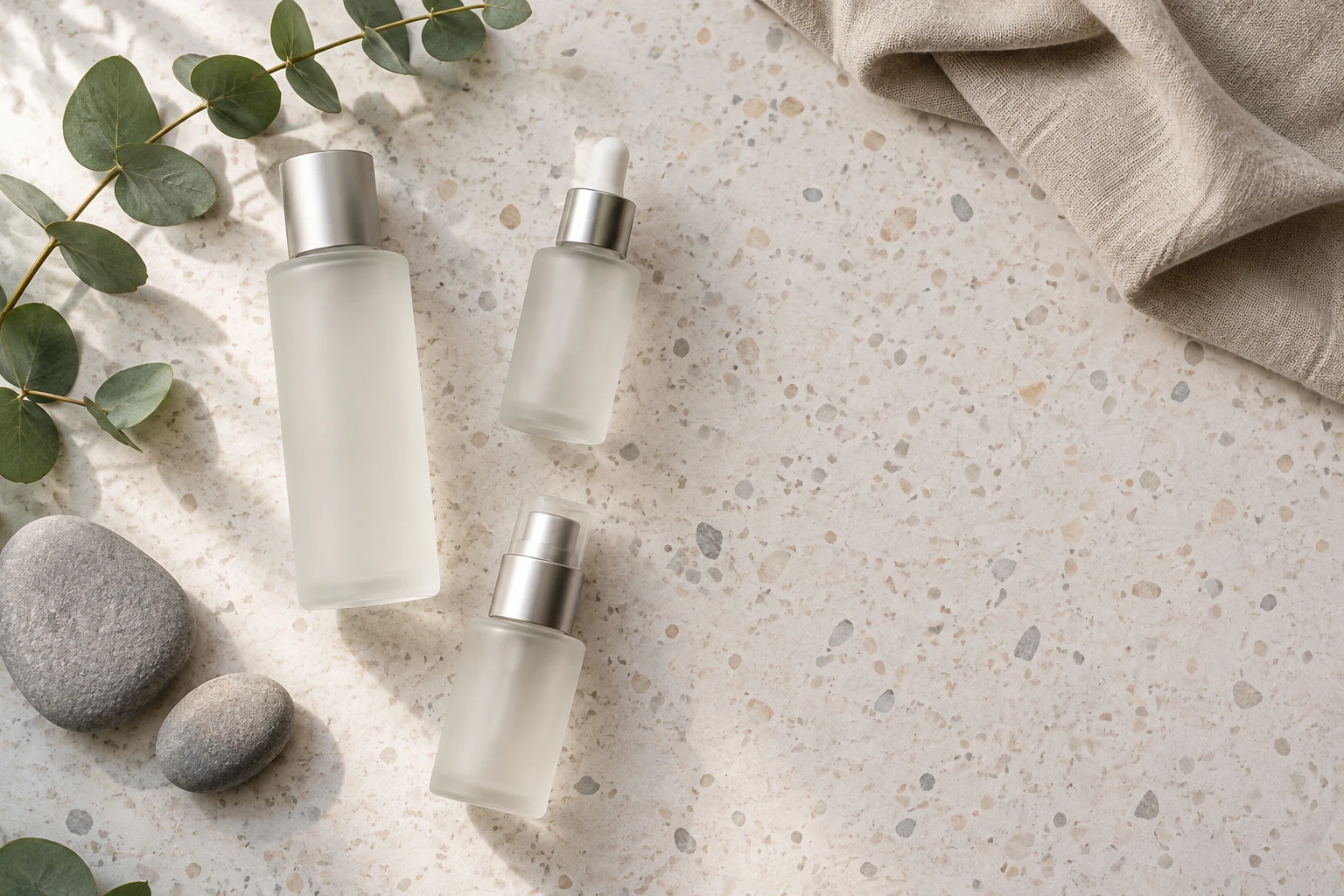
Create a photorealistic overhead flat lay for a skincare brand.

Scene: a pale terrazzo surface shot directly from above.
Subject: three unbranded frosted glass cosmetic bottles of
different heights arranged off-centre.
Details: a sprig of eucalyptus, two smooth grey stones, a folded
linen cloth in warm sand tone, soft diffused daylight from the
upper left creating gentle shadows.
Style: real photograph, editorial beauty flat lay, muted natural
palette, generous negative space in the lower right.
Constraints: no text, no logos, no labels on the bottles. Keep the
composition asymmetric.
Text-Heavy Design And Marketing
This is where OpenAI's quotation-mark rule earns its keep.
Social media ad with a headline

Create a 1:1 social media advertisement.

Scene: a minimalist desk setup in soft morning light, shot at a
slight overhead angle.
Subject: an open laptop displaying a clean analytics dashboard.
Details: a ceramic mug, a small plant, warm wood surface, soft
shadows.
Text: the headline "Ship Faster" in bold sans-serif, positioned
top left, dark charcoal on the cream negative space. Beneath it in
smaller regular weight: "Try free for 14 days".
Style: real photograph with clean graphic type overlay, muted
palette, generous negative space.
Constraints: render each line of text exactly once, correctly
spelled. No other text anywhere in the image. No logos.
Poster with typography
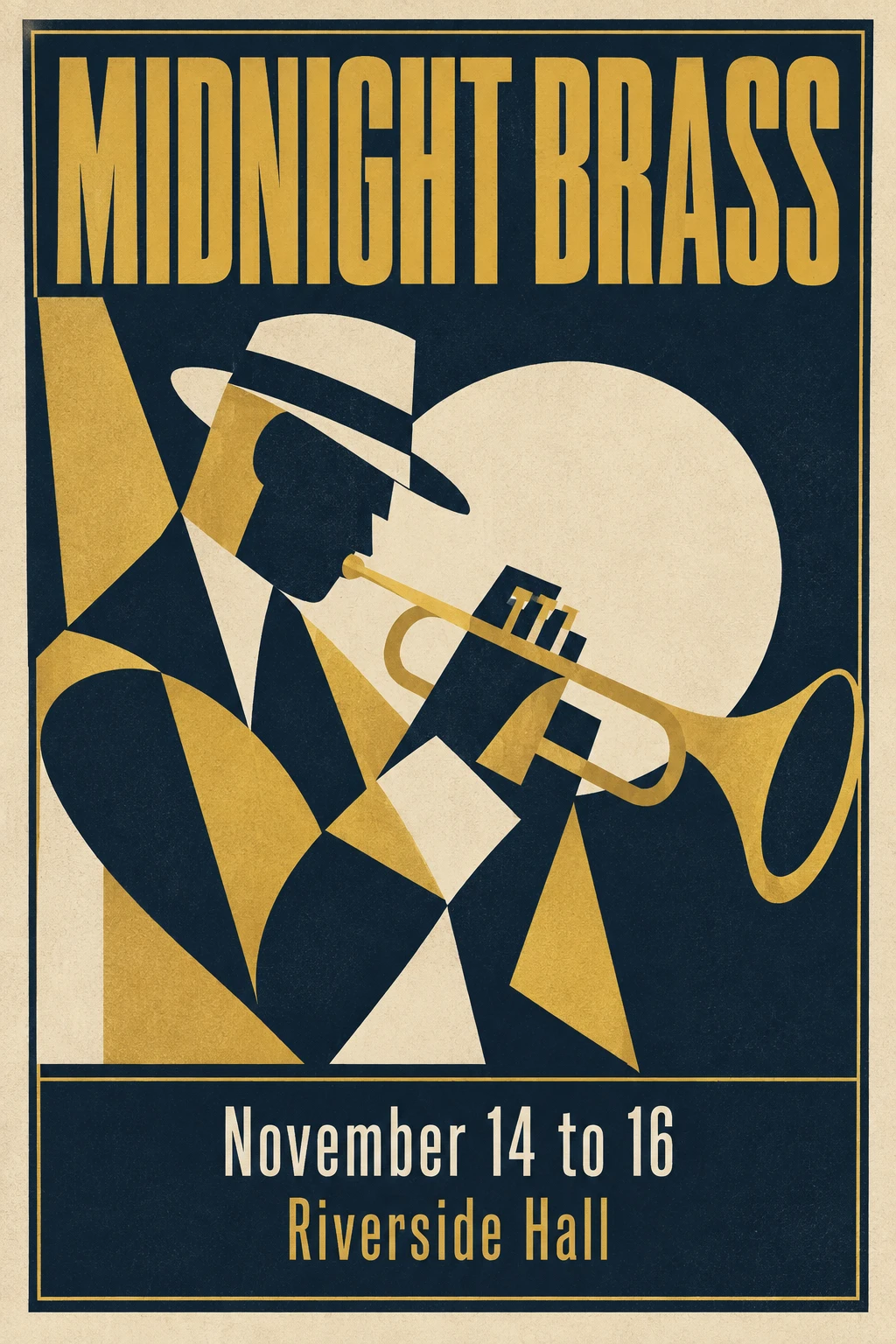
Create a 2:3 event poster for a jazz festival.

Scene: flat graphic composition, no photographic elements.
Subject: an abstract silhouette of a trumpet player formed from
overlapping geometric shapes.
Text: "MIDNIGHT BRASS" in large condensed uppercase across the
upper third. Beneath the illustration: "November 14 to 16" and
below that "Riverside Hall".
Details: limited palette of deep navy, warm gold and off-white
paper tone, subtle grain texture, thin rule lines framing the
composition.
Style: mid-century modern poster design, flat colour, no
gradients.
Constraints: render each text line exactly once and spell every
word correctly. No additional text, no dates other than those
specified, no logos.
Logo concept on transparent background

Design a minimal logo mark for a bakery.

Subject: a simple single-weight line illustration of a wheat stalk
crossed with a rolling pin, contained within an implied circle.
Text: the words "Field & Flour" set beneath the mark in a clean
serif. Spell it exactly: F-i-e-l-d, ampersand, F-l-o-u-r.
Style: flat vector look, single colour in warm terracotta, even
line weight throughout.
Constraints: transparent background. No extra text, no tagline, no
decorative flourishes, no drop shadow. Keep the mark legible at
small sizes.
Run this with n: 4 and background: "transparent" to get four concepts in one call.
Infographic
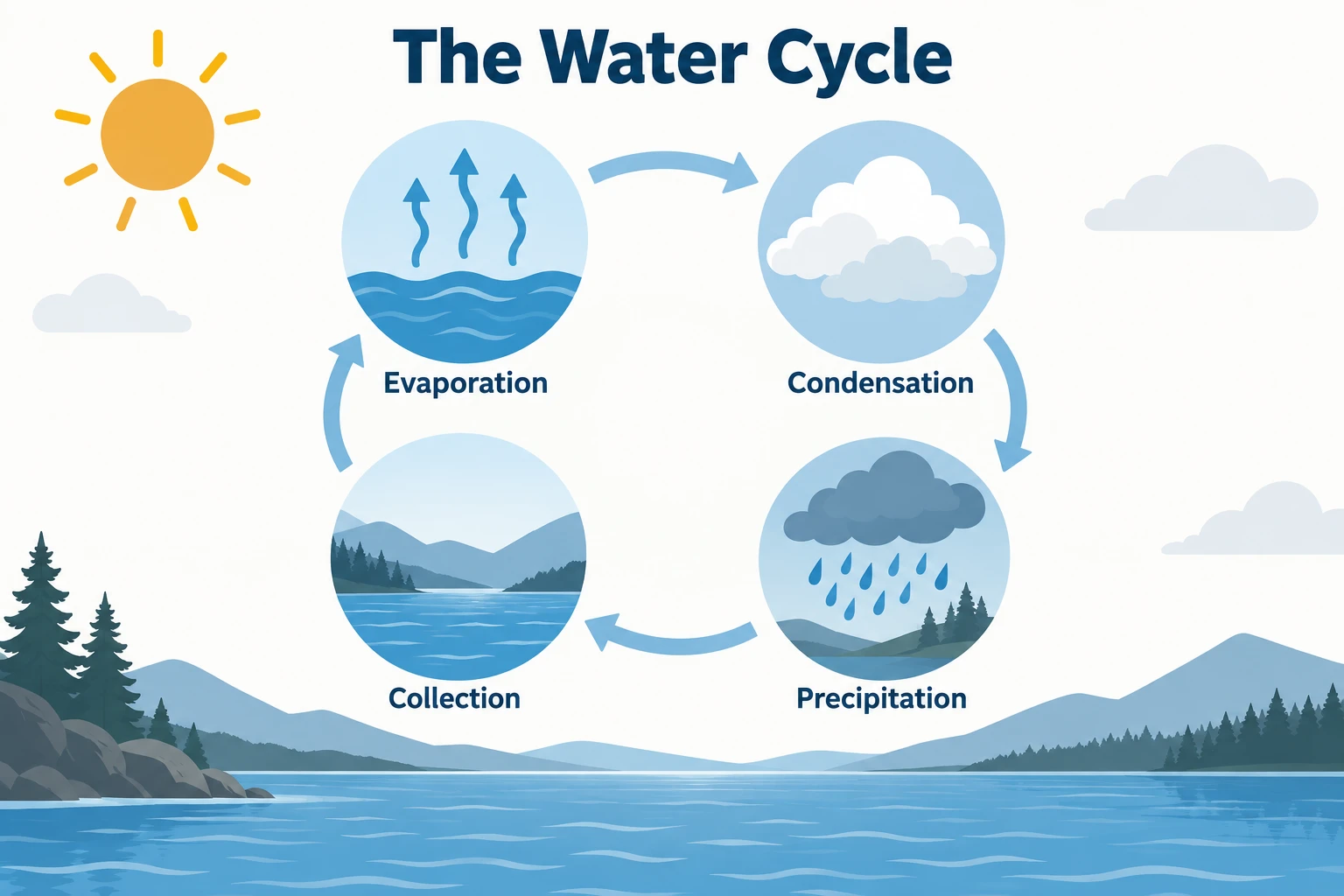
Create a clean educational infographic explaining the water cycle.

Layout: four labelled stages arranged in a circular flow with
curved connecting arrows, evenly spaced.
Text: label the stages exactly "Evaporation", "Condensation",
"Precipitation", "Collection". Add the title "The Water Cycle" at
the top.
Details: simple flat illustrations for each stage, a sun in the
upper left, a body of water at the base.
Style: educational illustration, limited palette of blues, warm
greys and a single amber accent, generous white space.
Constraints: all text correctly spelled and clearly legible at
normal viewing size. No text other than the title and the four
labels.
Size: 1536x1024.
Presentation slide
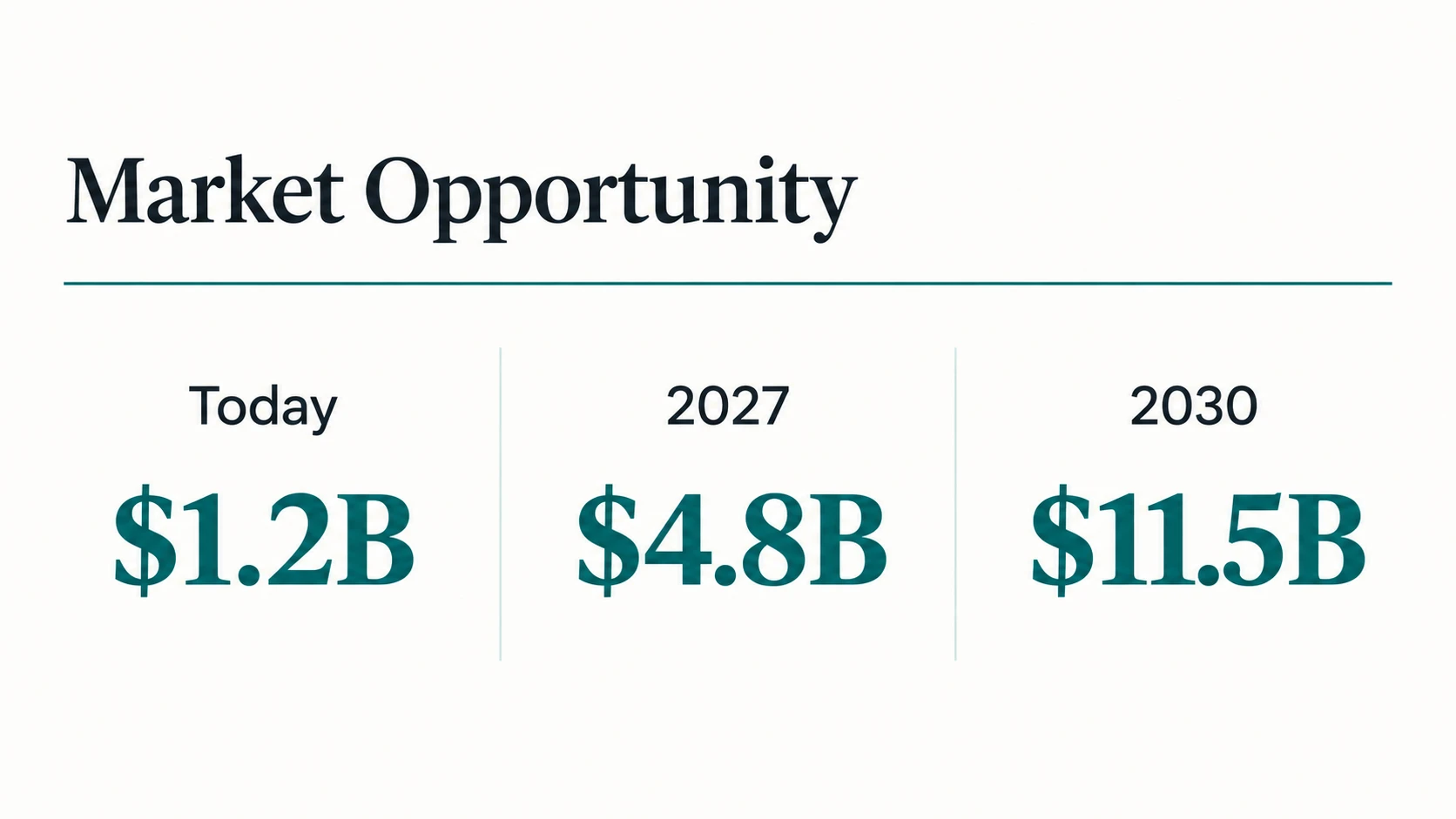
Create a 16:9 presentation slide for an investor deck.

Layout: title in the upper left, a simple three-column comparison
beneath it, a thin accent rule separating the header.
Text: the title "Market Opportunity". Column headers exactly
"Today", "2027", "2030". Under each, a large figure: "$1.2B",
"$4.8B", "$11.5B".
Style: clean corporate design, off-white background, dark charcoal
type, one deep teal accent colour, plenty of breathing room.
Constraints: render every figure and label exactly once and
correctly. No charts, no icons, no logos, no footer text.
Size: 1536x864.
Translate text inside an existing image
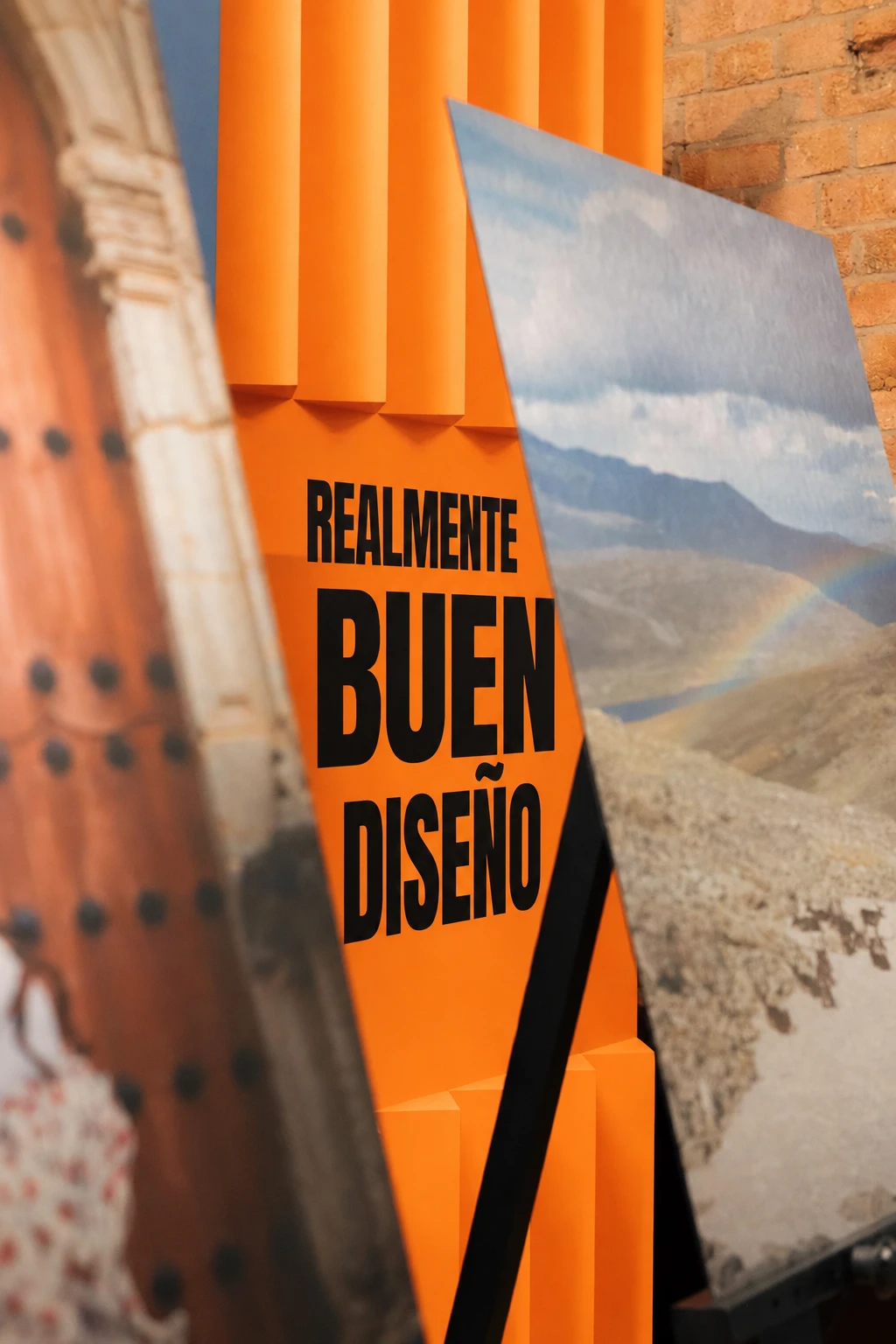
Translate the text in [attached image] to Spanish.

Constraints: keep the same fonts, sizes, weights, colours and
positions. Do not change any other aspect of the image. Do not
alter the layout, illustrations or spacing.
That one is lifted almost directly from OpenAI's own documentation, and I think it is the most quietly useful edit the model does.
Menu or price list
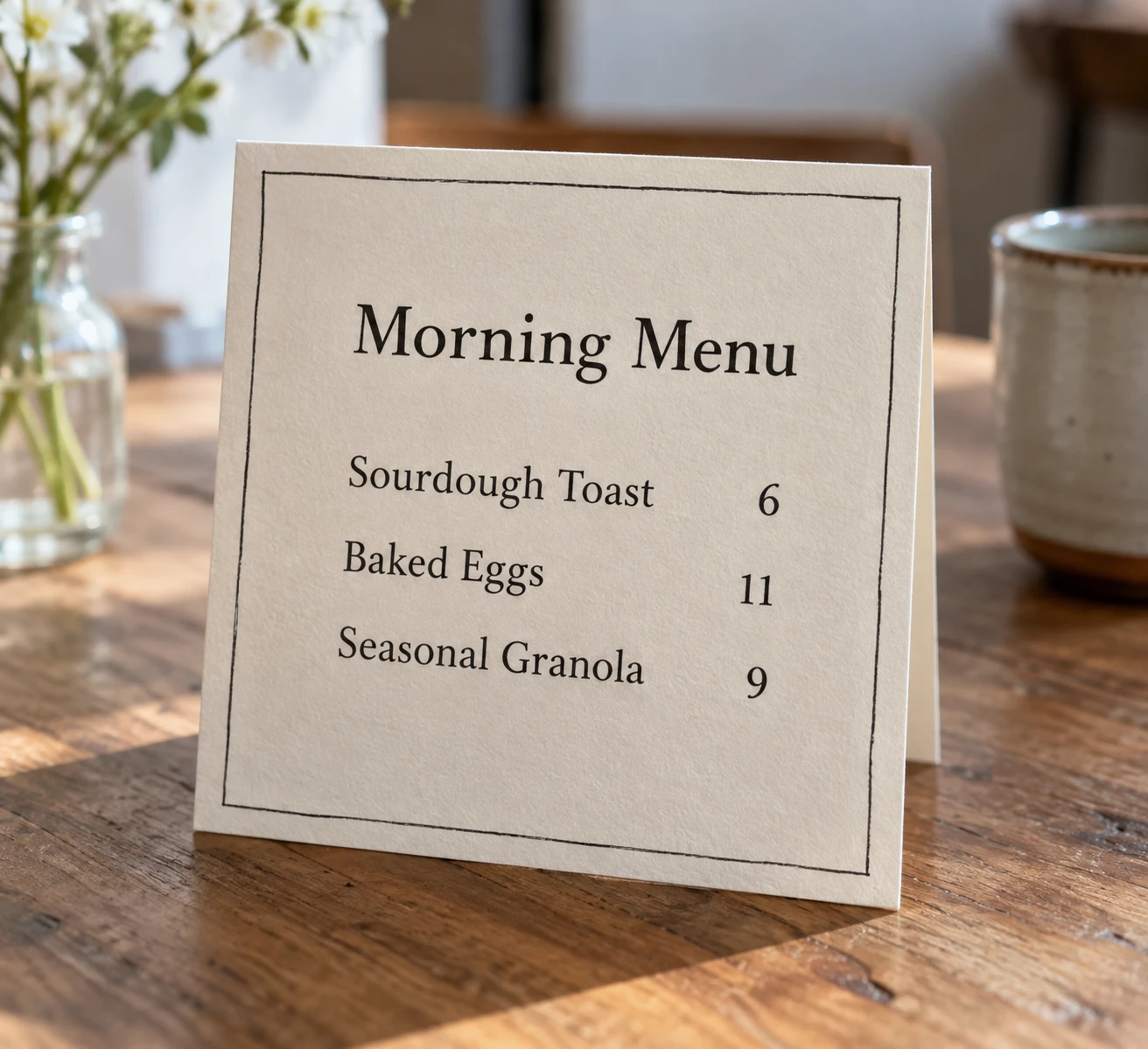
Create a photorealistic printed cafe menu card standing on a
wooden table.

Text on the card, exactly as written:
Heading: "Morning Menu"
Then three lines: "Sourdough Toast  6", "Baked Eggs  11",
"Seasonal Granola  9"
Details: warm off-white card stock with visible paper texture, a
thin hand-drawn border, soft daylight from the left, shallow
depth of field with the table blurring behind.
Style: real photograph, warm natural colour.
Constraints: render every menu line exactly once, correctly
spelled and aligned. No other text on the card or in the frame.
Editing And Retouching
Remove an object
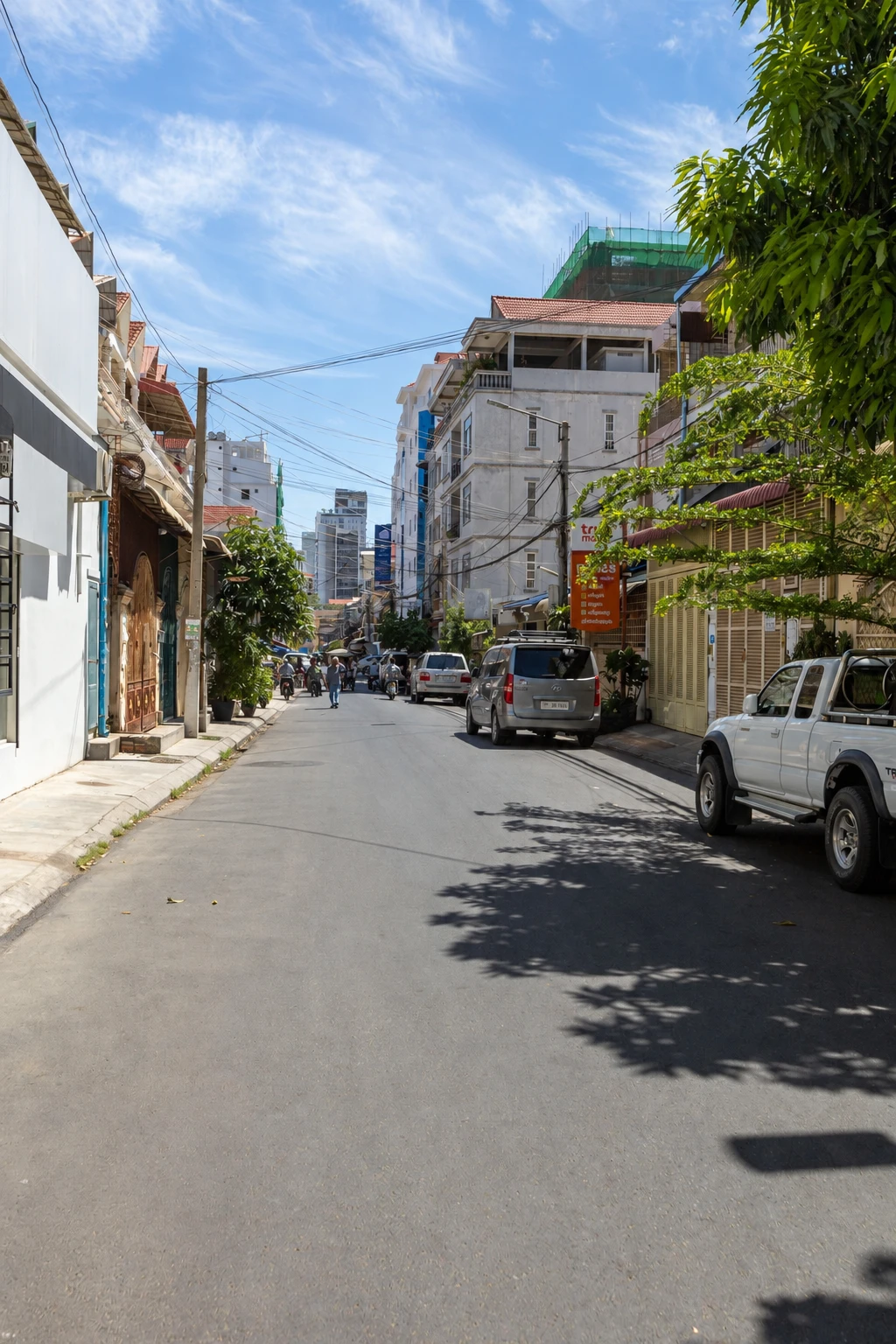
Remove the parked car from the left side of [attached image].

Constraints: fill the space naturally with the surrounding
pavement, kerb and background that would logically be there. Match
the existing lighting, shadows and perspective. Do not change
anything else in the image.
Add an object
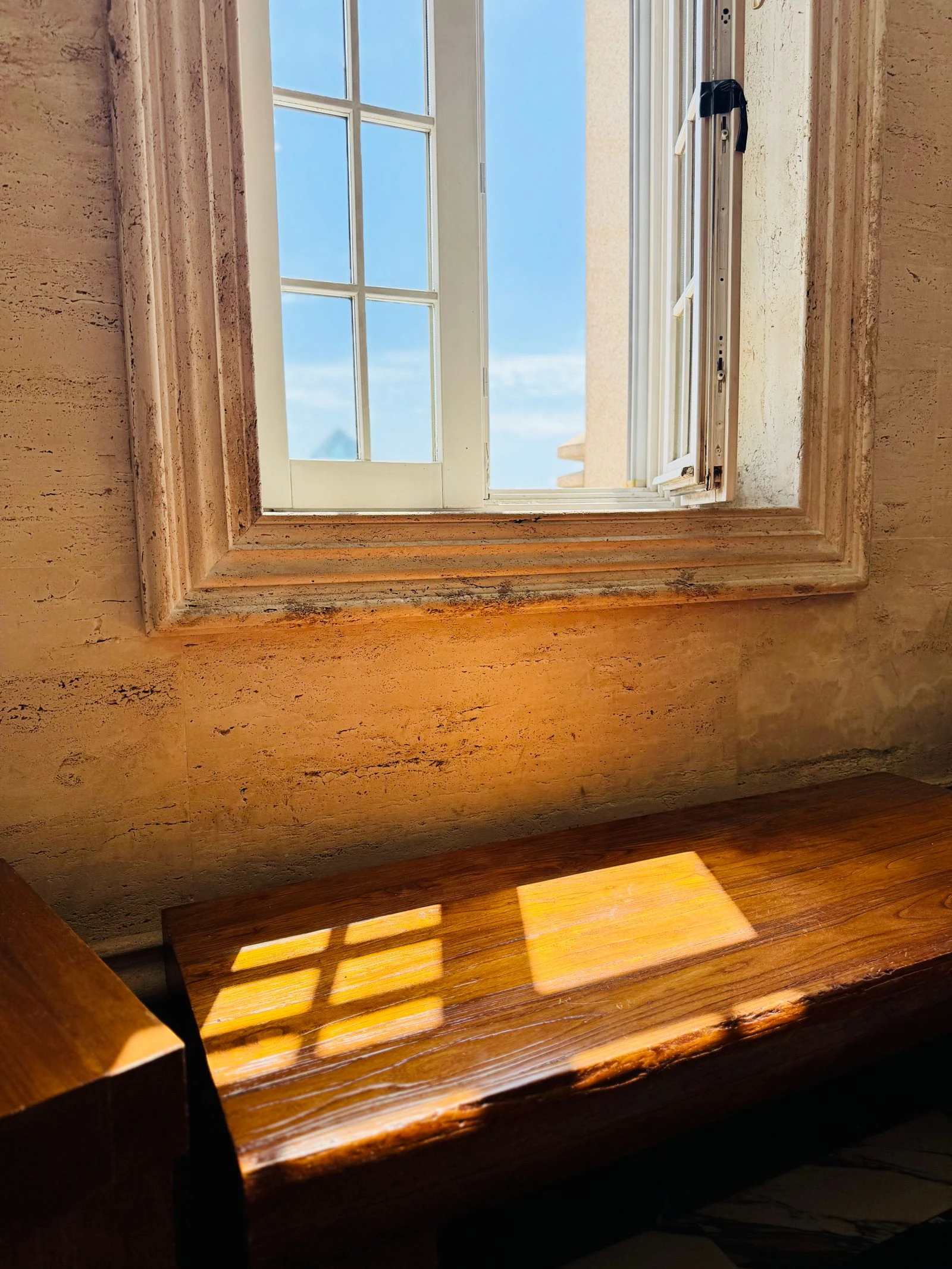
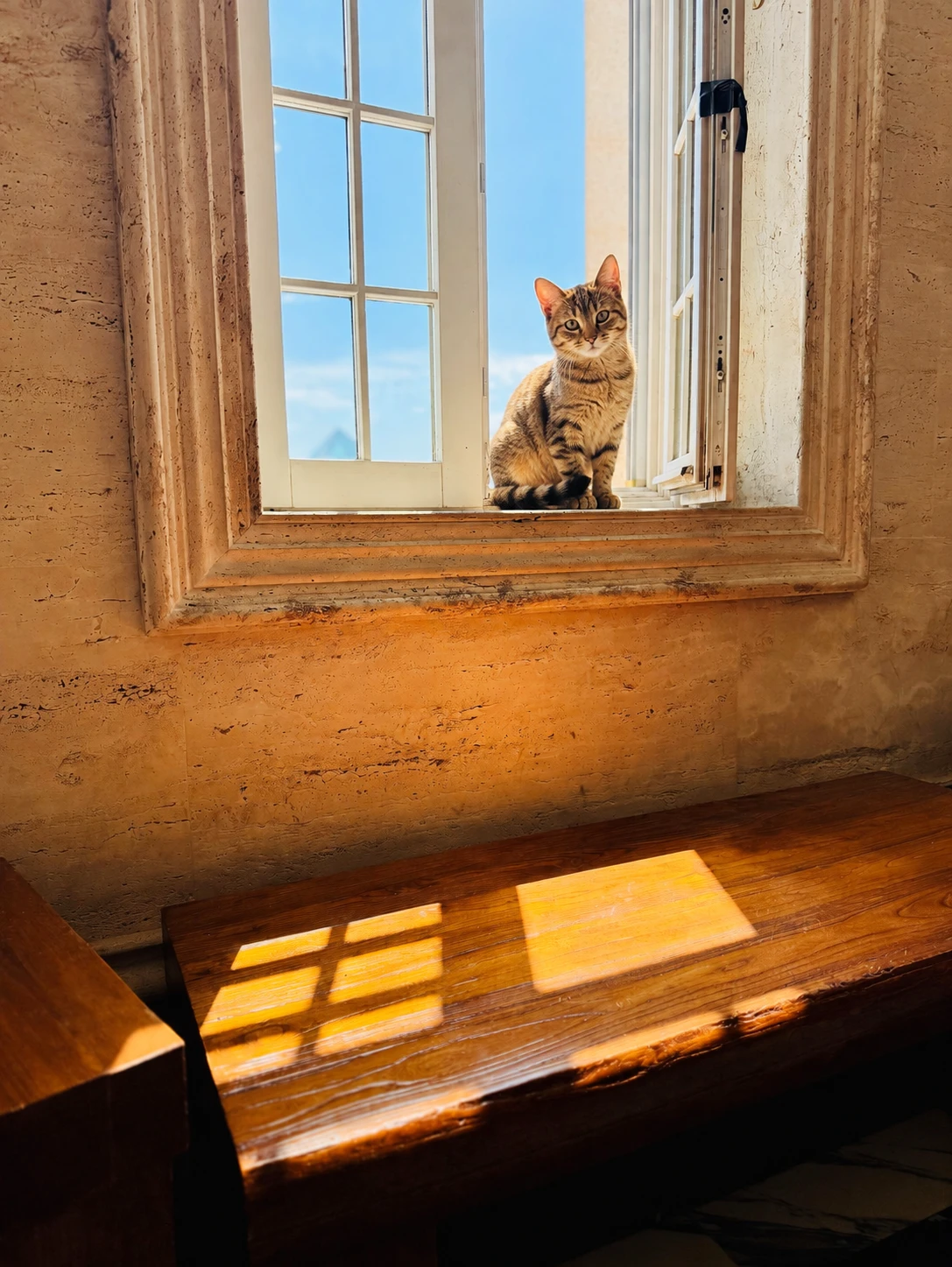
Add a small tabby cat sitting on the windowsill in [attached
image].

Constraints: match the existing lighting direction, colour
temperature and shadow softness. Scale the cat correctly to the
window. Keep everything else in the image exactly the same. Do not
adjust the overall exposure or colour.
Change season or time of day
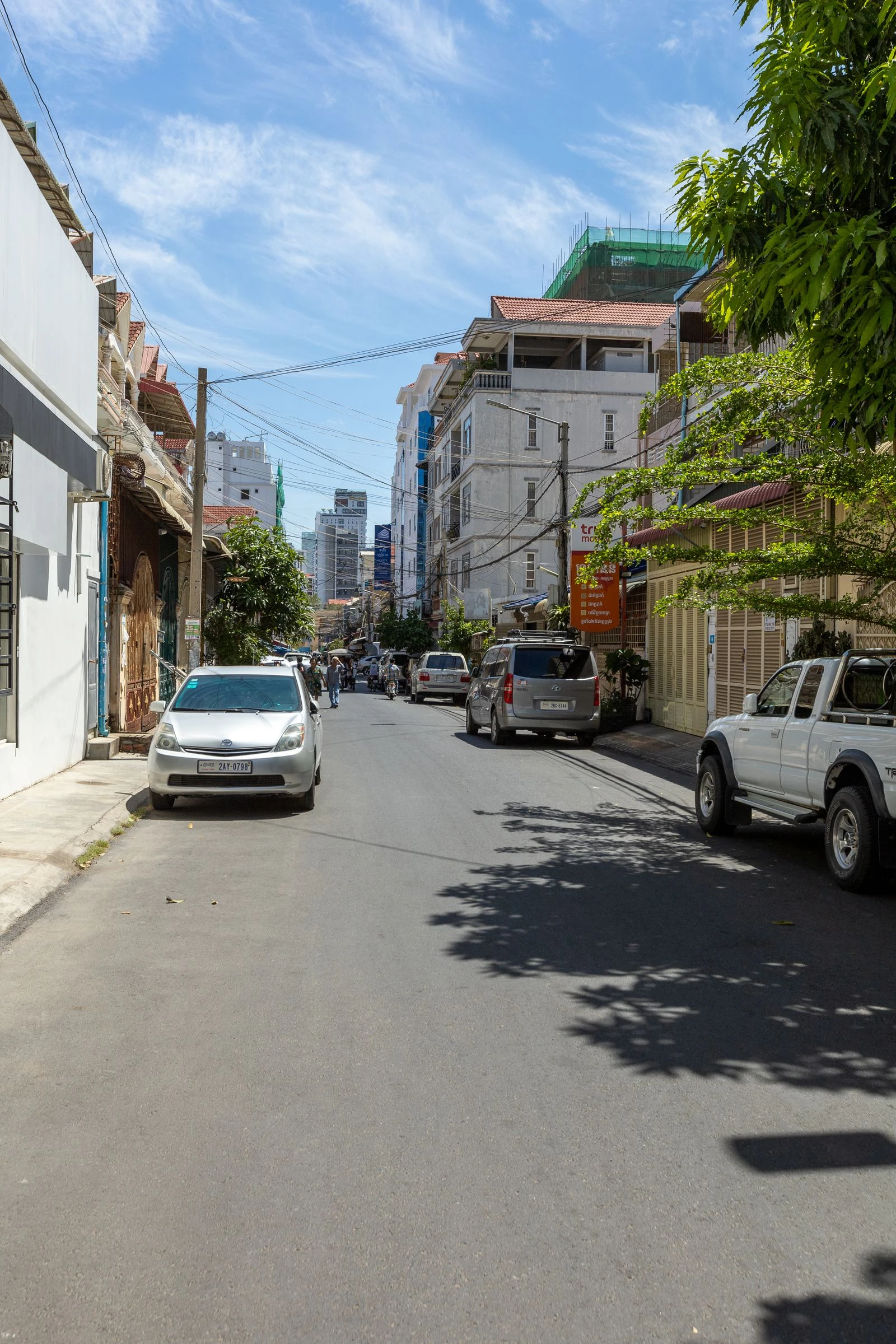
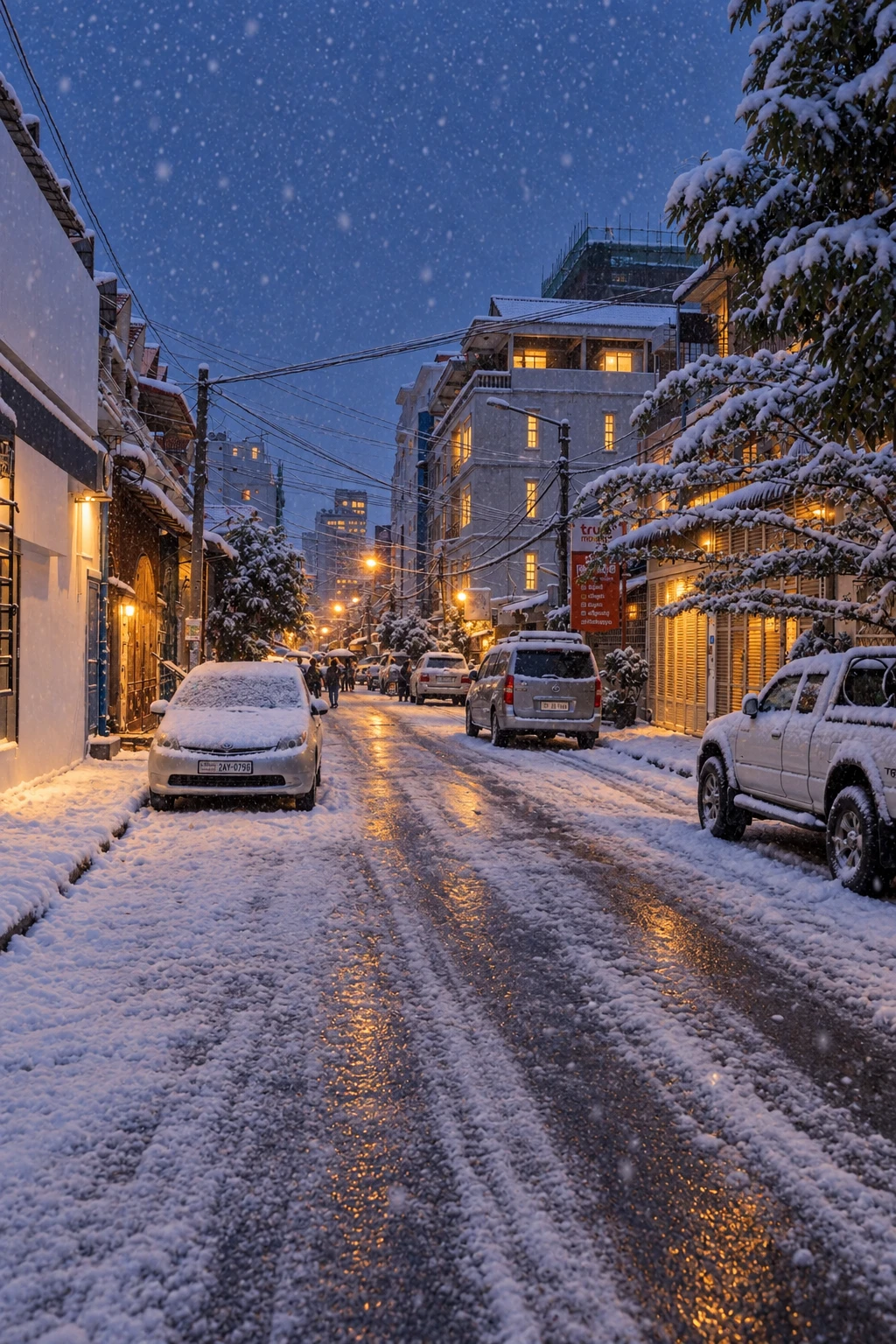
Make [attached image] look like a winter evening with light
snowfall.

Changes: shift the lighting to cool blue dusk with warm glow from
any windows or streetlights. Add snow accumulation on horizontal
surfaces and falling snow in the air.
Constraints: keep the architecture, composition, camera angle and
all structural elements identical. Do not add or remove any
objects or people.
Clothing swap with identity lock
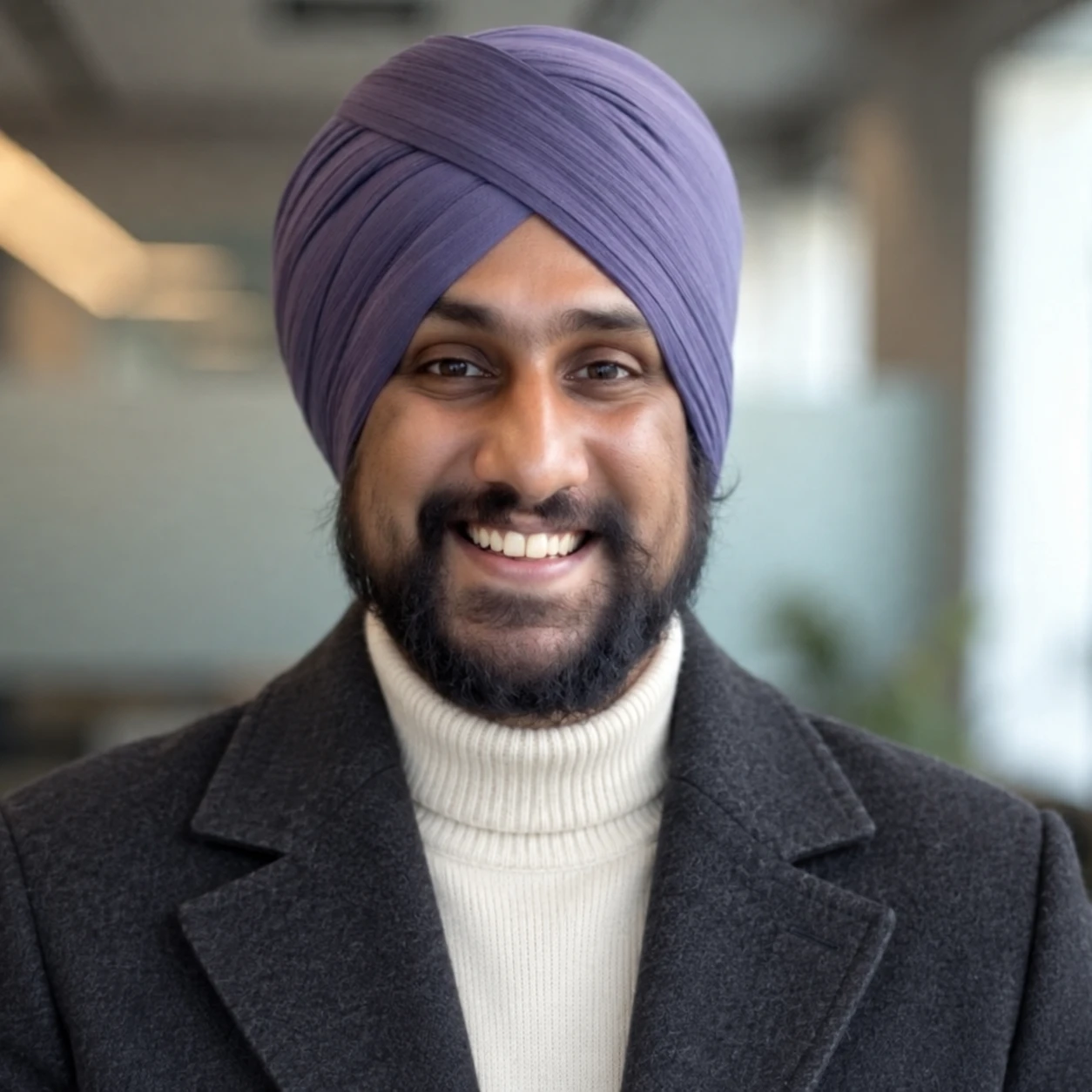
Change the person's outfit in [attached image] to a charcoal wool
overcoat over a cream turtleneck.

Constraints: keep the face, hair, skin tone, body proportions,
pose and expression exactly as they are. Keep the background,
lighting and camera angle unchanged. Do not redesign the person or
alter their build.
Style: match the photographic realism of the original.
Background replacement
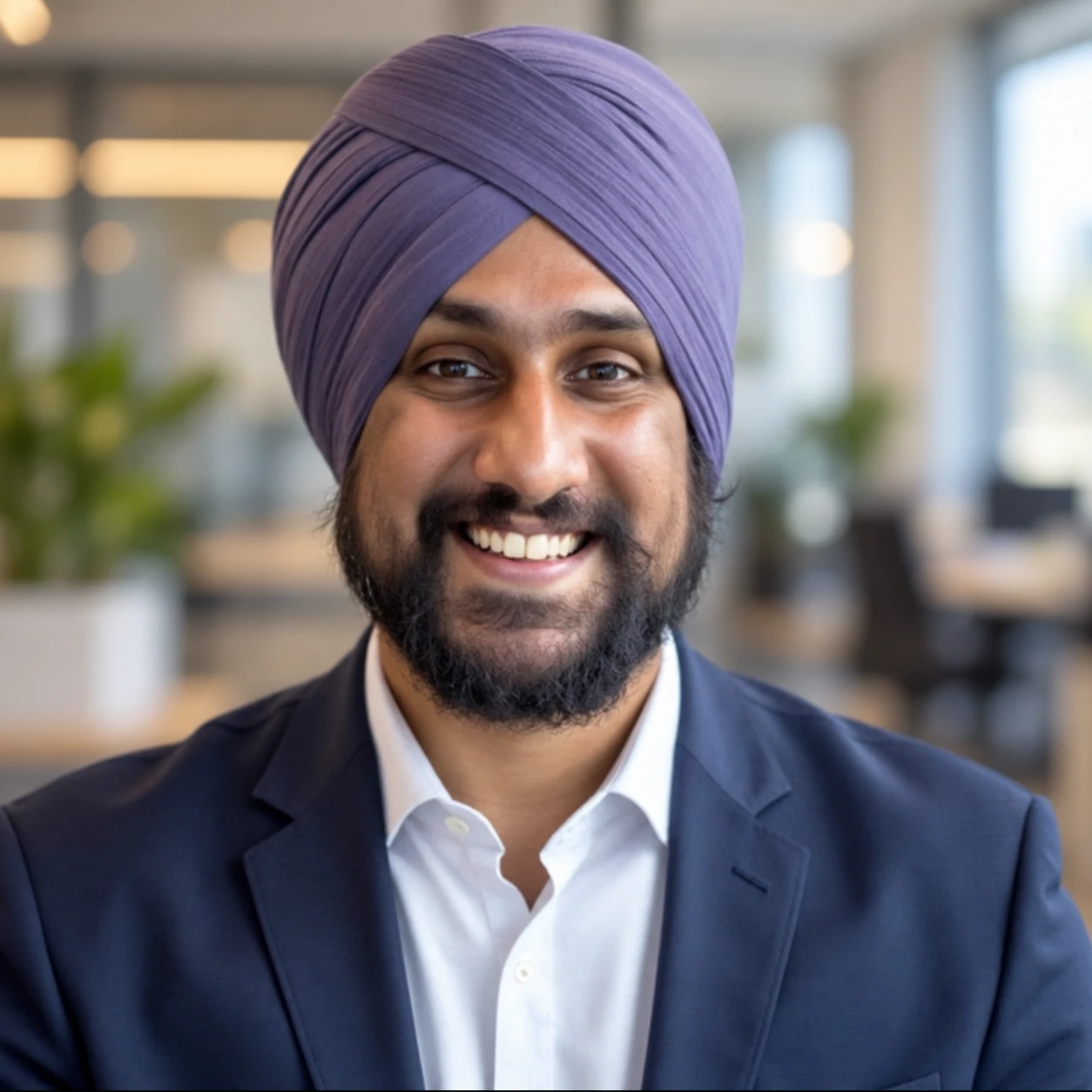
Replace the background in [attached image] with a softly blurred
modern office interior.

Changes: add depth-of-field blur to the new background so the
subject separates cleanly.
Constraints: keep the subject's edges clean, including hair
detail. Match the new background's lighting direction and colour
temperature to the existing light on the subject. Do not alter the
subject's pose, face, clothing or scale.
Style: real photograph, natural colour.
Sketch to photorealistic render
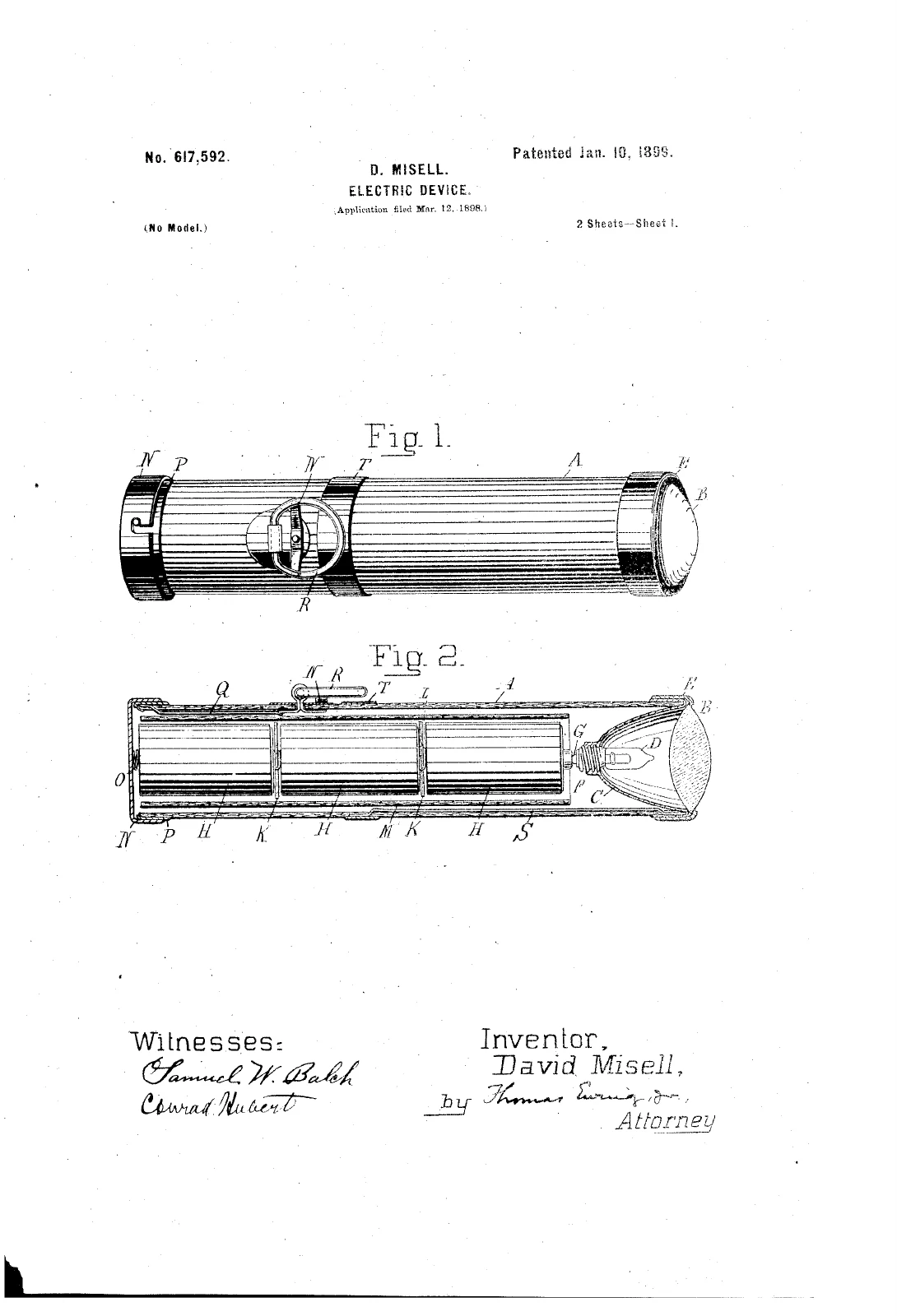
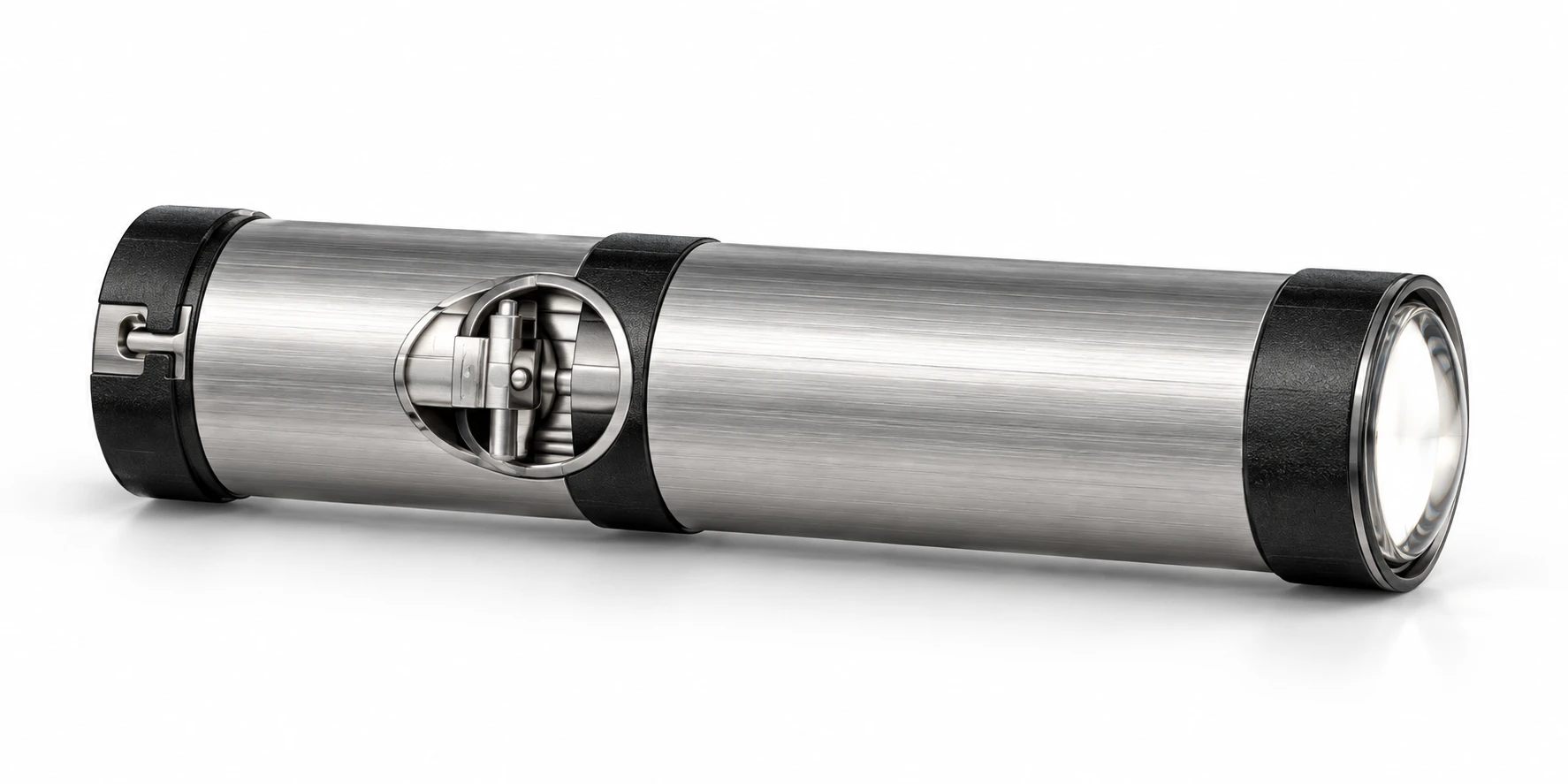
Turn the sketch in [attached image] into a photorealistic product
render.

Constraints: follow the sketch's proportions, silhouette and
detail placement exactly. Do not show the sketch, pencil lines,
paper texture or annotations anywhere in the final image.
Details: brushed aluminium body with a matte black textured grip,
subtle machined edges.
Scene: seamless white studio background, three-point lighting,
soft contact shadow.
Style: real photograph, commercial product render, sharp focus.
Restore an old photo
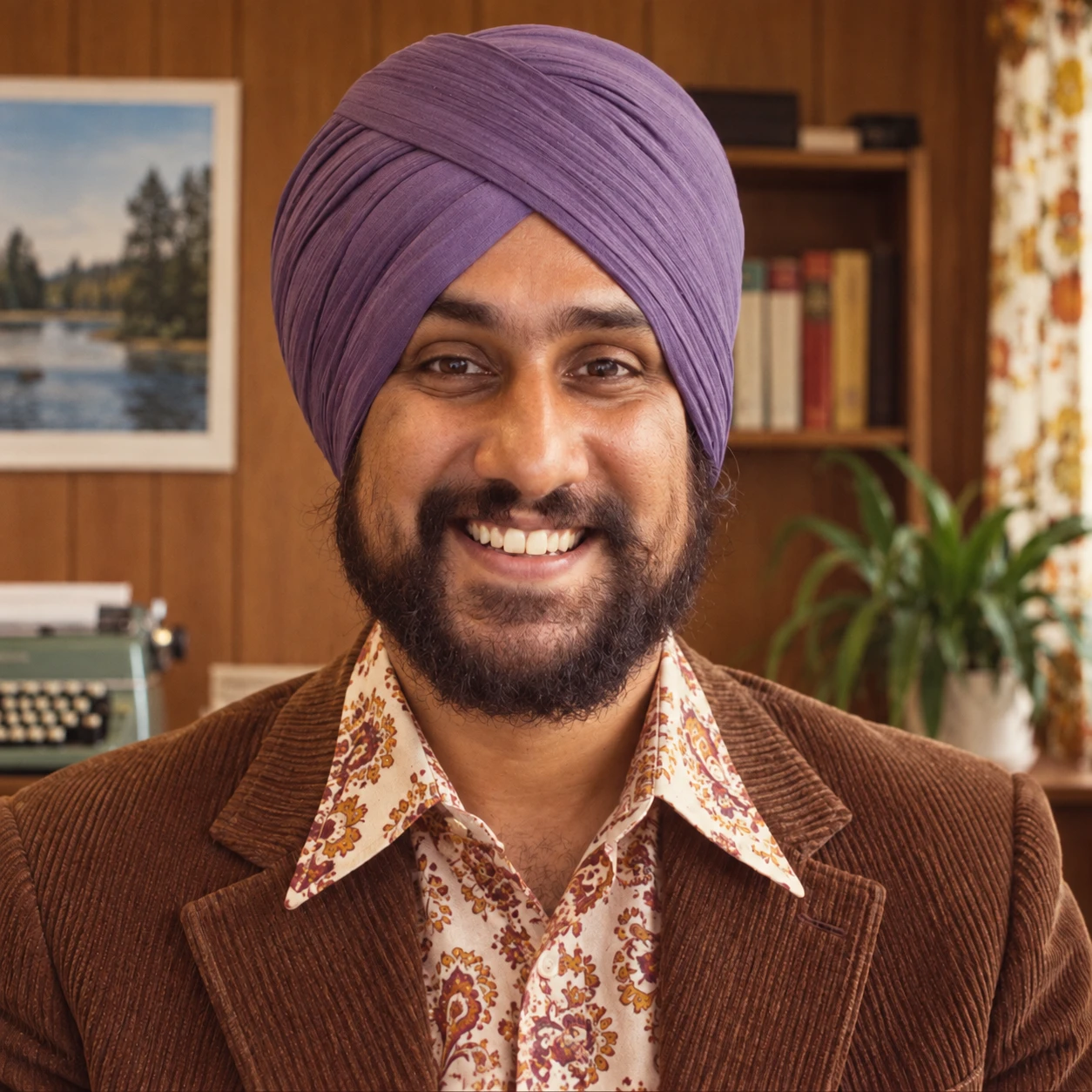
Restore [attached image].

Changes: remove scratches, dust, creases, tears and discolouration.
Recover natural skin tones and correct the faded contrast.
Constraints: keep every facial feature, expression and detail
exactly as in the original. Do not sharpen beyond natural,
do not smooth skin, and do not add, remove or invent any elements,
people or background detail.
Upscale detail on a low-quality image
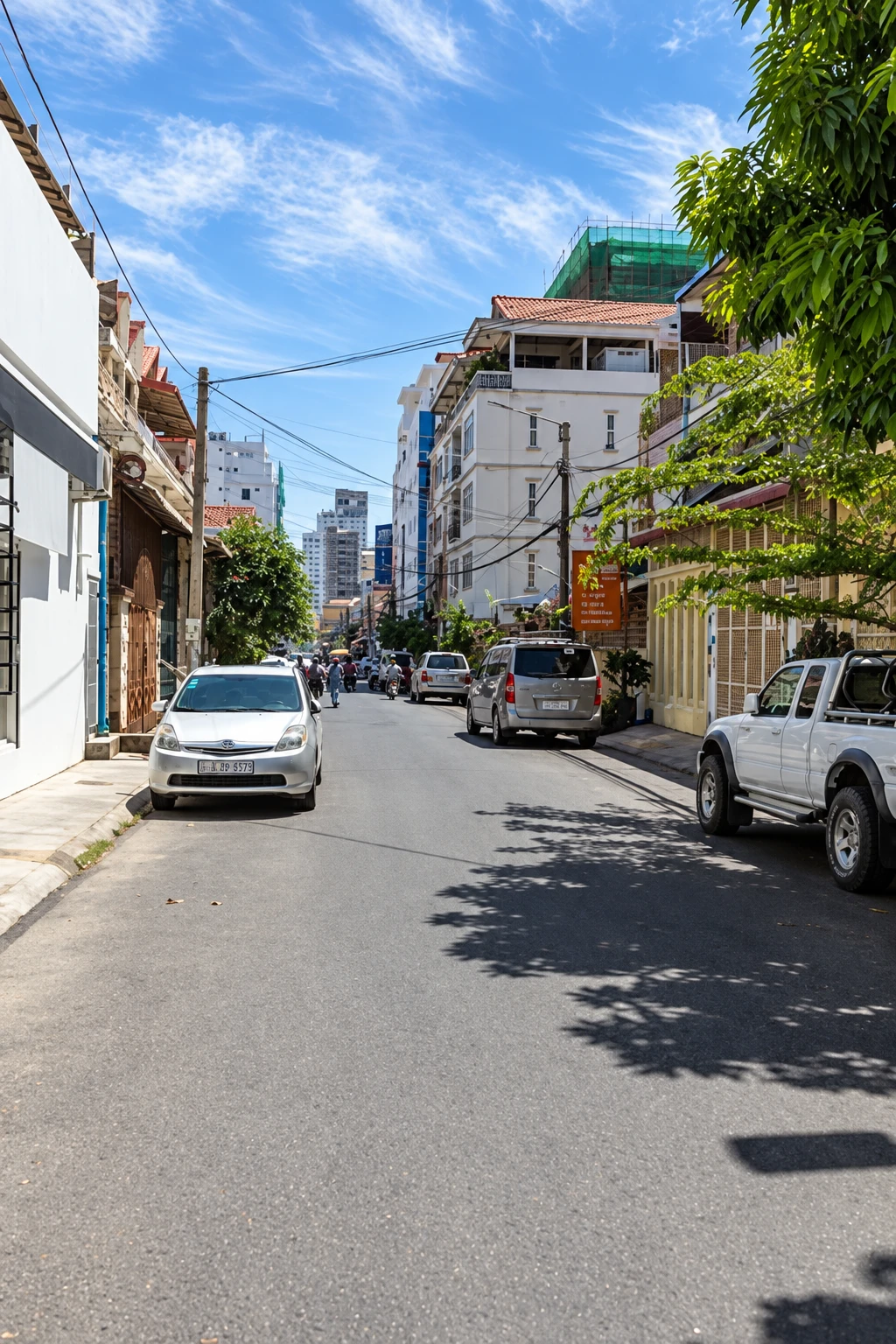
Enhance the detail and clarity of [attached image].

Changes: recover fine texture and edge definition, reduce
compression artefacts and noise.
Constraints: do not change the composition, colours, framing or
any content. Do not add detail that is not implied by the
original. Keep faces and text exactly as they appear.
Multi-Image Composition
This is where the 16-image limit matters. OpenAI's documented technique is to assign an explicit role to every reference.
Two-image composite
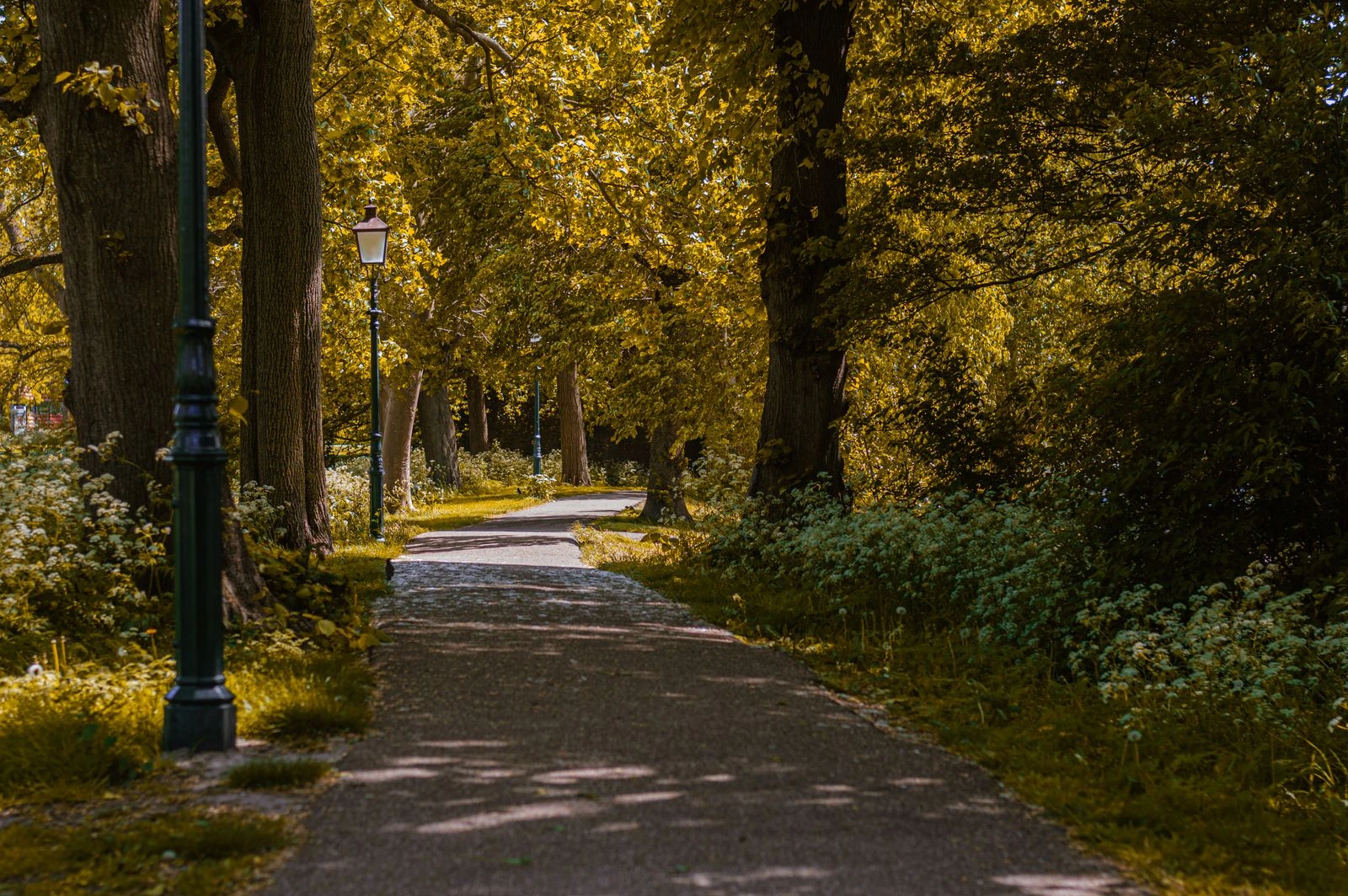
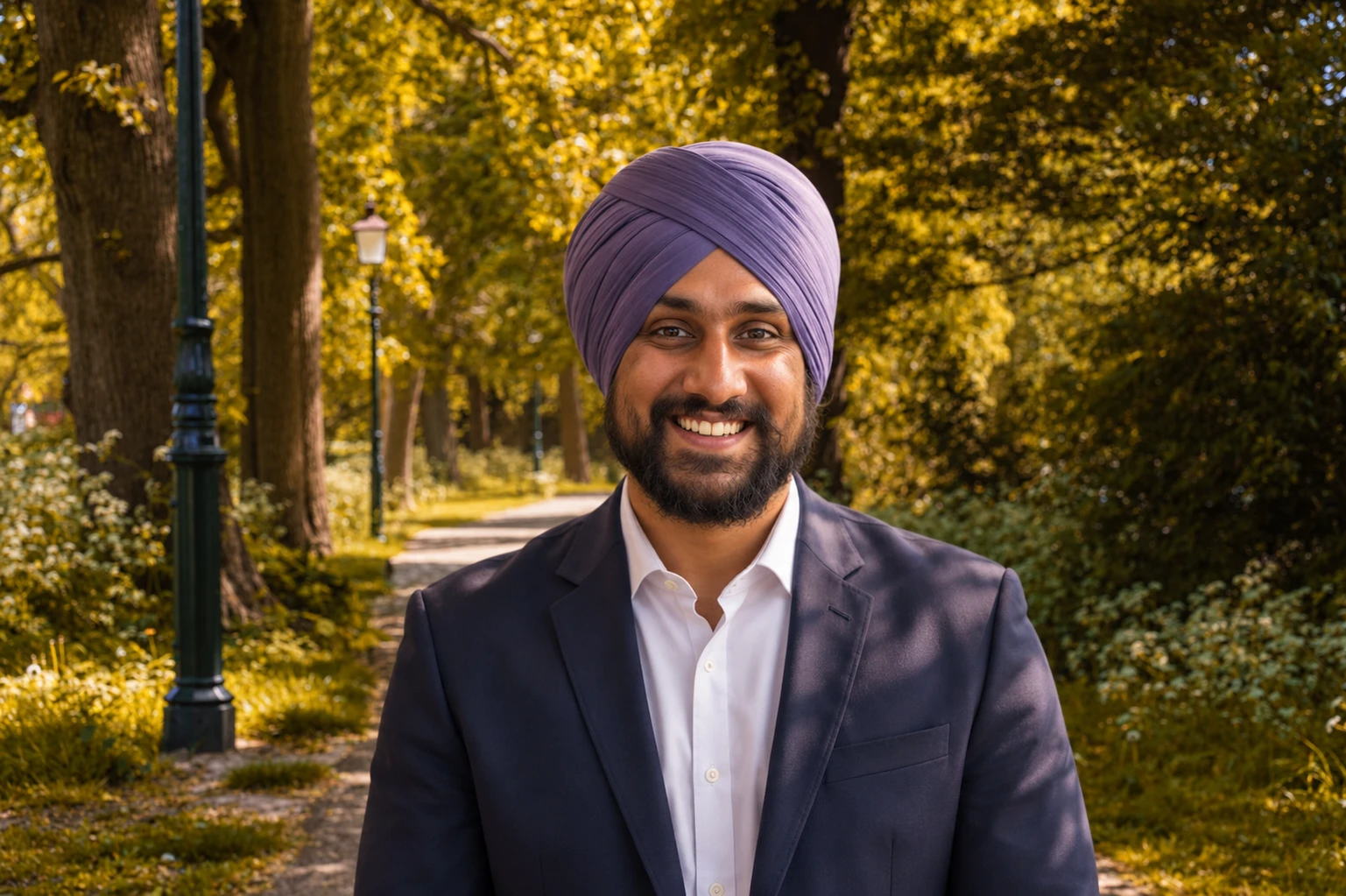
Image 1: the subject. Image 2: the background scene.

Place the person from Image 1 into the environment from Image 2.

Constraints: keep the subject's face, clothing, pose and
proportions from Image 1 unchanged. Keep the environment from
Image 2 unchanged.
Changes: match the lighting on the subject to Image 2's light
direction, intensity and colour temperature. Add a grounded
contact shadow consistent with that light.
Style: real photograph, seamless and natural.
Style transfer with a reference
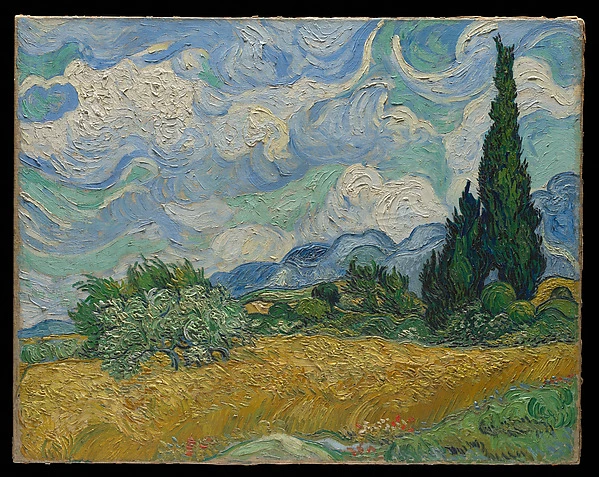
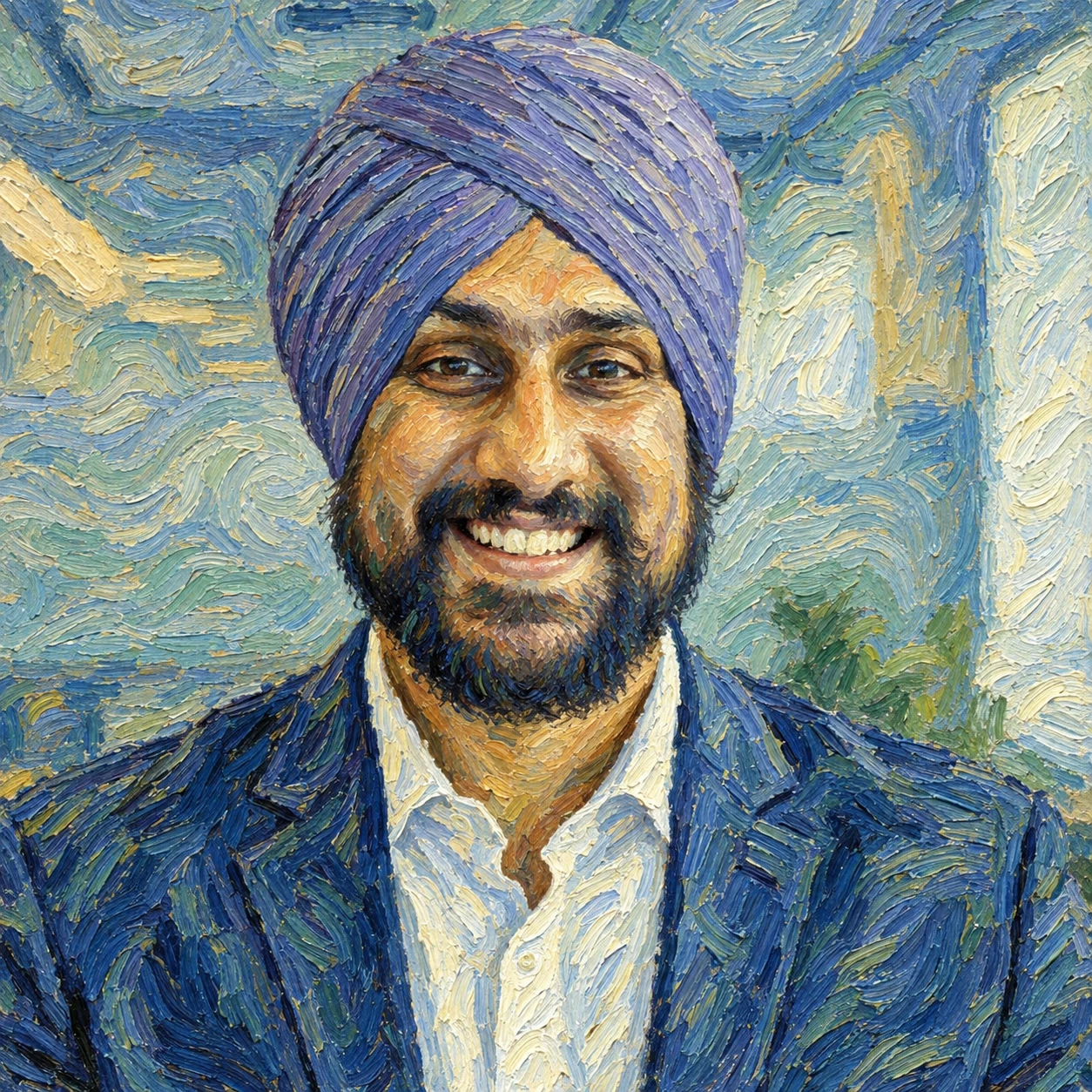
Image 1: the content to transform. Image 2: the style reference.

Redraw Image 1 in the artistic style of Image 2.

Constraints: preserve Image 1's composition, subject placement,
proportions and perspective exactly. Do not borrow any subject
matter or objects from Image 2.
Changes: match Image 2's brushwork, colour palette, texture and
level of detail.
Moodboard-driven creative
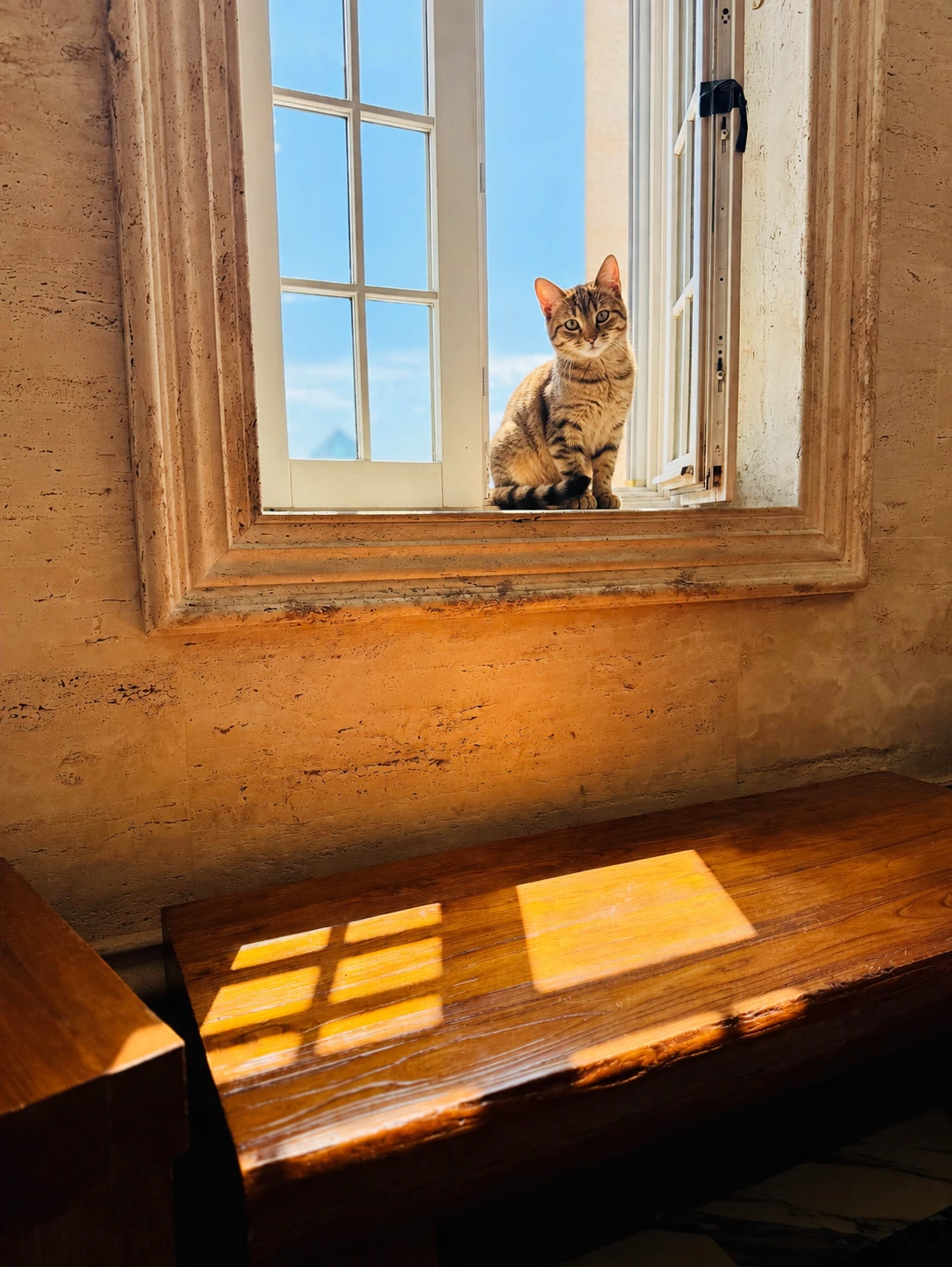
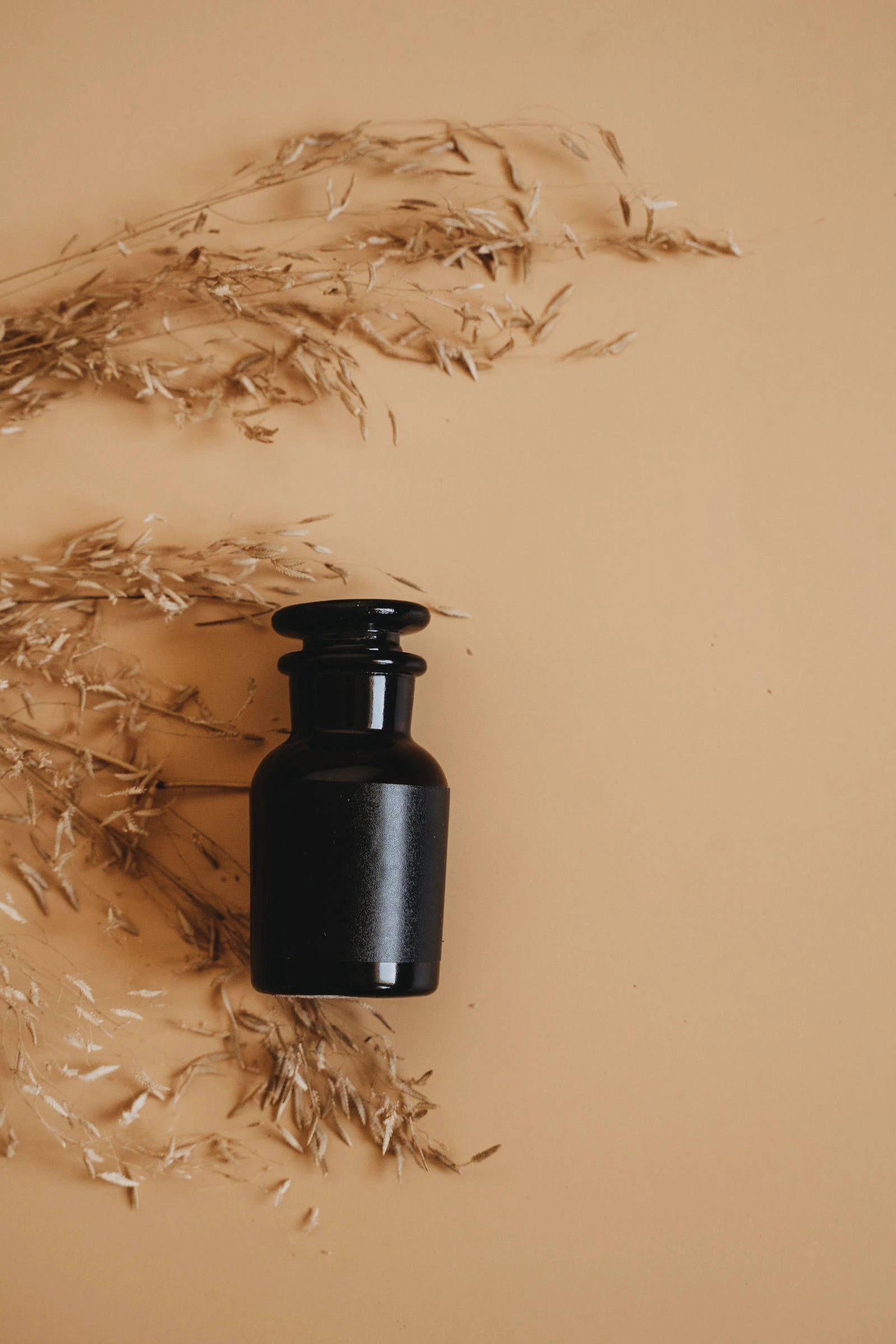
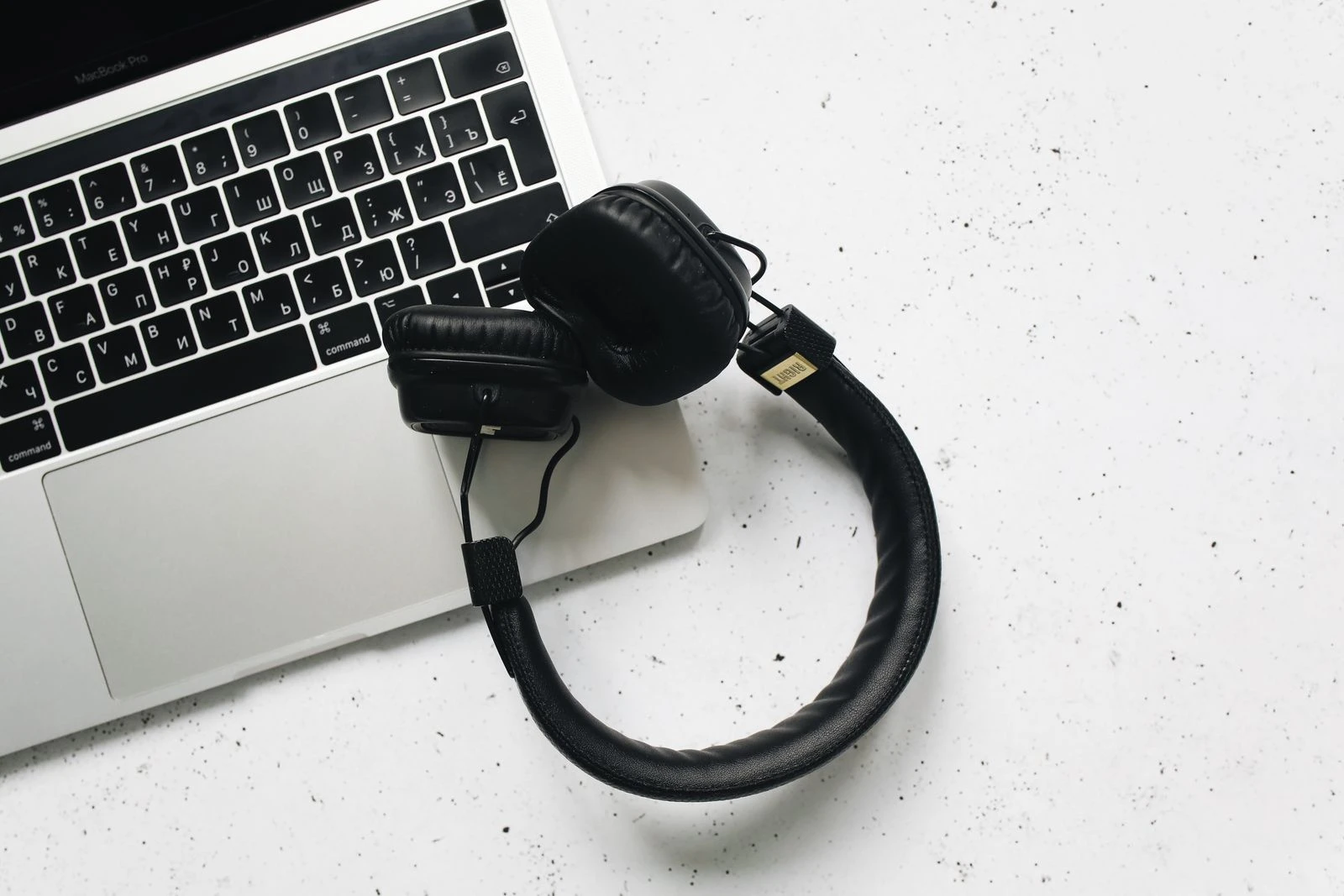
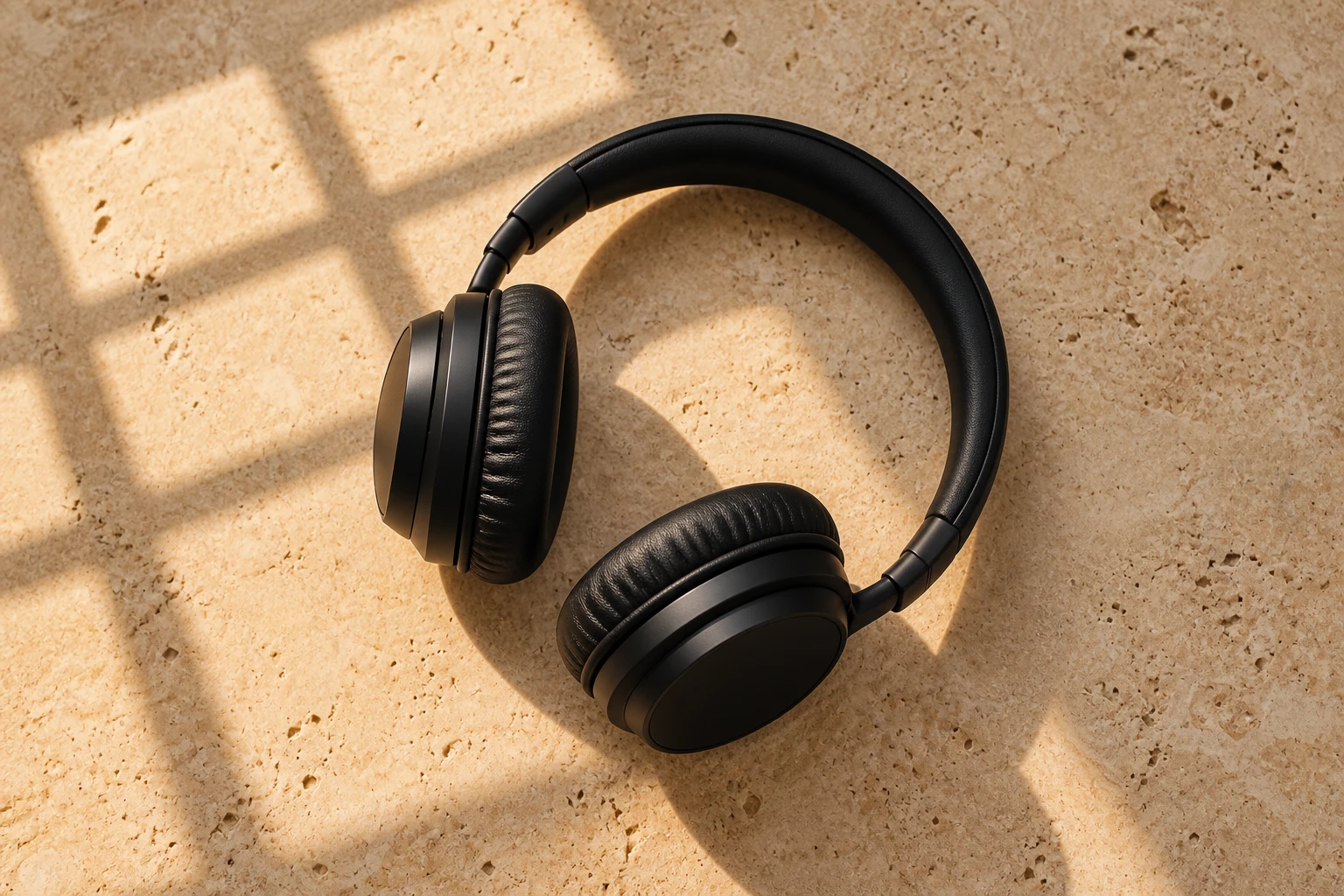
Image 1: lighting reference. Image 2: colour palette reference.
Image 3: camera angle and framing reference.

Create a new photorealistic product photograph of a pair of
minimalist black headphones on a stone surface.

Constraints: take only the lighting quality and direction from
Image 1, only the colour palette from Image 2, and only the camera
angle and framing from Image 3. Do not copy any objects, subjects
or backgrounds from any reference image.
Style: real photograph, commercial product photography.
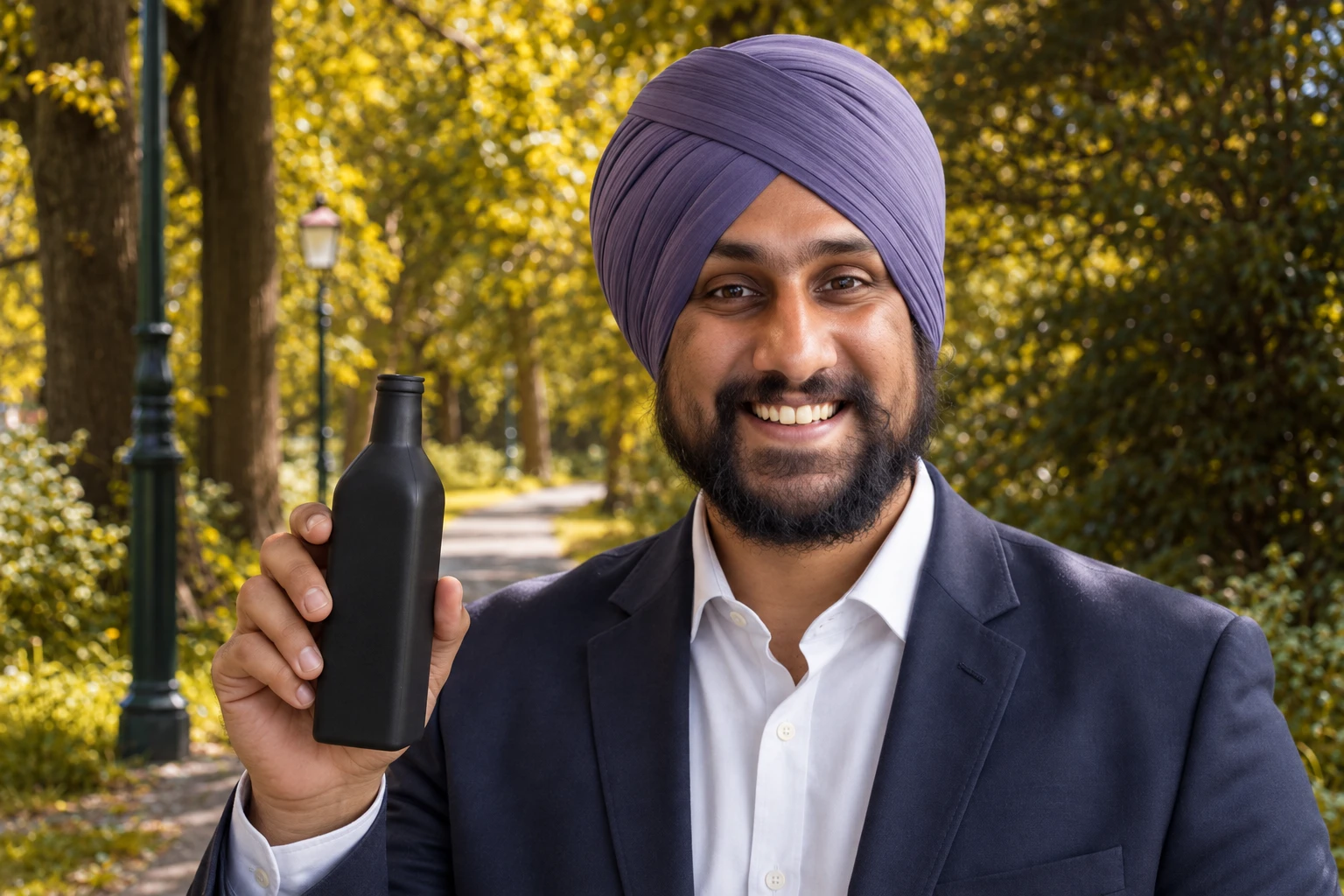
Product plus model composite
Image 1: the product. Image 2: the model. Image 3: the location.

Show the model from Image 2 holding the product from Image 1 in
the setting from Image 3.

Constraints: keep the product's exact design, proportions and
label text from Image 1. Keep the model's face and appearance from
Image 2. Keep the environment from Image 3.
Changes: match lighting across all three elements to the setting
in Image 3. Ensure the hand grips the product naturally at correct
scale.
Style: real photograph, natural interaction, seamless compositing.
Billboard mockup
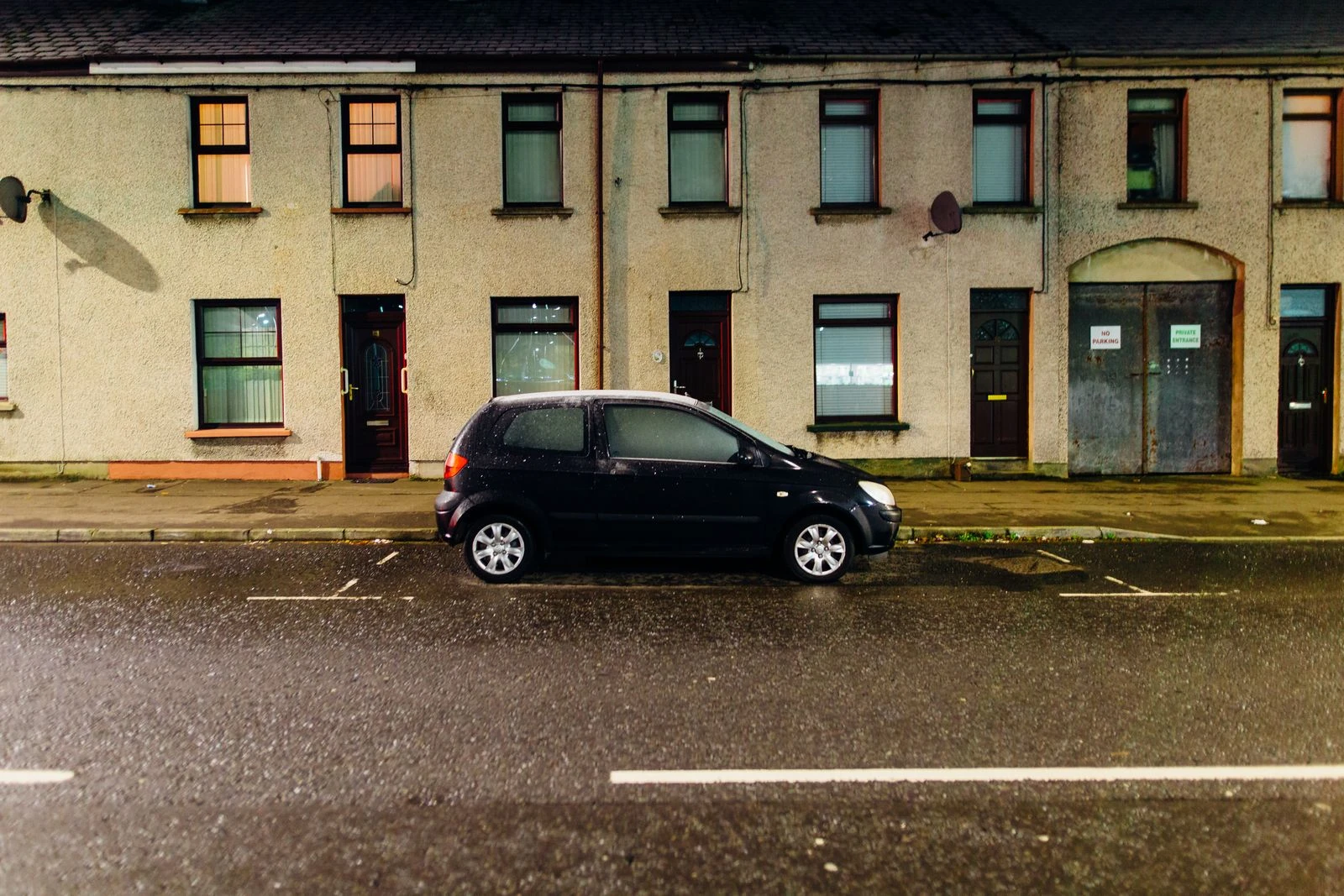
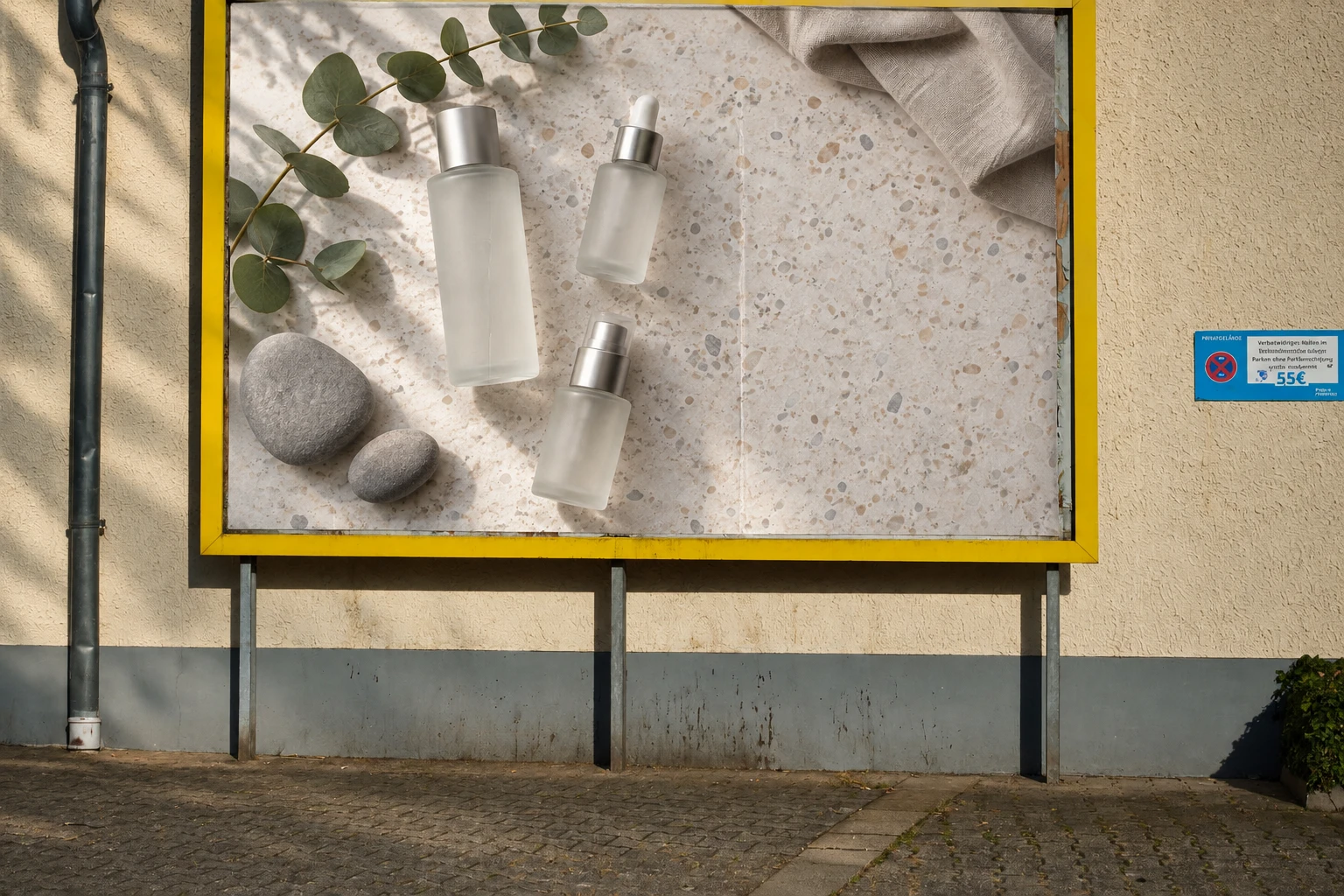
Image 1: the advertisement artwork. Image 2: the city street photo.

Place the artwork from Image 1 onto the blank billboard in Image 2.

Constraints: keep the artwork's text sharp, correctly spelled and
fully readable. Do not crop or reflow the artwork's layout.
Changes: apply perspective distortion matching the billboard's
angle, and match the ambient lighting and slight surface texture
of the billboard.
Style: real photograph, realistic outdoor advertising mockup.
Interior design with furniture references
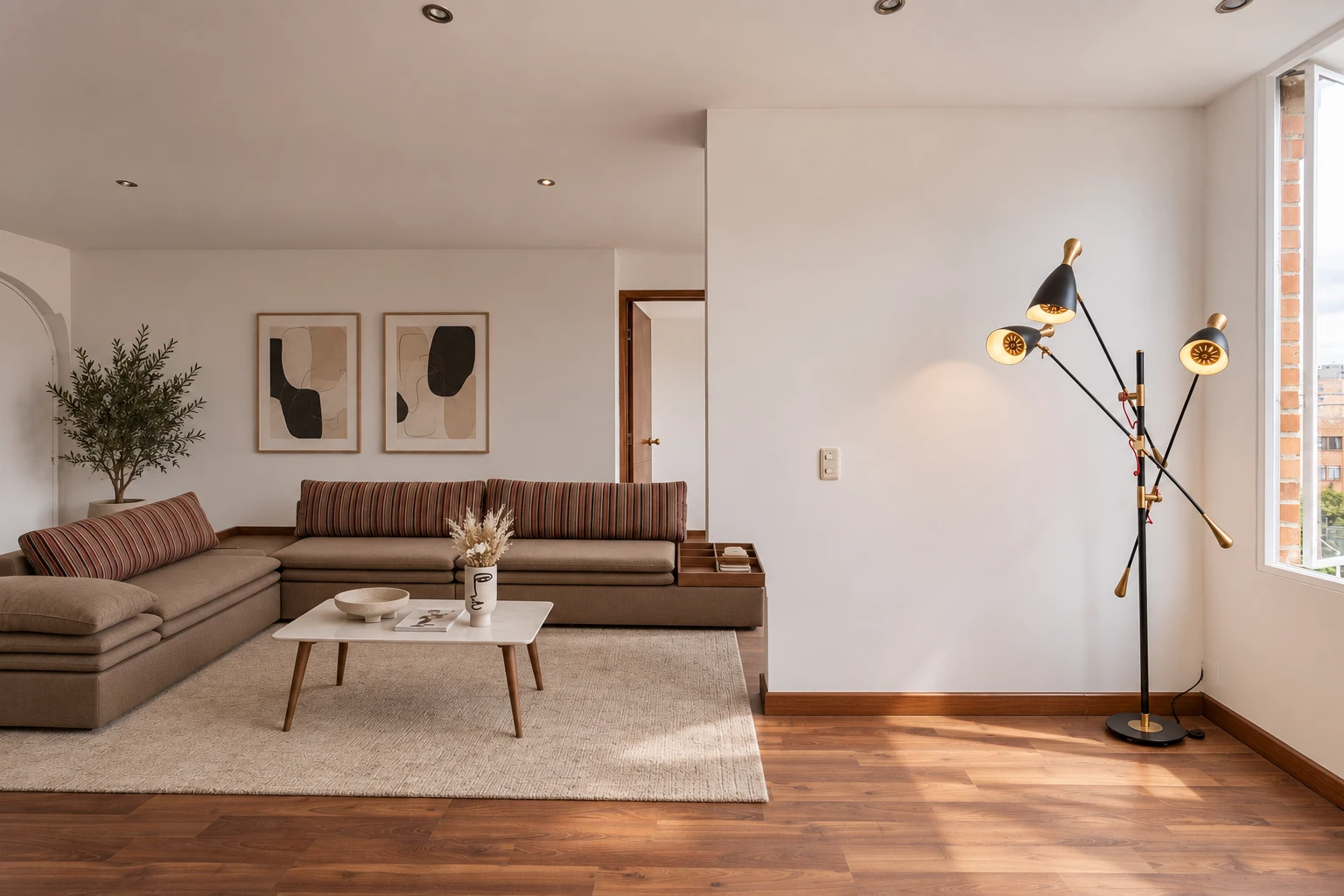
Image 1: the empty room. Images 2, 3 and 4: furniture references.

Furnish the room from Image 1 using the sofa from Image 2, the
coffee table from Image 3 and the floor lamp from Image 4.

Constraints: keep the room's architecture, wall colour, flooring,
window positions and camera angle from Image 1 exactly unchanged.
Keep each furniture item's design, colour and materials faithful
to its reference.
Changes: scale each piece correctly to the room, place them in a
natural arrangement, and add shadows consistent with the room's
existing light.
Style: real photograph, interior design photography.
Character Consistency
The documented approach is to build one reference image, then restate the defining details every single time.
Establish the character
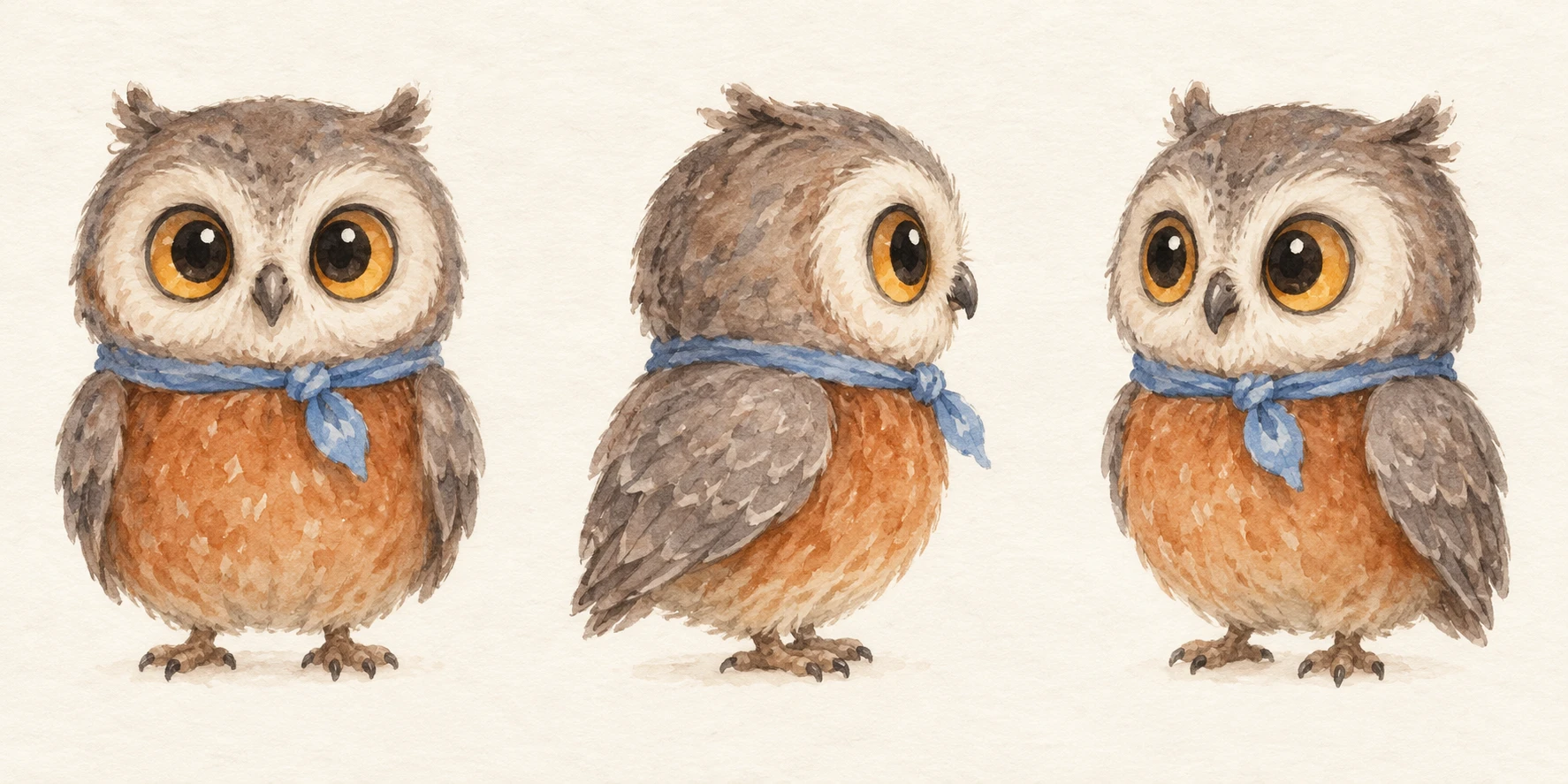
Create a character reference sheet for a children's picture book.

Subject: a small round owl with oversized amber eyes, a rust
orange belly, soft grey wing feathers and a tiny cornflower blue
scarf tied at the neck.
Layout: three views side by side on one sheet, front, side profile
and three-quarter, all at the same scale and eye level.
Style: soft watercolour illustration with visible paper grain,
warm muted palette, loose edges.
Constraints: identical proportions, colours and features across
all three views. Plain cream background. No text, no labels, no
props.
Reuse the character in a new scene
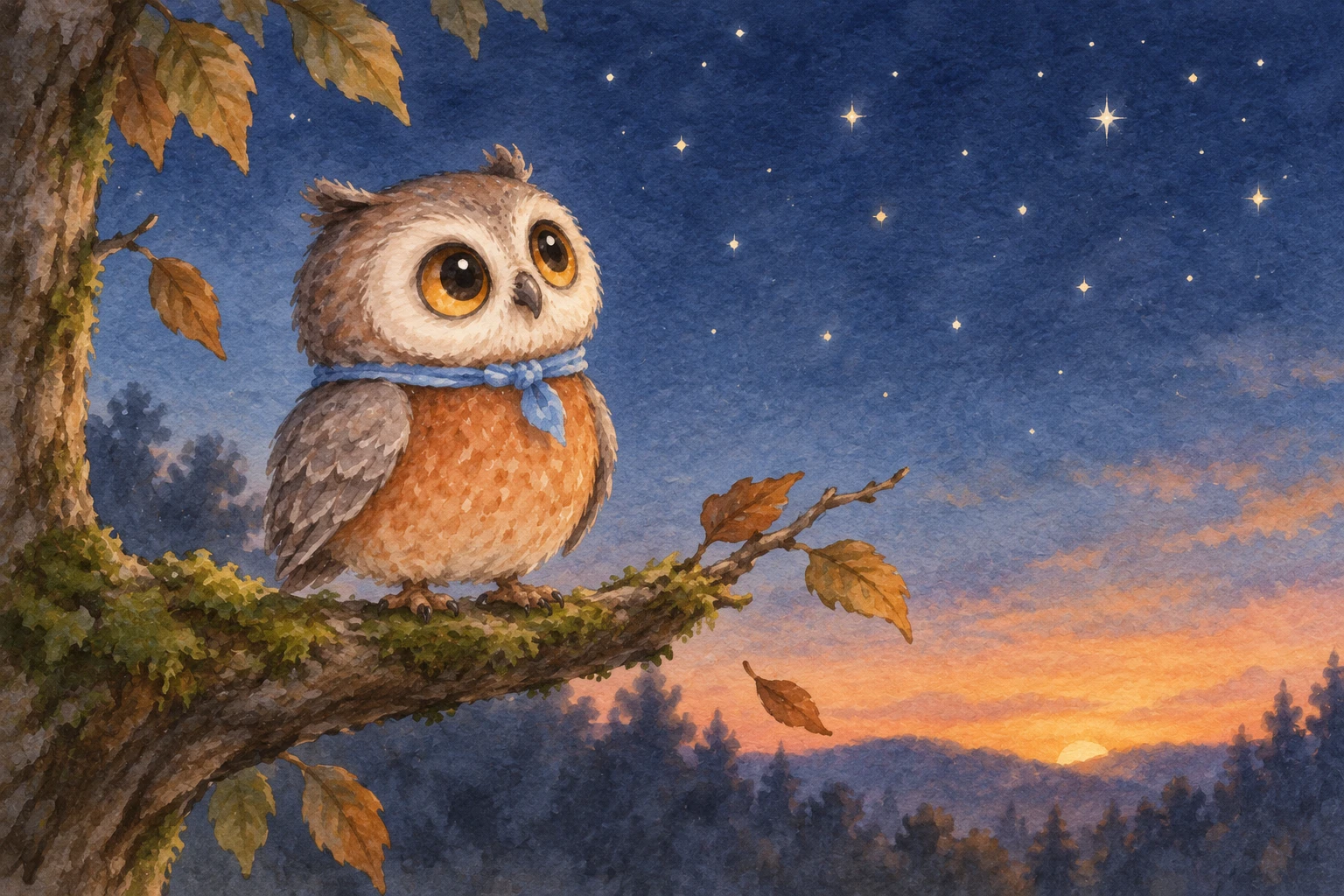
Using the attached character reference, place the same owl in a
new scene.

Character, restated: small round owl, oversized amber eyes, rust
orange belly, soft grey wing feathers, tiny cornflower blue scarf.
Scene: perched on a mossy branch at dusk, looking up at the first
stars.
Details: deep blue evening sky, soft glow on the horizon, a few
loose leaves.
Style: soft watercolour with visible paper grain, matching the
reference exactly.
Constraints: do not redesign the character. Keep the proportions,
colours, eye size and scarf identical to the reference. No text.
Comic panel sequence
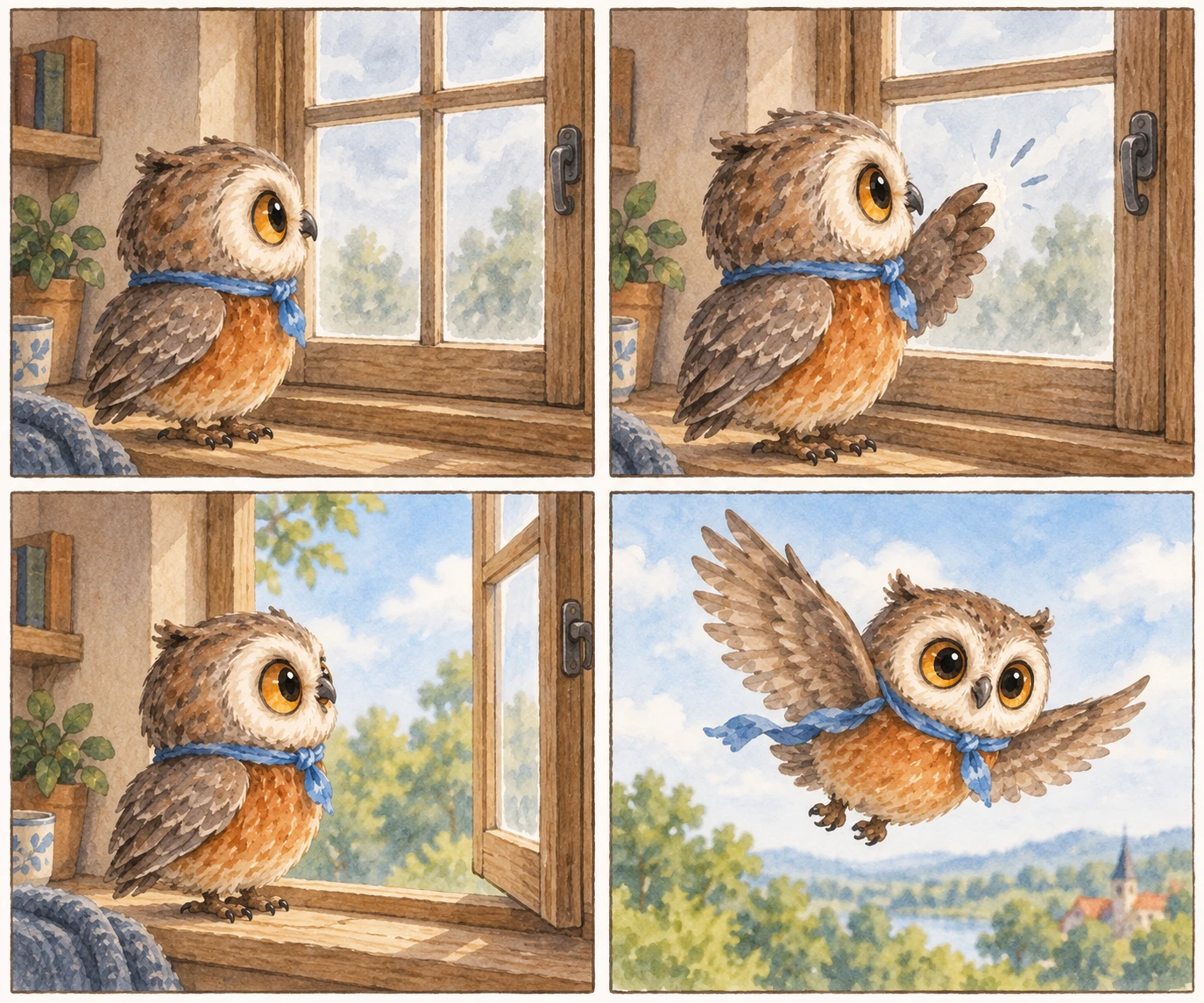
Create a four-panel comic strip in a 2x2 grid using the attached
character reference.

Character, restated in every panel: small round owl, oversized
amber eyes, rust orange belly, tiny cornflower blue scarf.
Panel 1: the owl looks at a closed window from inside.
Panel 2: the owl taps the glass with one wing.
Panel 3: the window swings open.
Panel 4: the owl flies out into open sky.
Style: soft watercolour, consistent character design and palette
across all four panels, thin hand-drawn panel borders.
Constraints: no text, no speech bubbles, no sound effects. Keep
the character identical in every panel.
UI, Mockups And Product Design
App screen mockup
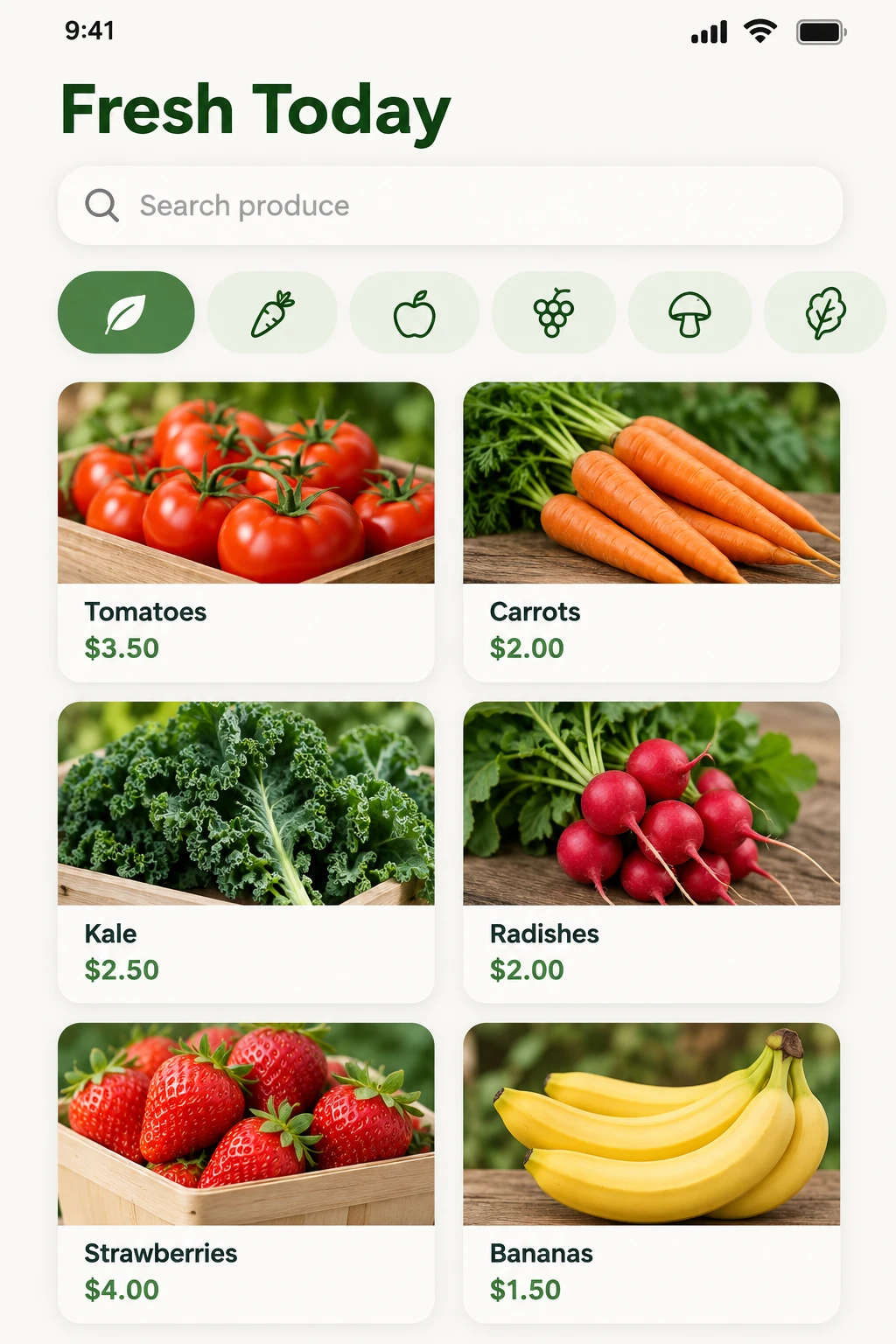
Create a mobile app screen mockup for a farmers market app.

Layout: status bar at top, a rounded search field beneath it, a
horizontal scrolling category row, then a two-column grid of six
produce cards each showing an image area, a name and a price.
Text: the screen header reads exactly "Fresh Today". The search
field placeholder reads "Search produce".
Style: clean iOS design language, rounded corners, soft subtle
shadows, warm green accent colour, off-white background.
Constraints: all text sharp, correctly spelled and legible. No
device frame. No other text beyond what is specified.
Size: 1024x1536.
Website hero section
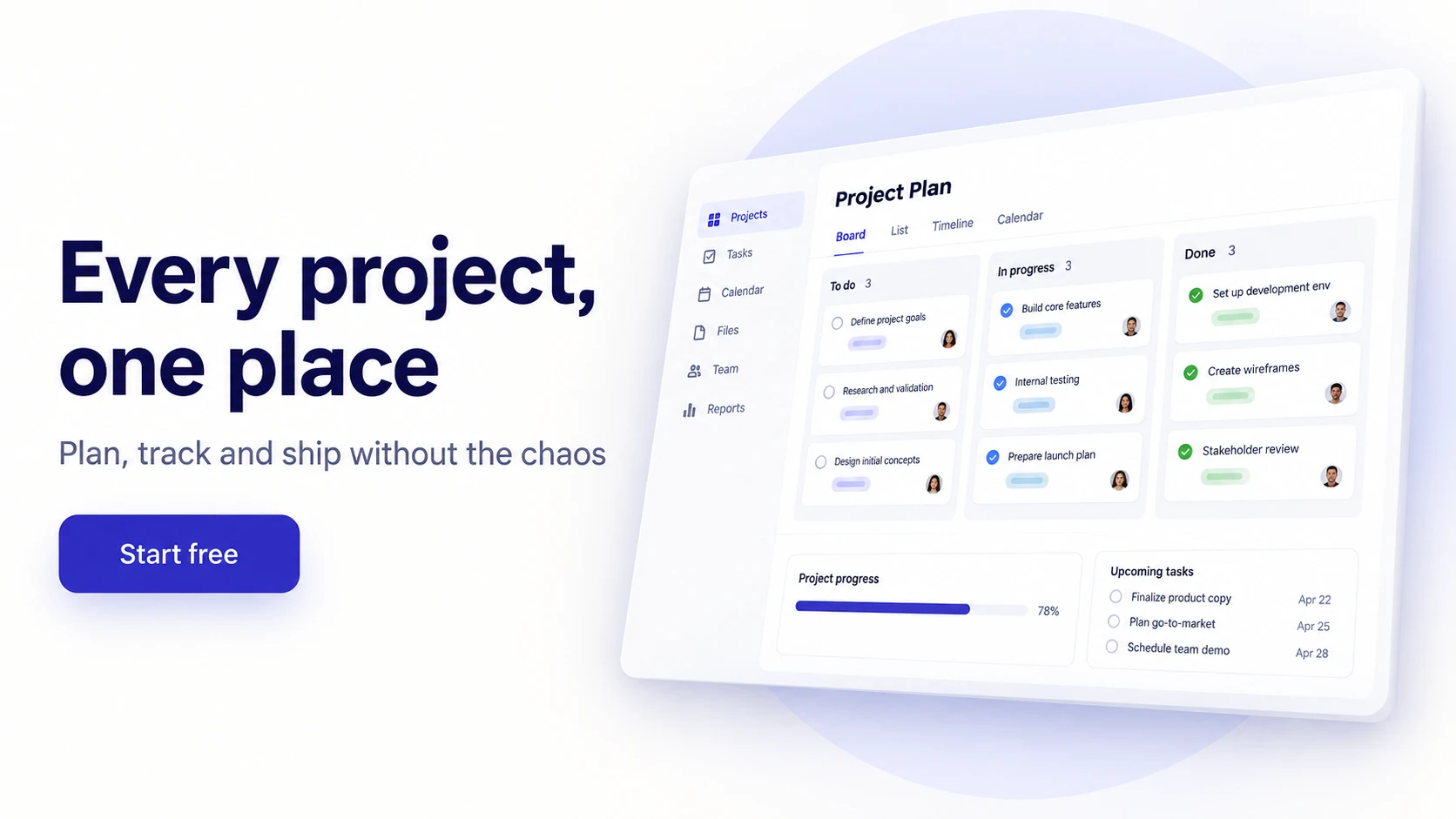
Create a 16:9 website hero section design for a project management
SaaS.

Layout: headline and subheading stacked in the left half, a
product screenshot mockup angled slightly in the right half.
Text: the headline reads exactly "Every project, one place".
Beneath it: "Plan, track and ship without the chaos". A single
button labelled "Start free".
Style: modern clean SaaS design, off-white background, deep indigo
accent, generous whitespace, subtle soft shadow on the mockup.
Constraints: render each text element exactly once, correctly
spelled. No navigation bar, no logos, no additional buttons or
copy.
Device frame presentation
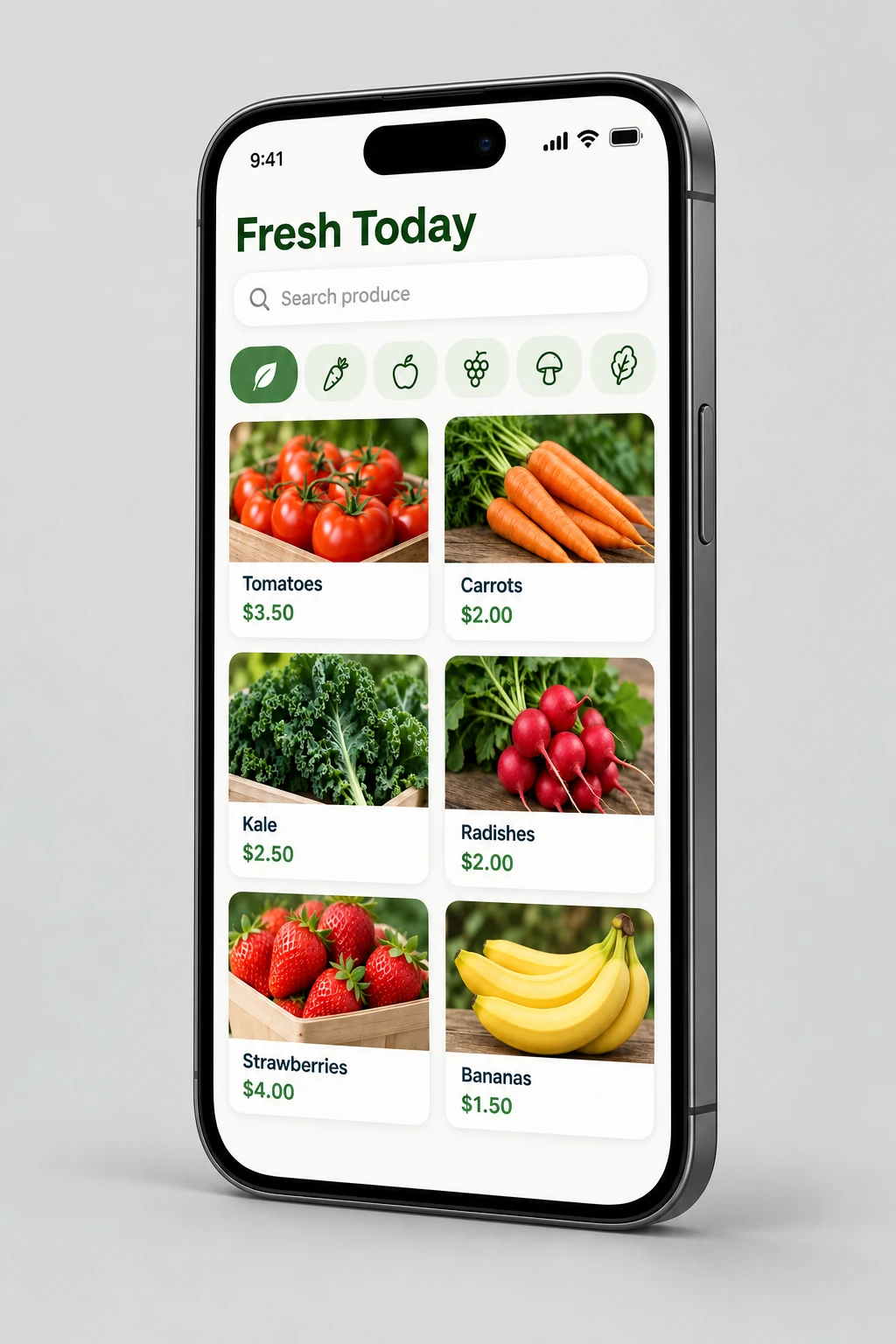
Place the screenshot in [attached image] into a modern smartphone
frame.

Changes: angle the device slightly to the right with a subtle
realistic drop shadow beneath it.
Constraints: keep the screenshot content perfectly sharp,
undistorted and fully visible. Do not crop, stretch or recolour
the screenshot.
Scene: solid light grey background, soft even lighting.
Style: real photograph, realistic device rendering.
Icon set

Create a set of six flat line icons arranged in a single row.

Subjects, in order: a calendar, a bar chart, a paper plane, a
folder, a bell, a gear.
Style: single-weight outline strokes, rounded line caps, uniform
optical sizing, single colour in dark slate.
Constraints: transparent background. Consistent stroke weight and
visual size across all six. No fills, no text, no labels, no
container shapes.
Food, Interiors And Real Estate
Food photography
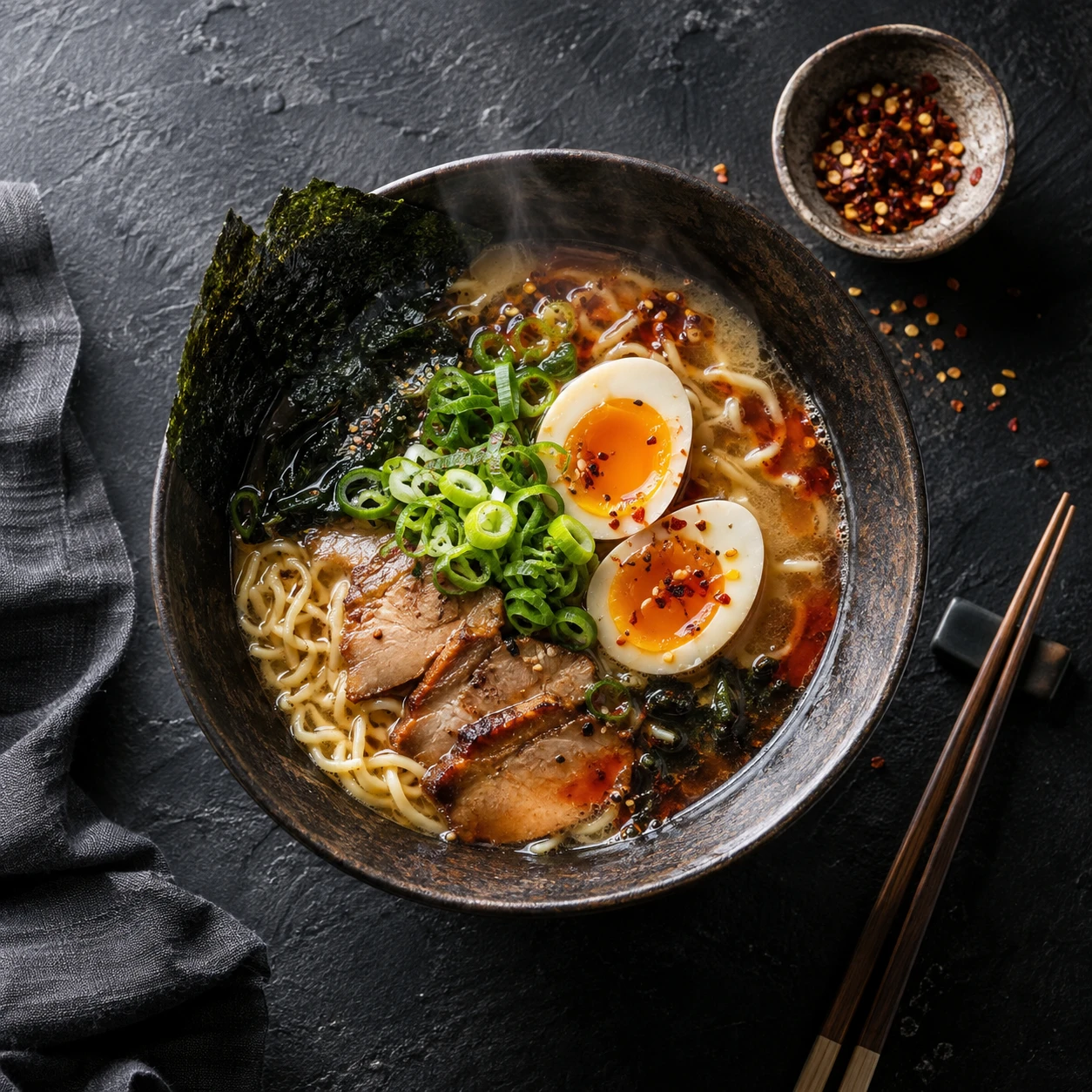
Create a photorealistic overhead food photograph.

Scene: a dark textured slate surface shot directly from above.
Subject: a bowl of ramen with a soft-boiled egg halved on top,
nori, spring onion and a swirl of chilli oil.
Details: visible steam rising, chopsticks resting at an angle
beside the bowl, a small dish of chilli flakes in the upper
corner, soft directional window light from the upper left.
Style: real photograph, editorial food photography, shallow depth
of field, rich natural colour.
Constraints: no text, no logos, no hands in frame.
Interior restyle
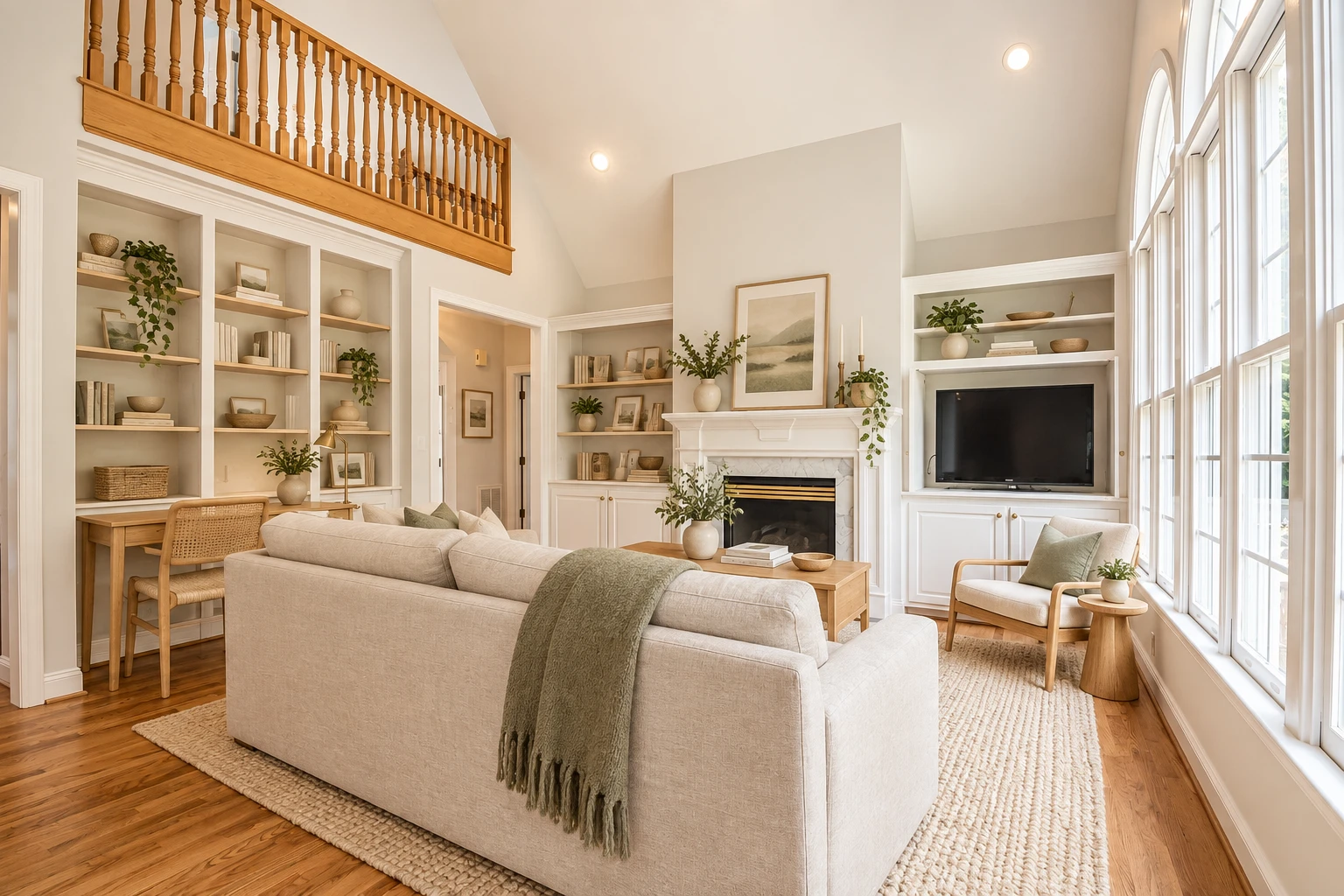
Restyle the room in [attached image] in a warm Scandinavian style.

Changes: replace the furniture with light oak pieces, add wool and
linen textures, and shift the palette to warm neutrals with a
single sage accent.
Constraints: keep the room's architecture, wall positions, window
placement, ceiling height, flooring layout and camera angle
exactly the same. Do not alter the room's proportions or add
architectural features.
Style: real photograph, natural daylight, interior design
photography.
Empty room virtual staging
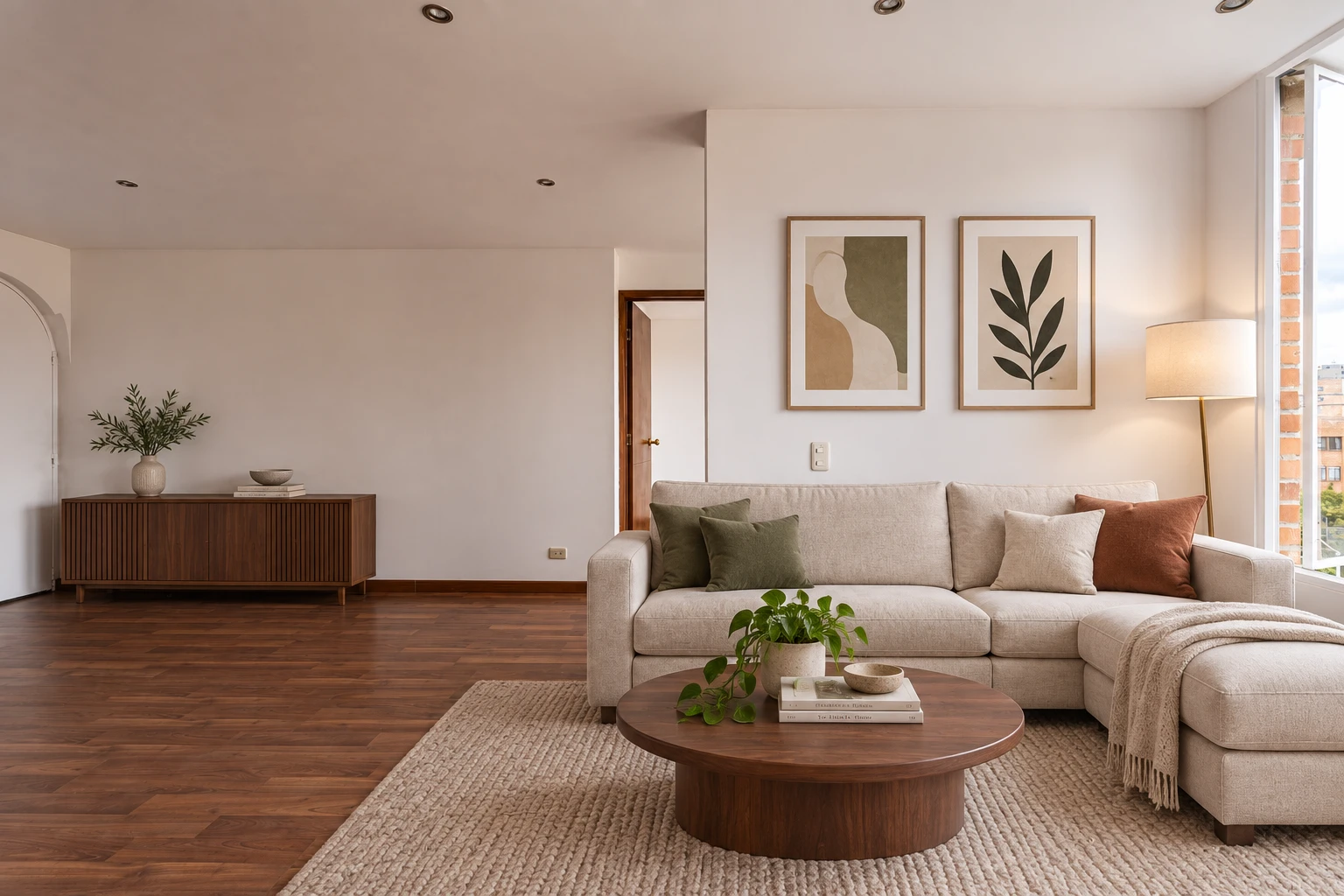
Furnish the empty room in [attached image] as a modern living
room.

Changes: add a linen sofa, a low walnut coffee table, a floor
lamp, a textured area rug and two framed prints on the main wall.
Constraints: match all furniture perspective to the room's
existing geometry and vanishing points. Keep the walls, flooring,
windows, ceiling and existing lighting unchanged. Add shadows
consistent with the room's real light source.
Style: real photograph, real estate photography, natural and
uncluttered.
Architectural exterior
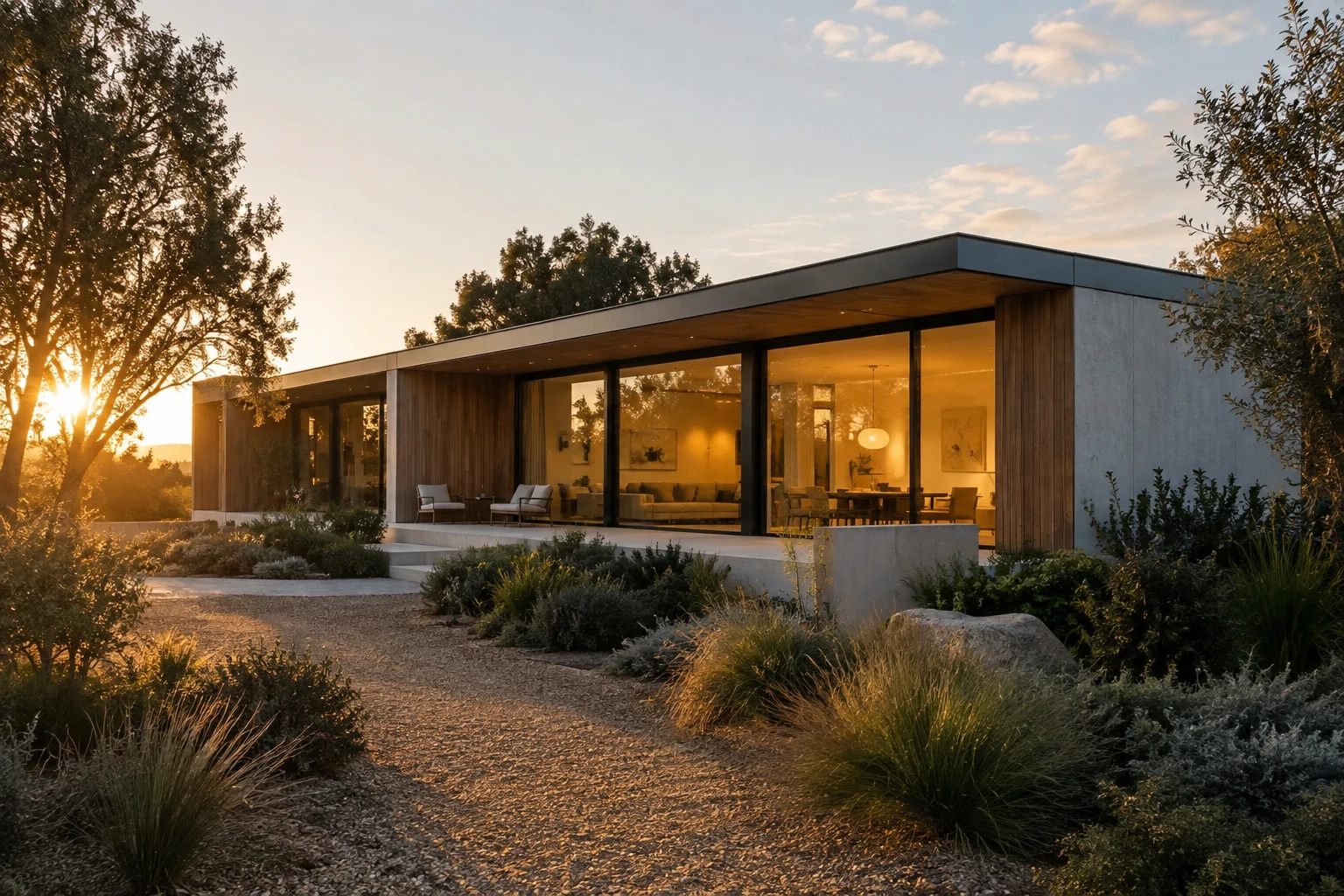
Create a photorealistic architectural photograph of a modern
single-storey house.

Scene: shot from the front garden at golden hour, slightly
off-axis to show depth.
Subject: a low horizontal house with a flat roof, floor-to-ceiling
glazing, warm timber cladding and a pale concrete base.
Details: warm interior lights glowing through the glass, a gravel
path, low native planting, long soft shadows across the ground.
Style: real photograph, architectural photography, wide-angle
without distortion, natural colour.
Constraints: no people, no vehicles, no text, no signage. Keep
vertical lines straight.
Illustration And Art Styles
Flat vector illustration
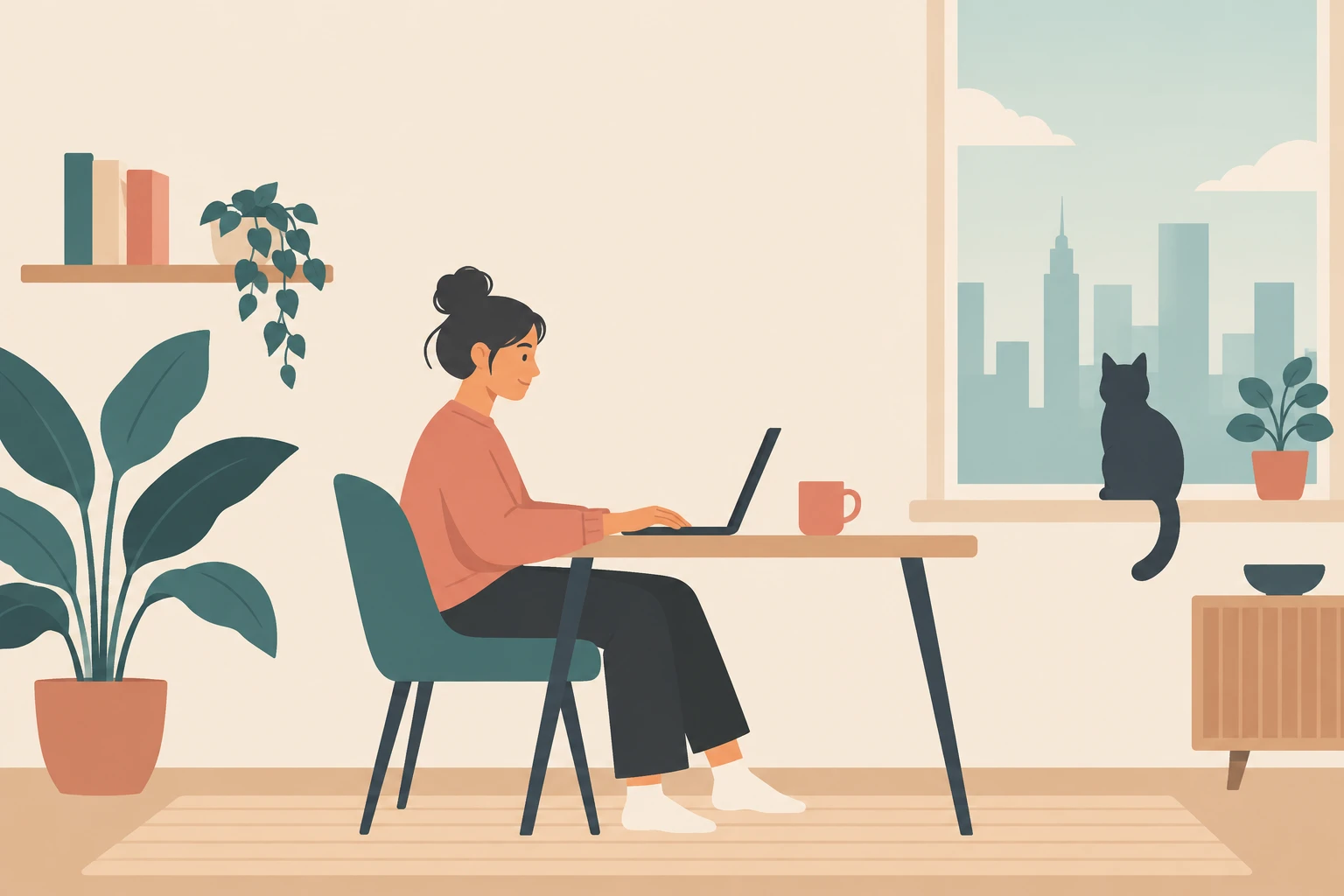
Create a flat vector illustration for a blog header about remote
work.

Scene: a simplified home office viewed from the side.
Subject: a person seated at a desk with a laptop, a cat on the
windowsill behind them.
Details: a plant, a mug, a wall shelf with three books, a window
showing a simple skyline.
Style: flat vector, no gradients, no outlines, limited palette of
warm sand, muted teal, soft coral and charcoal, geometric
simplified shapes.
Constraints: no text, no logos. Keep the composition balanced with
clear negative space at the top for a headline to be added later.
Isometric scene
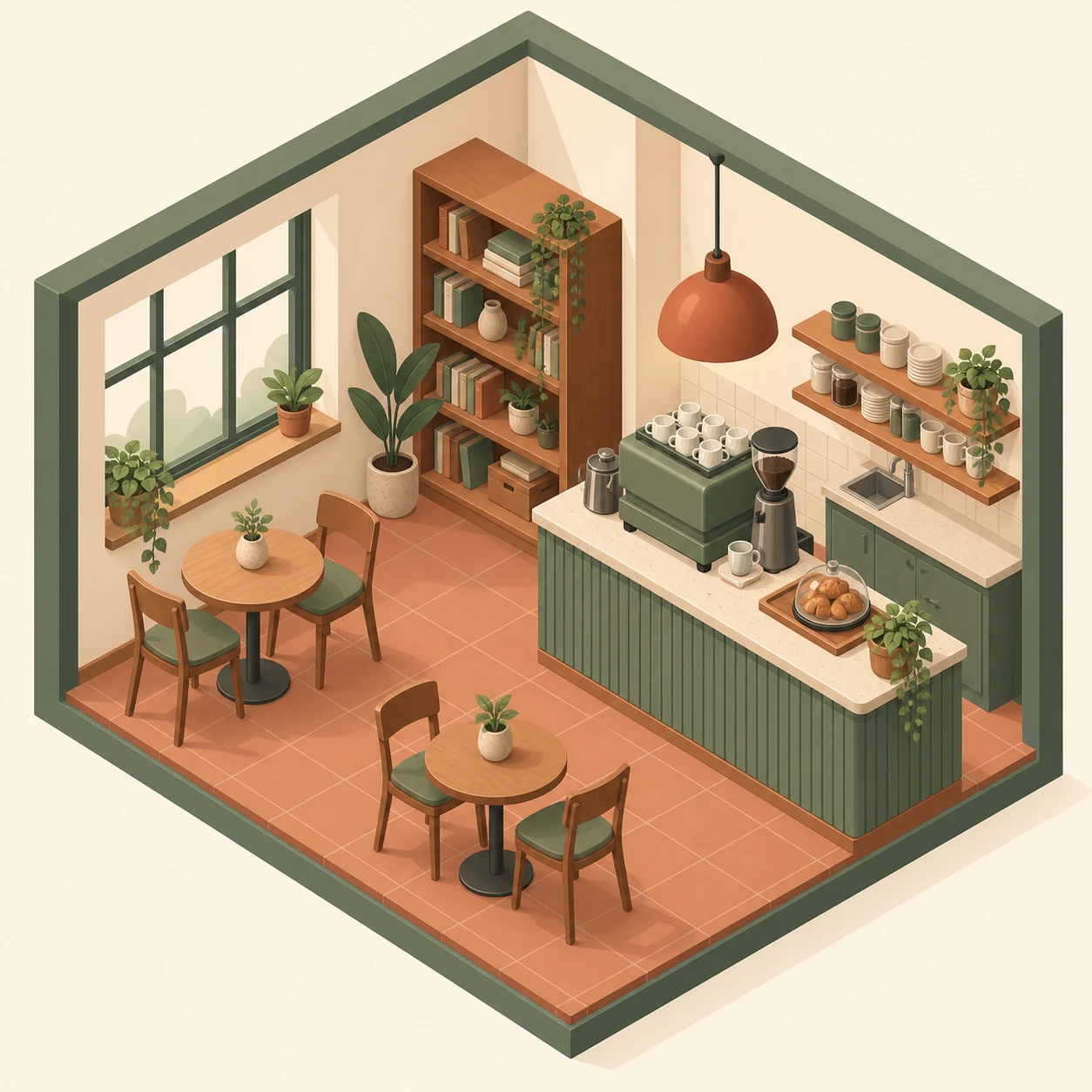
Create an isometric illustration of a small coffee shop.

Layout: cutaway view showing the interior, drawn at a true
isometric angle.
Subject: a service counter with an espresso machine, two small
tables with chairs, a bookshelf against the back wall and a
pendant light above the counter.
Style: clean isometric vector, soft ambient shadows, warm muted
palette of cream, terracotta and sage.
Constraints: square composition. No text, no signage, no people.
Keep all parallel lines correctly isometric.
Pixel art conversion

Convert [attached image] into detailed pixel art.

Changes: render at a chunky pixel scale with a limited palette of
24 colours and clean hard pixel edges.
Constraints: preserve the original composition, subject placement,
pose and colour relationships. No anti-aliasing, no gradients, no
smooth blending.
Line art colouring page
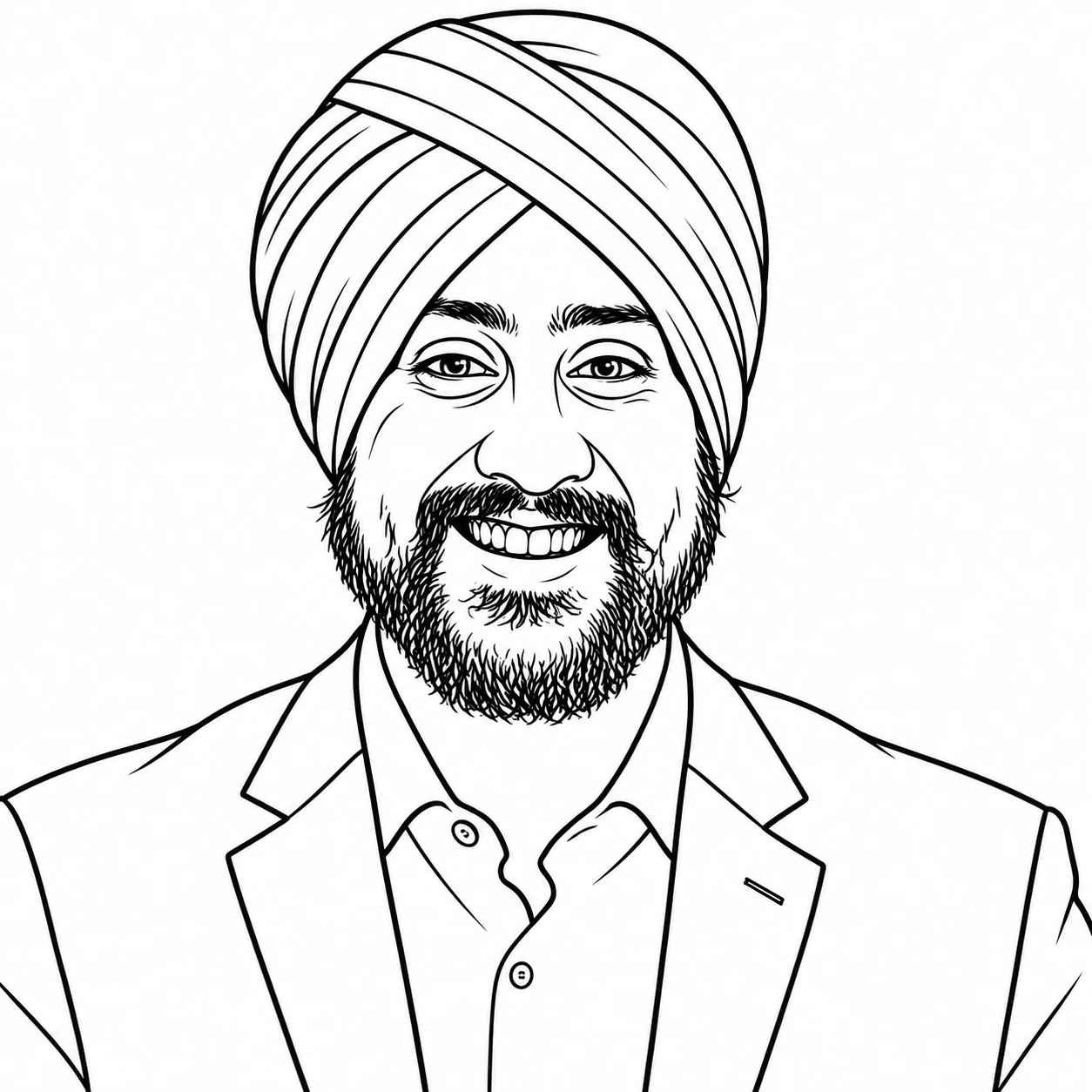
Convert [attached image] into a black and white line drawing
suitable for a colouring page.

Changes: reduce everything to clean even-weight outlines.
Constraints: preserve the composition and all major details. No
shading, no hatching, no fills, no grey tones. Pure white
background, pure black lines.
Watercolour illustration
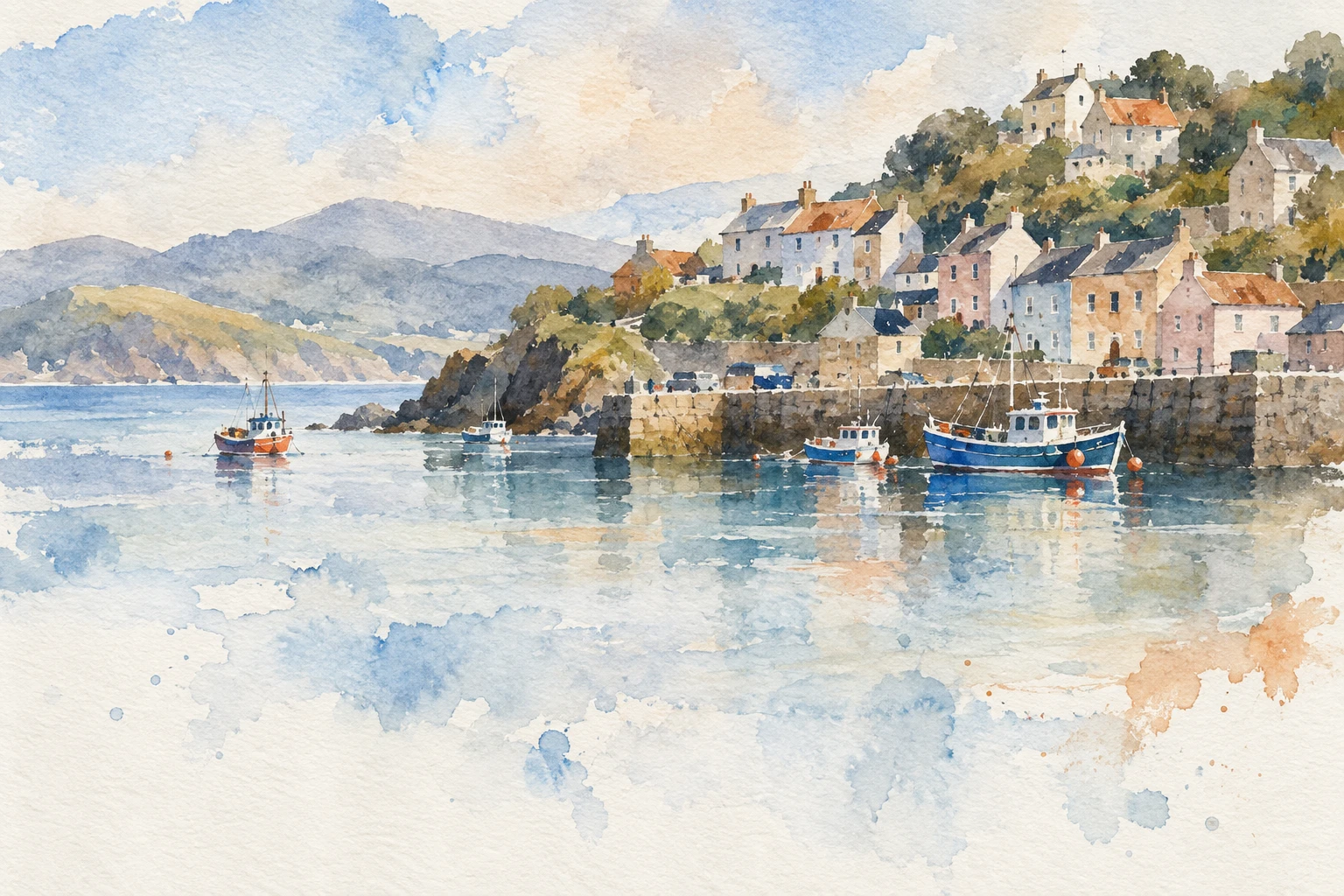
Create a loose watercolour illustration of a coastal village.

Scene: a cluster of pastel houses on a hillside above a small
harbour, viewed from across the water.
Details: a few fishing boats, soft distant hills, a wash of pale
sky with visible paper texture and pigment blooms.
Style: traditional watercolour on cold-press paper, wet edges,
visible brush strokes, limited palette of soft blues, warm ochres
and muted terracotta.
Constraints: no hard outlines, no text, no people. Leave the lower
third loose and unfinished in feel.
Thumbnails And Social Content
YouTube thumbnail
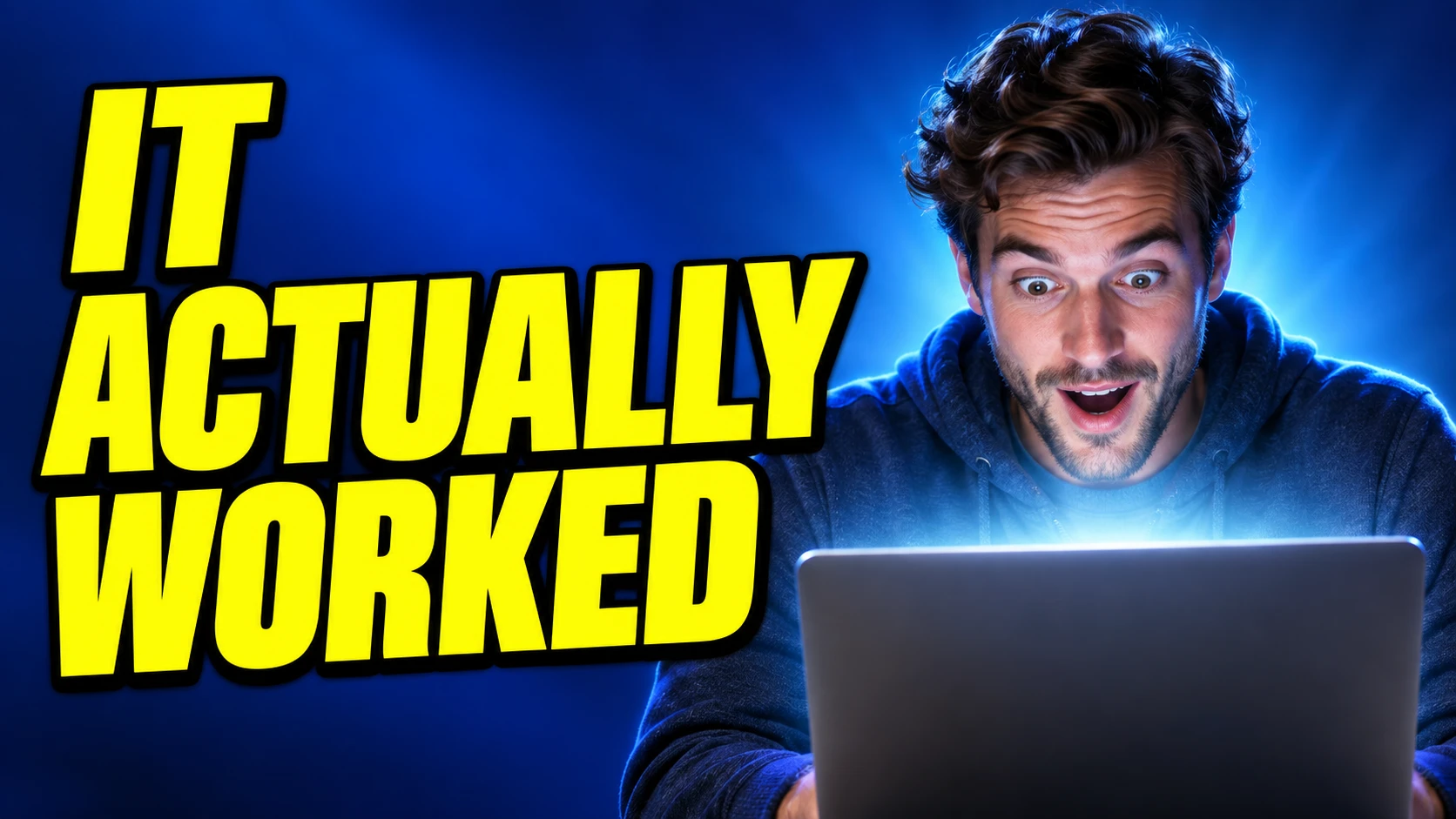
Create a 16:9 YouTube thumbnail.

Layout: subject on the right third, text block on the left two
thirds.
Subject: a person with a genuinely surprised expression looking
down at a glowing laptop screen, upper body visible.
Text: the words "IT ACTUALLY WORKED" in bold condensed uppercase,
bright yellow with a thick dark outline, stacked across three
lines on the left.
Details: deep blue gradient background with subtle radial light
behind the subject, strong rim light on the subject's shoulders.
Style: high contrast, saturated colour, photorealistic subject,
graphic type overlay.
Constraints: render the text exactly once and spell it correctly.
No other text, no logos, no borders. Keep the subject's face fully
visible and unobstructed.
Instagram carousel cover
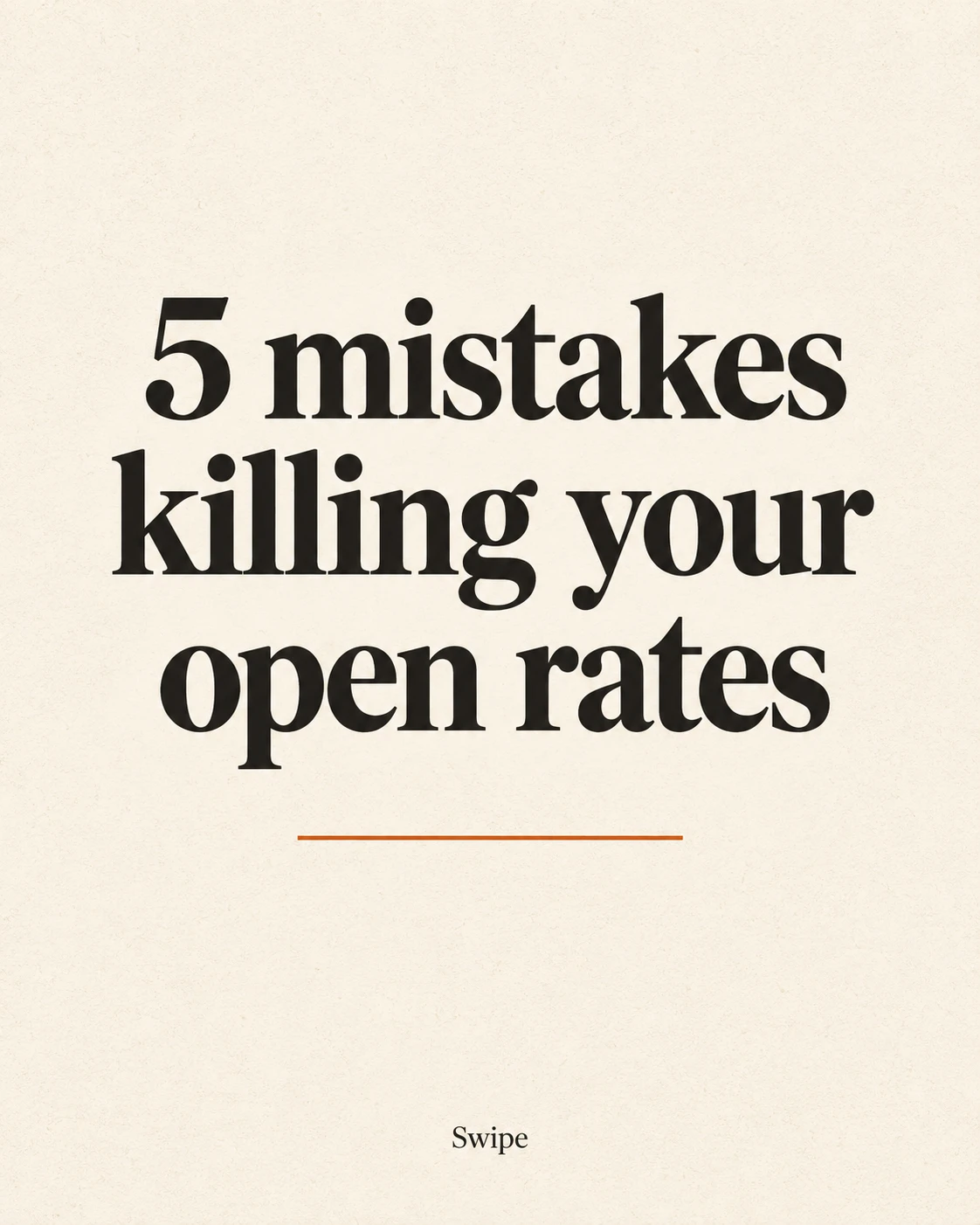
Create a 4:5 Instagram carousel cover slide.

Layout: large headline centred in the upper two thirds, a small
swipe indicator at the bottom.
Text: the headline reads exactly "5 mistakes killing your
open rates". At the bottom in small type: "Swipe".
Details: warm cream background with a subtle paper grain, a single
thin accent rule beneath the headline in burnt orange.
Style: clean editorial design, bold serif headline, generous
margins.
Constraints: render each text element exactly once and spell every
word correctly. No images, no icons, no logos, no additional text.
Quote graphic
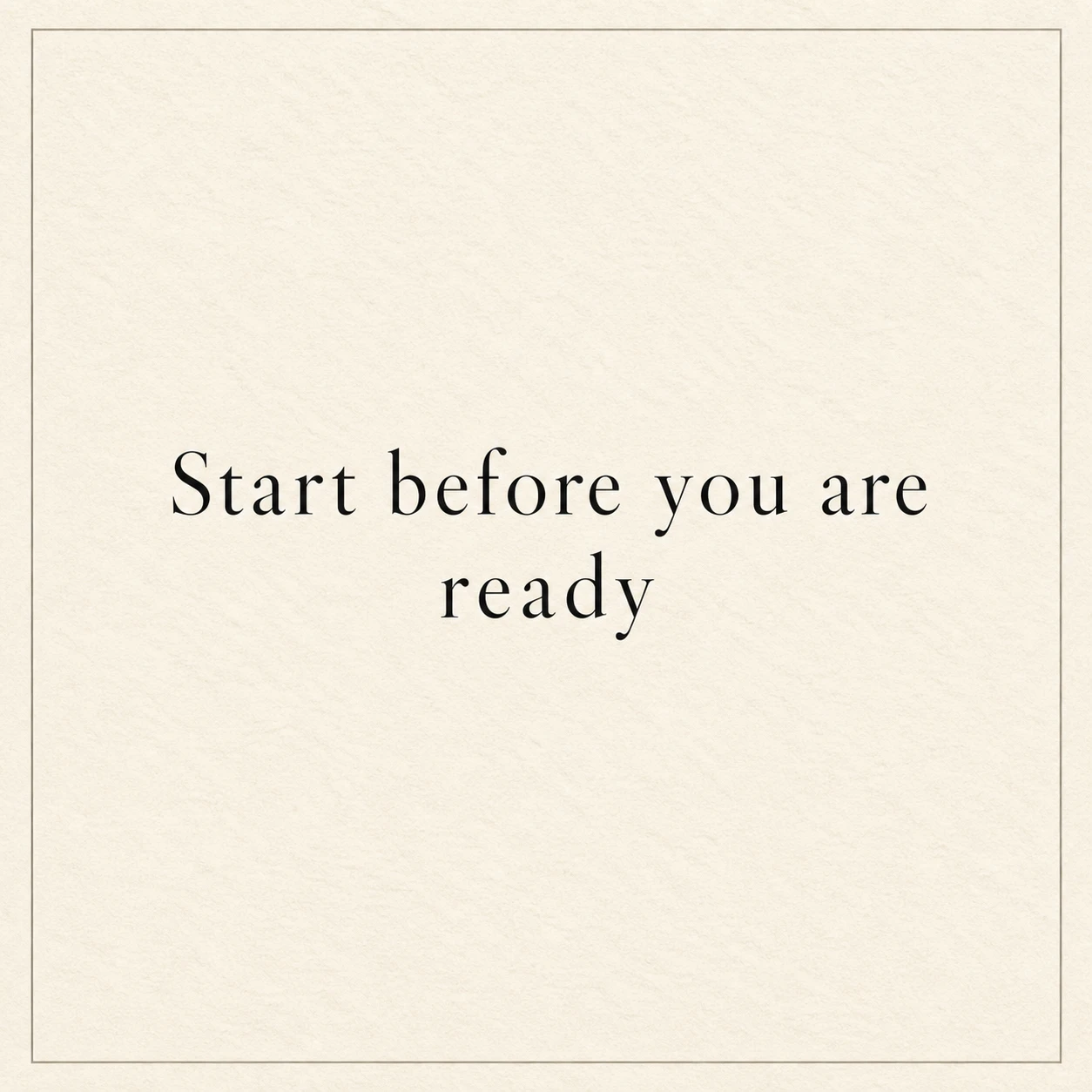
Create a 1:1 quote graphic.

Text, centred and rendered exactly once: "Start before you are
ready".
Style: elegant high-contrast serif in dark charcoal, generous
letter spacing, set on a warm cream paper texture with a thin
inset border rule.
Constraints: no attribution line, no logos, no decorative
elements, no other text of any kind. Keep wide even margins on all
four sides.
Podcast cover art
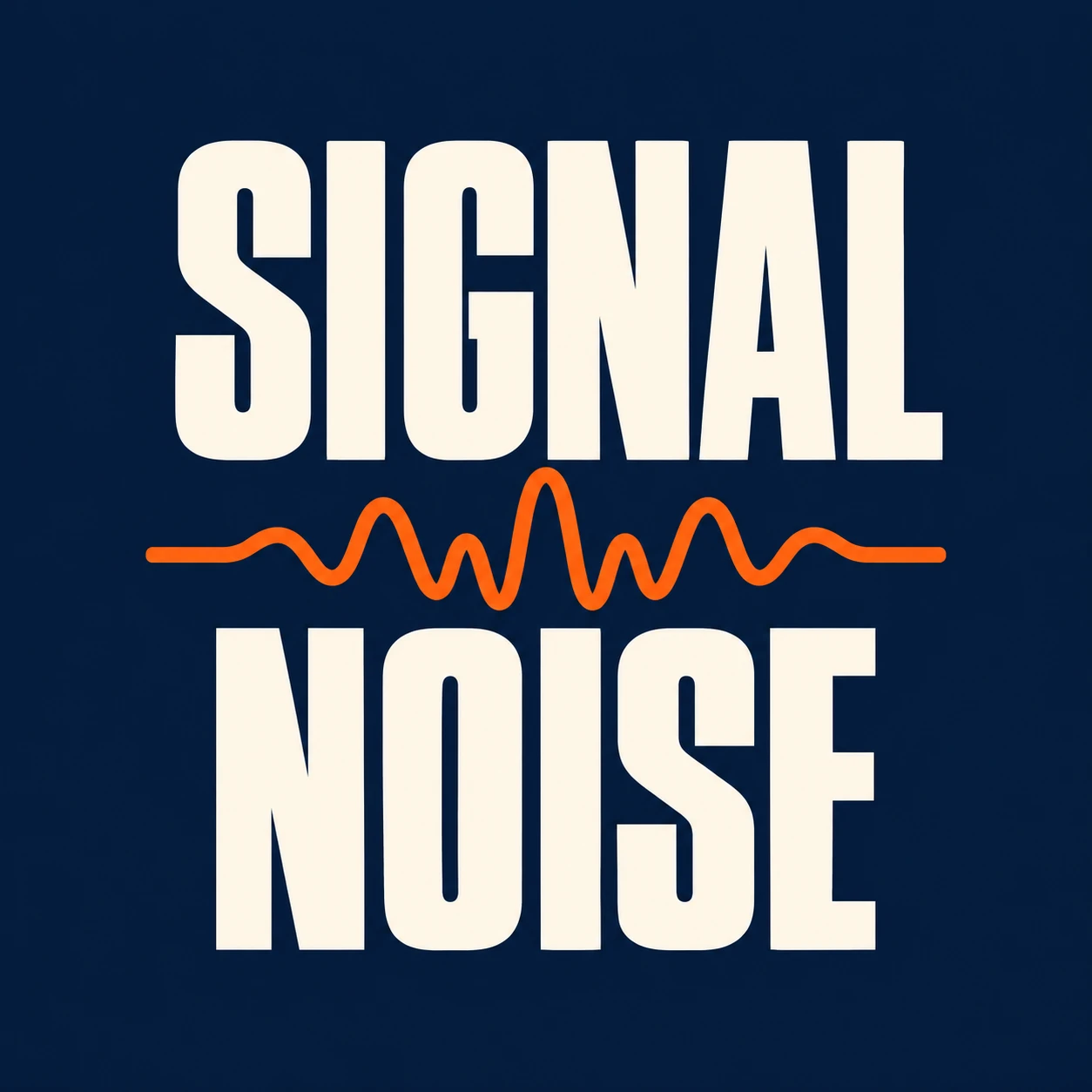
Create a 1:1 podcast cover artwork.

Layout: bold title stacked in the centre, a simple graphic element
beneath it.
Text: the title reads exactly "SIGNAL" on the first line and
"NOISE" on the second, both in heavy condensed uppercase.
Details: a simple abstract waveform line running horizontally
between the two words, deep navy background, warm off-white type
with a single electric orange accent on the waveform.
Style: bold modern minimal design, high contrast, strong hierarchy.
Constraints: render each word exactly once and spell correctly.
Design must remain legible at 200x200 pixels. No photographs, no
faces, no additional text.
Editing: What You Need To Know Before You Start
Three technical details I wish I had known before my first edit call.
Masks are guidance, not law. OpenAI states it plainly:
"Masking with GPT Image is entirely prompt-based. The model uses the mask as guidance, but may not follow its exact shape with complete precision."
The mask must be the same format and size as your image, must contain an alpha channel, and if you pass multiple images, the mask applies to the first one only.
Edits endpoint or Responses API? OpenAI's guidance:
"If you only need to generate or edit a single image from one prompt, the Image API is your best choice. If you want to build conversational, editable image experiences with GPT Image, go with the Responses API."
When something must stay pixel-identical, do not rely on prompting. This is the warning I would tattoo on the docs:
"Repeated edits can still change details you intended to preserve... If a region must remain pixel-identical, composite the approved edit into the original image instead of relying on prompting alone."
How It Compares To Everything Else
I pulled current pricing from each provider directly rather than trusting roundups, because the numbers circulating are inconsistent.
| Model | Price per image | Max resolution | Reference images |
|---|---|---|---|
| GPT-Image-2.5 (Sunburst/Flare) | $0.006 to $0.211 by quality | 3840px edge, 4K total | Up to 16 |
| Nano Banana Pro | $0.134 (1K/2K), $0.24 (4K) | 4K | 6 object + 5 character + 3 style |
| Nano Banana 2 | $0.045 to $0.151 | 0.5K to 4K | 10 object + 4 character |
| Seedream 5.0 Pro | $0.045 to $0.09 | ~4.6MP | 10 refs, 16-layer decomposition |
| FLUX.2 [max] | From $0.07/MP | 4MP | 8 via API, no mask inpainting |
| Midjourney V8.2 | $10 to $120/month, no API | 2048px HD | Vary Region editing |
| Ideogram 4.0 | $20 to $60/month | Native 2K | Bbox layout control |
The Arena Rankings
On arena.ai's Text-to-Image leaderboard:
| Rank | Model | Elo |
|---|---|---|
| 1 | gpt-image-2.5-sunburst | 1421 |
| 2 | gpt-image-2.5-flare | 1399 |
| 3 | gpt-image-2 | 1381 |
| 4 | mai-image-2.6 | 1331 |
| 5 | grok-imagine-2.0 | 1315 |
| 9 | nano-banana-2 | 1261 |
| 14 | nano-banana-pro | 1246 |
I want to caveat that clearly. Those top two scores are preliminary, based on only around 3,000 votes against millions for the established models. Elo on a one-day-old model moves a lot.
One detail I did not expect: Nano Banana 2 outranks Nano Banana Pro on every board I checked, despite Pro being the premium tier.
And on cost, Google is still meaningfully cheaper per image at comparable quality. GPT-Image-2.5 at high runs about $0.053 against Nano Banana 2 at $0.067 for 1K, but at xhigh and max OpenAI gets expensive fast.
On Text Rendering, Nobody Actually Leads
I went looking for a definitive answer on which model renders text best, and I have to report that I could not find one that holds up.
Neither major leaderboard has a text-rendering subscore. Every vendor claims it. And critically, OpenAI's own guide still lists text rendering as a limitation:
"Although significantly improved, the model can still struggle with precise text placement and clarity."
If you see a blog quoting "99% versus 94% character accuracy," check the source. I traced those numbers back to content farms with no published methodology.
What People Are Building With GPT-Image-2.5
The model is barely a day old, so what I found is early-reaction territory rather than finished projects.
The headline validation came from Arena itself, reporting Sunburst at #1 and Flare at #2 across text-to-image, image edit, and multi-image edit:
https://x.com/derrickcchoi/status/2097549170085339385
On aesthetic control, an Art Deco poster test that captures the point people keep making, that it holds a specified aesthetic rather than just rendering objects:
https://x.com/MrDasOnX/status/2097550067213504848
Style reference is the standout upgrade according to one of the more detailed early testers, who called the style-reference capability a qualitative leap:
https://x.com/ZHO_ZHO_ZHO/status/2097548896969113663
On the identity workflow, a writeup focused on face-locking plus clothing-only editing, which is exactly the identity-preservation use case:
https://x.com/marurusns01/status/2097549160635621868
The provenance angle deserves attention. A detection service tested it on release day and reported catching 99% of generations with or without C2PA present:
https://x.com/Ai_or_Not/status/2097550131889614954
That matters because OpenAI layered SynthID, which is Google DeepMind's watermarking technology, on top of C2PA for this release. Two direct competitors sharing provenance infrastructure is the detail I find most notable in this whole launch, and almost nobody is covering it.
And the honest counterweight, from someone who spent hours on image generation the day before launch and hit repeated refusals:
https://x.com/exywuu/status/2097550006085378499
My Honest Verdict
I have not run enough generations to give you a confident quality ranking against Nano Banana 2, and I would not trust anyone who claims otherwise on day two.
What I am confident about:
xhigh and max tiers are new options, not new taxes.What I would hold judgment on:
If you are already on GPT-Image-2, switching to Flare costs you nothing and gets you lower latency. That is the easiest decision here.
Frequently Asked Questions (FAQs)
Is GPT-Image-2.5 one model or two?
Two. gpt-image-2.5-sunburst is the higher-capability model for premium workflows and multi-turn editing, and gpt-image-2.5-flare is the faster default for most applications. The consumer product in ChatGPT is called ChatGPT Images 2.5.
Does GPT-Image-2.5 cost more than GPT-Image-2?
No. OpenAI's docs state that token rates match GPT Image 2 exactly, at $5 per million text input, $8 per million image input and $30 per million image output. Per-image costs vary by quality tier, from roughly $0.006 at low to $0.211 at max.
How many reference images can GPT-Image-2.5 use?
Up to 16 input images per request, each up to 20MB. For masked edits, the image and mask must be the same format and size and under 50MB, and the mask applies only to the first image.
Which model is better, GPT-Image-2.5 or Nano Banana Pro?
No credible head-to-head exists yet. GPT-Image-2.5 currently tops arena.ai on preliminary votes, but Google's models are cheaper per image and Nano Banana 2 actually outranks Nano Banana Pro on the public leaderboards.
How do I get readable text in GPT-Image-2.5 images?
Put the exact wording in quotation marks, describe its position and typography, spell unusual brand names letter by letter, and add an instruction like "render the text exactly once" plus "no other text." OpenAI still lists text placement and clarity as a known limitation.
Does GPT-Image-2.5 watermark its images?
Yes, two ways. It embeds C2PA metadata and adds invisible SynthID watermarking, which is Google DeepMind's technology, across ChatGPT, Codex and the API.
Final Thoughts
After going through all of this, I think the most valuable thing OpenAI shipped this week is not the model, it is the prompting guide that came with it. Eight documented steps and two dozen worked examples beat any amount of trial and error, and I say that as someone who has done plenty of the trial and error.
If you are testing this week, here are the three rules I am working to. Default to Flare unless you are chaining edits. Assign explicit roles to every reference image you pass. And when a region has to stay pixel-perfect, composite it back in rather than trusting the prompt.
I am putting the full prompt library from this piece, plus everything else I use, on promptslove.com.